📖 Beginner's Guide to PowerPoint


VideoPlasty
@videoplastyofficialAbout
The official YouTube channel of VideoPlasty.com - the world's only animation-first stock platform, where you can find exclusive commercially licensed stock animation and stock GIFs for all of your creative projects! We do not do any sponsored content on this channel, please don't reach out with offers. Open to other collaborations though.
Latest Posts


![How to Make Explainer Animation in PowerPoint [Beginner Friendly]](https://imgz.pc97.com/?width=500&fit=cover&image=https://i.ytimg.com/vi/OU5vyHaCCXg/hqdefault.jpg)
Video Description
This Microsoft PowerPoint tutorial for beginners is a complete crash course, taking you by the hand and showing you step by step how to make some amazing and mesmerising PowerPoint slideshow presentations. Whether you're doing a class presentation, a slideshow for a meeting at the office or speaking in front of 500 people, this tutorial is for you. No stone is left unturned, so you can go from beginner, even if seeing PowerPoint for the first time, all the way to advanced in only 30 minutes. ❗️RESOURCES: - 👾 Download Stock GIFs for PowerPoint: https://go.videoplasty.com/learnpowerpoint ➤ Get PowerPoint: https://www.microsoft.com/en-us/microsoft-365/powerpoint ⌚️ TIMESTAMPS: - 0:00 - Intro 0:50 - Home Screen 1:05 - Themes / Templates 1:57 - Interface 2:29 - Edit Text 2:40 - Add Slide 4:23 - Change Theme 5:02 - Undo 5:32 - Blank Slide 5:47 - Insert Text 6:50 - Insert Table 8:22 - Insert Images 10:33 - Insert Video 11:47 - Insert Chart 14:37 - Insert Shapes/Icons 15:30 - Format Text 17:00 - Format Element 19:00 - Photo Color Correction 19:40 - Crop Image 20:30 - Change Slides Order 20:56 - Slideshow Mode 22:00 - Add Transitions 23:58 - Add Animation 26:41 - Animations Order 27:20 - Animation Trigger 28:16 - Save PowerPoint 📲 CONNECT WITH ME ON SOCIAL MEDIA: - Instagram: https://instagram.com/eduardstinga Twitter: https://twitter.com/eduardstinga LinkedIn: https://www.linkedin.com/in/eduardstinga/ 🔔 SUBSCRIBE TO MY YOUTUBE CHANNEL: - https://www.youtube.com/user/eduardstinga?sub_confirmation=1 Microsoft PowerPoint is a presentation program, created by Robert Gaskins and Dennis Austin at a software company named Forethought, Inc. It was released on April 20, 1987, initially for Macintosh computers only. Microsoft acquired PowerPoint for $14 million three months after it appeared. Microsoft PowerPoint empowers you to create clean slide presentations and intricate pitch decks and gives you a powerful presentation maker to tell your story. #powerpoint #presentations #tutorial
You May Also Like
Upgrade Your Smart Home Now
AI-recommended products based on this video

Amazon Basics Emergency Seat Belt Cutter and Window Hammer Tool, Car Accessories, 2 Pack

(2 Pack) Outlet Wall Mount Holder for Google Home Mini and Google Nest Mini, A Space-Saving Accessories with Cord Management for Google Mini Smart Speaker, No Messy Wires or Screws

Philips Hue Bridge - Unlock the Full Potential of Hue - Multi-Room and Out-of-Home Control - Create Automations and Zones - Secure, Stable Connection Won't Strain Your Wi-Fi - Works with Voice, Matter

Kasa Smart Outdoor Smart Plug by TP-Link (KP400) - Smart WiFi Outlet with 2 Sockets, IP64 Waterproof, Works with Alexa and Google Home, 2.4GHz WiFi Required, No Hub Required, Sunset & Sunrise Offset

Crovakeu Professional Lock Pick Set - 1-Piece Compact Locksmith Tools Kit with Practice Locks for Beginners & Pros - Portable Lockpicking Tools for Fidget, Stress Relief & Skill Training

NEEWER Advanced 18 inch LED Ring Light for Phone, LCD Touch Screen, 2.4G Remote Lights Control, 3200-5600K, Tripod Light for iPhone Action Camera, for Studio Makeup TikTok YouTube Video Salon (Black)

NEEWER a6700 L Plate Compatible with Sony Alpha 6700, Quick Switch Aluminum Extendable Side Plate & Anti Twist Baseplate Compatible with Arca Swiss QR System DJI RS 2 RSC 2 RS 3 Pro Gimbals, CA048
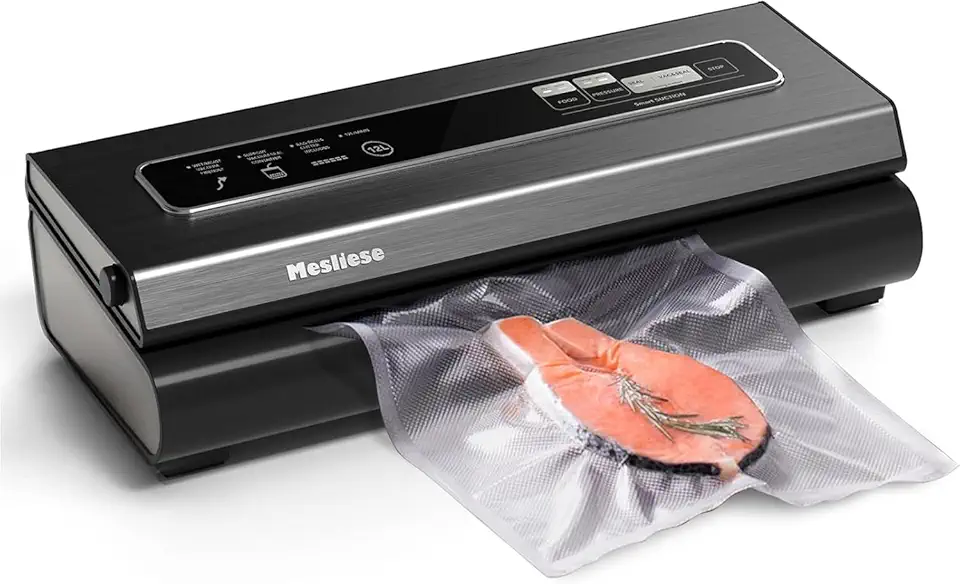
Mesliese Vacuum Sealer Machine Powerful 90Kpa Precision 6-in-1 Compact Vacuum Food Preservation System Built-in Cutter, Include 2 Bag Rolls & 5 Pre-cut Bags, Dry&Moist Modes Smart Suction (Deep Gray)

eufy Security 5-Piece Home Alarm Kit, Home Security System, Keypad, Motion Sensor, 2 Entry Sensors, Home Alarm System, Control from The App, Links with eufyCam
