Browser Security Settings You Should Change Now!

ThioJoe
@thiojoeAbout
I make informational technology videos. 🧐 I used to make popular joke tech tutorials, but back in 2017 I switched exclusively to making real tech videos.
Latest Posts


Video Description
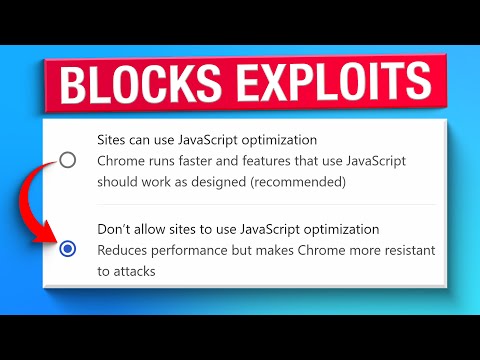
Sponsored: Stay safe from scams with Bitdefender Premium Security and Scam Copilot: https://bitdefend.me/PremiumSecurity-ThioJoe In this video I go over several settings that I think you should change to make your browser more secure. They should all apply to any Chromium-based browsers, which most of us use. I talk about both regular settings you can access through the settings menu, as well as more hidden "flag" settings which can be accessed through about://flags . For those, I talk about ones that you probably should change, as well as some that you might want to consider, but might not necessarily want to change for one reason or another, which I discuss for each. Time Stamps: 0:00 - Intro 0:58 - Safe Browsing Mode 2:00 - Encrypted DNS 2:48 - Always Use Secure Connections 3:33 - Disable V8 Optimizer 5:16 - An Excellent Thing Indeed 6:47 - Chrome Flags 7:11 - Extensions Menu Access Control 8:35 - Signature-based Integrity Checks 9:18 - Client Side Scam Detection 10:03 - Local Network Access Checks 11:44 - Enable noise for Canvas Readbacks in Incognito 12:26 - Bind Cookies To Their Setting Origin's Scheme 13:14 - Advanced Flags To Maybe Consider 13:25 - Bind Cookies To Their Setting Origin's Port 14:29 - PartitionAlloc with Advanced Checks 15:33 - Automatic Detection of WebUSB-Compatible Devices 16:18 - Enable Isolated Web Apps to bypass USB Restrictions 16:45 - Disable Subframe Process Reuse 17:19 - Enable Fingerprinting Protection Blocklist In Regular Browsing 18:06 - Reduce Accept-Language Request Header 18:26 - Deprecate the Unload Event 18:54 - If You Can’t Find One
You May Also Like













No Recommendations Found
No products were found for the selected channel.