Canon Printer ink cartridge clogged printing lines

ION HowTo
@ionhowtoAbout
DIY Projects How to, Life Hacks, Home improvement tips, Electronics and Fix it yourself videos. Showing you how to fix different things in your home. Contact for business enquiries Only diyrno (at) gmail.com Welcome! Larisa and Dragos Disclosure: * Amazon referral links are marked with * or (paid link) or with the text 'Amazon:' As Amazon Associates we earn from qualifying purchases. Disclaimer: Product, logos and companies names displayed in the video are trademarks or registered trademarks of their respective holders. Showing them does not imply any affiliation with them or endorsement. Our videos are made for demonstration and entertainment purposes only. If you attempt to do what is shown in the videos, you try at your own risk. Be safe and be aware of your environment.
Latest Posts


Video Description
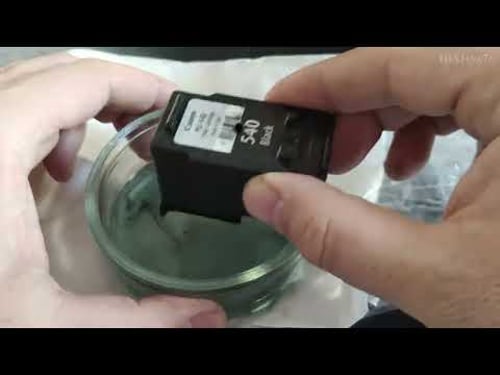
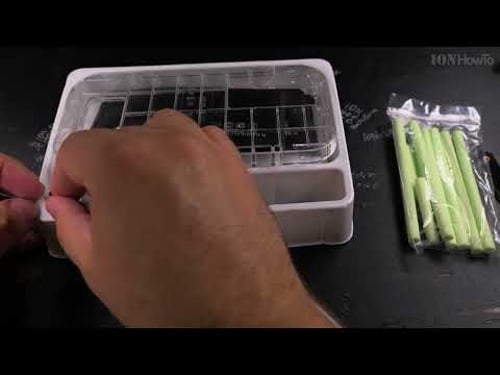
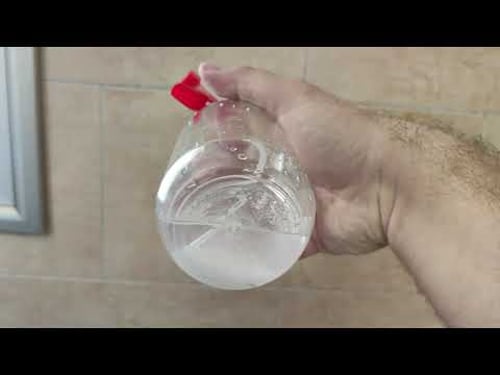
Canon Printer ink cartridge clogged printing lines or not printing at all. https://www.ionhowto.com/canon-printer-ink-cartridge-clogged-printing-lines/ The cartridge is clogged with dry ink from low usage. Unblocking the ink nozzles unclogging the ink from the print cartridge can fix it. Amazon: Home printer https://rex.red/home-printer-all-in-one * Printer Ink https://rex.red/printer-ink * Printer paper https://rex.red/printer-paper * Wireless Printer https://rex.red/inkjet-printers-all-in-one-wireless * Laser printer https://rex.red/laser-printer-all-in-one * This works on most inkjet printers that have the print head and printer ink tank storage in one device knows an printer ink cartridge. Usually these have 2 ink cartridges one cartridge for black ink and another color cartridge for Cyan Magenta and Yellow most often. There are various ways to clean the print head on the ink cartridge using a suction tool device or hot distilled water or isopropl alcohol or even window cleaner. If none of these works the printer cartridge circuit might be damaged or the blockage can't be removed. In this case you might want to try third-party cartridges that are compatible if any or original new cartridges for your printer. Your cartridges may be different than the ones shown in the video. You can adapt the steps to your own cartridge. The suction devices are made for specific cartridges so make sure you have one for your own printer model. Chapters: 0:00 Canon Inkjet printer clogged printer cartridge 0:17 Black printer cartridge removal 0:50 Canon PG-540 black printer cartridge dry ink nozzles 1:20 Check if ink cartridge nozzles are blocked 1:40 Unclog ink nozzles with hot distilled water 3:10 Unclog printer cartridge with suction tool device 4:39 Clean ink nozzles with Isopropyl alcohol 5:27 Clean ink nozzles with window cleaner or mix of window cleaner and isopropyl alcohol 6:00 Suction tool cleaning 6:34 Check if ink cartridge is ready to use 7:11 Reinstall printer cartridge and test again 7:40 Options if the cleaning does not fix the problem Subscribe and Ring the Bell to watch more videos. ION HowTo https://rex.red/ion-howto RedNumberONE https://rex.red/rno Buy T-Shirts https://rex.red/ditees Check it out, buy it, post it online and tag it #ionhowto or #rednumberone Join this channel to get access to perks: https://www.youtube.com/channel/UCx4Qbp3iC97kQzj7e7g7slg/join Any questions? Feel free to ask in the comments section bellow. Subscribe, Like and SHARE this video. We earn money from qualifying purchases using our affiliate links. Affiliate links are marked with a star. * When you use our * links, you support this channel. As an Amazon Associate I earn from qualifying purchases. Join us TikTok channel: https://rex.red/ion-tiktok Telegram channel: https://rex.red/ion-telegram Twitter: https://twitter.com/dragosion Website https://diy.rednumberone.com Food Recipes: https://www.rednumberone.com/
Printer Ink Care Essentials
AI-recommended products based on this video

HP 902XL | Ink Cartridge | Black | Works with HP OfficeJet 6900 Series, HP OfficeJet Pro 6900 Series | T6M14AN ECOLOGO

Original HP 63 Black Ink Cartridge | Works with HP DeskJet 1112, 2130, 3630 Series; HP ENVY 4510, 4520 Series; HP OfficeJet 3830, 4650, 5200 Series | Eligible for Instant Ink | F6U62AN ECOLOGO

Original HP 65 Black Ink Cartridge | Works with HP AMP 100 Series, HP DeskJet 2600, 3700, 5000 Series, HP ENVY 5000 Series | Eligible for Instant Ink | N9K02AN
slopehill Multi Hair Stylers & Hair Straightener - 2 in 1 Wet to Dry Air Straightener and Hair Dryer Combo with High Speed Air + Rapid Heat-Up + Customizable Temperature(Pink)
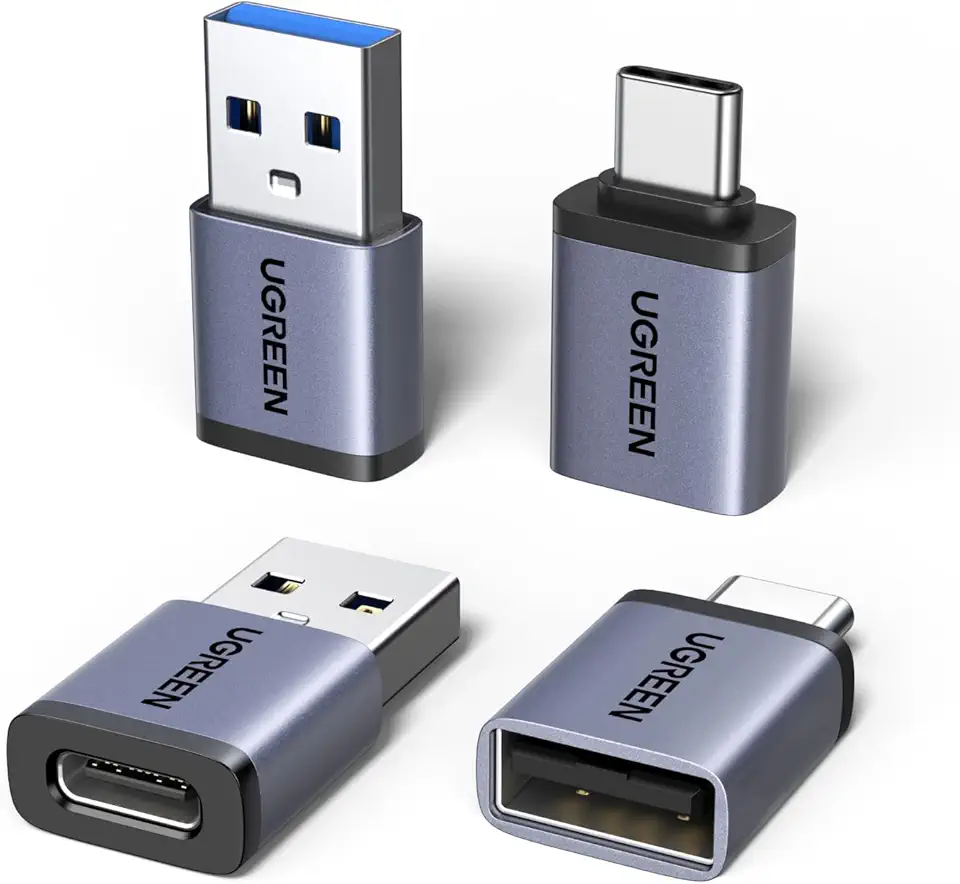
UGREEN USB to USB C Adapter & USB C to USB Adapter Combo 4-Pack, 10Gbps Type-C Converter, Car Charger Compatible with MacBook Pro, iPad Mac mini, iPhone 17/16, Galaxy, PC/Laptop, Hard Drive Enclosure

Nelko Photo Printer, PP01 Color Portable Mini Photo Printer, Instant Smartphone Inkjet Sticker Printer, Sticky-Back Photos, for iOS & Android, Picture Printer for Christmas, Fun Editing App, White
HP 902XL | Ink Cartridge | Black | Works with HP OfficeJet 6900 Series, HP OfficeJet Pro 6900 Series | T6M14AN ECOLOGO
Original HP 63 Black Ink Cartridge | Works with HP DeskJet 1112, 2130, 3630 Series; HP ENVY 4510, 4520 Series; HP OfficeJet 3830, 4650, 5200 Series | Eligible for Instant Ink | F6U62AN ECOLOGO
Original HP 65 Black Ink Cartridge | Works with HP AMP 100 Series, HP DeskJet 2600, 3700, 5000 Series, HP ENVY 5000 Series | Eligible for Instant Ink | N9K02AN

Hilroy Ruled Refill Paper, 3-Hole Punched, 8-3/8" x 10-7/8", 150 Sheets, White (77193)

Viabrico 10 Pack AF-100 Replacement Spool Line for Black+Decker - 0.065" Weed Eater String Trimmer Line Spool, 30ft Autofeed Weed Wacker Spool Refill for Black+Decker(8 Spool,2 Cap,2 Spring)
