Create a ChatGPT clone using Streamlit and LangChain

About
No channel description available.
Latest Posts



Video Description
Do you want to create a Python Chatbot with GUI that uses Langchain? Welcome to this comprehensive tutorial on building your own ChatGPT clone with a user-friendly GUI using Python! In this step-by-step guide, we'll leverage the power of Streamlit and LangChain to develop an interactive chatbot. ---------- Useful links: 👉 Github repo: https://github.com/alejandro-ao/langchain-chat-gui 👉 Streamlit chat: https://github.com/AI-Yash/st-chat 👉 Langchain OpenAI Chat: https://python.langchain.com/en/latest/modules/models/chat/integrations/openai.html 💬 Join the Discord Help Server - https://link.alejandro-ao.com/HrFKZn ❤️ Buy me a coffee... or a beer (thanks): https://link.alejandro-ao.com/l83gNq ✉️ Join the mail list: https://link.alejandro-ao.com/AIIguB --------------------------- 🤖 Are you ready to delve into the world of chatbots and create your own AI-powered virtual assistant? This tutorial is perfect for both beginners and intermediate Python developers who want to explore the fascinating realm of natural language processing and machine learning. We'll start by setting up our development environment and ensuring that all the necessary dependencies are installed. Once that's done, we'll introduce you to the concepts behind the ChatGPT clone and how it functions. You'll gain a solid understanding of the underlying principles that drive ChatGPT API chatbots. Next, we'll dive into the implementation part and demonstrate how to leverage Streamlit, a powerful Python library for building interactive web applications, to create a user-friendly GUI for our chatbot. With Streamlit's intuitive interface, we can easily design an appealing and responsive user interface. To enhance our chatbot's capabilities, we'll integrate LangChain, an advanced Python library for natural language processing and conversation management. LangChain simplifies the process of building chatbot functionality by providing pre-trained models and ready-to-use conversational APIs. We'll guide you through the process of building the chatbot logic using LangChain, including understanding user inputs, generating AI-powered responses, and handling various conversational contexts. By the end of this tutorial, your chatbot will be equipped with the ability to engage in meaningful and context-aware conversations. Throughout the tutorial, we'll share best practices, tips, and tricks to optimize the performance and accuracy of your chatbot. We'll also cover techniques for testing and debugging your chatbot to ensure smooth and error-free interactions. Finally, we'll explore different deployment options and discuss how you can make your chatbot accessible to users worldwide. Whether you prefer deploying your chatbot locally or on a cloud platform, we'll provide guidance and recommendations to suit your needs. ---------- ⏰ Timestamps: 0:00 Setup 5:01 Create the GUI 9:47 Display chat messages 12:14 Configure API Key 14:21 Initialize chat 20:35 Generate chat completions 26:08 Hook messages to the app state 30:55 Display chat history 38:40 Conclusion #chatgpt #python #langchain #streamlit






![Advanced RAG with LlamaIndex - Metadata Extraction [2025]](https://imgz.pc97.com/?width=500&fit=cover&image=https://i.ytimg.com/vi/yzPQaNhuVGU/hqdefault.jpg)

Essential Coding Tools
AI-recommended products based on this video

Seasonic Focus V4 GX-1000 (ATX3) - 1000W - 80+ Gold - ATX 3.0 & PCIe 5.1 Ready -Full-Modular -ATX Form Factor -Premium Japanese Capacitor -10 Year Warranty -Nvidia RTX 30/40 Super & AMD GPU Compatible
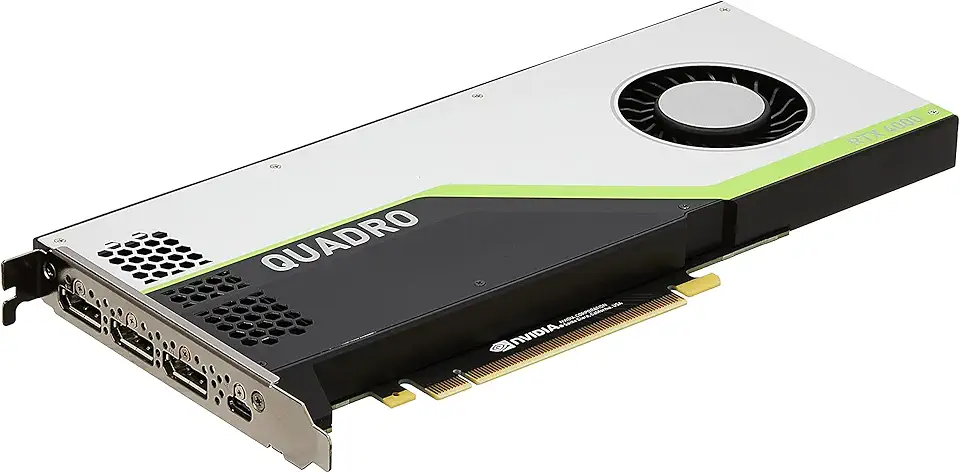
PNY NVIDIA Quadro RTX 4000 - The World’S First Ray Tracing GPU

NEXPOW Car Jump Starter,Car Battery Jump Starter Pack 1500A Peak Q10S for Up to 7.0L Gas and 5.5L Diesel Engine12V Auto Battery Booster,Jumper Cables,Portable Lithium Jump Box with LED Light/USB QC3.0

Firefly Variety 8 Pack - Fire Starter Accessory for Swiss Army Victorinox Knives (Neon Green-Yellow Glow)
