Docker Volumes Demo || Docker Tutorial 13


TechWorld with Nana
@techworldwithnanaAbout
Helping millions of engineers to advance their careers with DevOps & Cloud education 💙 I create new videos every month, topics include mainly DevOps and Cloud tutorials. Subscribe and activate bell notification so you don't miss new videos :) I'm a Docker Captain, AWS Container Hero 🤓 💪 ► https://www.techworld-with-nana.com/ Some topics covered: - Docker - Kubernetes - CI/CD - GitLab CI, GitHub Actions, Jenkins - Python - Ansible - Prometheus Monitoring - Terraform - YAML - & more! Have fun watching my videos! 🙂
Latest Posts


Video Description
Docker Volumes Demo with Node.js and MongoDB. Understand how to persist your database data when working with Docker using Docker Compose Volumes. ► Subscribe To Me on Youtube: https://bit.ly/2z5rvTV 👉🏼 Understand Docker Volumes in 6 minutes (theory part): https://youtu.be/p2PH_YPCsis In this video I show you Docker Volumes in practice. In the Docker Volumes Demo I use a simple Nodejs/MongoDB application and attach the volume to it, so that we don't lose the database data when restarting the mongodb container. ▬▬▬▬▬▬ T I M E S T A M P S 0:00 - Intro 0:23 - no persistance - docker compose without volumes 2:16 - Define the named volume in docker compose file 5:22 - re-start docker compose and see how data is persisted 6:34 - see where the docker volumes are located on your local machine For any questions/issues/feedback, please leave me a comment and I will get back to you as soon as possible. Also please let me know what you want to learn about Docker & Kubernetes. ------------------------------------------------------------------------------------------------------- This video is the 13th of a complete series for beginners. At the end of this tutorial you will fully understand Docker and Kubernetes. ►► Full Docker and Kubernetes Tutorial Playlist: https://bit.ly/2YGeRp9 This video is the 10th of a complete series for beginners, where I explain the basic concepts and also show you demo's like deploying your containerized application. At the end of this tutorial you will fully understand Docker and Kubernetes. 💡 Only interested in Docker? ►► Complete Docker Tutorial Playlist: https://bit.ly/2ymJHbX #docker #dockertutorials #devops #techworldwithnana ------------------------------------------------------------------------------------- The complete step-by-step guide to Docker and Kubernetes will include the following content: 🐳 D O C K E R - Container concept - Why docker? (image vs. traditional DevOps) - Install docker on different operating systems - 8 basic commands you need to know - Docker vs. Virtual Machine - Docker in Practice: Overview of whole development process with Docker (development, continuous delivery, deployment) - Develop an application with Docker - Docker Compose - Dockerfile - Private Repository - Deploying your containerized application - Docker Volumes from theory to practice ✵ K U B E R N E T E S - Main Kubernetes components (including Pod, Service, Ingress, Volumes, ConfigMap, Secrets, Deployment, StatefulSet) - Kubernetes architecture for beginners (master, slave nodes & processes) - Understand how does K8s REALLY work? Main Concepts of how to use K8s - Minikube, Kubectl - set up the cluster and connect to it - Kubectl main commands - Demo - Configuration file (YAML) - syntax - Kubernetes Namespaces - Communication between the pods - basic networking concepts in Kubernetes - K8s Deployment in practice - example application deployment (pod + service + Ingress + secret) ----------------------------------------------------------------------------------- ✅ Follow me Youtube: ► http://www.youtube.com/c/TechWorldwithNana DEV: ► https://dev.to/techworld_with_nana Instagram: ► https://www.instagram.com/techworld_with_nana/ Twitter: ► https://twitter.com/Njuchi_/ Legal Notice: Docker and the Docker logo are trademarks or registered trademarks of Docker, Inc. in the United States and/or other countries. Docker, Inc. and other parties may also have trademark rights in other terms used herein. This video is not accredited, certified, affiliated with, nor endorsed by Docker, Inc.









PC Gaming Setup Essentials
AI-recommended products based on this video
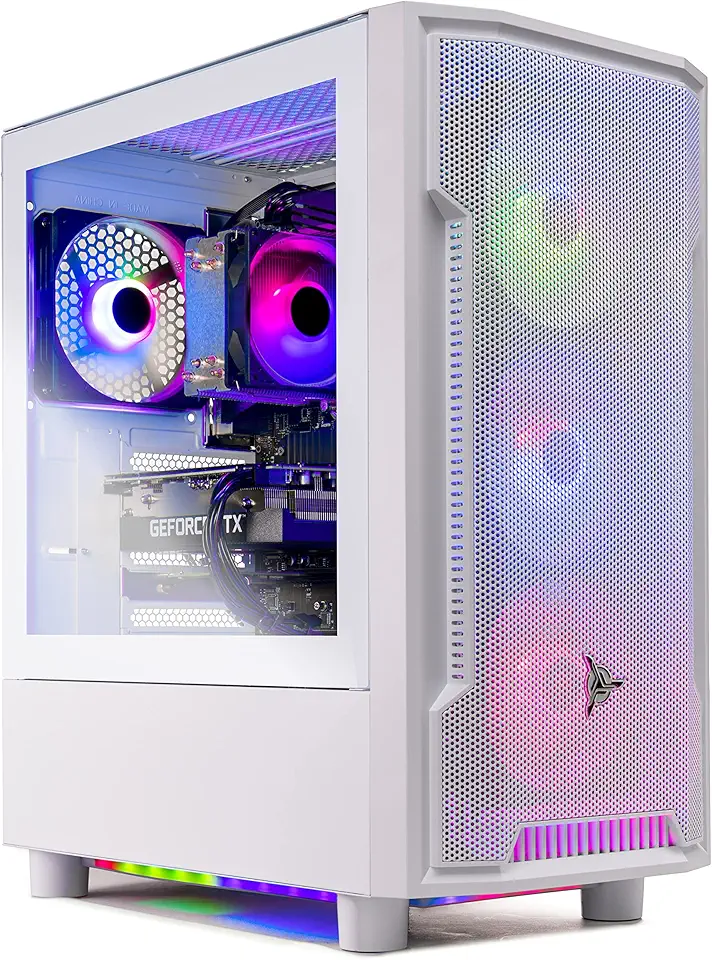
Skytech Archangel Gaming PC Desktop – AMD Ryzen 5 3600 3.6 GHz, NVIDIA RTX 3060, 1TB NVME SSD, 16GB DDR4 RAM 3200, 600W Gold PSU, 11AC Wi-Fi, Windows 11 Home 64-bit
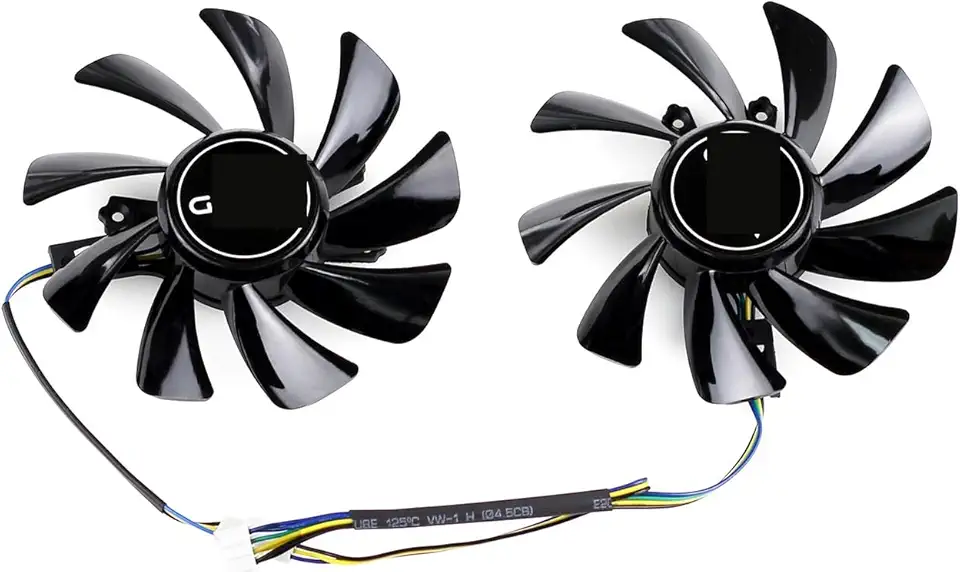
85MM for Cooling Fan for KFA2 Galax GTX 1660 Super TI RTX 2060 EX Graphics Card Cooler T129215SU GFY09215M12SPA

for 85MM CF-12915S RTX 2060 Cooling Fan for INNO3D for GeForce GTX 1660 Super 6GB Twin X2 Graphics Card Cooler

EVA Storage Bag for GTX 1660 Super, RTX 2060 Super, 3060 Ti, and 3070 Graphics Cards, 40 x 36 x 5 cm, Compact Protective Case with Dust-Resistant Design, Black

MSI Gaming GeForce GTX 1660 Super 192-bit HDMI/DP 6GB GDRR6 HDCP Support DirectX 12 Dual Fan VR Ready OC Graphics Card (GTX 1660 Super Ventus XS OC)

Asus Prime B550M-A WiFi II AMD AM4 (3rd Gen Ryzen) Micro ATX Motherboard (PCIe 4.0, WiFi 6, ECC Memory, 1Gb LAN, HDMI 2.1/D-Sub, 4K@60HZ, Addressable Gen 2 RGB Header and Aura Sync)

Corsair Vengeance LPX 32GB (2 X 16GB) DDR4 3200 (PC4-25600) C16 1.35V Desktop Memory - Black

Western Digital 2TB WD Blue SA510 SATA Internal Solid State Drive SSD - SATA III 6 Gb/s, 2.5"/7mm, Up to 560 MB/s - WDS200T3B0A

Corsair RM1000e Fully Modular Low-Noise ATX Power Supply - Dual EPS12V Connectors - 105°C-Rated Capacitors - 80 Plus Gold Efficiency - Modern Standby Support - Black
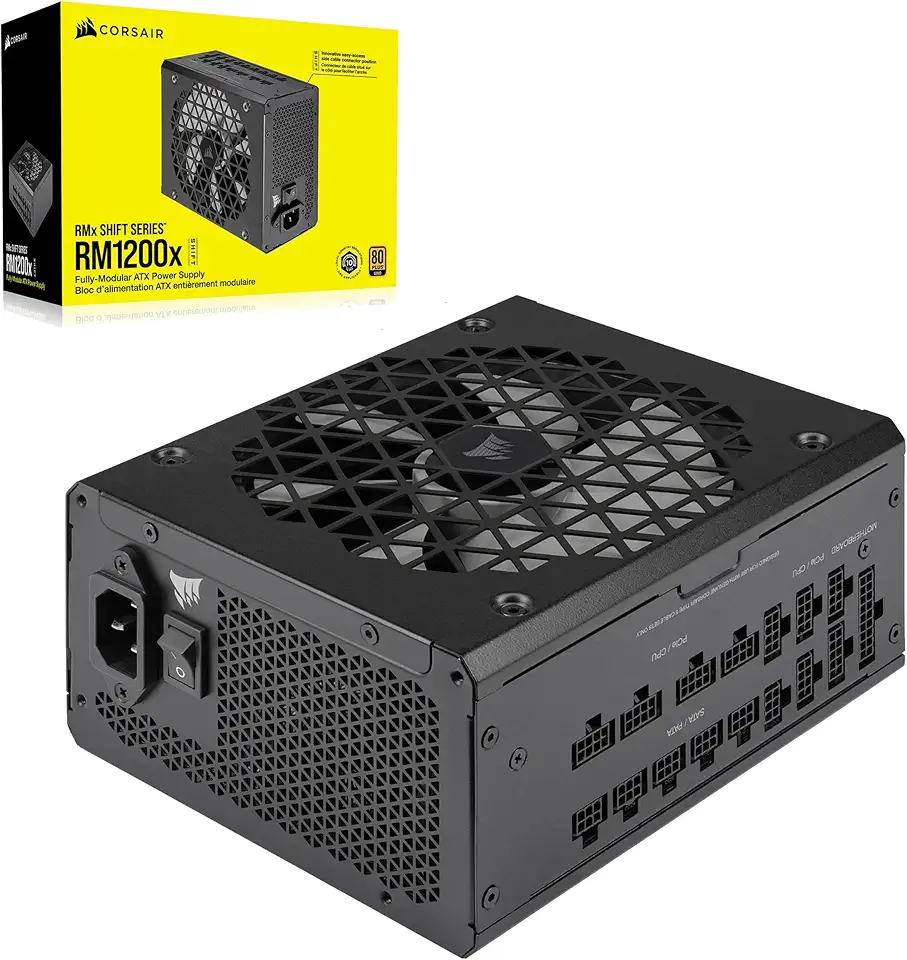
Corsair RM1200x Shift Fully Modular ATX Power Supply - Modular Side Interface - ATX 3.1 & PCIe 5.1 Compliant - Zero RPM Fan Mode - 105°C-Rated Capacitors - 80 Plus Gold Efficiency - Black, 1200W

Logitech G203 Wired Gaming Mouse, 8,000 DPI, Rainbow Optical Effect LIGHTSYNC RGB, 6 Programmable Buttons, On-Board Memory, Screen Mapping, PC/Mac Computer and Laptop Compatible - Black

acer Chromebook 315 Laptop | Intel Pentium Silver N6000 | 15.6" Full HD IPS Touch | Intel UHD Graphics | 8GB LPDDR4X | 64GB eMMC | Wi-Fi 6 | DTS Audio | Protective Sleeve | Chrome OS | CB315-4HT-P8PQ

Acer PM161Q Bbmiuux 15.6" Full HD (1920 x 1080) Widescreen Portable IPS Display | AMD FreeSync Technology | 4ms (G to G) | 2 Speakers | USB Type-C Cable and Mini HDMI Cable

acer Enduro T1 ET108-11A-80PZ Rugged Tablet, 8.0" WXGA IPS Touch, MediaTek MT8385 Octa-Core Processor, 4GB LPDDR4, 64GB eMMC, WiFi-5, Front 2MP Webcam, Rear 5MP Webcam, Handstrap, Android 9 Pie

Acer Nitro V 15.6 FHD 144Hz Gaming Laptop, Intel i7-13620H, 32GB DDR5, 1TB SSD, NVIDIA GeForce RTX 4060, Keyboard Backlight, Wi-Fi 6, HD Webcam, Windows 11 Home, Black, 256GB Docking Station Set

NEW SteelSeries Arctis Nova 3 Multi-Platform Gaming Headset - Signature Arctis Sound - ClearCast Gen 2 Mic - PC, PS5/PS4, Xbox Series X|S, Switch, Mobile

New SteelSeries Arctis Nova Pro for Xbox Multi-System Gaming Headset - Premium Hi-Fi Drivers - Hi-Res Audio - 360° Spatial - GameDAC Gen 2 - Quad-DAC - ClearCast Gen 2 Mic - Xbox, PC, PS5/PS4, Switch
Logitech G203 Wired Gaming Mouse, 8,000 DPI, Rainbow Optical Effect LIGHTSYNC RGB, 6 Programmable Buttons, On-Board Memory, Screen Mapping, PC/Mac Computer and Laptop Compatible - Black
