Easiest IT Degree from WGU | Easiest Bachelor's Degree (2021)


Josh Madakor
@joshmadakorAbout
skool.com/cyber-community (free) skool.com/cyber-range
Latest Posts



Video Description
🖥 Break into IT in ~3 Months with my Hands-On Practical Course! 🖥 https://coursecareers.com/explore/it/ref/18242/ - Easiest Degrees: https://docs.google.com/spreadsheets/d/1k3P5DxuC2uw6cihMtbDj1vkqwjchN6_sh1QLGNvOIo4/edit#gid=0 - In this video I answer the question of what is the easiest BS in IT from WGU. I break it down by class and certifications per degree program just in case you're trying to choose your degree based on its difficulty! 🙇♂️ - Patreon - 🙇♂️ ▶ https://www.patreon.com/joshmadakor - Any support greatly appreciated!! ⌨️ - Coding - ⌨️ ▶ My favorite coding tutorials (CodeWithMosh): https://bit.ly/338kfD6 ⭐️ - Social Media - ⭐️ ▶ Instagram: https://www.instagram.com/joshmadakor/ ▶ LinkedIn: https://www.linkedin.com/in/joshmadakor/ ▶ Patreon: https://www.patreon.com/joshmadakor ▶ Twitter: https://twitter.com/joshmadakor 🎥 - Equipment - 🎥 ▶ Camera (Sony a6600): https://amzn.to/33HVvSv ▶ Mic (Blue Yeti): https://amzn.to/2HoZ3kw ▶ Capture Card (Camera to PC): https://amzn.to/36YmuKm ▶ Chair (AKRacing): https://amzn.to/39P8PZ1 ▶ Lighting (Lamp): https://amzn.to/3fpVGWZ 📄 - Sample Resumes - 📄 ▶ Software Engineering: https://bit.ly/3hm4lLe ▶ Cybersecurity: https://bit.ly/2M463Fq ▶ Information Technology: https://bit.ly/3huhLFa 0:00 Intro 0:28 Overview 1:10 Difficulty spreadsheet 3:30 Explaining Transfers 3:39 Which is most difficult 4:00 Explanation start 4:27 Computer Science 8:45 Software Dev 9:41 Net Ops Sec 10:34 Cybersecurity and IA 11:34 Cloud Computing 12:00 BS IT General 12:25 Data Management 13:00 BS IT Management 13:40 Outro Easiest IT Degree from WGU | Easiest Bachelor's Degree (2021) About WGU WGU is an online university which is regionally accredited by the Northwest Commission on Colleges and Universities (NWCCU). WGU offers several different Bachelor’s and Master’s degrees in the fields of IT, Business, Health, and Education. WGU is unique in the sense that it doesn’t have a traditional quarter or semester system, rather, the students can choose to start whenever they wish. Start dates are set at the first of the month–every month. Another unique property of WGU is that you pay for time instead of credits–that is, you pay for one term at a time (6 months), and you are allowed to complete as many courses as you want within that term, which is key to our speedy completion strategy–more on this later. It should also be noted that traditional homework is not a requirement to pass classes or graduate at WGU. In order to pass a class at WGU, you must complete one of two things, depending on the class: Complete the “Objective Assessment”, which is just a multiple choice exam, and/or Complete the “Performance Assessment, which is essentially an essay. Some classes will require BOTH an exam and an essay to pass, but I’ve found the classes requiring both tend to be easier and/or less complicated to complete. Going back to the Objective Assessment class-type, there are actually two types of Objective Assessments. The first type is an exam that was created by WGU in-house, and the second type is an exam that was created by a third-party. These third-party exams are given by well-known vendors such as CompTIA (A+, Network+, Security+, etc), Cisco, Microsoft, ISC(2), etc. It should be noted that the third-party exams are much more difficult than the exams given by WGU–this is key to the strategy we will be discussing. Note: I’ve actually created a video describing how to quickly pass these third-party exams, so check that out here: How to Pass any Certification Exam Now for the reason you came, The Speed Strategy. Step 1: Choose Your Degree The first step of this strategy is picking your degree. While this may seem obvious, there is some strategy involved in choosing which exact degree you enroll for when speed is your primary concern. Each area of study at WGU has several Bachelor’s and Master’s degrees available. Some of these degrees require you to complete many more third-party exams than others, especially in the IT track. Take the Bachelor’s in Cybersecurity for instance. You’ll be required to complete over 12 industry certifications in order to graduate. While these certifications are quite useful, due to the difficulty, this will stretch out the time required to graduate by quite a lot. In comparison, the Bachelor’s in IT Management does not actually require any third-party certificates. This will greatly reduce the time and effort required to complete your degree. What I tend to suggest to people, is choose a degree with less or no third-party certification requirements, graduate quickly, and then get any certificates you want, after the fact. DISCLAIMER: This video description has some affiliate links and I may receive a small commission. I only share stuff that I use and believe in. Thanks so much for your support 🥺
IT Student Essentials
AI-recommended products based on this video

Wireless Bluetooth Mouse for Apple iPad iPhone MacBook Android Samsung Tablet Phone Dual-Mode Rechargeable 2.4G Portable Computer Mice for Windows Laptop Notebook PC Mac Desktop USB Receiver (Black)

Lenovo ThinkPad E14 Gen 5 Business Laptop (14" FHD+ Anti-glare, Intel 10-Core i7-1355U, 40GB RAM, 1TB SSD) Backlit, Fingerprint, Fast Charge, 1080p RGB Webcam, Wi-Fi 6, Win 11 Pro w/ Copilot

Lenovo IdeaPad 15.6" FHD Touchscreen Laptop (40GB RAM, 1TB SSD, Intel 6-Core i3-1215U (> i5-1135G7)), Narrow Bezel, Webcam, 10-Hour Long Battery Life, Wi-Fi 6, Win 11 Home S Mode, Cloud Grey

Lenovo V-Series V15 Business Laptop | 15.6" FHD 1920 * 1080 | 13th Gen Intel Core i7-13620H | 40GB RAM | 1TB SSD | Webcam | Wi-Fi 6 | Windows 11 Pro | Black | Bundle with ADATA 512GB External SSD

Lenovo ThinkPad E16 Business Laptop, 16" FHD+ Touchscreen, Intel i7-1355U, 40GB RAM, 1TB SSD, AI Copilot, Fingerprint, Backlit KB, HDMI, Wi-Fi 6, Windows 11 Pro, Bundle with UC310 64GB USB Flash Drive

Lenovo IdeaPad 15.6” FHD Touchscreen Laptop, 40GB RAM 2.5TB Storage (2TB SSD+512GB Docking Station Set), 6-Cores Intel Core i3, Windows 11 Pro with Microsoft Office Included, Plusera Earphones

Lenovo 2025 New Touchscreen Laptop • 6-Cores Intel Core i3 • 40GB RAM • 2TB SSD • 15.6 inch FHD (1920 x 1080) Display • Long Battery Life • WOWPC Recovery USB • Windows 11 Pro with Microsoft Office
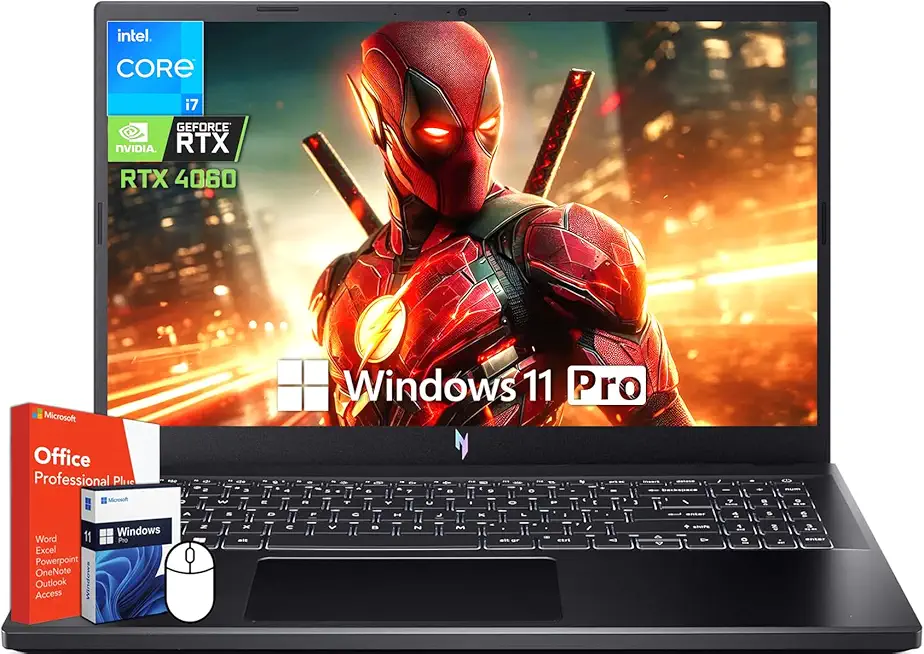
acer Nitro V 15 Gaming Laptop, 15.6" 144Hz FHD Display, Intel 10-Core i7-13620H, NVIDIA GeForce RTX 4060, 64 GB DDR5 RAM, 4 TB SSD, Backlit Keyboard, Microsoft Office Lifetime License, Windows 11 Pro
