Excel & DataTables in Power Automate Desktop - Including VBA and VBScript

About
No channel description available.
Latest Posts



Video Description
Learn how to use Excel in Power Automate Desktop, including VBA and VBScript. Follow along as we prepare data, perform Excel calculations, and use dynamic file naming. Discover how to easily incorporate VBA and VBScript into your workflows for more efficient automation. 📂 Course Page: https://andersjensen.org/microsoft-power-automate-desktop/excel-datatables-and-vba-vbscript VIDEOS FOR YOU: 🔹 Advanced Excel in Power Automate Desktop: https://youtu.be/ZvbnuQp7x5g 🔹 Save Web Data to Excel with Power Automate Desktop: https://youtu.be/7R5EjshDoQU POWER AUTOMATE DESKTOP GROUPS: 👨👩👧👦 Discord: https://discord.gg/iloveautomation - Join my network with 6000+ Automation/RPA developers, where we solve Automation/RPA problems, network and help each other upgrade our careers. It's free! 👩🏻🎓 LinkedIn: https://www.linkedin.com/groups/12566435 👨🏻💻 Facebook: https://www.facebook.com/groups/754059285247921 FOLLOW ME: 💼 LinkedIn: https://www.linkedin.com/in/andersjensenorg 📸 Instagram: https://www.instagram.com/andersjensenorg 👨 Facebook: https://www.facebook.com/andersjensenorg 🐦 Twitter: https://twitter.com/andersjensenorg 💌 Email Newsletter: https://andersjensen.org/email-newsletter 00:00 Intro We do Excel calculations in a range of data with Microsoft Power Automate Desktop. 00:41 Prepare Data Download the Excel data from the course page. Then, place it inside the project folder. 02:38 Read Excel Data Launch an Excel instance and remember to close it again; otherwise, Power Automate Desktop can and will lock the Excel book. 9:37 Excel Calculations Use the Insert column to Excel worksheet to insert a column between two existing columns. With a For each action, we loop the data and do Excel operations. Remember to convert the text to numbers before you can do mathematical operations on them. With the Resize columns/rows in Excel worksheet action Power Automate Desktop lets you resize a range of Excel columns. 23:53 Dynamic File Naming We use the date and time of the flow runtime for dynamic file naming. 26:10 VBA We can easily use VBA in Power Automate Desktop with the Run Excel macro action. 31:01 VBScript VBScript, Visual Basic Script, is smarter than VBA, Visual Basic since it's not dependent on running in an Excel book. VBScript and VBA are very similar. #powerautomate #powerplatform #microsoft365





![How to Use Projects in ChatGPT [Beginner Tutorial]](https://imgz.pc97.com/?width=500&fit=cover&image=https://i.ytimg.com/vi/b_B9VXJYT3o/hqdefault.jpg)




Boost Productivity with These Excel Must-Haves
AI-recommended products based on this video

Open Office Suite 2024 Professional Edition CD DVD 100% compatible with Microsoft® Word® and Excel® for Windows 10, 8, 7, Vista, XP And Mac OS X

Logitech G203 Wired Gaming Mouse, 8,000 DPI, Rainbow Optical Effect LIGHTSYNC RGB, 6 Programmable Buttons, On-Board Memory, Screen Mapping, PC/Mac Computer and Laptop Compatible - Black

Logitech G305 Lightspeed Wireless Gaming Mouse, Hero 12K Sensor, 12,000 DPI, Lightweight, 6 Programmable Buttons, 250h Battery Life, On-Board Memory, PC/Mac - Black

Dell S2722DC Monitor - 27-inch WQHD (2560x1440) 75Hz 4Ms Display, AMD FreeSync, Built in Speaker, USB Type-C/USB 3.2 Gen 1/HDMI Connectivity, Height/Pivot/Swivel/Tilt Adjustability - Platinum Silver
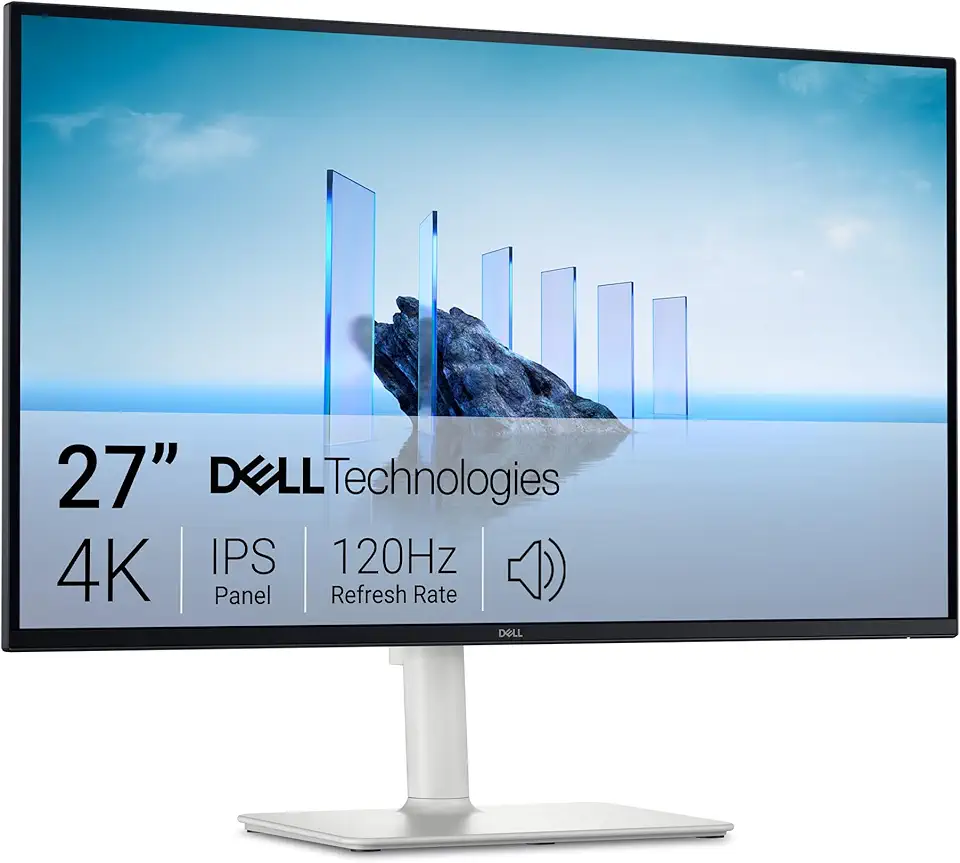
Dell 27 Plus 4K Monitor - S2725QS - 27-inch 4K (3840 x 2160) 120Hz 16:9 Display, IPS Panel, AMD FreeSync Premium, sRGB 99%, Integrated Speakers, 1500:1 Contrast Ratio, Comfortview Plus - Ash White
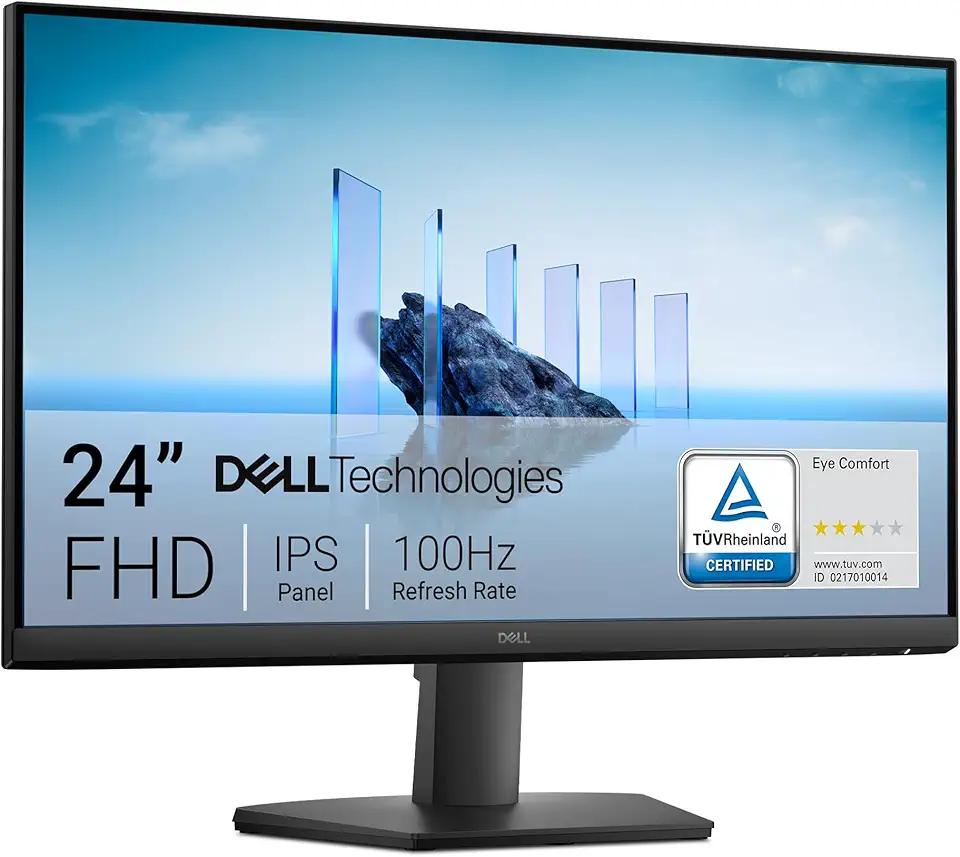
Dell 24 Monitor - SE2425HM - 23.8-inch Full HD (1920x1080) 16:9 100Hz Display, IPS Panel, 16.70 Million Colors, Anti-Glare, 1 HDMI / 1 VGA Port, TÜV Rheinland 3-Star*, Comfortview Plus - Black
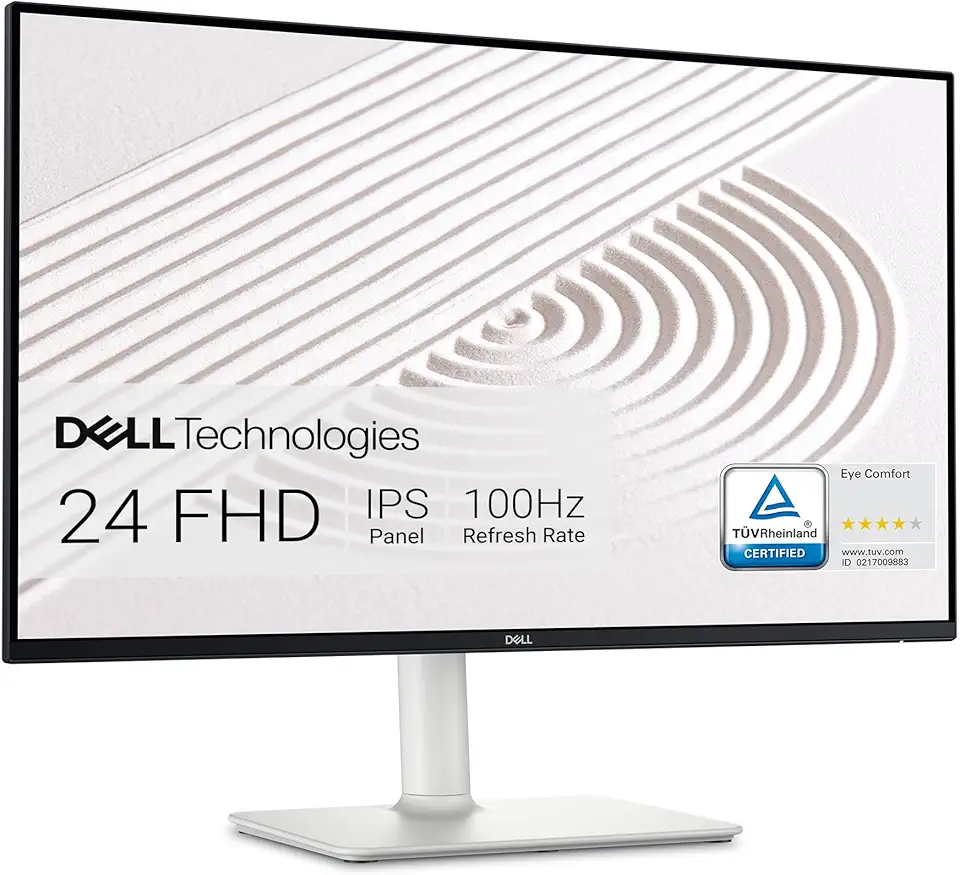
Dell S2425HS Monitor - 23.8 Inch, FHD (1920x1080) Display, 100Hz Refresh Rate 1500:1 Contrast Ratio, TÜV Rheinland Eye Comfort 4 Star, Integrated 2x5W Speaker, Height/Tilt/Swivel/Pivot - Ash White
Open Office Suite 2024 Professional Edition CD DVD 100% compatible with Microsoft® Word® and Excel® for Windows 10, 8, 7, Vista, XP And Mac OS X