Faster Plan Creation in LAYOUT from SketchUp! (10 Vital Tips)


TheSketchUpEssentials
@thesketchupessentialsAbout
This channel is dedicated to bringing valuable SketchUp lessons and tutorials to help people have fun with 3D modeling! I started using SketchUp a few years ago while working at a general contracting company. I had used other 3d modeling programs in the past, and SketchUp immediately made an impact on me with its ease of use and its “fun factor.” While using other programs was a bit of a drag, everything I made in SketchUp was a lot more fun. I started modeling things just for fun in my free time. I’d see a building that I liked and try to draw it in 3d, or I’d create a model of my living room so my wife could see what it would look like in different colors. Whenever I’m modeling in SketchUp, the possibilities just feel endless! Interested in Becoming a Sponsor and Sharing Your Brand With My Viewers? Reach out to me here or via email!


Video Description
In this video, check out 10 of my best tips for creating plans in Layout from your SketchUp models! LEARN SKETCHUP IN THE SKETCHUP ESSENTIALS COURSE http://www.thesketchupessentials.com/course MY SKETCHUP MODELING PC SETUP https://kit.co/TheSketchUpEssentials/sketchup-modeling-and-youtube-creation-kit SKETCHUP BOOKS AND RESOURCES https://kit.co/TheSketchUpEssentials/sketchup-books-and-resources MY CURRENT FAVORITE SKETCHUP PLUGINS AND EXTENSIONS https://kit.co/TheSketchUpEssentials/my-current-favorite-sketchup-extensions (Affiliate Links) PLEASE LIKE AND SUBSCRIBE Check Us Out On - Website - http://www.thesketchupessentials.com Twitter - http://www.twitter.com/easysketchup Facebook - http://www.facebook.com/thesketchupessentials Pinterest - http://www.pinterest.com/easysketchup/ Disclaimers: all opinions are my own, sponsors are acknowledged. Product Links in the description are typically affiliate links that let you help support the channel at no extra cost. TIMESTAMPS 0:00 - Introduction 0:17 - The SketchUp Essentials Course/SketchUp Essentials for Architecture Offer 0:59 - Tip 1 - Name Scenes 3:29 - Tip 2 - Repeating Layers Across Pages 4:45 - Tip 3 - AutoText 6:45 - Tip 4 - Preserve Scale 8:01 - Tip 5 - Lock Layers 9:17 - Tip 6 - Raster/Vector/Hybrid 11:00 - Tip 7 - Scrapbooks 12:24 - Tip 8 - Stacking Layers for Visibility 13:28 - Tip 9 - Put like objects on the same Layer 15:17 - Tip 10 - Creating elevation views without section planes 17:55 - Learn SketchUp and Layout in the Course!

Bring Minecraft to Life
AI-recommended products based on this video

LIGHTAILING Light for Lego-75379 R2-D2 - Led Lighting Kit Compatible with Lego Building Blocks Model - NOT Included The Model Set
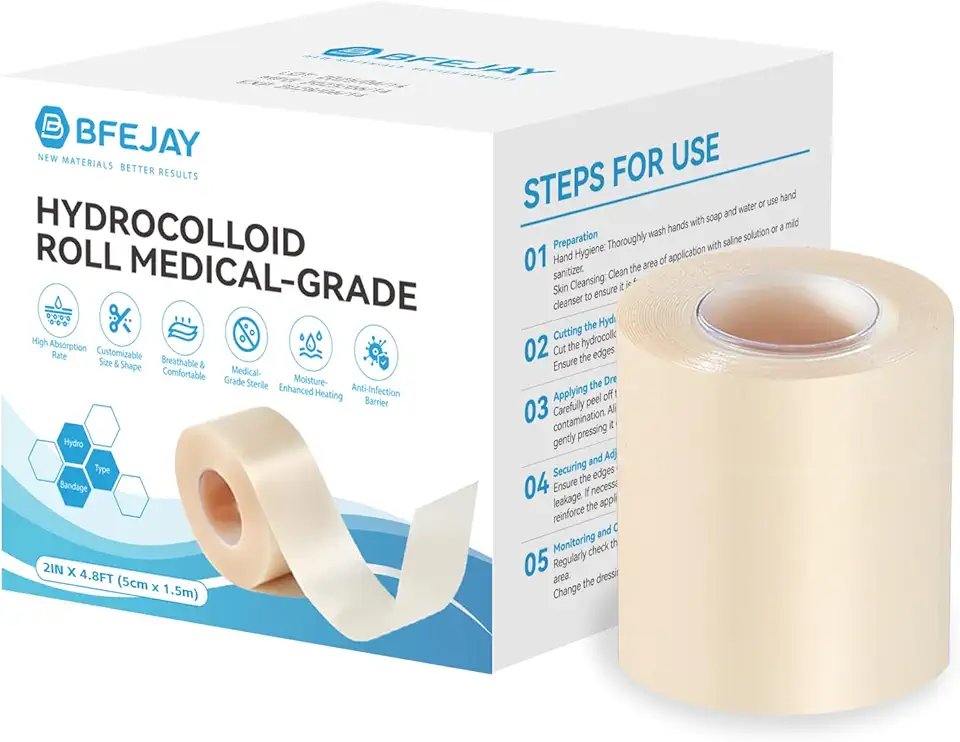
Hydrocolloid Bandages for Wound Care, Extra Large Medical-Grade Hydrocolloid Roll with Self-Adhesive, Ultra Absorbent, Flexible & Waterproof, DIY Size & Shape First Aid Kit Essential (2in*4.8ft)

Etercycle Nail Stand Acrylic Nail Art Display Stand Practice Nail Holder for Painting Nails Magnetic Practice Stands with Double-sided Tape For DIY Salon Supplies (Pink)
LIGHTAILING Light for Lego-75379 R2-D2 - Led Lighting Kit Compatible with Lego Building Blocks Model - NOT Included The Model Set
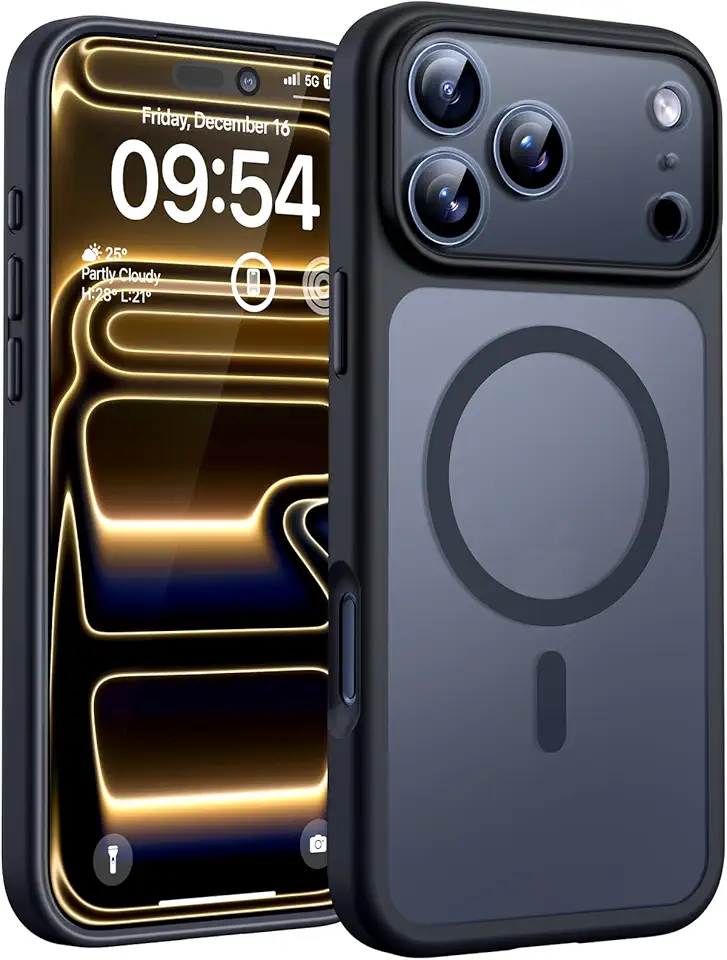
TOCOL for iPhone 17 Pro Case, Full Camera Protection, Built-in Magnetic Ring, Compatible with Magsafe Charger, Drop Protection, Translucent Matte Phone Case for iPhone 17 Pro 6.3 inch (Black) Global Recycled Standard
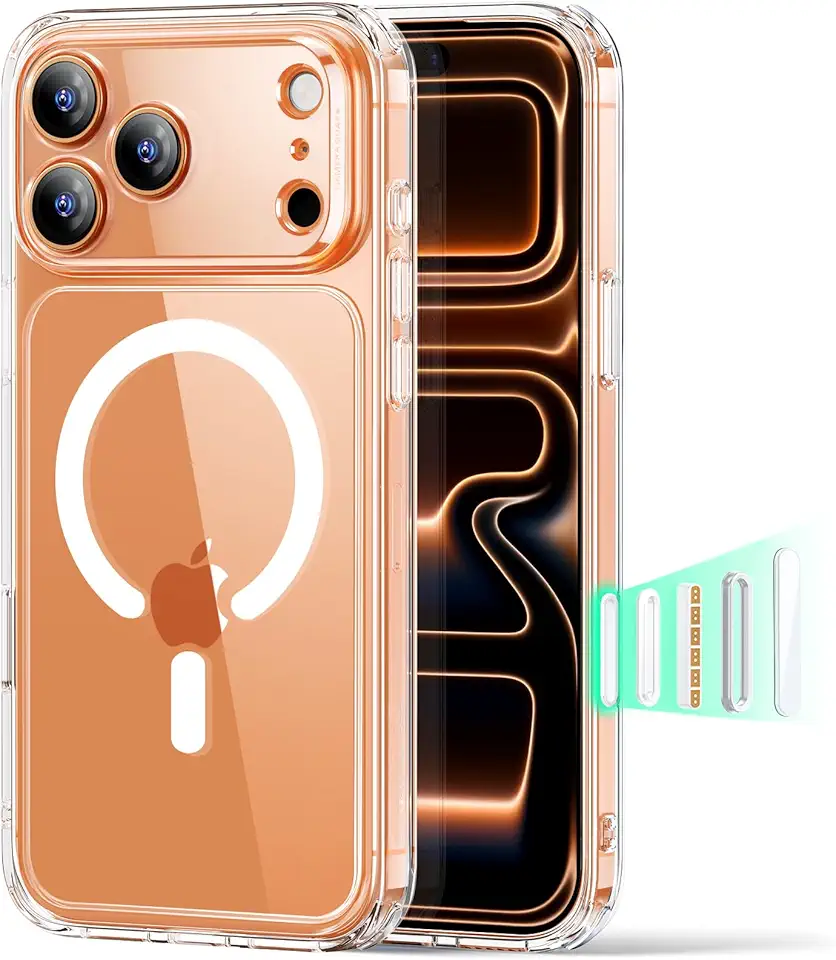
ESR for iPhone 17 Pro Max Case, Camera Control, Compatible with MagSafe, Shockproof Military-Grade Protection, Magnetic Phone Case for iPhone 17 Pro Max, Classic Hybrid Case, Clear Carbonfree Certified

DUEDUE Magnetic Case Compatible with iPhone 16e Case,Glitter iPhone 16e Phone Case MagSafe Shining Bling Slim Shockproof Women Girl Protective Cover for iPhone 16e,Pink/Blue
