Fun Python Exercise - Convert Numbers to Images with NumPy, OpenCV and Pillow

Python Simplified
@pythonsimplifiedAbout
Hi everyone! My name is Mariya and I'm a software developer from Sofia, Bulgaria. I film programming tutorials about Computer Science Concepts, GUI Applications, Machine Learning and Artificial Intelligence, Automation and Web Scraping, Data Science and even Math! 🤓 I'm here to help you with your programming journey (in particular - your Python programming journey 😉) and show you how many beautiful and powerful things we can do with code! 💪💪💪




Video Description
In this exercise we will use our NumPy skills to convert numbers into images 💪💪💪 We will see examples of 2 very useful Python image libraries: OpenCV (cv2) and Pillow (PIL). And also discuss the differences between them. The purpose of this tutorial is to guide you step by step from creating the most simple greyscale image - all the way until drawing a complex structure of RGB windows! or even a smooth turquoise gradient image! 🤩 ⭐ Clone Complete Tutorial Code ⭐ https://app.wayscript.com/lairs/6dac2c5c-9285-4ef2-8f34-4cd16d106cea/public -------------------------------------------------------------- 🛑 If this is the first time you are working with NumPy, I recommend watching the beginning of my Ultimate Guide to NumPy Arrays tutorial: https://youtu.be/lLRBYKwP8GQ 🛑 If this is the first time you are working with RGB/BGR/Greyscale, I recommend watching my Image into Matrix Tutorial: https://youtu.be/mAMTXJJQBDI ⌚ TIME STAMPS ⌚ --------------------------------------- 00:00 - intro 00:34 - import NumPy and OpenCv 00:58 - create empty array 01:41 - save array as PNG image 02:30 - grayscale image - 50 Shades of Grey 03:26 - region of interest 04:27 - floor division 06:21 - smooth greyscale gradient image --------------------------------------- 06:43 - convert grayscale image to BGR 08:02 - red gradient BGR image 09:01 - turquoise/yellow gradient BGR images --------------------------------------- 09:35 - artistic RGB image with Pillow 11:29 - fill NumPy image background 11:40 - draw square with NumPy 13:15 - working with relative coordinates 15:17 - draw window pattern with NumPy 18:49 - apply random color 20:57 - thanks for watching! 👨👩👧 RELATED VIDEOS OF MINE 👨👩👧 --------------------------------------- ⭐ Image into Matrix: https://youtu.be/mAMTXJJQBDI ⭐ Draw with OpenCV: https://youtu.be/PtvN8ad9N3g ⭐ Ultimate Guide to NumPy Arrays: https://youtu.be/lLRBYKwP8GQ ⭐ Ultimate Guide to NumPy Operations: https://youtu.be/E1IPJOd7dWQ 🐦 SOCIAL MEDIA 🐦 --------------------------------------- Share your NumPy Images with Me! 🤩🤩🤩 ⭐ LinkedIn: https://www.linkedin.com/in/mariyasha888/ ⭐ Twitter: https://twitter.com/MariyaSha888 * CREDITS * --------------------------------------- Icons and Graphics by: flaticon.com








DIY Bath Bomb Supplies
AI-recommended products based on this video

ARM & HAMMER Baking Soda Shaker, Dual Sided Easy Pour Dispenser, For Baking, Cleaning and Deodorizing, 340g

3Pcs Chewable Breathers Sticks with Essential Oils (red yellow blue)

GE Advanced Silicone Kitchen & Bath Sealant, Clear, 82.8 ml Tube, Pack of 1

Face Bowl for Ice with Built-in Icetray, Collapsible Silicone Bowl for Face Ice Bath, Space Saving Wash Basin for Cold Plunge Therapy, Skin Tightening & Acne Relief, Portable Spa Tool for Home Travel
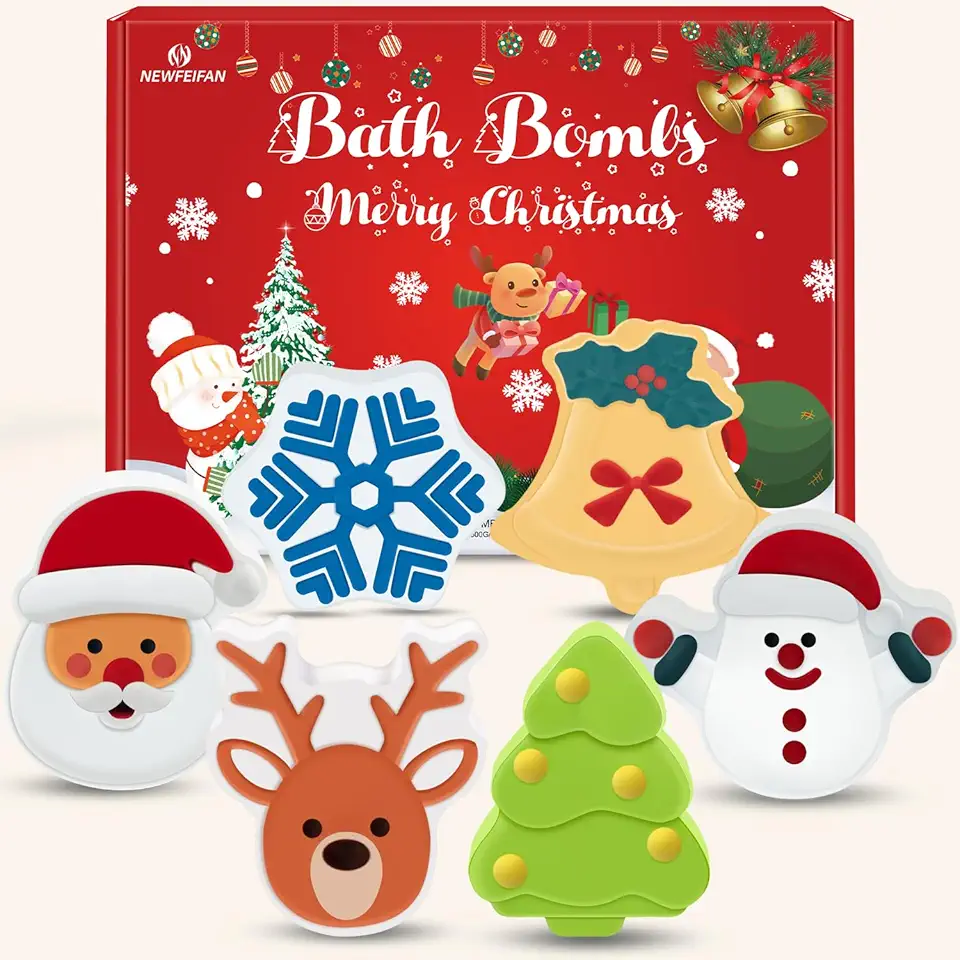
Christmas Bath Bombs Set for Kids,Boys & Girls Stocking Stuffers Gift, Handmade 6 Fun Organic for Children, Gentle Formula Creates, Relaxing Aromas for Women
