Handling of HTML Dropdown Using Selenium WebDriver


H Y R Tutorials
@hyrtutorialsAbout
Welcome to my channel H Y R Tutorials. If you are looking for learning something useful (related to automation testing) with some good explanation, then you are in the right place. In this channel I'm going to share the knowledge on various programming languages, technologies and tools, so please stay tuned to this. 🔗 YouTube - https://www.youtube.com/hyrtutorials 🔗 Website - https://www.hyrtutorials.com 🔗 Facebook - https://www.facebook.com/hyrtutorials 🔗 Twitter - https://twitter.com/hyrtutorials 🔗 Instagram - https://www.instagram.com/hyrtutorials 🔗 Telegram - https://t.me/hyrtutorials 🔗 LinkedIn - https://www.linkedin.com/company/hyrtutorials Kindly share this channel and website with your friends and help them as well. 🙏 Please Subscribe🔔 to start learning for FREE now, Also help your friends in learning the best by suggesting this channel.
Latest Posts




Video Description
In this video, I have shown the handling of HTML Dropdown Using Selenium WebDriver Selenium WebDriver is an open-source tool for automated testing of web apps across many browsers. Every HTML element needs to be handled in a way it is designed for. In this video, I have explained how we can handle dropdowns using Selenium WebDriver. For handling dropdowns selenium is providing one class called "Select" which is available under package "org.openqa.selenium.support.ui". The select class is providing multiple methods to work with dropdowns, Those are as follows: selectByIndex: Select the option at the given index. selectByValue: Select all options that have a value matching the argument. selectByVisibleText: Select all options that display text matching the argument. deselectAll: Clear all selected entries. deselectByIndex: Deselect the option at the given index. deselectByValue: Deselect all options that have a value matching the argument. deselectByVisibleText: Deselect all options that display text matching the argument. getAllSelectedOptions: Returns all selected options belonging to this select tag getFirstSelectedOption: Returns the first selected option in this select tag (or the currently selected option in a normal select) getOptions: Returns all options belonging to this select tag isMultiple: verifies whether this select element support selecting multiple options at the same time? This is done by checking the value of the "multiple" attribute. Using these above methods we can select the option in the dropdown or deselect the option in the dropdown or get the options from the dropdown. ============================================== ************** Checkout my other playlists ************** ============================================== Java Programming videos playlist:👇 🔗 https://bit.ly/3keRJGa Selenium WebDriver with Java videos playlist:👇 🔗 https://bit.ly/2FyKvxj Selenium interview questions videos playlist:👇 🔗 https://bit.ly/3matUB3 Windows automation with FlaUI videos playlist:👇 🔗 https://bit.ly/33CG4dB CSS Selectors videos playlist:👇 🔗 https://bit.ly/2Rn0IbD XPath videos playlist:👇 🔗 https://bit.ly/2RlLdkw Javascript Executor videos playlist:👇 🔗 https://bit.ly/2FhNXwS Apache POI videos playlist:👇 🔗 https://bit.ly/2RrngrH Maven videos playlist:👇 🔗 https://bit.ly/2DYfYZE How to fix Eclipse errors:👇 🔗 https://bit.ly/3ipvNYf ============================================== ============================================== Connect us @ 🔗 Website - www.hyrtutorials.com 🔗 Facebook - www.facebook.com/HYRTutorials 🔗 LinkedIn - www.linkedin.com/company/hyrtutorials 🔗 Twitter - www.twitter.com/Hyrtutorials ============================================== ============================================== 🙏 Please Subscribe🔔 to start learning for FREE now, Also help your friends in learning the best by suggesting this channel. #selenium #select #dropdown #hyrtutorials #webAutomation






Upgrade Your Drone Experience
AI-recommended products based on this video

SmallRig ZV-E1 Camera Baseplate for Sony ZV-E1, Built-in Cold Shoe Mount and QR Plate (for Arca) Quick Switch Between Tripod and Stabilizer for DJI RS 2 / RSC 2 / RS 3 / RS 3 Pro - 4314

NEEWER a6700 L Plate Compatible with Sony Alpha 6700, Quick Switch Aluminum Extendable Side Plate & Anti Twist Baseplate Compatible with Arca Swiss QR System DJI RS 2 RSC 2 RS 3 Pro Gimbals, CA048

SmallRig Baseplate for Sony Alpha 6700, Bottom Mount Plate Built-in Quick Release Plate for Arca, Supporting Quick Switch Between Tripod and Stabilizer (for DJI RS 2 / RSC 2 / RS 3 / RS 3 Pro) - 4338
SmallRig ZV-E1 Camera Baseplate for Sony ZV-E1, Built-in Cold Shoe Mount and QR Plate (for Arca) Quick Switch Between Tripod and Stabilizer for DJI RS 2 / RSC 2 / RS 3 / RS 3 Pro - 4314
NEEWER a6700 L Plate Compatible with Sony Alpha 6700, Quick Switch Aluminum Extendable Side Plate & Anti Twist Baseplate Compatible with Arca Swiss QR System DJI RS 2 RSC 2 RS 3 Pro Gimbals, CA048
SmallRig Baseplate for Sony Alpha 6700, Bottom Mount Plate Built-in Quick Release Plate for Arca, Supporting Quick Switch Between Tripod and Stabilizer (for DJI RS 2 / RSC 2 / RS 3 / RS 3 Pro) - 4338
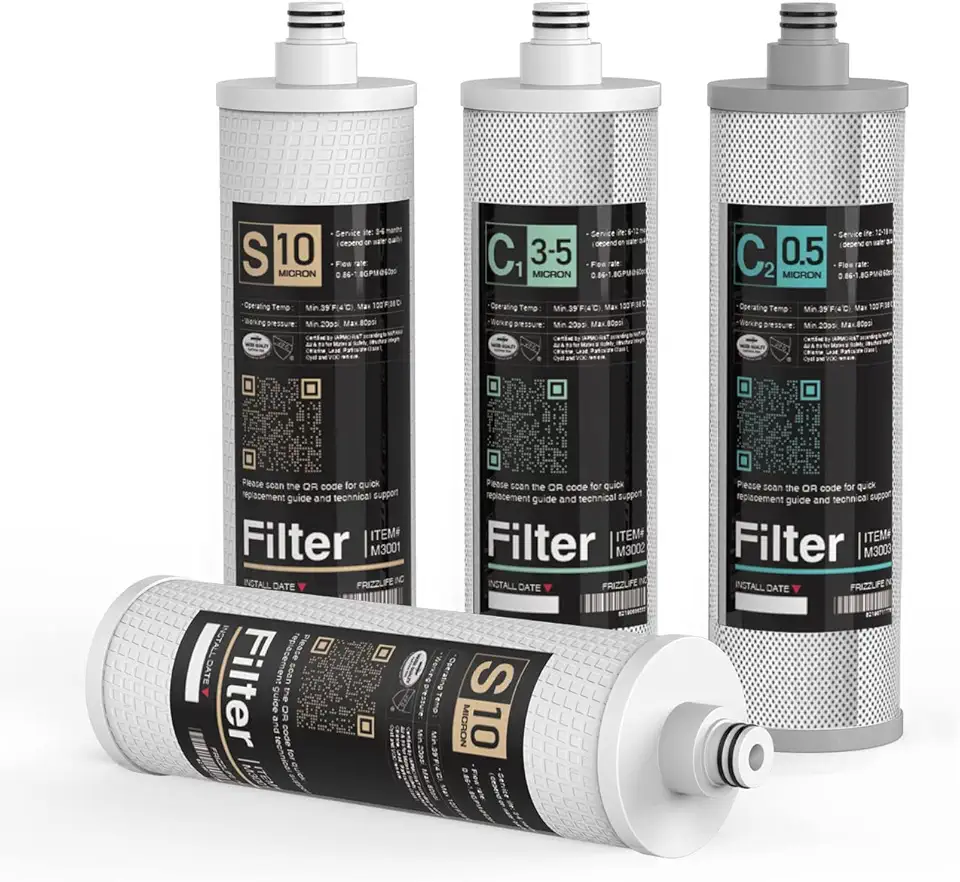
Frizzlife M3005 Replacement Filter Cartridge Set (4 Pack) for SK99,SP99,SK99 New and SP99 New Under Sink Water Filter System
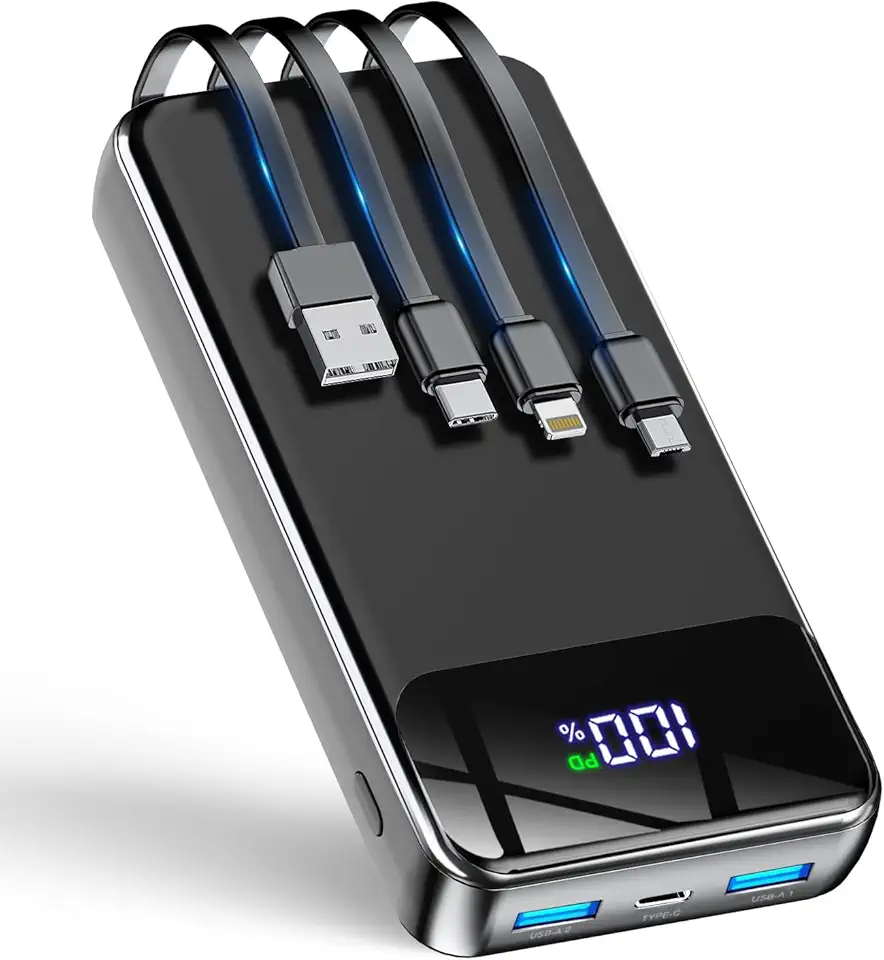
GTOCE Portable Charger,40000mAh Power Bank with 22.5W Fast Charging LED Digital Display Battery Pack with 6 Outputs 2 Inputs, Type C Powerbank Portable Charger for iPhone 16 pro Samsung AirPods,Black

Wireless Power Bank 40800mAh,7-in-1 Portable Charger with 3 Built in Cables,15W Wireless Charging 25W PD QC 4.0 Fast Charging USB C LCD Display Battery Pack for iPhone 16/15/13/12,Samsung,Android etc

AsperX for Magsafe Power Bank, 10000mAh Wireless Magnetic Power Bank, 22.5W Wire Fast Charging Portable Charger with USB C Cable, LCD Display for Magsafe Battery Pack for iPhone 16/15/14/13/12

OYEAELX 3 in 1 with Built in Cable Portable Charger 15800mAh Cell Phone Battery Backup Ultra Slim Mini Power Bank with LCD Display Compatible with iPhone iPad Android Samsung Galaxy and More

Ear Plugs for Sleeping Noise Cancelling -30dB, Reusable Silicone Earplugs for Noise Reduction, Hearing Protection Ear Plugs with 8 Eartips and Carrying Case

Ear Plugs for Sleeping Noise Cancelling -45dB, Soft and Reusable Silicone Hearing Protection Earplugs with 8 Eartips and Carrying Case, for Sleeping, Concert, Working, Studying, Traveling (Black)

LONMEN 15.6 Inch Laptop Shoulder Bag,Computer Sleeve Carrying Case for Lenovo 15.6" Ideapad 330/15.6" HP EliteBook 850 G3 / Dell New Latitude 3590 Chromebook Ultrabook (Black)
