How to administer Microsoft Teams


Andy Malone MVP
@andymalonemvpAbout
Life is all about learning, and during the dark days of Covid I realised that there were folks out there that didn't have the opportunity to attend fancy schools or attend expensive corporate classes. So that's why I created my own YouTube channel. A place where anyone can come to learn. A free community of learning. One might say I'm building a repository of my knowledge so that others can benefit from my experience and hopefully improve not just their job prospects, but ultimately their lives. My channel is with an increasing library of Microsoft content for you. I hope you will join the ever-growing list of people from all over the world, who have 1 thing in common. They want to learn. Subscribe to my channel today and discover your potential. For sponsorship opportunities, webinars, or invitations to speak at your event. Please reach out to me via LinkedIn or the the links below or visit my site at https://www.Andymalone.org *** WINNER ESPC ASPIRE Best YouTube Channel 2023 ***
Latest Posts


Video Description
This time it's the turn of administering Microsoft Teams. Starting at the beginning I take through a deep dive demo of Microsoft Teams. I'll cover all the basics as well as some advanced topics in just over 30 minutes. So if you're looking to get started with administering Microsoft's next generation collaboration tool then this is a packed session, you'll not want to miss. If time is an issue for you, I've time-coded all the topics so you can jump in and out at your convenience. Please share and enjoy :-) Please visit my website at https://www.andymalone.org Timecodes 00:00 Introduction 01:26 Teams Settings in Microsoft 365 Admin Centre 03:16 Disable / enable Teams App per user 04:30 Managing Teams & Channels 07:28 Creating Private Channels 09:14 Adding External Storage to a Teams Channel 10:29 Channel Member Permission Settings 13:41 Team Channels explained & walkthrough 14:34 Adding Apps to Tabs inc Microsoft Lists demo 17:07 A Tour of the Microsoft Teams Admin Centre 20:00 Teams Policies 20:57 Teams Templates 22:20 Managing Device Basics 24:45 Teams User Settings 25:55 Teams Policy Packages 27:12 Teams External Access Vs Guest Access 31:37 Session review
Streamline Team Management Today
AI-recommended products based on this video
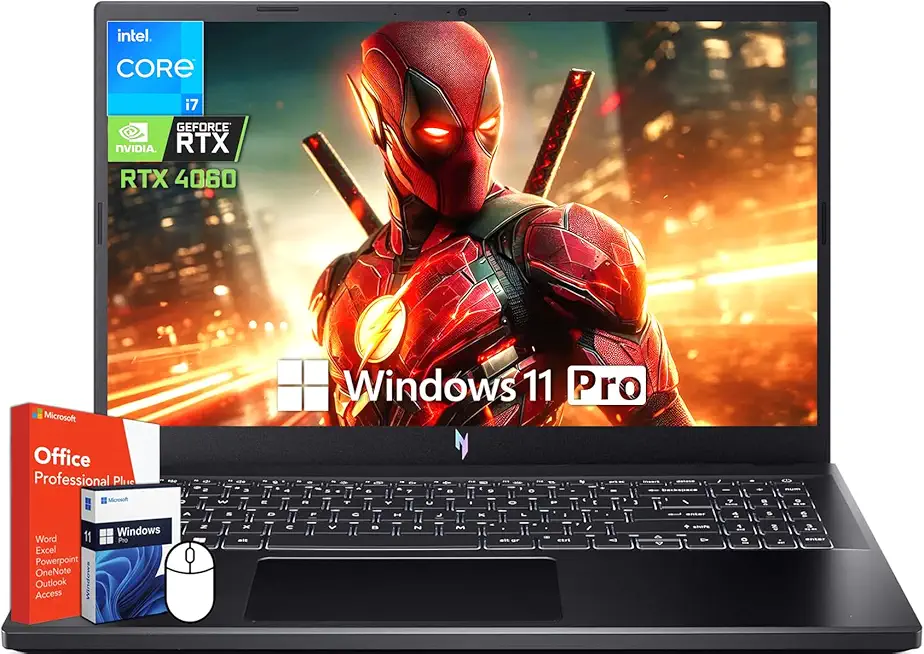
acer Nitro V 15 Gaming Laptop, 15.6" 144Hz FHD Display, Intel 10-Core i7-13620H, NVIDIA GeForce RTX 4060, 64 GB DDR5 RAM, 4 TB SSD, Backlit Keyboard, Microsoft Office Lifetime License, Windows 11 Pro
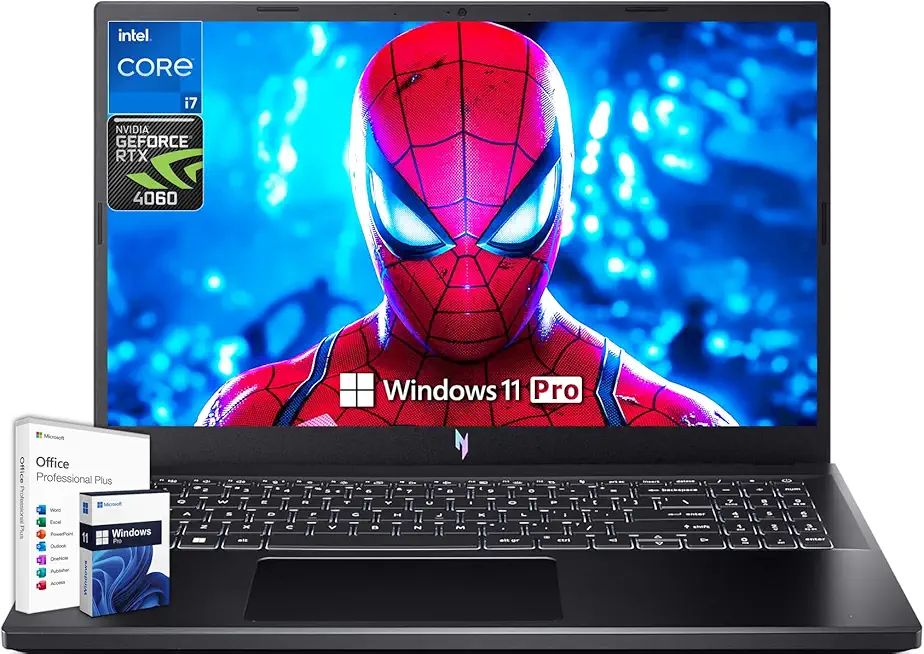
acer Nitro V 15 Gaming Laptop, Microsoft Office Lifetime License & Windows 11 Pro, 15.6" 144Hz FHD Display, Intel 10-Core i7-13620H, NVIDIA GeForce RTX 4060, 64GB DDR5 RAM, 4TB SSD, Backlit Keyboard

acer Nitro V15 Gaming Laptop, Microsoft Office Lifetime License & Windows 11 Pro, Intel i9-13900H Processor, NVIDIA GeForce RTX 4060, 64 GB DDR5 RAM, 4 TB SSD, 15.6" FHD 144Hz Display, Backlit
