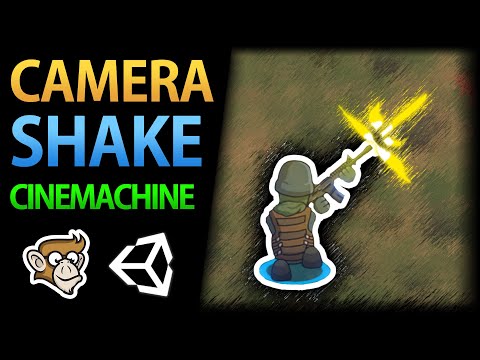
How to do Camera Shake with Cinemachine!

Code Monkey
View ChannelAbout
Hello and Welcome! I'm your Code Monkey and here you will learn everything about Game Development in Unity using C# taught by a Professional Indie Game Developer. Watch the FREE Video Tutorials or learn from my complete Step-by-step Courses https://unitycodemonkey.com/courses Check out the official website to download the free Project Files for every tutorial https://unitycodemonkey.com/ I've been developing games for over a decade with 9 successful games published on Steam and now I'm sharing my knowledge to help YOU on your own game development journey. If you have any questions post them in the comments and I'll do my best to help. Thanks! My Steam Games - Dinky Guardians - Battle Royale Tycoon - Ninja Tycoon - Hyper Knights - Hyper Knights: Battles - Blueprint Tycoon - Game Corp DX - Survivor Squad: Gauntlets - Survivor Squad
Latest Posts



Video Description
✅ Get the Project files and Utilities at https://unitycodemonkey.com/video.php?v=ACf1I27I6Tk Let's learn how to apply Camera Shake when using Cinemachine! 👇 🌍 Get Code Monkey on Steam! 👍 Interactive Tutorials, Complete Games and More! ✅ Add to your Wishlist! 👉 https://store.steampowered.com/app/1294220/ Applying Camera Shake to Cinemachine is actually very easy. Select you Cinemachine Virtual Camera and at the bottom you will see the Noise tab. You can select a Multi-Channel Perlin and then select 6D Shake. This will apply noise to the camera in all 6 directions which will equal Camera Shake By playing around with the Frequency and Amplitude you can get exactly the type of Shake you want. Then make a Script to control it, use cinemachineVirtualCamera.GetCinemachineComponent-CinemachineBasicMultiChannelPerlin-(); to get the Cinemachine Component and then modify m_AmplitudeGain; Easily Control Cameras with Cinemachine in Unity https://www.youtube.com/watch?v=Ml8ptNeezsU If you have any questions post them in the comments and I'll do my best to answer them. 🔔 Subscribe for more Unity Tutorials https://www.youtube.com/channel/UCFK6NCbuCIVzA6Yj1G_ZqCg?sub_confirmation=1 See you next time! 📍 Support on Patreon https://www.patreon.com/unitycodemonkey 🤖 Join the Community Discord https://discord.gg/eHjUVrm 📦 Grab the Game Bundle at https://unitycodemonkey.com/gameBundle.php 📝 Get the Code Monkey Utilities at https://unitycodemonkey.com/utils.php #unitytutorial #unity3d #unity2d -------------------------------------------------------------------- Hello and welcome, I am your Code Monkey and here you will learn everything about Game Development in Unity 2D using C#. I've been developing games for several years with 7 published games on Steam and now I'm sharing my knowledge to help you on your own game development journey. You can see my games at www.endlessloopstudios.com -------------------------------------------------------------------- - Website: https://unitycodemonkey.com/ - Twitter: https://twitter.com/UnityCodeMonkey - Facebook: https://www.facebook.com/UnityCodeMonkey/
Master Camera Motion Today
AI-recommended products based on this video
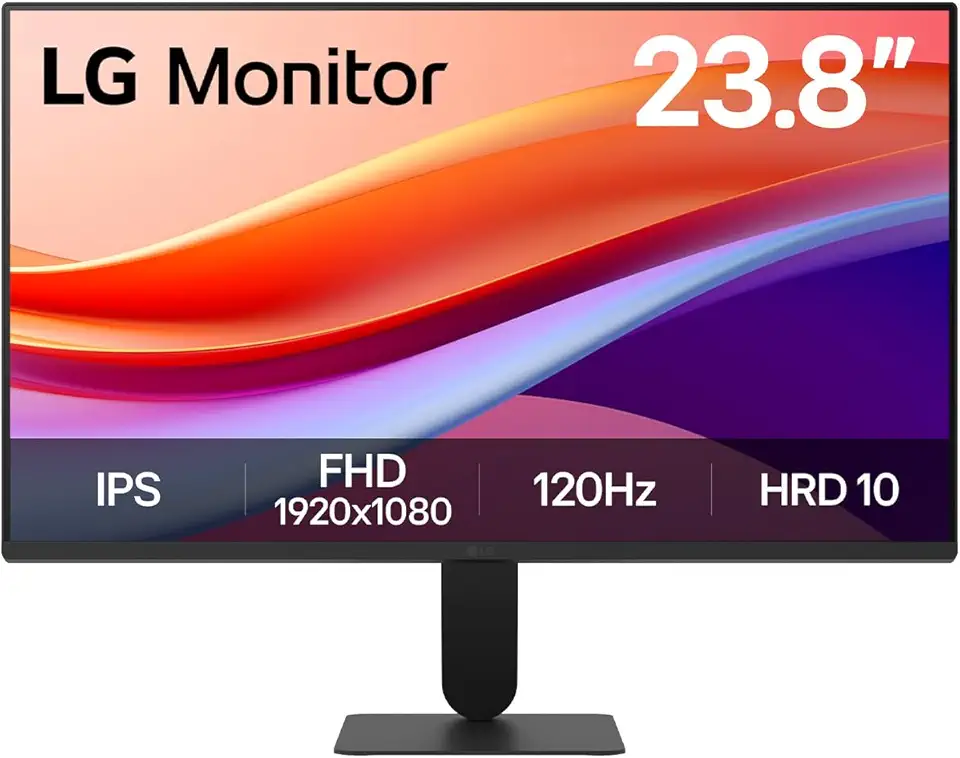
LG 24U411A-B 23.8" FHD (1920x1080) IPS Display Computer Monitor, 120Hz Refresh Rate, sRGB 99% (Typ.), USB-C, Reader Mode & Flicker Safe, Dynamic Action Sync, Black Stabilizer, Slim Stand Base, Black

Soctone Telescoping Ladder A Frame 12.5 Ft Compact Aluminum Extension Ladder, Portable Telescopic RV Ladder for Camper Trips Motorhome with Tool Platform and Stabilizer Bar, 150 Kg Capacity

Soctone Telescoping Ladder A Frame, 16.5 Ft Compact Aluminum Extension Ladder, Telescopic RV Ladder for Camper Trips Motorhome with Tool Platform and Stabilizer Bar, 330 lb Capacity, Black

Telescoping Aluminum Ladder 16.5 FT Dual Purpose With Stabilizer - Adjustable Compact Step Climb for Household, RV, Outdoor Work - 330lb Load Capacity (2.5M+2.5M)
