How to Get Files in a Folder in Power Automate Desktop

About
No channel description available.
Latest Posts


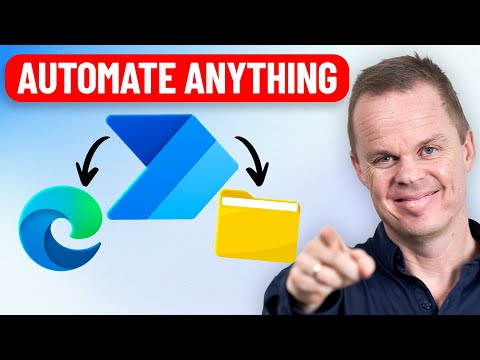

Video Description
This tutorial shows how to work with files and folders in Microsoft Power Automate Desktop. You'll learn to get all files in a folder, iterate through them and move/copy them to a new folder. Bonus: Custom object work, which is key for Power Automate Desktop developers. 📂 Download the Files: https://klogeandersdk-my.sharepoint.com/:f:/g/personal/anders_andersjensen_org/Ep94KPmxugtIpEy21q_GqeQBM65MIRp7Yx_x-qsgbbumwQ?e=FYRhYh VIDEOS FOR YOU: 🔹 Files and Folders in Power Automate Desktop: https://youtu.be/igl93T9Jrmc 🔹 Power Automate Desktop for Beginners (4+ Hours): https://youtu.be/HUq6ZQhOpbk POWER AUTOMATE DESKTOP GROUPS: 👨👩👧👦 Discord: https://discord.gg/iloveautomation - Join my network with 4200+ Automation/RPA developers, where we solve Automation/RPA problems, network and help each other upgrade our careers. It's free! 👩🏻🎓 LinkedIn: https://www.linkedin.com/groups/12566435 👨🏻💻 Facebook: https://www.facebook.com/groups/754059285247921 FOLLOW ME: 💼 LinkedIn: https://www.linkedin.com/in/andersjensenorg 📸 Instagram: https://www.instagram.com/andersjensenorg 👨 Facebook: https://www.facebook.com/andersjensenorg 🐦 Twitter: https://twitter.com/andersjensenorg 💌 Email Newsletter: https://andersjensen.org/email-newsletter 0:00 Intro Working with files and folders is easy in Microsoft Power Automate Desktop. We'll create a dynamic solution that works with all file types. 0:57 Get File Names to a List With a Get files in folder action we get the files into a list and can work with this list. 3:19 For Each File Loop Our files are stored in a list, and with a For each action we iterate through each file so that we can work with them one by one. 4:28 Working the File Types, aka Extensions When comparing the file types, we ensure that all our extension values are converted into lowercase names. Similarly, we remove the dot at the start to create nice folders and a log. 7:20 Custom Object Work A Custom Object in Power Automate Desktop can be seen as a dictionary with key/value pairs. We can then add our file types to the custom object as the keys and then do a count for the values. Finally, we use an If action condition to create folders and sort the files. This solution will work with any file, and it's best practice. #powerautomate #powerplatform #office365







![How to Use Projects in ChatGPT [Beginner Tutorial]](https://imgz.pc97.com/?width=500&fit=cover&image=https://i.ytimg.com/vi/b_B9VXJYT3o/hqdefault.jpg)




Automation Essentials for Power Users
AI-recommended products based on this video

LEGO City Mobile Police Dog Training 60369, SUV Toy Car with Trailer, Obstacle Course and Puppy Figures, Animal Playset for Boys and Girls Ages 5 Plus

Magnetic Nasal Strips Starter Kit: Comfortable Nasal Breathing Support for Sleep, Helps Reduce Snoring Noise, Includes 60 Tabs (30 Uses) with 4 Sizes

Environet Hydroponic Growing Kit, Self-Watering Mason Jar Herb Garden Starter Kit Indoor, Windowsill Herb Garden, Grow Your Own Herbs from Organic Seeds (Basil)

Herb Garden Planter Indoor Kit 21Pcs Kitchen Herb Garden Starter Kit Growing Kit Including Wooden Box Burlap Pots Soil Discs Gardening Tools Unique Easter Birthday Christmas Gift Ideas for Women Mom

Bonsai Starter Kit – 1x Bonsai Tree | Complete Indoor Starter Kit for Growing Plants with Bonsai Seeds, Tools & Planters – Gardening Gifts for Women & Men
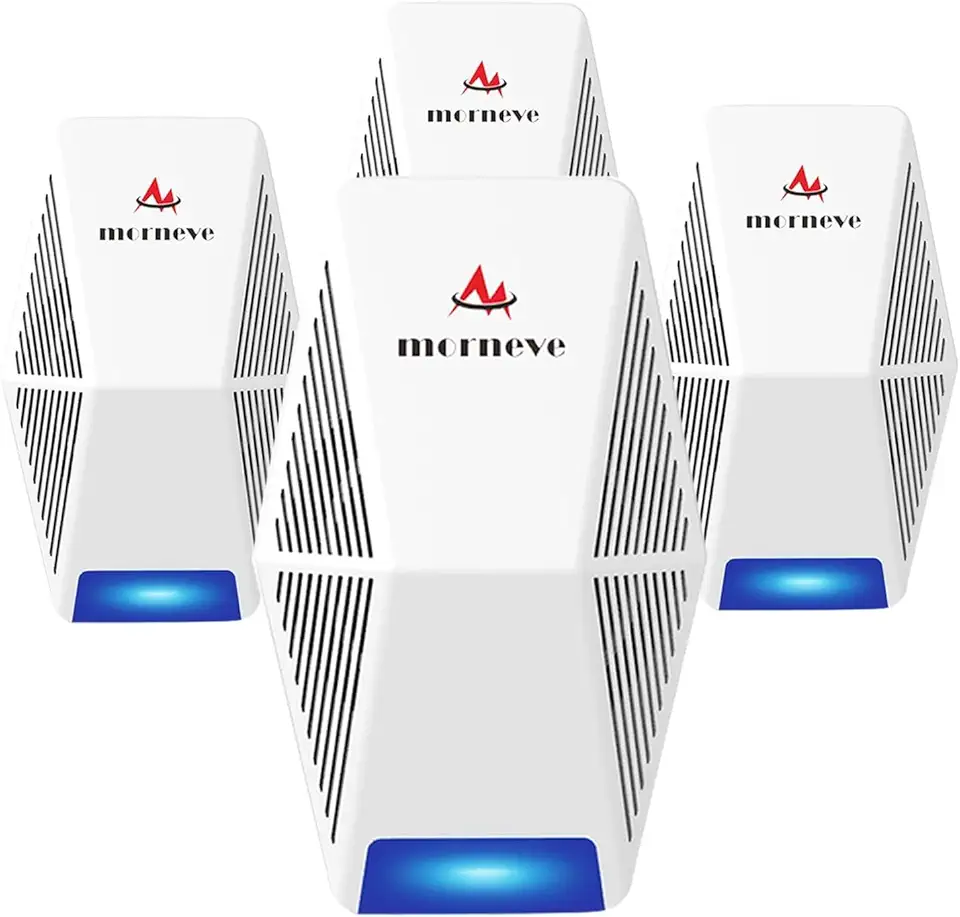
Pest Control Repeller 4-Pack, Upgraded Intelligent Plug-in Pest Repeller for Mouse, Insect, Cockroach, Mice, Spider, Bug, Ant, Mosquito, Rodent & Rats Indoor Use Repeller
