How to Use MS Access - Microsoft Access 2019 Full Tutorial - 2.5 Hours
About
No channel description available.
Latest Posts


Video Description
In this feature-length Microsoft Access training tutorial, we teach you how to use Microsoft Access 2019. This Microsoft Access course is aimed at people completely new to Access. We'll show you how to get set up using Access before taking you through the essentials, such as how to create tables, manage basic databases, and import data from Excel. This MS Access tutorial was taken from the full MS Access 2019 Beginners course available on Simon Sez IT ► https://bit.ly/3rBQ8Pw If you've been looking to learn MS Access, and how databases work. Then this MS Access for beginners course is the place to start! Skip to the part of the tutorial most relevant to you: 0:00:00 - Introduction to Access 2019 0:03:32 - Acquiring Access 2019 0:07:55 - Structure of the Course 0:10:19 - Using Database Templates 0:21:15 - Creating, Saving, and Opening Databases 0:27:56 - The Access Workspace and Backstage 0:41:37 - Online Help and Tell Me What You Want To Do 0:50:20 - Working with the Ribbon 0:59:49 - The Quick Access Toolbar 1:05:47 - Contextual Menus 1:08:25 - The Status Bar 1:12:31 - Keyboard Shortcuts 1:16:09 - Key Tips 1:20:03 - Exploring Acces Options 1:29:18 - Creating a Table and Fields 1:40:48 - Indexed Field 1:49:32 - Lookup Wizard 2:01:07 - Numeric Fields 2:08:54 - Importing Data from Excel 2:19:50 - Backing up your Database 2:23:50 - Compact and Repair For more videos teaching Microsoft Access, take a look here: MS Access 2016 Tutorials - https://www.youtube.com/playlist?list=PLzj7TwUeMQ3hCohvZZ2QjNGEo95OoqZST MS Access 2013 Tutorials - https://www.youtube.com/playlist?list=PLzj7TwUeMQ3gbtcZ9Z3kbhk-2v65bfGeX Below are links to some of our most popular YouTube tutorials! - Introduction to Windows 10: https://youtu.be/z2r-p7xc7c4 - Microsoft Teams Crash Course: https://youtu.be/fqVizuCxYgs - Excel 2019 Beginners Course: https://youtu.be/ZNGqeCcTu0Q - Introduction to QuickBooks 2020: https://youtu.be/6aEN-SSSMz8 - How to Add video to Microsoft PowerPoint: https://youtu.be/yvWv1bk6mu8 - Learn PivotTables in One Hour: https://youtu.be/2RKw-HGCLB0 - Microsoft Project 2016 Tutorial for Beginners: https://youtu.be/lWmP0kReXkQ Stay in touch! SimonSezIT.com: https://www.SimonSezIT.com/ StreamSkill.com: https://StreamSkill.com/ YouTube Channel: https://www.youtube.com/user/simonsezittraining Subscribe to our channel: https://www.youtube.com/simonsezittraining?sub_confirmation=1 If you enjoyed the video, please give a "thumbs up", leave some comments, and subscribe to the channel ;-) #simonsezit
You May Also Like






Boost Your MS Access Skills
AI-recommended products based on this video

Microsoft Office Home & Student 2019 | One-time purchase, 1 person | PC/Mac Keycard

TP-Link EAP225-Outdoor | Omada AC1200 Wireless Gigabit Outdoor Access Point | Business WiFi Solution w/ Mesh Support, Seamless Roaming & MU-MIMO | PoE Powered | SDN Integrated | Cloud Access & App White
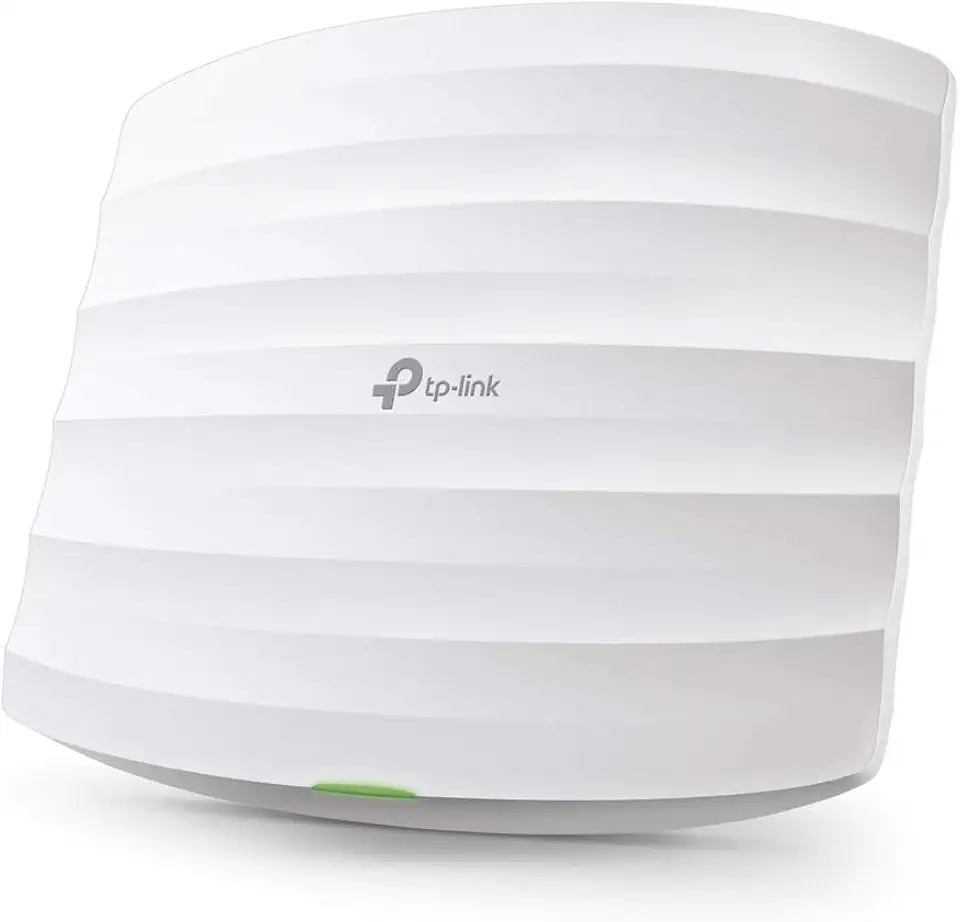
TP-Link Omada AC1750 Gigabit Wireless Access Point (EAP245 V3) - Business WiFi Solution w/Mesh Support, Seamless Roaming & MU-MIMO, PoE Powered, SDN Integrated, Cloud Access & Omada App, White

GL.iNet GL-SFT1200 (Opal) Secure Travel WiFi Router – AC1200 Dual Band Gigabit Ethernet Wireless Internet | IPv6 USB 2.0 MU-MIMO DDR3 |128MB Ram Repeater Bridge Access Point Mode