I Built a Todoist Clone with AI in 10 minutes (Cursor + v0 + ChatGPT API)


Alex Finn
@alexfinnofficialAbout
The number 1 vibe coding channel on Youtube. I'll teach you how to use Claude Code, Codex, and AI even if you've never used them before! I built a $300,000 a year AI app without writing a single line of code. I'll show you how to do the same. Plus the latest AI news, tutorials, master classes, and guides! Join the Vibe Coding Academy to launch your first AI app in 21 days: https://www.skool.com/vibe-coding-academy
Latest Posts




Video Description
Follow my X: https://x.com/AlexFinnX Subscribe to my newsletter: https://www.1percentbetter.io/subscribe Learn how to build an AI powered Todoist clone (to-do app) with AI! No programming experience necessary! Beginner friendly! We build a todo app that uses the ChatGPT API to break down full activities into tasks automatically like magic. You can then use these skills to build any application or game you want. We used Cursor to build out the functionality, v0 to build out the UI, and the ChatGPT API to implement API functionality. This was all done with no-code! Very beginner friendly! Links: Cursor: https://www.cursor.com/ v0: https://v0.dev/ ChatGPT API: https://platform.openai.com/ Timestamps: 0:00 Intro 0:32 v0 to build UI 1:56 Cursor to build out functionality 3:45 Install NextJS 4:02 UI Built 5:31 Completed tasks functionality 7:22 Add categories to tasks 8:40 Add ChatGPT API functionality 11:10 Get ChatGPT API key 12:37 First ChatGPT API test 13:12 Debugging ChatGPT API 15:48 ChatGPT API Works! 16:21 AI powered categories 18:39 Using Claude to brainstorm 20:00 AI powered time estimates 21:03 Next steps Commands: bunx create-next-app . npm run dev #cursor #ai #aiprogramming #chatgpt #chatgptapi #claude #todoist
You May Also Like















AI-Powered Productivity Tools You Can't Miss
AI-recommended products based on this video
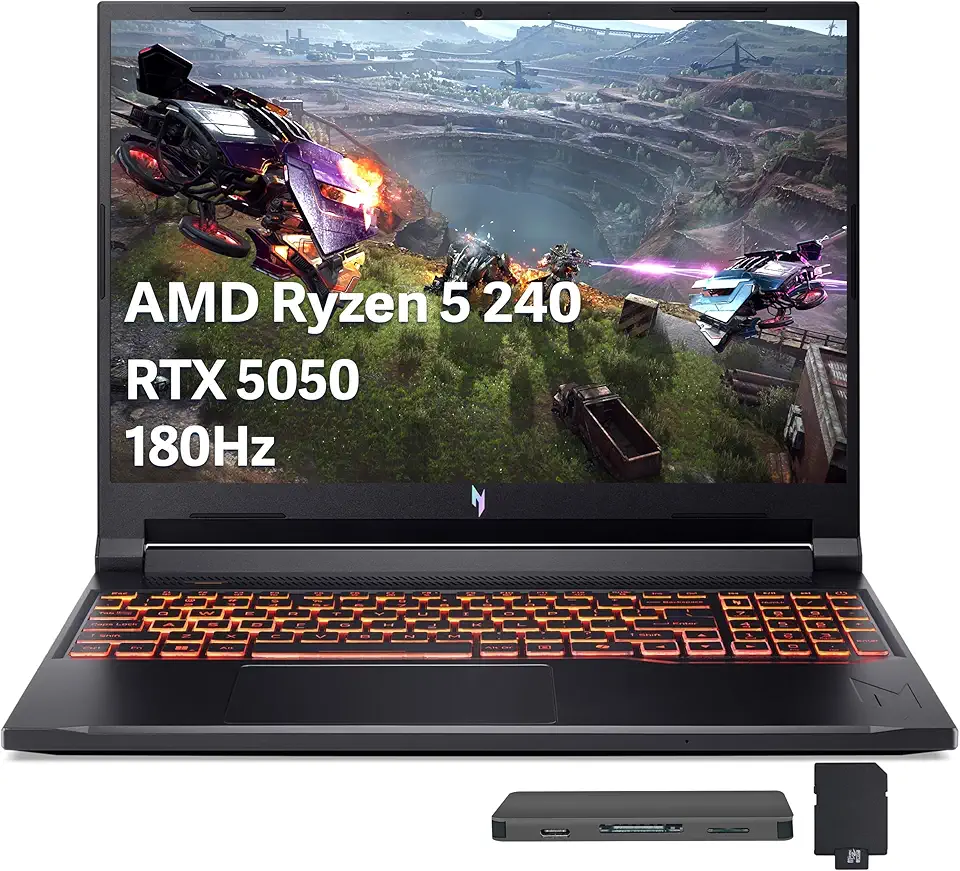
Acer Nitro V 16 AI Gaming Laptop, 16" WUXGA 180Hz Display, AMD Ryzen 5 240, GeForce RTX 5050, 16GB DDR5, 512GB SSD, Backlit Keyboard, Copilot, Wi-Fi 6E, Win 11, Black, 1TB Docking Station Set

Tablet Latest Android Tablets with 10 Inch Incell Display, 24GB+256GB ROM /2TB TF, Gemini AI, T606 Octa-Core 8MP Camera Tablette Android, Widevine L1, 2 in 1 Tablets with Keyboard Mouse Stylus

eufy Security Solo Indoor Cam C120, 2K Security Indoor Camera, Plug-in Camera with Wi-Fi, IP Camera, Human & Pet AI, Voice Assistant Compatibility, Night Vision, Two-Way Audio, HomeBase not Compatible
