Make LIBREOFFICE more compatible with MICROSOFT OFFICE & 365

The Linux Experiment
@thelinuxexpAbout
Making Linux accessible: no techno babble, no super technical content. Just Linux desktop news, simple tutorials, application spotlights, and opinion pieces trying to stay positive, without gatekeeping. I also often reach out to the community to get feedback and poll results, so subscribe to be a part of that :)


Video Description
Download Safing's Portmaster and take control of your network traffic: https://safing.io Grab a brand new laptop or desktop running Linux:https://www.tuxedocomputers.com/en# 👏 SUPPORT THE CHANNEL: Get access to a weekly podcast, vote on the next topics I cover, and get your name in the credits: YouTube: https://www.youtube.com/channel/UC5UAwBUum7CPN5buc-_N1Fw/join Patreon: https://www.patreon.com/thelinuxexperiment Or, you can donate whatever you want: https://paypal.me/thelinuxexp?locale.x=fr_FR 🏆 FOLLOW ME ELSEWHERE: Twitter : http://twitter.com/thelinuxEXP Instagram: https://www.instagram.com/nick_thelinuxexp/ Mastodon: https://mastodon.social/web/@thelinuxEXP Pixelfed: https://pixelfed.social/TLENick I'm also on ODYSEE: https://odysee.com/$/invite/@TheLinuxExperiment:e And on PEERTUBE: https://tilvids.com/c/thelinuxexperiment_channel/videos This video is distributed under the Creative Commons Share Alike license. 00:00 Intro 00:48 Sponsor: Secure and Monitor your Internet Connection with Safing 01:52 Make the interface more familiar and reorder it 05:10 Use Microsoft Fonts 06:51 Improve file compatibility 08:48 Import Templates and Styles 09:32 Add Extensions to get more features 11:05 Other Options 12:58 Sponsor: get a laptop or desktop that runs Linux perfectly 14:01 Support the channel To switch to a more comfortable interface, open any of the applications of the suite. Click on the "View" menu, then "User interface". By default, it's the standard menubar and toolbar combo, but if you click on "tabbed", you'll see that you can now use a ribbon interface, just like what Microsoft Office uses. Next, we'll look at the icons. From the tabbed interface, click the main menu, in the top right corner, and select "Options". Then click the "View" menu, and in the "Theme" drop down menu, you'll have plenty of options. You can also reorder any of the icons from any of the tabs of the ribbon. CLick the main menu again, and then "customize". Then click the "Notebookbar" tab. here, yu'll see the "target" dropdown menu that lets you select which tab you want to change. To install Microsoft fonts, you generally have a package in your distro's repositories, provided you enabled the non free software ones. the package is generally called ttf-mscorefonts or ttf-mscorefonts installer. On Ubuntu or Ubuntu based distros, for example, open a terminal, and run sudo apt install ttf-mscorefonts-installer If you're using an arch based distro, you can find it in your graphical package manager through the AUR. For Fedora, I left a link in the description of the video. https://www.linuxcapable.com/install-microsoft-fonts-on-fedora-linux/ If you want to use these fonts by default, you can configure that as well. Click the main menu, then Options. Then, go to the name of the app you're using, here it's LibreOffice Writer, and select the "basic fonts" tab. You'll want to enable all compatibility features. To do that, open the main menu, then Options. In the Load Save tab, click on Microsoft Office, and make sure all the checkboxes are ticked. Next, in the LibreOffice Writer tab, and the Compatibility tab, tick the "Reorganize form menu to have it MS compatible" checkbox. Also tick the "Word compatible trailing blanks" checkmark. Next, if you interact with MS Office users a lot, you'll want to send them documents using the Office formats. Click on the "general" tab of the Load / Save panel, and in "Always save as", select Word 2007-365 (docx). Then in the document type dropdown, select spreadsheet, and change the "always save as" field to Excel 2007-365 xlsx, and repeat that step for Presentations and the pptx format. To import styles and templates, click the "File" tab in Writer, and then "Templates". There, click the "Manage" button, in the top right corner, and click "Import". There, you can select "templates", "presentations", or "styles". LibreOffice lets you install extensions to add features to the suite. You can head over to extensions.libreoffice.org to view a full list. To install extensions, download them from the extensions portal, and you'll get a .oxt file. Then, in LibreOffice, click the "Extensions" tab, then the "extensions" menu, and "Extension manager". Click the "Add" button, and go find your oxt file to import it. After that, these extensions will all display their commands in the "Extensions" tab. https://wiki.documentfoundation.org/Feature_Comparison:_LibreOffice_-_Microsoft_Office https://www.youtube.com/watch?v=s87xFvfeg7Y&t=3s











Boost Productivity with These Must-Haves
AI-recommended products based on this video

Microsoft Office Home & Student 2019 | One-time purchase, 1 person | PC/Mac Keycard

Kriture Mouse Pad with Stitched Edge, Non-Slip Rubber Base, Premium-Textured and Waterproof Mousepad for Computers, Laptop, Office and Home, 10.2x8.3inches, 3mm, Black

Elebase USB to USB C Adapter 4 Pack,USBC Female to A Male Car Charger,Type C Converter for iPhone 16 Pro Max,15 14 13 12 11 Plus,Apple Watch iWatch 10 9 8,Airpods,iPad Air Mini 6 7,Samsung Galaxy S25

BASESAILOR iPhone 16 16e Car Charger Adapter 3Pack,USB to USBC Connector Type C Female to A Male Cable Converter for iPhone 15 14 Pro Max Plus,Apple Watch 10,Airpods 4,iPad mini 7,Samsung Galaxy S25
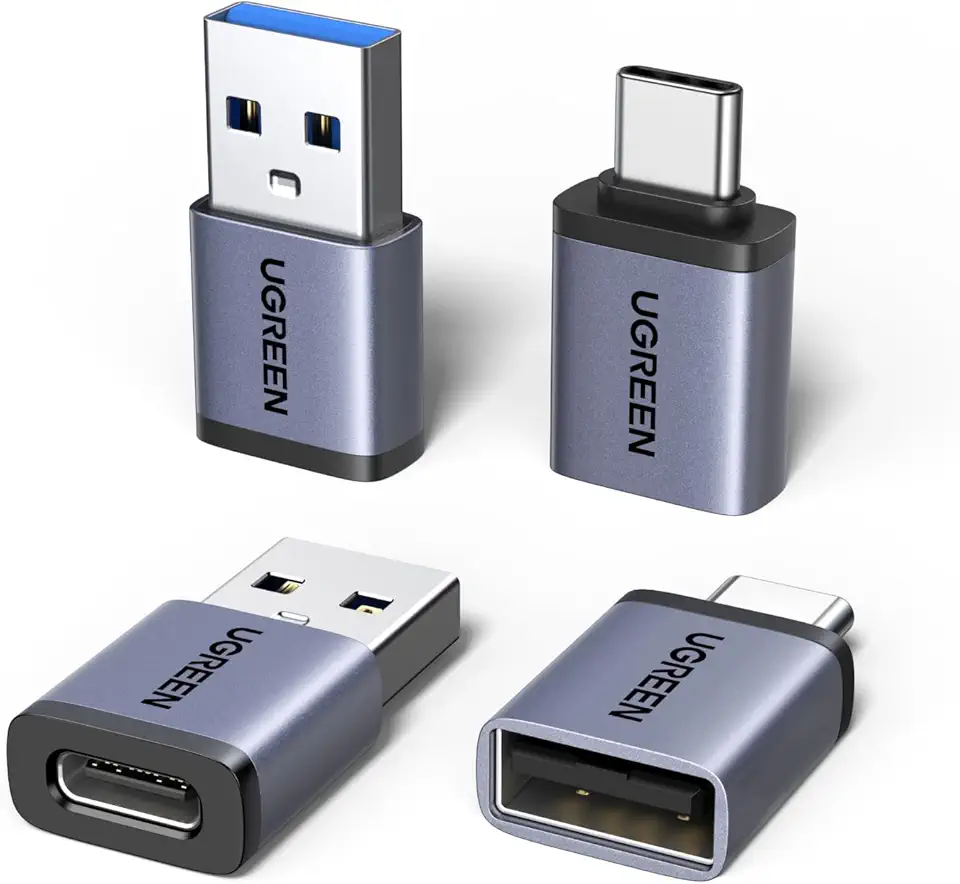
UGREEN USB to USB C Adapter & USB C to USB Adapter Combo 4-Pack, 10Gbps Type-C Converter, Car Charger Compatible with MacBook Pro, iPad Mac mini, iPhone 17/16, Galaxy, PC/Laptop, Hard Drive Enclosure

Spy Camera, Hidden Camera 4K Ultra HD with 4H Battery Life, SD Card & Cloud Storage, Motion Detection Alarm, Real-Time App Alerts, 2.4G WiFi & Night Vision for Home/Office Security

Spy Camera, Hidden Camera 4K Ultra HD with 4H Battery Life, SD Card & Cloud Storage, Motion Detection Alarm, Real-Time App Alerts, 2.4G WiFi & Night Vision for Home/Office Security

1080p Wireless Doorbell Camera Without Receiver, AI Human Detection, 2-Way Audio, Night Vision, Cloud Storage (Sold Separately), Real-Time Alerts, Battery-Powered, 2.4Ghz Wi-Fi Olny (Black)
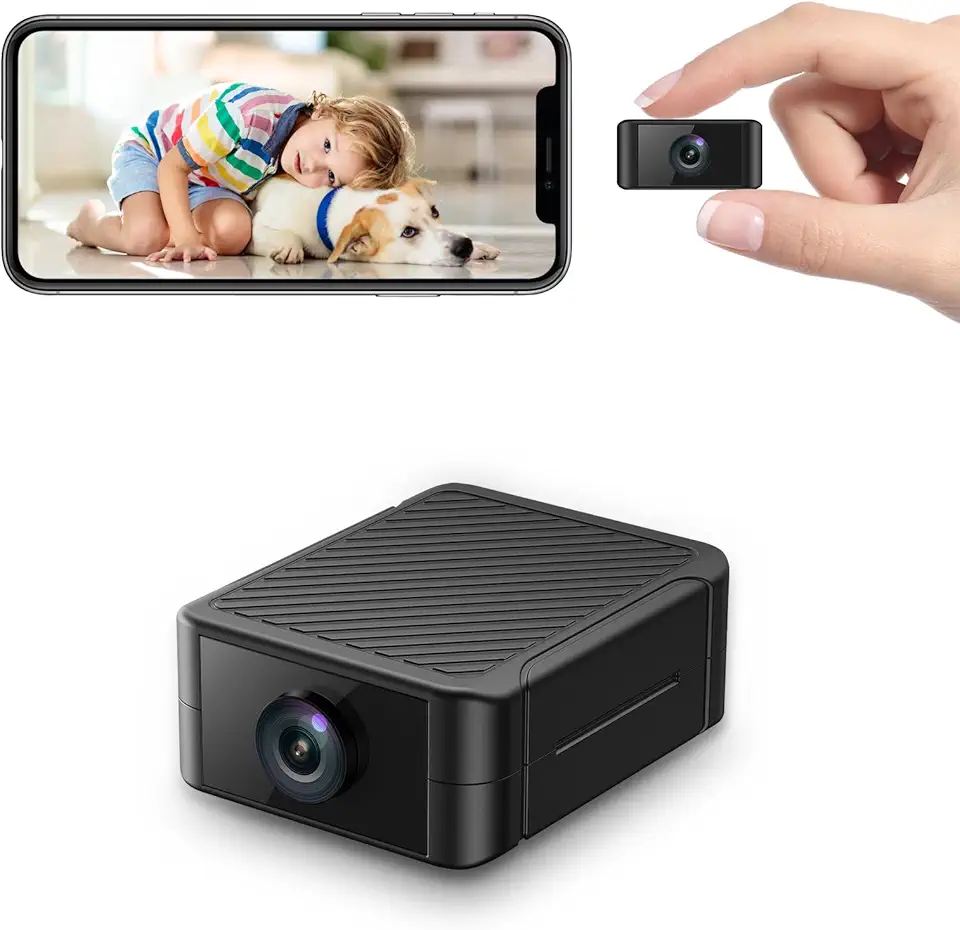
Spy Camera, Hidden Camera 4K Ultra HD with 4H Battery Life, SD Card & Cloud Storage, Motion Detection Alarm, Real-Time App Alerts, 2.4G WiFi & Night Vision for Home/Office Security

Anker 332 USB-C Hub (5-in-1) with 4K HDMI Display, 5Gbps - and 2 5Gbps USB-A Data Ports and for MacBook Pro, MacBook Air, Dell XPS, Lenovo Thinkpad, HP Laptops and More

USB C Docking Station Dual Monitor for Dell Hp,15-in-1 Laptop Docking Station 3 Monitors USB C Hub with Dual 4K HDMI,8K DP,Button,PD Charging,Ethernet,6 USB A&C,SD/TF, Audio USB-C Multiport Adapter

Dell Wireless Mouse WM126 - Black (NNP0G)

Logitech M185 Wireless Mouse, 2.4GHz with USB Mini Receiver, 12-Month Battery Life, 1000 DPI Optical Tracking, Ambidextrous, Compatible with PC, Mac, Laptop - Black

LODVIE Wireless Mouse for Laptop,2400 DPI Wireless Computer Mouse with 6 Buttons,2.4G Ergonomic USB Cordless Mouse,15 Months Battery Life Mouse for Laptop PC Mac Computer Chromebook MacBook-Black

Asus ROG Spatha X Wireless Gaming Mouse – MMO/MOBA Design, 12 Programmable Buttons, Right-Handed, 168g, Dual-Mode (Wired/2.4GHz), 19K DPI, up to 67Hr Battery, Magnetic Charging Dock, PC/Mac Support

Hi.FANCY Portable Laptop Stand with Dual Cooling Fans for 14-17inch Laptops, Grey, 23.5 x 25.9 x 0.95cm

Laptop Stand, OMOTON Laptop Mount, Aluminum Laptop Holder Riser Stand for Desk, Compatible with MacBook Air/Pro, Dell, HP, Lenovo and All Laptops (10-15.6 inch),Silver

BESIGN LSX7 Laptop Stand with 360° Rotating Base, Ergonomic Adjustable Notebook Stand, Riser Holder Computer Stand Compatible with Air, Pro, Dell, HP, Lenovo More 10-15.6" Laptops (Black) Recycled Claim Standard Blended

Zewwen Laptop Stand for Desk, Ergonomic Adjustable Foldable Computer Stand with Heat-Vent, Aluminium Alloy Laptop Riser Compatible with MacBook Air, Pro, Dell XPS, Samsung, 10”-16"

Monster N-Lite 211 Wireless Earbuds, Bluetooth 6.0 Stereo Headphones with Noise-Cancelling Mic and LED Display, Built-in Mic for Clear Calls, Waterproof Design for Sports
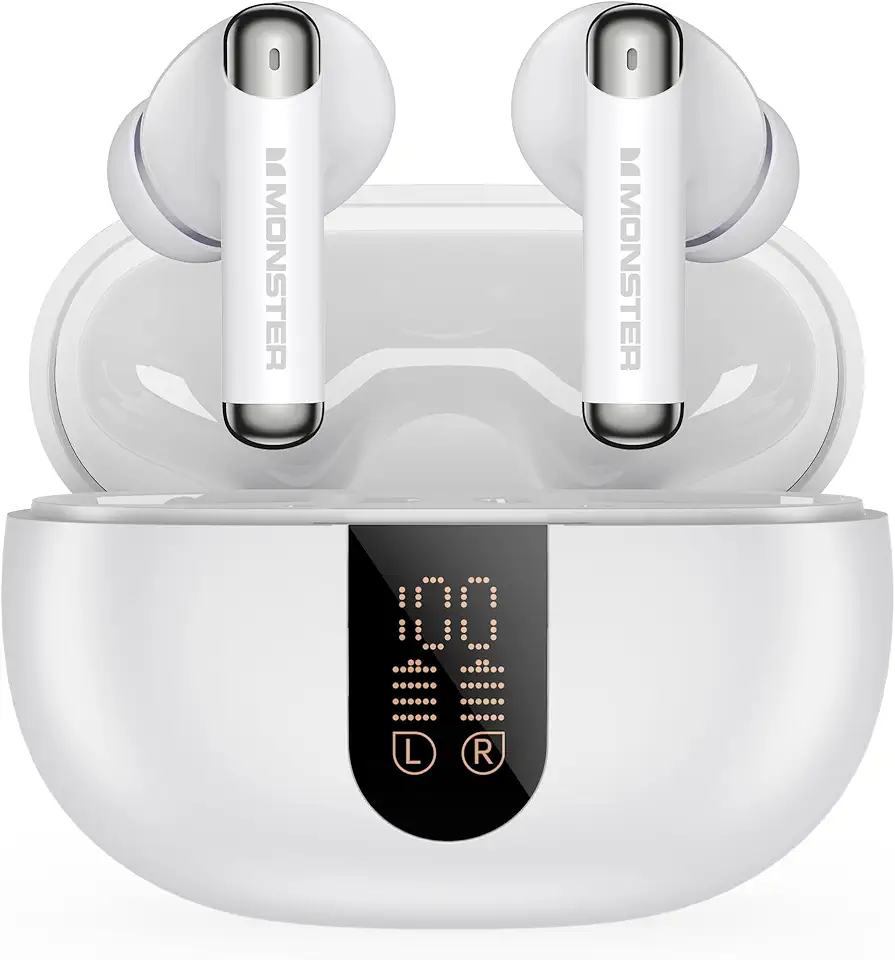
Monster N-Lite 211 Wireless Earbuds, Bluetooth 6.0 Stereo Headphones with Powerful Bass, Built-in Noise-Cancelling Mic for Clear Calls, LED Display, 36H Playtime, IPX5 Waterproof Design for Sports

llano RGB Laptop Cooling Pad with Powerful Turbofan Gaming Cooler Radiator with Infinitely Variable Speed, Touch Control, LCD Screen, 3-Port USB Hub, Seal Foam for Notebook Computer 15-19in

AsperX for Magsafe Power Bank, 10000mAh Wireless Magnetic Power Bank, 22.5W Wire Fast Charging Portable Charger with USB C Cable, LCD Display for Magsafe Battery Pack for iPhone 16/15/14/13/12

eazpower for Magsafe Power Bank 10000mAh, Magnetic Battery Pack Wireless, 20W PD Fast Charging, Compact Portable Charger with Built-in Cables and Stand for iPhone 16/15/14/13/12/ Apple Watch/Airpods

INIU 45W Power Bank, Ultra Small 10000mAh Portable Charger, USB C in&Out Fast Charging Battery Pack, Travel External Phone Powerbank Compatible with iPhone 16 15 Samsung S25 S24 Google Pixel iPad etc
