Microsoft Power Platform Fundamentals (PL-900) — Full Course Pass the Exam!

About
No channel description available.
Latest Posts




Video Description
Prepare for the Microsoft Power Platform Fundamentals Certification (PL-900) and pass! Candidates for this exam aspire to understand how Microsoft Power Platform technologies can be used to improve processes and help drive business outcomes. The exam is intended for candidates seeking to start their journey building solutions with Microsoft Power Platform. ✏️ Course developed by Andrew Brown of ExamPro. Check out the ExamPro YouTube channel: https://www.youtube.com/ExamProChannel 🔗 ExamPro Cloud Obsessed Certification Training: https://www.exampro.co ☁️ Introduction 🎤 (0:10:07) Exam Breakdown 🎤 (0:13:23) Practice Exam Sample ☁️ Business value of Microsoft Power Platform services 🎤 (0:16:18) What is Power Platform 🎤 (0:19:58) Power Platform Features 🎤 (0:21:22) Business value of Power Platform ☁️ Microsoft Power Platform value in extending business solutions 🎤 (0:23:59) Power Platform apps with Dynamics 365 apps 🎤 (0:25:45) Microsoft Power Platform with Microsoft 365 apps and services 🎤 (0:27:22) How Power Platform apps work together 🎤 (0:29:28) Power Platform solutions with Microsoft Teams 🎤 (0:30:57) Power Platform using Microsoft Azure services ☁️ Microsoft Power Platform administration and security 🎤 (0:32:45) Power Platform Security Model 🎤 (0:35:13) Environments in Power Platform 🎤 (0:36:48) Environments Permissions 🎤 (0:38:42) Power Platform admin center 🎤 (0:40:54) Microsoft 365 admin center ☁️ Microsoft Dataverse 🎤 (0:42:38) Overview of Dataverse 🎤 (0:46:13) Traditional Databases vs Microsoft Dataverse 🎤 (0:48:10) Tables and columns in Dataverse 🎤 (0:49:57) Relationships 🎤 (0:51:34) Environments in Dataverse 🎤 (0:53:01) Business Rules 🎤 (0:54:27) Dataflows in Dataverse 🎤 (0:55:46) Dataverse Connectors 🎤 (0:57:32) Standard and Premium Connectors 🎤 (0:59:16) Custom Connectors 🎤 (1:01:14) Triggers and Actions ☁️ Capabilities of Power BI 🎤 (1:02:40) Power BI 🎤 (1:03:40) Parts of Power BI 🎤 (1:04:54) Power BI Workspace 🎤 (1:06:15) Datasets 🎤 (1:08:30) Reports 🎤 (1:10:03) Dashboards 🎤 (1:11:39) Dashboards vs Reports 🎤 (1:13:06) Template Apps ☁️ Connect to and consume data 🎤 (1:14:08) Data modeling and visualization 🎤 (1:15:53) Types of visualization in Power BI 🎤 (1:17:16) Custom Visuals 🎤 (1:18:41) Filter data with Power BI and Slicers 🎤 (1:20:55) Buttons in Power BI 🎤 (1:22:26) Power Query Editor 🎤 (1:24:27) Aggregate 🎤 (1:26:52) Power BI Security and Administration ☁️ Build a basic dashboard using Power BI 🎤 (1:28:33) Create an Account 🎤 (1:33:25) Power BI Sample Report 🎤 (1:39:19) Create a Report and Dashboard ☁️ Capabilities of Power Apps 🎤 (1:46:34) Power Apps 🎤 (1:48:24) Power Apps Portals 🎤 (1:49:52) AI Builder 🎤 (1:51:31) AI Builder in Power Apps 🎤 (1:53:54) Functions in Power Apps ☁️ Canvas apps 🎤 (1:55:33) Canvas Apps 🎤 (1:58:09) Canvas Apps Basic Elements 🎤 (2:00:53) Canvas Apps Demo ☁️ Model driven apps 🎤 (2:06:58) Model driven apps 🎤 (2:08:20) Model driven apps and canvas apps differences 🎤 (2:11:30) Model driven app design phase 🎤 (2:13:20) Building blocks on model driven apps 🎤 (2:16:55) Business Logic 🎤 (2:18:46) Dashboards in Power Apps 🎤 (2:20:00) Model Driven App Template 🎤 (2:23:43) Create a Model Driven App ☁️ Capabilities of Power Automate 🎤 (2:35:13) Power Automate 🎤 (2:36:56) Types of flows in Power Automate 🎤 (2:38:40) Cloud flow templates 🎤 (2:40:52) Actions and Triggers 🎤 (2:42:45) Loops 🎤 (2:44:38) Switch 🎤 (2:46:08) Conditions 🎤 (2:47:29) Expressions 🎤 (2:49:58) Approvals 🎤 (2:52:13) Use cases for Power Automate 🎤 (2:54:17) Power Automate Apps 🎤 (2:56:51) Actions for Power Automate desktop flow 🎤 (2:58:45) Document Processing 🎤 (3:01:00) AI Builder in Power Automate ☁️ Build a basic cloud flow 🎤 (3:02:18) Create an automated cloud flo ☁️ Complementary Microsoft Power Platform solutions 🎤 (3:07:39) Power Virtual Agents 🎤 (3:09:15) Power Virtual Agents Feature 🎤 (3:11:23) Topics 🎤 (3:12:53) Entities and Actions 🎤 (3:14:40) Publishing 🎤 (3:16:21) Add chatbot to Teams 🎤 (3:17:52) Create a Topic 🎤 (3:19:08) Power Pages 🎤 (3:20:15) Power Pages capabilities 🎤 (3:22:51) Power Pages templates 🎤 (3:24:25) Integration with other Power Platform component ❤️ Support for this channel comes from our friends at Scrimba – the coding platform that's reinvented interactive learning: https://scrimba.com/freecodecamp

![The Most Important Skills Going Forward with CTO + Homebrew Maintainer Mike McQuaid [Podcast #204]](https://imgz.pc97.com/?width=500&fit=cover&image=https://i.ytimg.com/vi/58Tn2xB8kIE/hqdefault.jpg)
![How to get promoted as a dev w/out becoming a manager – Staff Engineer Santosh Yadav [Podcast #202]](https://imgz.pc97.com/?width=500&fit=cover&image=https://i.ytimg.com/vi/_-Tj3bPSYCI/hqdefault.jpg)

![The "AI is going to replace devs" hype is over – 22-year dev veteran Jason Lengstorf [Podcast #201]](https://imgz.pc97.com/?width=500&fit=cover&image=https://i.ytimg.com/vi/lIghF_OewYg/hqdefault.jpg)

![How to build your own learning path using Open Source with Kunal Kushwaha [Podcast #200]](https://imgz.pc97.com/?width=500&fit=cover&image=https://i.ytimg.com/vi/VgBQ0yBSjfM/hqdefault.jpg)
![Git & GitHub Crash Course for Beginners [2026]](https://imgz.pc97.com/?width=500&fit=cover&image=https://i.ytimg.com/vi/mAFoROnOfHs/hqdefault.jpg)
Boost Your Learning Today
AI-recommended products based on this video

NIV, Journal the Word Bible (Perfect for Note-Taking), Double-Column, Cloth over Board, Teal, Red Letter, Comfort Print: Reflect, Take Notes, or Create Art Next to Your Favorite Verses

Monster N-Lite 211 Wireless Earbuds, Bluetooth 6.0 Stereo Headphones with Noise-Cancelling Mic and LED Display, Built-in Mic for Clear Calls, Waterproof Design for Sports
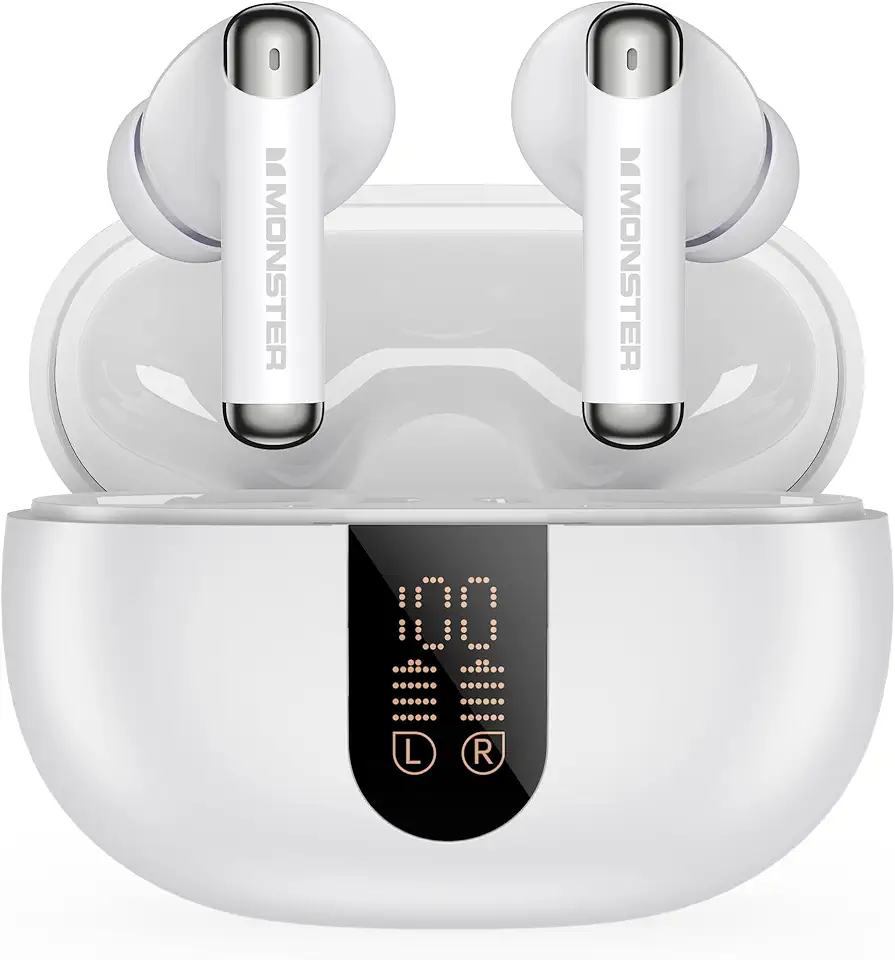
Monster N-Lite 211 Wireless Earbuds, Bluetooth 6.0 Stereo Headphones with Powerful Bass, Built-in Noise-Cancelling Mic for Clear Calls, LED Display, 36H Playtime, IPX5 Waterproof Design for Sports

VersionTECH. Gaming Mouse Ergonomic Wired Computer Mouse with 7 Colors LED Backlight, 4 DPI Settings Up to 3600 DPI Compatible for Chromebook Windows 7/8/10/11 XP/Mac/Linux Gamer/Notebook/MacBook

LODVIE Wireless Mouse for Laptop,2400 DPI Wireless Computer Mouse with 6 Buttons,2.4G Ergonomic USB Cordless Mouse,15 Months Battery Life Mouse for Laptop PC Mac Computer Chromebook MacBook-Black

Mind Reader Monitor Stand, Height Adjustable, Ventilated Laptop Riser, Office, Metal, 36.8L x 23.5W x 14H cm, Black

VIVO 81cm Desk Converter, K Series, Height Adjustable Sit to Stand Riser, Dual Monitor and Laptop Workstation with Wide Keyboard Tray, Black, DESK-V000K

MSI MAG MT201D - Premium Heavy Duty Dual Monitor Stand Arms, 17-45" Support, VESA Compatible, Adjustable Spring Mount, 44 lbs per Screen, Clamp & Grommet, Quick Release Plate - Black
