Msfs2020* Cessna longitude & G3000/G5000 guide. Easy to understand format & time stamped.

2020 fs'ers
View ChannelAbout
This channel is dedicated to MSFS2024 & Msfs2020. I will do many tutorials and also check out new planes and liveries. Check out our facebook page https://www.facebook.com/groups/1081420896026970/
Latest Posts


Video Description
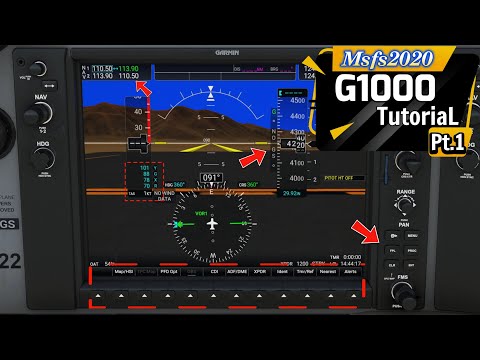
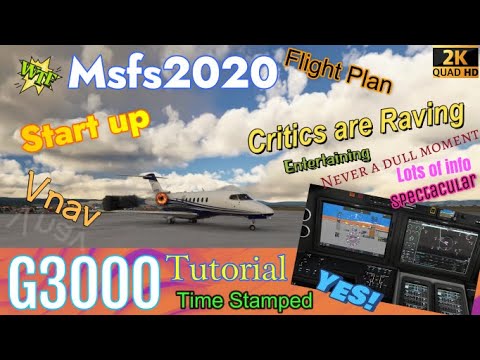
Hello everyone i hope you are well! In this episode for microsoft flight simulator 2020 we start the Cessna Longitude series. In part 1 of 4 we will cover all of the cockpit systems and avionics like the g5000/g3000. This is a long episode so please take advantage of the time stamp section. We will take a deep dive into the g5000 and different scenarios of how to use the gps. At the end of the video i will go over how to use the mfd control panels to control different screens so stay around for that as this is gonna be a very helpful episode. If you have any questions please leave them in the comments section and don't forget to subscribe and share with your friends. Music was created by G-keys https://www.youtube.com/watch?v=iZuY_0pbFmE&t=8s Check their channel out ! ****************Link section********************** -https://flightsim.to/file/3655/asobo-cessna-citation-longitude-flight-dynamics-modifications-project-version-1-0 Link to the fdefix mod from flightsim.to -https://youtu.be/RjJi7hiUmZA Little navmap pt 1 video for making flight plans. -https://youtu.be/ELZv0JCBTIU Little navmap part 2 -https://youtu.be/leD7pwMMFug Ultimate VR guide -https://youtu.be/bnvzpbMnKng SU11 performance video guide -https://youtu.be/zfmYluN4XQA Part 2 of the longitude series -https://youtu.be/_MgTxWuRdEE longitude video part 3 -https://youtu.be/Qvq9RmaSz5o longitude video part 4 -https://skyvector.com/files/tpp/2303/pdf/05570IYLY26.PDF Approach chart -https://skyvector.com/files/tpp/2303/pdf/05570QUBEN.PDF Arrival chart -https://www.yumpu.com/en/document/read/66120044/c700-checklist-grim Checklist v speeds and stab trim settings -https://drive.google.com/file/d/1o_txnsXoQ-OJWisLRYrHSDxKf0SfS5ou/view?usp=sharing fpl link ***************************************************** -------------------Time stamp section--------------------------- 00:00 start 01:53 Electric panel 05:26 Light panel 05:48 Autopilot panel 09:23 F/O side of the lower panel, ant-ice and lights 10:13 Center pedestal 13:16 G5000 Pfd control panel 32:16 G5000 Mfd control panel 49:15 Credits ------------------------------------------------------------------------------ Join this channel to get access to perks: https://www.youtube.com/channel/UCwCZlJ5_EOSzS9_gNvyWFTw/join For custom VR lenses Check out this link and use the discount code to get 5% off your order! https://www.vr-rock.com/?ref=2020fsers 5% discount code: 2020fsers Check out our facebook page https://www.facebook.com/groups/1081420896026970/






Unlock Your Virtual Skies
AI-recommended products based on this video

Logitech G203 Wired Gaming Mouse, 8,000 DPI, Rainbow Optical Effect LIGHTSYNC RGB, 6 Programmable Buttons, On-Board Memory, Screen Mapping, PC/Mac Computer and Laptop Compatible - Black

Logitech G305 LIGHTSPEED Wireless Gaming Mouse, Hero 12K Sensor, 12,000 DPI, Lightweight, 6 Programmable Buttons, 250h Battery Life, On-Board Memory, PC/Mac - Black

Logitech K400 Plus Wireless Touch TV Keyboard With Easy Media Control and Built-in Touchpad, HTPC Keyboard for PC-connected TV, Windows, Android, Chrome OS, Laptop, Tablet - Black
