Notion for Designers (Project Tracker & Client Portal)


Squarestylist
@squarestylistAbout
Squarestylist is a creative resource library for anyone who wants to learn website design, coding and the business of coding 👋 Rache, our founder, is the creator and educator behind the Standout Squarespace & Standout Shopify programs. What we most want for you: to stand out with skills and create the unexpected. We share design & dev know-how from designing on Figma, building websites with Squarespace & Shopify, to getting more organized with workflows and client collaborations. We also love chatting about the realities of creative life, musings on skill-building, biz advice and more. For more workshops and high-touch support for Squarespace & Shopify web designers, explore our courses ➫ Standout Squarespace Foundations: https://standoutsquare.space/foundations Standout Squarespace: https://standoutsquare.space/ Standout Shopify: https://standoutshopify.com/ Visit our website ➫ Squarestylist: https://squarestylist.com/ Keep in touch ➫ IG: https://www.instagram.com/squarestylist
Latest Posts
No results found. Try different keywords.
Video Description
In this video, I'm sharing a walkthrough of my Notion Project Tracker and Client Portal for Brand and Website DESIGNERS. The Project Tracker immensely helps me in keeping track of my branding and web design projects. While the Client Portal serves as a central place where I communicate with clients. In case you’re wondering, you don’t have to create all this from scratch. You may download the template via https://www.squarestylist.com/notion-designer-tracker Who am I? I am Rache, the founder of Squarestylist. As a self-taught web designer & developer, I enable designers to stand out with skills and create the unexpected. My distinct, vintage-inspired design style blurs the line between the handcrafted & hand-coded. ✺ Chapters 2:39 - Key Features of Notion Project Tracker and Client Portal for Brand and Web Designers 5:45 - How to share the Client Portal with clients 6:43 - How to make sure that clients receive notifications in Notion 9:54 - How to share questionnaires and content guide for clients to complete 11:04 - How to consolidate view of all tasks across projects 14:05 - How to use an customize the Notion Template from Squarestylist 21:18 - How to add Notion buttons that opens a specific page 22:41 - How to set automatic reminders for clients 28:00 - Setting up dependencies in Notion so schedules automatically move depending on schedule changes ✺ Resources – Create your Notion Account: https://affiliate.notion.so/quktiny32j05 ✺ For more workshops and high-touch coding support for Squarespace & Shopify web designers, explore our programs and free resources on our website: Learn more about our programs here ➫ Standout Squarespace Foundations: https://standoutsquare.space/foundations Standout Squarespace: https://standoutsquare.space/ Standout Shopify: https://standoutshopify.com/ Visit our website ➫ Squarestylist: https://squarestylist.com/ Let's keep in touch ➫ IG: https://www.instagram.com/squarestylist Subscribe to the channel and hit the bell icon so you don't miss any of our videos!
Craft Essentials for DIY Dreamcatcher
AI-recommended products based on this video

Hydrocolloid Bandages for Wound Care, Extra Large Medical-Grade Hydrocolloid Roll with Self-Adhesive, Ultra Absorbent, Flexible & Waterproof, DIY Size & Shape First Aid Kit Essential (2in*4.8ft)
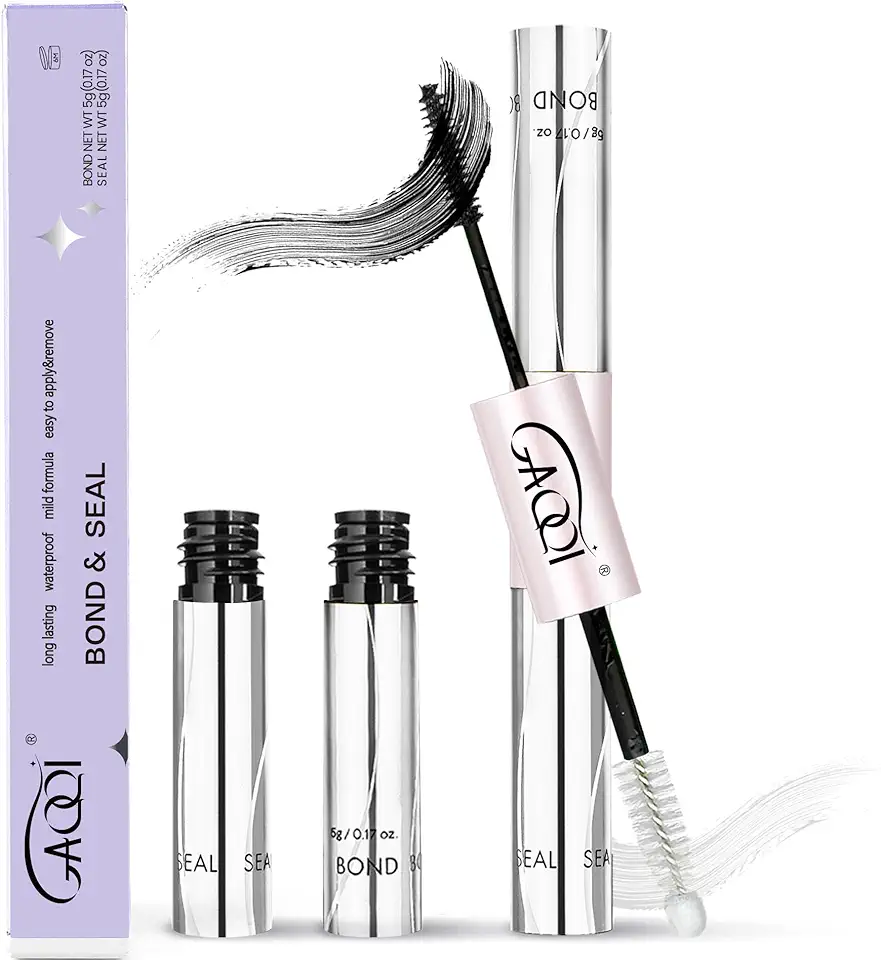
GAQQI Lash Cluster Glue, Lash Bond and Seal Waterproof, Bond & Seal Eyelash Glue for Clusters, Eyelash Adhesive Black Long-Lasting 72H, Latex-Free(5ml+5ml)
