Power Apps Tutorial


Learn Skills Daily
@learnskillsdailyAbout
BECOME A MEMBER TO UNLOCK AD-FREE VIDEOS Learn Skills Daily provides on-demand video courses on a wide range of software and subjects. From the deep data tools of Microsoft Excel to the endless creative possibilities of Adobe Photoshop to the collaborative concoction of Microsoft Teams, we've got you covered. At Learn Skills Daily, we've been fine-tuning our teaching methodology for over 25 years. Our videos are specifically designed to emulate the same great experience you get from a live class. Plus, you can learn at your own pace, following along with our try-it-yourself exercise files. If you're serious about learning, we're serious about providing you with a better learning platform.
Latest Posts


Video Description
Power Apps Tutorial Get Ad-Free Training by becoming a member today! https://www.youtube.com/channel/UCqyBfm_H9ugGirk1ufYA2YA/join Join Learnit Anytime for ad-free training, exams, certificates, and exclusive content: https://www.learnitanytime.com Exercise Files: https://tinyurl.com/3n5hubvj Who it's for: Anyone looking to create and/or use powerful custom business apps. What it is: Power Apps is a suite of apps, services, and connectors, as well as a data platform, that provides a rapid development environment to build custom apps for your business needs. Using Power Apps, you can quickly build custom business apps that connect to your data stored either in the underlying data platform (Microsoft Dataverse), or in various online and on-premises data sources (SharePoint, OneDrive, SQL Server, Microsoft® 365, Dynamics 365, and more). Power Apps enables users to create feature-rich, custom apps without writing code. You can also create apps from scratch or use the collection of templates available. What you'll learn: Learners who complete this training course will gain a comprehensive understanding of Microsoft Power Apps and its capabilities for creating business applications without extensive coding knowledge. They will learn how to navigate the Power Apps interface, create applications from existing Excel files and SharePoint lists, and understand the importance of data connectivity. The training will also cover building a three-screen app, customizing its layout and features, and enhancing functionality with forms and galleries. Additionally, learners will explore how to integrate Power Apps with other Microsoft services, making it a valuable tool for business process automation and data management. Start 0:00 Introduction 0:09 What is Power Apps 1:38 Demo a functional App 4:05 Create a Quick App from Excel 9:57 Saving and Playing an App 19:02 Overview of SharePoint Lists 22:15 Create App From SharePoint List 31:37 Module 1 Conclusion 39:40 Module 2 Introduction 40:15 Adding a Home Screen and a Navigation Button 41:02 Adding a Help screen and a Navigation Button 50:11 Testing our New Screens and Navigation Buttons 54:37 Customizing a Gallery and a Form 59:29 Creating a New Home Screen 1:05:03 Duplicating Screens 1:12:30 Inserting a Gallery and Connecting to a Data Source 1:20:34 Inserting a Form and Connecting Data 1:24:26 Completing the Edit Screen 1:29:36 Reviewing Each Screen 1:34:06 Testing the App 1:38:30 Sharing an App 1:41:00 Bonus-Sharing via Teams and SharePoint 1:47:17 Conclusion 1:49:42 #PowerApps #Microsoft #Training Learnit is no longer associated with this channel/video. (C) 2025 Bomberry Productions Any illegal reproduction of this content will result in immediate legal action.
You May Also Like








Essential Power Apps Tools
AI-recommended products based on this video
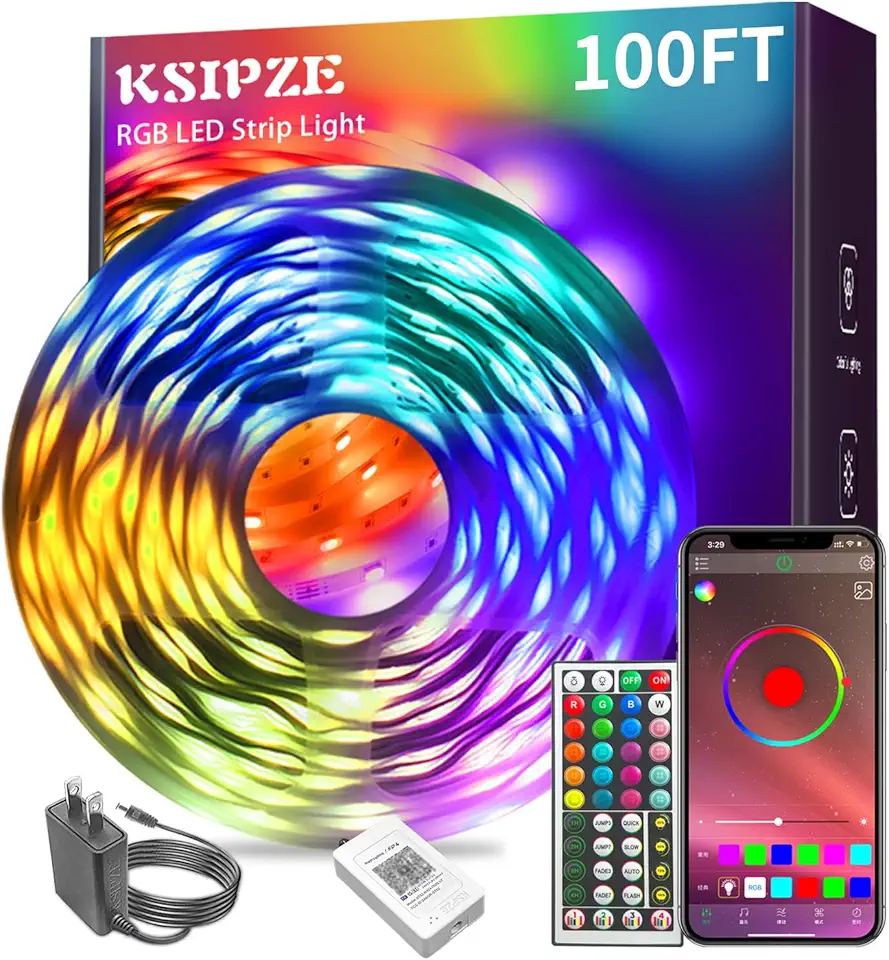
Ksipze led Lights Strip for Bedroom 100FT,Smart Music Sync RGB Color Changing with App and Remote Control, Power Supply Led Strip Lights Lumiere LED for Room Home Party Decoration
Ksipze led Lights Strip for Bedroom 100FT,Smart Music Sync RGB Color Changing with App and Remote Control, Power Supply Led Strip Lights Lumiere LED for Room Home Party Decoration