Remote Gaming! (and Video Encoding using Proxmox and GPU Passthrough)


Techno Tim
@technotimAbout
I make videos that help people do awesome things with technology.
Latest Posts
Video Description
Are you looking to build a remote gaming machine and passthrough your GPU to a virtual machine? Do you want to use GPU acceleration for transcoding Plex or Adobe Media Encoder? Do you dream of setting up Steam Link or Remote Play In Home Streaming and streaming games to any screen in your house? If so, this complete step-by-step guide of how to passthrough your Nvidia or AMD video card through to a guest VM using Proxmox VE! If not, well, please watch this anyway. Video Notes: https://technotim.live/posts/gpu-passthrough/ Virtualize Windows 10 with Proxmox VE https://www.youtube.com/watch?v=6c-6xBkD2J4 Proxmox VE Install and Setup Tutorial https://www.youtube.com/watch?v=7OVaWaqO2aU Support me on Patreon: https://www.patreon.com/technotim Sponsor me on GitHub: https://github.com/sponsors/timothystewart6 Subscribe on Twitch: https://www.twitch.tv/technotim Become a YouTube member: https://www.youtube.com/channel/UCOk-gHyjcWZNj3Br4oxwh0A/join Merch Shop: https://l.technotim.live/shop Gear Recommendations: https://l.technotim.live/gear Get Help in Our Discord Community: https://l.technotim.live/discord 2nd channel: https://www.youtube.com/@TechnoTimTalks 00:00 - Intro 00:22 - Why 00:55 - Prerequisites & Requirements 02:35 - GRUB changes 03:38 - Edit modules 04:04 - Windows VM Changes 05:17 - qm.conf changes 05:42 - GPU Passthrough 06:24 - Block Drivers 07:23 - Install Drivers 07:38 - Check 3d Rendering 08:07 - Proof of Work 09:26 - Proof of Work 2 10:29 - Other Uses 11:22 - Why I Do It - OBS 12:04 - NVENC with OBS 12:26 - Conclusion Support me on Patreon: https://www.patreon.com/technotim Sponsor me on GitHub: https://github.com/sponsors/timothystewart6 Subscribe on Twitch: https://www.twitch.tv/technotim Gear Recommendations: https://l.technotim.live/gear Get Help in Our Discord Community: https://l.technotim.live/discord 2nd channel: https://www.youtube.com/@TechnoTimTalks (Affiliate links may be included in this description. I may receive a small commission at no cost to you.) 📦 Products in this Video 📦 ► HDMI Dummy Display Plug https://amzn.to/3giFAyD ► GTX 1050 https://amzn.to/3cUVv45 ► GTX 1050 TI https://amzn.to/3f1Gxv9 ► GTX 1060 https://amzn.to/2XwCQFsTechno Tim Kits: ► 4K YouTube Kit - https://kit.co/TechnoTim/4k-youtube-kit ► Pro Level Live Streaming Kit - https://kit.co/TechnoTim/pro-level-live-streaming-kit ► Budget Gaming Streaming PC 2020- https://kit.co/TechnoTim/budget-gaming-streaming-pc-2020 ► Performance Virtualization Server- https://kit.co/TechnoTim/performance-virtualization-nas-server ► Budget NAS Server- https://kit.co/TechnoTim/budget-nas-server ► Coding & Gaming Keyboards- https://kit.co/TechnoTim/coding-gaming-keyboards ► Coding & Gaming Mice- https://kit.co/TechnoTim/coding-gaming-mice ⏯ Recommended Videos ⏯ ► 20 Ways to Use a Virtual Machine (and other ideas for your homelab) https://www.youtube.com/watch?v=SVQmzaSabEQ ► Remote Gaming with Promox https://www.youtube.com/watch?v=fgx3NMk6F54 ► Let's Build a Discord Bot Using DiscordJS - Moderator Bot https://www.youtube.com/watch?v=YSZcyz2-twQ #Proxmox #Homelab #Virtualization #TechnoTim #HomeServer Description Tags: Techno Tim, technotim, pas-through, gpu passthrough, amd gpu passthrough, gpu passthru, gpu pass thru, remote gaming servier nvidia, remove gaming server amd, amd ryzen amd-v, intel core vt-d, vt-x, setting up steamlink steam link, steam link remote desktop, play games over remote desktop, proxmox videocard passthrough, steam remote play, steam inhome streaming, steam in-home streaming, steam in home streaming Thank you for watching!
You May Also Like






Upgrade Your Gear Today
AI-recommended products based on this video

COTUBLR 31 Inch Computer Desk, Home Office Desk, Simple Modern Small Desk for Bedroom, Writing Desk with Storage Bag, Study Table for Students, Grey Oak

NEEWER a6700 L Plate Compatible with Sony Alpha 6700, Quick Switch Aluminum Extendable Side Plate & Anti Twist Baseplate Compatible with Arca Swiss QR System DJI RS 2 RSC 2 RS 3 Pro Gimbals, CA048

SmallRig ZV-E10 II Base Plate for Sony Alpha ZV-E10 II, Bottom Mount Plate with Quick-Release Plate for Arca, QD Socket, Hand Strap Hole, 1/4"-20 Threaded Hole - 4950

SmallRig Baseplate for Sony Alpha 6700, Bottom Mount Plate Built-in Quick Release Plate for Arca, Supporting Quick Switch Between Tripod and Stabilizer (for DJI RS 2 / RSC 2 / RS 3 / RS 3 Pro) - 4338

ANXRE 71" Phone Tripod, NT79 Extendable Selfie Stick for Cell Phone&Camera Photo Video Kits, Travel Tripod Stand with Remote for Video Recording, Phone Holder Tripod Compatible with Phone Camera Gopro

Kaiess 62" Tripod for iPhone, Selfie Stick Tripod & Phone Tripod Stand with Remote, Cell Phone Tripod for iPhone, Extendable Travel Tripod Compatible with iPhone 14/13/12 Pro Max/Android
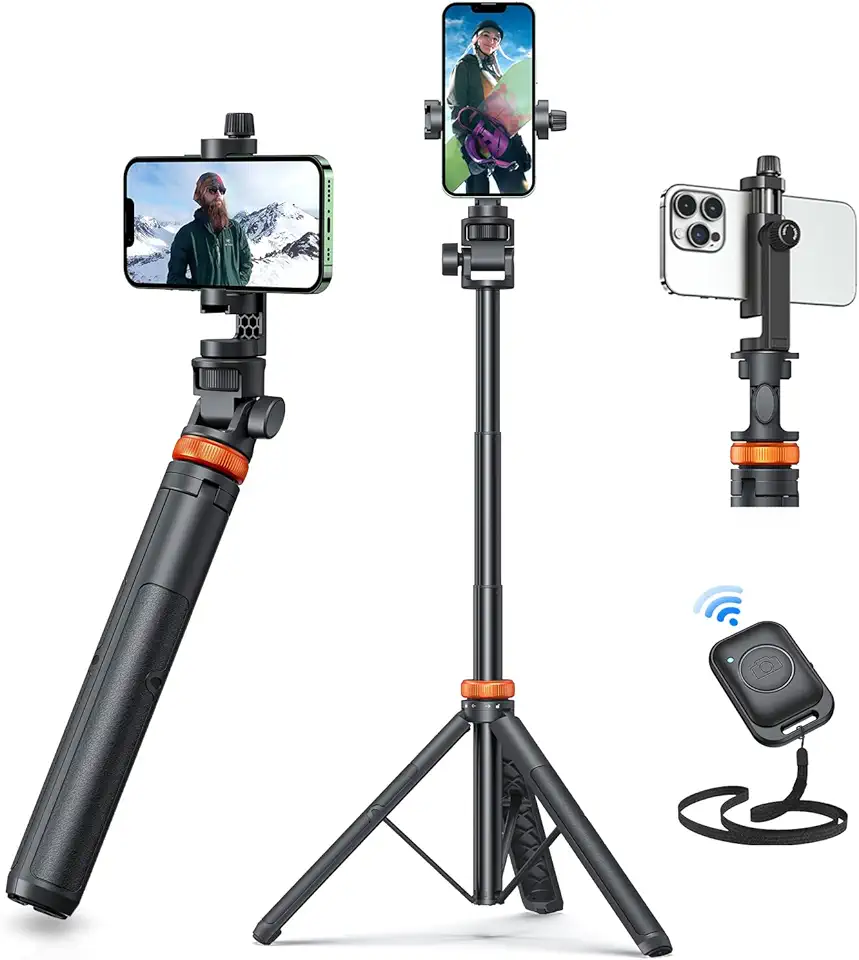
EUCOS 62" Phone Tripod, Tripod for iPhone & Selfie Stick Tripod with Remote, Extendable Phone Tripod Stand & Travel Tripod, Solidest Cell Phone Tripod Compatible with iPhone/Android
