03 - Routers & Firewalls - Home Networking 101

Crosstalk Solutions
@crosstalksolutionsAbout
Want to improve your networking skills? Easy to follow tutorials for best practice computer networking, WiFi, Voice over IP (VoIP), and related technologies! Chris Sherwood with Crosstalk Solutions has been providing educational and entertaining videos on YouTube for 8+ years - we have a HUGE back catalog of useful tutorials, product reviews, and epic installations. Subscribe and hit the bell to level up your tech skills! Crosstalk Solutions also offers networking and VoIP consulting services and hardware! Please visit https://www.crosstalksolutions.com for more information. I will not scam you! Any comments pretending to be me endorsing crypto or asking you to contact me on WhatsApp are fake - more info here: https://NoScams.tube
Latest Posts
Video Description
Welcome to Home Networking 101 - the ultimate guide for beginners looking to unlock the full potential of their home networks. In this episode, we're going to cover the basics of routers and firewalls including types of routers, what to consider when purchasing, common terminology and concepts, and finally, I walk through the complete setup of two different routers as examples. Here are the routers that I feature in this video (affiliate links): NetGear AX1800: https://geni.us/0VAL2D Ubiquiti EdgeRouter X: https://geni.us/o1pun If you enjoyed this episode, don't forget to like the video, and subscribe to Crosstalk Solutions so that you don't miss future episodes. Check out Rogue Support! https://rogue.support For personalized and expert assistance with your networking challenges, visit Rogue Support! Our hand-picked team of network technicians is ready to provide tailored support and help you conquer any networking obstacles. Timecodes 00:00 Intro 01:40 Where a router fits into a home network 03:10 Types of routers 06:39 Considerations when purchasing a router 10:09 NAT vs. Firewall Rules 13:07 More router features to consider 15:14 Common router concepts and terminology 16:30 LAN IP addressing and subnets 20:19 Dynamic vs. Static WAN IP addresses 21:11 What is a Default Gateway address? 22:19 DNS server settings 23:54 DHCP: Dynamic Host Configuration Protocol 26:20 Configuring the NetGear AX1800 41:22 Configuring the Ubiquiti EdgeRouter X --------------------------------- Buy me a coffee! https://ko-fi.com/crosstalk Crosstalk Discord: https://discord.gg/crosstalksolutions Follow me on: - Twitter: https://twitter.com/crosstalksol - Facebook: https://fb.me/crosstalksolutions - Instagram: https://instagram.com/crosstalksolutions - TikTok: https://www.tiktok.com/@crosstalksolutions - LinkedIn: https://goo.gl/j2Ucgg Crosstalk Solutions - RECOMMENDED PRODUCTS: https://crosstalksolutions.com/recommendations/ Amazon Wish List: http://a.co/7dRXc67 Crosstalk Solutions offers best practice phone systems and network/wireless infrastructure design/deployment. Visit https://www.CrosstalkSolutions.com for more info!







Slime Essentials You Can't Miss
AI-recommended products based on this video

Clip in Hair Tinsel, Clips on Hair Tensile Champagne Gold, Pack of 12Pcs, 20 inch Glitter Tinsel Extensions, Festival Fairy (Champagne)

Smooche Color Changing Foundation(1 Bottle)
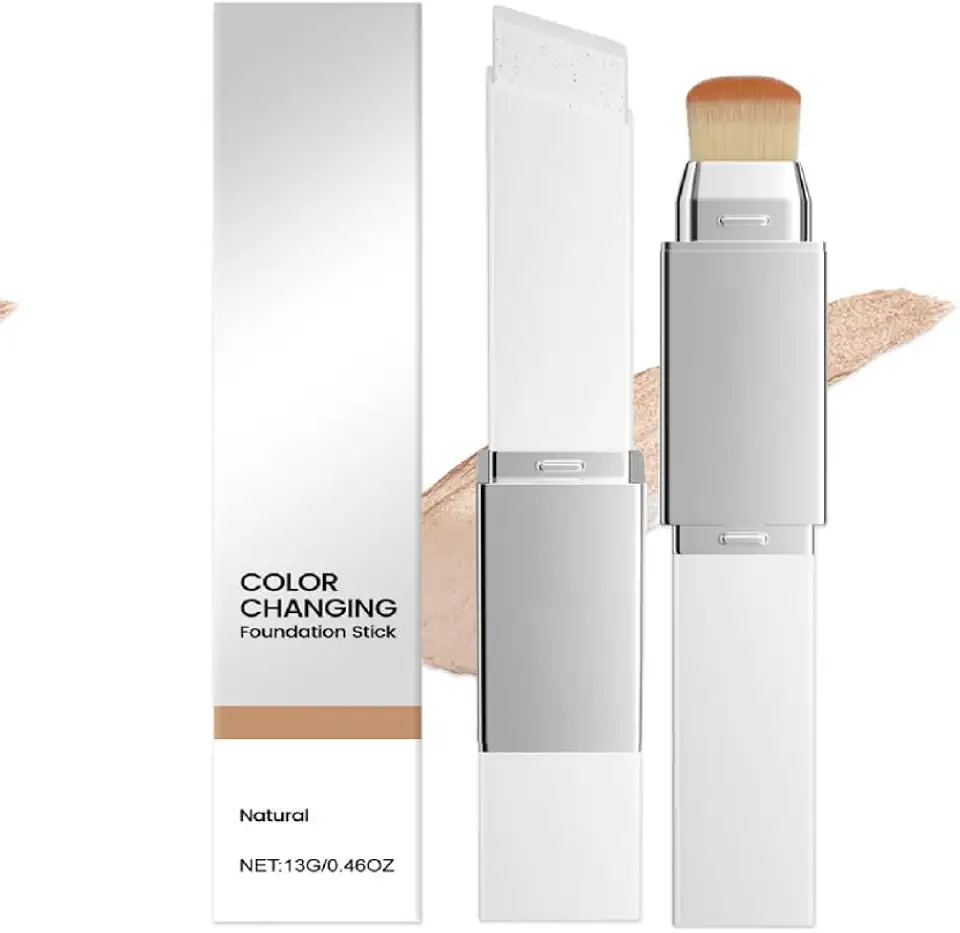
Blanc Cover Cream Stick V – Korean Color Changing Foundation Stick with Volufiline & Collagen – White Foundation Sticks for Dewy Skin–Korean Makeup Foundations Sticks with Detachable Brush (Natural)
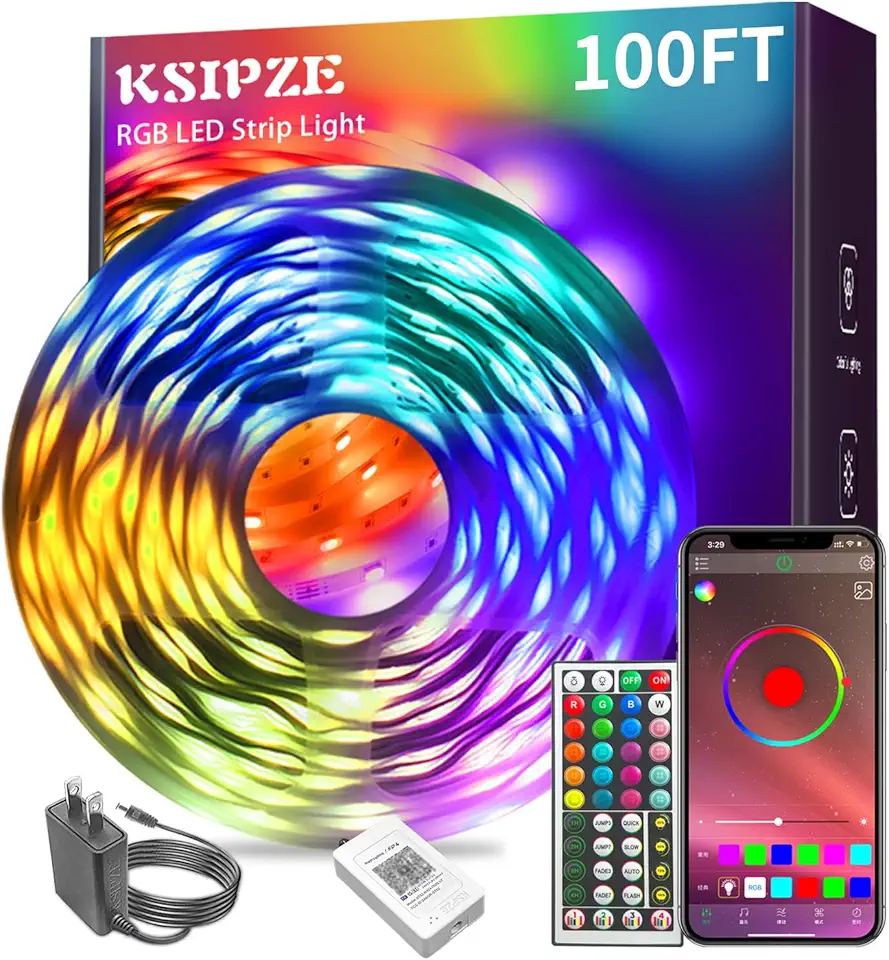
Ksipze led Lights Strip for Bedroom 100FT,Smart Music Sync RGB Color Changing with App and Remote Control, Power Supply Led Strip Lights Lumiere LED for Room Home Party Decoration
