Simple Machine Learning GUI App with Taipy and Tensorflow


Python Simplified
@pythonsimplifiedAbout
Hi everyone! My name is Mariya and I'm a software developer from Sofia, Bulgaria. I film programming tutorials about Computer Science Concepts, GUI Applications, Machine Learning and Artificial Intelligence, Automation and Web Scraping, Data Science and even Math! 🤓 I'm here to help you with your programming journey (in particular - your Python programming journey 😉) and show you how many beautiful and powerful things we can do with code! 💪💪💪



Video Description
Today we will create a beautiful machine learning GUI application! We will design a web interface, where an image classifying neural network lives 🤖🤖🤖 We will use an open source library called Taipy for our stylish Python GUI and a framework called TensorFlow for all the machine learning tasks. By the end of this tutorial, you will understand how to process image data for machine learning tasks, you will learn how to create and save your own image processing neural networks, as well as wrapping them in a user-friendly Python website! ⭐ For more information about the Taipy GUI, checkout their GitHub repo: https://github.com/Avaiga/taipy 🎥 RELATED TUTORIALS 🎥 ---------------------------------------------------------- ⭐ Anaconda Beginners Guide for Linux and Windows: https://youtu.be/MUZtVEDKXsk ⭐ If __name__ == "__main__" for Python Developers: https://youtu.be/NB5LGzmSiCs ⭐ Introduction to Neural Networks: https://youtu.be/i1AqHG4k8mE ⭐ NumPy Arrays: https://youtu.be/lLRBYKwP8GQ ⭐ NumPy Operations: https://youtu.be/E1IPJOd7dWQ ⭐ Introduction to Pillow: https://youtu.be/NSHsaG2a4WU ⏰ TIME STAMPS ⏰ ---------------------------------------------------------- Part 1. Graphic Interface 00:00 - 01:08 - introduction 01:08 - 03:44 - basic Taipy GUI 03:44 - 04:41 - basic HTML webpage 04:41 - 05:02 - basic Markdown webpage 05:02 - 06:23 - image control component 06:23 - 06:56 - styling with Python 06:56 - 07:37 - file selector control component 07:37 - 08:41 - text and line breaks 08:41 - 09:57 - wireframe review and refactoring 09:57 - 13:03 - updating components on state change 13:03 - 14:43 - indicator control component Part 2. Machine Learning 14:43 - 19:21 - create your own neural network Part 3. Put it Together 19:21 - 20:54 - load neural network 20:54 - 23:54 - process user provided image 23:54 - 26:04 - make prediction 26:04 - 29:16 - display prediction on GUI 29:19 - 30:51 - test complete app 💻 STARTER FILES 💻 ----------------------------------------------------------- https://github.com/MariyaSha/ml_gui_app ⚡TEST THE LIVE APP ⚡ ----------------------------------------------------------- https://classifier.taipy.cloud/ ☁️ DEPLOY YOUR OWN APP ☁️ ----------------------------------------------------------- You can host your app for free on Taipy's cloud (it will run for 2hrs every day, but you can always upgrade). 1️⃣ Step 1. Revise the requirements.txt file to include ONLY the following lines (no versions needed, just the names of the libraries, and please erase everything else): taipy tensorflow pillow numpy 2️⃣ Step 2. rename classifier.py to main.py. 3️⃣ Step 3. wrap the following files in a zip archive: - main.py - baseline.keras - logo.png - placeholder_image.png 4️⃣ Step 4: sign up to Taipy cloud: https://cloud.taipy.io/ 5️⃣ Step 5: add a machine 6️⃣ Step 6: add an app to your machine, upload the zip archive from step 3. 7️⃣ Step 7: wait a bit... and your app is LIVE!!! 🤩🤩🤩 🤝 Connect with me 🤝 ----------------------------------------------------------- 🔗 Github: https://github.com/mariyasha 🔗 Discord: https://discord.com/invite/wgTTmsWmXA 🔗 LinkedIn: https://ca.linkedin.com/in/mariyasha888 🔗 Twitter: https://twitter.com/mariyasha888 🔗 Blog: https://www.pythonsimplified.org 💳 Credits 💳 ----------------------------------------------------------- ⭐ Beautiful titles, transitions, sound FX: mixkit.co ⭐ Beautiful icons: flaticon.com ⭐ Beautiful graphics: freepik.com #python #pythonprogramming #machinelearning #artificialintelligence #datascience #tensorflow #programming #coding #application #neuralnetworks #ml #ai #technology #computer #computerscience







Empower Your ML Journey
AI-recommended products based on this video

Seasonic Focus V4 GX-1000 (ATX3) - 1000W - 80+ Gold - ATX 3.0 & PCIe 5.1 Ready -Full-Modular -ATX Form Factor -Premium Japanese Capacitor -10 Year Warranty -Nvidia RTX 30/40 Super & AMD GPU Compatible
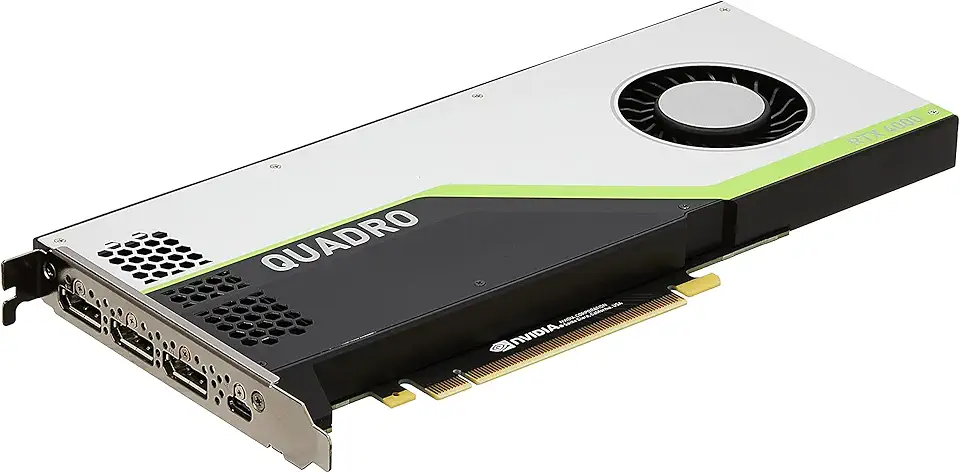
PNY NVIDIA Quadro RTX 4000 - The World’S First Ray Tracing GPU

10.1 Inch Touch Portable Monitor IPS Screen 1366x768P 60Hz 400 Brightness 99% sRGB HDMI USB-C Monitors Switch for Xbox PS3/4/5 Laptop Compatible with Raspberry Pi, Mini Touch Screen

Instant Eye & Face Tightener Cream: Reduces Bags & Puffiness, Smooths Wrinkles & Fine Lines in Minutes, Temporary Lift & Firm Under-Eye Area, Anti-Aging Lightweight Formula for Men & Women, 30 ml
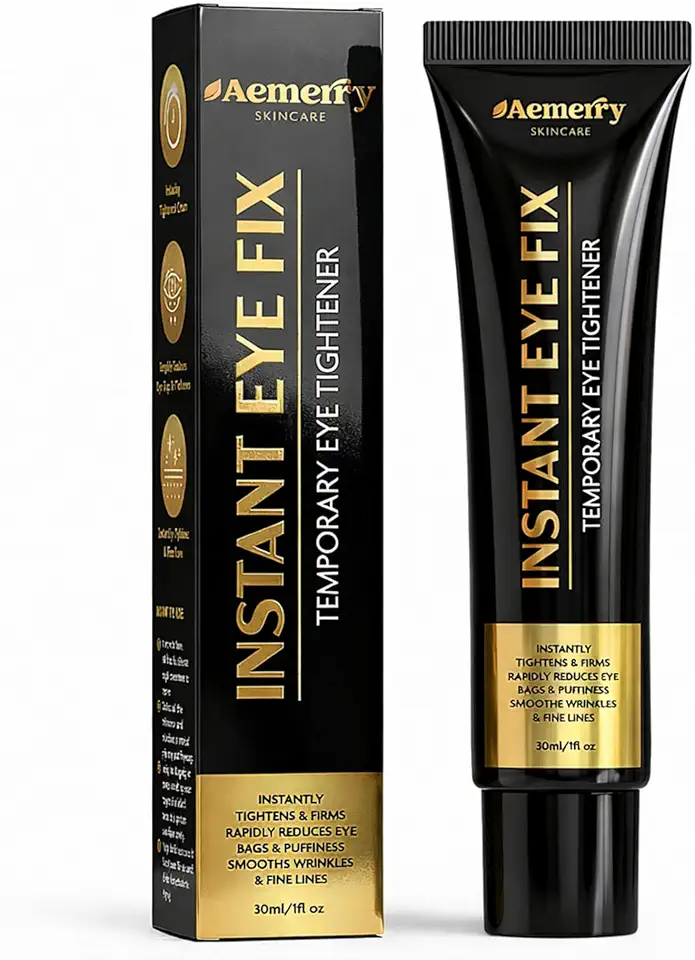
Instant Eye & Face Tightener Cream: Reduces Bags & Puffiness, Smooths Wrinkles & Fine Lines in Minutes, Temporary Lift & Firm Under-Eye Area, Anti-Aging Lightweight Formula for Men & Women, 30 ml

Organic Rosemary Oil for Hair Loss: Hair Scalp Serum Treatment to support Looking Fuller Hair - botanical boost for healthy scalp - Natural Nutrient Rich ingredients for Damage hair strengthen roots 110 ML

PAKCHOICE 2 Pack Continuous Spray Bottle Mister - 10.1 oz/300 ml, Refillable Fine Mist Spray Bottle for Hair Styling, Plants, Cleaning, Salons and Skin Care (White and Black)

Google Pixel Buds Pro 2 - Noise Canceling Earbuds - Up to 31 Hour Battery Life with Charging Case - Bluetooth Headphones - Compatible with Android - Hazel

Deeyaple USB C to Aux, 4FT/1.2M, Type C to 3.5mm Audio Cable Headphone Jack Cable for Car Mobile Phone, iPhone 16 15, iPad Pro, Samsung Galaxy S24 S23 S2010, Google Pixel,Oneplus Grey (1)
