Stable Diffusion GUI App with Docker and Flask - Step by Step Tutorial for Python Beginners


Python Simplified
@pythonsimplifiedAbout
Hi everyone! My name is Mariya and I'm a software developer from Sofia, Bulgaria. I film programming tutorials about Computer Science Concepts, GUI Applications, Machine Learning and Artificial Intelligence, Automation and Web Scraping, Data Science and even Math! 🤓 I'm here to help you with your programming journey (in particular - your Python programming journey 😉) and show you how many beautiful and powerful things we can do with code! 💪💪💪

Video Description
In this simple coding tutorial, you will learn how to make your own Generative AI application with Stable Diffusion, Docker, and Flask. The app will take in a user-provided text prompt and convert it into high-resolution images. (Total size of 2048 x 2048 pixels! 😱) We will also dive into Docker Init, Diffusers, CUDA, FreeU, EDSR, OpenCV, and Docker Scout. And as usual, we will do it step by step, explaining every concept and technical term as we go. This tutorial is suitable for beginner to intermediate-level Python developers, and much of it is already covered in previous tutorials! So if you're a regular viewer - it's right up your alley! 😉 To follow along, you will fist need to: ⭐ Download Docker Desktop: https://dockr.ly/3LsbwkN And if you are curious about continuing exploring generative AI with Docker on your own: ⭐ Learn how to containerize your GenAI App: https://dockr.ly/4d3CA5P 🔗 ALL TUTORIAL LINKS 🔗 --------------------------------------------------------------------------------------- Please find the all the links and URLs I mention in the video inside the REFERENCES SECTION, at the very end of my: ⭐ Stable Diffusion App Blog Post: https://www.pythonsimplified.org/post/create-text-to-image-gui-app (trying something new, please let me know in the comments if it's convenient.) 👩💻 OpenCV Installation Dockerfile Command 👩💻 --------------------------------------------------------------------------------------- RUN apt-get update && apt-get install ffmpeg libsm6 libxext6 -y ⏰ Time Stamps ⏰ --------------------------------------------------------------------------------------- 00:00 - Intro 00:42 - Install Docker Desktop 01:51 - Clone Starter Files from Github 02:39 - Docker Init 04:51 - Clone Stable Diffusion Model 06:46 - Stable Diffusion Requirements 07:20 - Generate Images from Text with Stable Diffusion 08:08 - Enable FreeU to Control Image Quality 10:45 - Update Container Dynamically with Debug Mode 11:48 - Set Admin Container Privileges 14:33 - Use GPU for Stable Diffusion with CUDA and Docker 18:09 - Upscale Images with EDSR and OpenCV 18:58 - OpenCV Requirements for Docker Containers 19:58 - Use EDSR Model for Image Super Sampling 26:27 - Unique File Naming with Datetime 29:26 - Licensing 31:18 - Publish Application on DockerHub 34:04 - Scan Image for Vulnerabilities with Scout 35:29 - Run Published Image After it Was Pulled from DockerHub 37:24 - Thanks for Watching! :) 🎥 Related Tutorials 🎥 --------------------------------------------------------------------------------------- ⭐ Introduction to Docker: https://youtu.be/-l7YocEQtA0 ⭐ Introduction to Flask Applications: https://youtu.be/6plVs_ytIH8 ⭐ Create Advanced Flask Application: https://youtu.be/v3CSQkPJtAc ⭐ Introduction to CUDA: https://youtu.be/r9IqwpMR9TE ⭐ Draw Images with OpenCV: https://youtu.be/PtvN8ad9N3g ⭐ OOP with OpenCV: https://youtu.be/-LsuiVGO-88 ⭐ If Name Equals Main: https://youtu.be/NB5LGzmSiCs ⭐ List Comprehension: https://youtu.be/SNq4C988FjU ⭐ Introduction to Datetime: https://youtu.be/-AlFiS74aQg 🤝 Connect with me 🤝 --------------------------------------------------------------------------------------- 🔗 Github: https://github.com/mariyasha 🔗 X: https://x.com/MariyaSha888 🔗 LinkedIn: https://ca.linkedin.com/in/mariyasha888 🔗 Blog: https://www.pythonsimplified.org 🔗 Discord: https://discord.com/invite/wgTTmsWmXA 💳 Credits 💳 --------------------------------------------------------------------------------------- ⭐ Beautiful titles, transitions, sound FX: mixkit.co #python #pythonprogramming #pythontutorial #stablediffusion #genai #generativeai #texttoimage #application #tutorial #pythontutorial #learnpython #ai #artificialintelligence #ml #machinelearning #flask #opencv #transformers #cuda #gpu
Boost Your Coding Setup
AI-recommended products based on this video

Freenove Ultimate Starter Kit for BBC micro bit (V2 Included), 316-Page Detailed Tutorial, 225 Items, 44 Projects, Blocks and Python Code

10.1 Inch Touch Portable Monitor IPS Screen 1366x768P 60Hz 400 Brightness 99% sRGB HDMI USB-C Monitors Switch for Xbox PS3/4/5 Laptop Compatible with Raspberry Pi, Mini Touch Screen

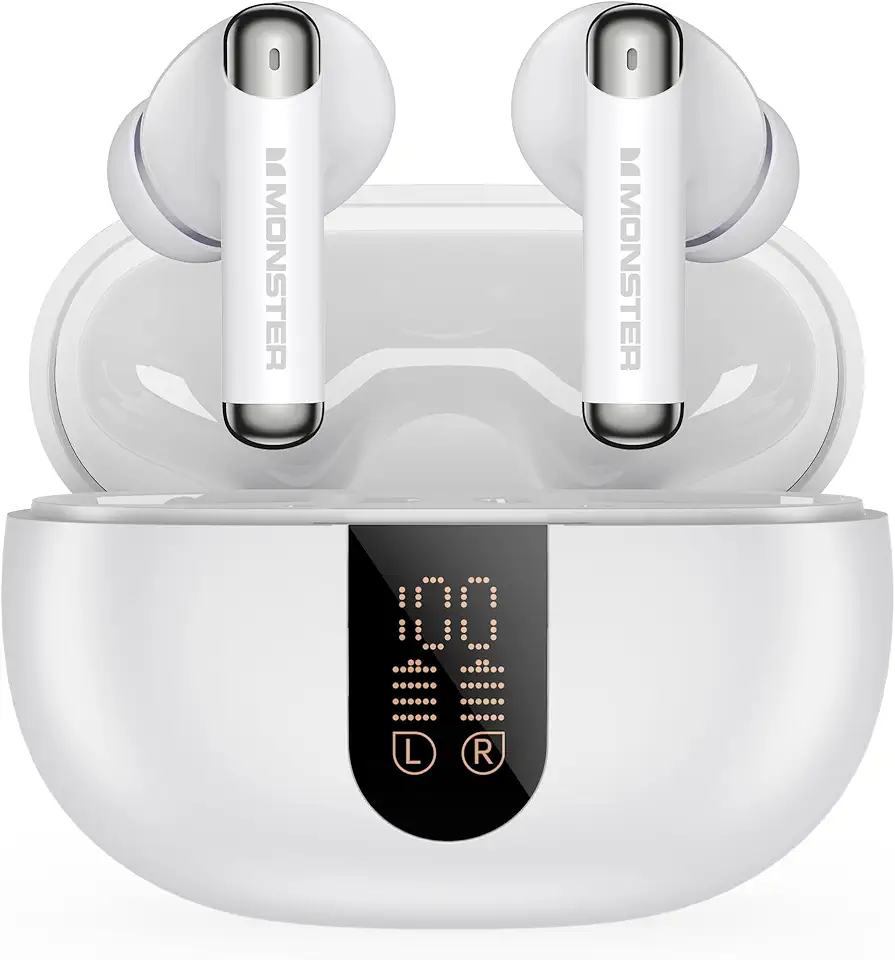
Monster N-Lite 211 Wireless Earbuds, Bluetooth 6.0 Stereo Headphones with Noise-Cancelling Mic and LED Display, Built-in Mic for Clear Calls, Waterproof Design for Sports