18 Things You MUST DO After Installing Fedora 42 (Right Now!)

Linux Tex
@linuxtexAbout
Latest and the greatest of Linux news, tutorials, software and distro reviews brought right to you.
Latest Posts
No results found. Try different keywords.
Video Description
Get My Course Linux Mastery Express (The FASTEST WAY to learn Linux): https://linuxtex.thinkific.com 🚀 Just Installed Fedora 42? Supercharge It with These 18 Must-Do Tweaks! 🔧 In this ultimate Fedora 42 setup guide, we take you through the top 18 things you must do after installing Fedora Linux to unlock peak performance, faster internet, smoother app launches, essential software access, and stunning GNOME desktop customizations. Enable RPM Fusion Repositories: Free: sudo dnf install \ https://download1.rpmfusion.org/free/... -E %fedora).noarch.rpm Non-Free: sudo dnf install \ https://download1.rpmfusion.org/nonfr... -E %fedora).noarch.rpm Install GNOME Tweaks: sudo dnf install gnome-tweaks Install Preload (Faster App Launches): sudo dnf copr enable kylegospo/preload -y && sudo dnf install preload -y && sudo systemctl enable --now preload Install NVIDIA Driver: sudo dnf install nvidia-driver Install DNFDragora Package Manager: sudo dnf install dnfdragora Install BleachBit for System Cleanup: sudo dnf install bleachbit sudo bleachbit Optimize DNF for Speed: echo 'fastestmirror=True' | sudo tee -a /etc/dnf/dnf.conf echo 'max_parallel_downloads=10' | sudo tee -a /etc/dnf/dnf.conf Set Google DNS (IPv4 & IPv6): 8.8.8.8, 8.8.4.4 2001:4860:4860::8888, 2001:4860:4860::8844 Enable Firefox Hardware Acceleration & WebRender: In Firefox, go to about:config and set: layers.acceleration.force-enabled → true gfx.webrender.all → true Install Timeshift (System Backups) sudo dnf install timeshift Whether you're a beginner or intermediate Linux user, this video will help you: ✅ Enable RPM Fusion (Free + Non-Free) for proprietary drivers, Steam, codecs, and more ✅ Install essential GNOME Extensions like Dash to Dock, Arc Menu, Blur My Shell ✅ Add window controls and choose your accent color themes ✅ Supercharge performance with Preload, fastest DNF mirrors, and GPU-accelerated Firefox ✅ Improve browsing with Google DNS ✅ Back up your system with Timeshift ✅ Connect your Android phone with GSConnect ✅ Enhance software management with DNFDragora ✅ Boost gaming with Steam + Proton on Fedora ... and much more! 💻 Whether you use Fedora on a laptop or desktop, these optimizations will take your Fedora system to a whole new level of speed, functionality, and beauty. Timestamps: 0:00 Introduction 1:02 01. Enable RPM Fusion 2:30 02. Gnome Extensions 3:54 03. Enable Window Controls 4:44 04. Preload 6:18 05. Install Essential Software 6:55 06. Boost Internet Speed 8:24 07. Install Graphics Drivers 9:59 08. DNF Dragora 11:27 09. Advanced Firefox Tweaks 13:12 10. Timeshift Backup 15:18 11. GSConnect 16:30 12. Configure Search 17:36 13. Speedup Updates 18:40 14. Steam + Proton 19:39 15. Change Settings 20:09 16. Configure Dash and Appgrid 20:50 17. Enable Nightlight 21:46 18. System Cleanup 22:29 Wrapping Up
Fedora 42 Post-Install Essentials
AI-recommended products based on this video

Lenovo ThinkPad E14 Gen 5 Business Laptop (14" FHD+ Anti-glare, Intel 10-Core i7-1355U, 40GB RAM, 1TB SSD) Backlit, Fingerprint, Fast Charge, 1080p RGB Webcam, Wi-Fi 6, Win 11 Pro w/ Copilot

Lenovo ThinkPad E16 Business Laptop, 16" FHD+ Touchscreen, Intel i7-1355U, 40GB RAM, 1TB SSD, AI Copilot, Fingerprint, Backlit KB, HDMI, Wi-Fi 6, Windows 11 Pro, Bundle with UC310 64GB USB Flash Drive

UGREEN USB C to USB Hub with 4 USB 3.0, Powered USB C Splitter for Laptop, MacBook Pro, Mac mini M4, iMac, iPad Pro, Chromebook, Dell XPS, Galaxy S23, and More, 0.5FT

Anker Power Bank(PowerCore 10K),Compact Travel-Ready 10,000mAh Battery Pack with PowerIQ Charging Technology,5V/3A High-Speed Charging for iPhone,iPad,and More (USB-C Input and Output(Black),1pack) ClimatePartner certified

Lenovo V15 Laptop | 15.6" FHD Anti-Glare Display | AMD Ryzen 7 7730U | 40GB RAM | 1TB PCIe SSD | HDMI | Type-C | Webcam | Wi-Fi | THUNDEROBOT Wireless Ergonomic Mouse | Windows 11 Pro | Black
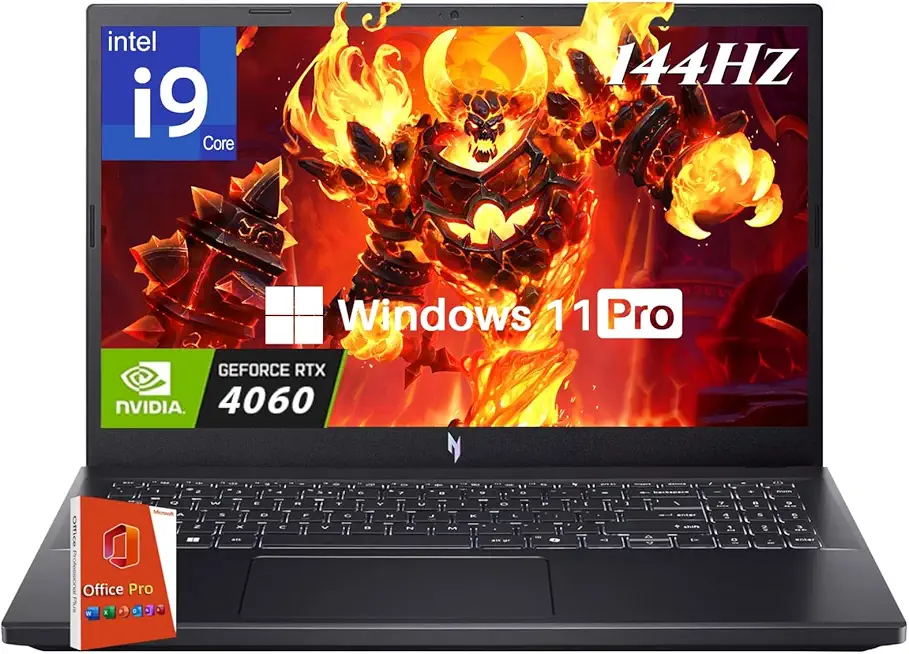
acer Nitro V 15 Gaming Laptop, Intel i9-13900H Up to 5.4GHz, GeForce RTX 4060, 15.6" 144 Hz IPS Display, 64 GB DDR5, 4 TB SSD, Wi-Fi 6, Backlit Keyboard, Windows 11 Pro, Gaming Mouse, 256GB UFD

MSI Forge GK310 RED US - Mechanical Keyboard, HOT SWAPPABLE, RED SWITCHES, RGB, Ergonomic, Anti-GHOSTING, Angle-Adjustable (Black)
Lenovo ThinkPad E14 Gen 5 Business Laptop (14" FHD+ Anti-glare, Intel 10-Core i7-1355U, 40GB RAM, 1TB SSD) Backlit, Fingerprint, Fast Charge, 1080p RGB Webcam, Wi-Fi 6, Win 11 Pro w/ Copilot

Lenovo IdeaPad 15.6" FHD Touchscreen Laptop (40GB RAM, 1TB SSD, Intel 6-Core i3-1215U (> i5-1135G7)), Narrow Bezel, Webcam, 10-Hour Long Battery Life, Wi-Fi 6, Win 11 Home S Mode, Cloud Grey

Lenovo V-Series V15 Business Laptop | 15.6" FHD 1920 * 1080 | 13th Gen Intel Core i7-13620H | 40GB RAM | 1TB SSD | Webcam | Wi-Fi 6 | Windows 11 Pro | Black | Bundle with ADATA 512GB External SSD