Visio 2019 Advanced Tutorial

Learn Skills Daily
@learnskillsdailyAbout
BECOME A MEMBER TO UNLOCK AD-FREE VIDEOS Learn Skills Daily provides on-demand video courses on a wide range of software and subjects. From the deep data tools of Microsoft Excel to the endless creative possibilities of Adobe Photoshop to the collaborative concoction of Microsoft Teams, we've got you covered. At Learn Skills Daily, we've been fine-tuning our teaching methodology for over 25 years. Our videos are specifically designed to emulate the same great experience you get from a live class. Plus, you can learn at your own pace, following along with our try-it-yourself exercise files. If you're serious about learning, we're serious about providing you with a better learning platform.
Latest Posts




Video Description
Visio 2019 Advanced Tutorial Get Ad-Free Training by becoming a member today! https://www.youtube.com/channel/UCqyBfm_H9ugGirk1ufYA2YA/join Join Learnit Anytime for ad-free training, exams, certificates, and exclusive content: https://www.learnitanytime.com Exercise Files: https://tinyurl.com/34pnaexd Who it's for: Newcomers, as well as users looking to expand their Visio knowledge and build more advanced drawings. What it is: Visio is a Microsoft Office program that functions like a visualization tool to show data in an easily understandable way. Most often used for data that fits well with diagrams and charts, Visio takes standard images and allows flowcharts and decision diagrams to utilize those images to explain data. What you'll learn: To get started, we’ll show you how to easily navigate the Visio application. Next, we’ll explain how to use the drawing components of Visio and creating simple diagrams. Once you gain confidence with those tools, we’ll move on to creating organizational charts and simple floor plans. Then, we’ll tackle other drawings like cross functional flow charts and network diagram drawings. To make sure your drawings have the right look, we’ll also explore updating the styles of shapes and their connectors. In the Advanced chapters, we’ll build more advanced diagrams, with 3D and custom shapes. We’ll also dive into connecting Visio with external sources like Excel and OneDrive. Start 0:00 Introduction 0:03 Logging In 1:14 Adding Quick Shapes to Drawings 3:07 Creating Drawings Based on a BPMN Template 6:16 Updating BPMN Diagrams 9:24 Creating Value Stream Maps 12:06 Editing Value Stream Map 15:27 Creating Drawings Based on 3D Templates and Shapes 18:22 Editing and Rotating 3D Shapes 21:35 Formatting 3D Shapes 24:32 Adding Pages and Backgrounds 27:16 Creating and Updating Visio Master Pages 30:24 Adding Borders and Titles 34:14 Creating Custom Shapes and Using the Favorites Stencil 37:18 Creating and Adding Shapes to Custom Stencils 41:45 Editing Custom Stencil Shapes 44:44 Saving Custom Templates 48:11 Creating Pivot Diagrams 50:54 Editing Pivot Diagrams 55:02 Creating Visio Drawings Based on Gantt Chart Templates 59:06 Creating Gantt Charts from Existing Project Dat 1:01:50 Creating Timeline Charts from Project Data 1:06:35 Connecting to Access Databases and Creating Visio Drawings 1:10:03 Recording Macros 1:14:32 Creating and Testing Macros 1:18:33 Opening Shape Sheets 1:21:22 Saving Files to OneDrive 1:25:08 Preparing Visio Drawings Using the Review Ribbon Tab 1:27:34 Exporting Files - Word, JPEG, AutoCAD 1:29:49 Conclusion 1:33:02 #Visio Learnit is no longer associated with this channel/video. (C) 2025 Bomberry Productions Any illegal reproduction of this content will result in immediate legal action.
You May Also Like










Rapidly Upgrade Your Gaming Setup
AI-recommended products based on this video
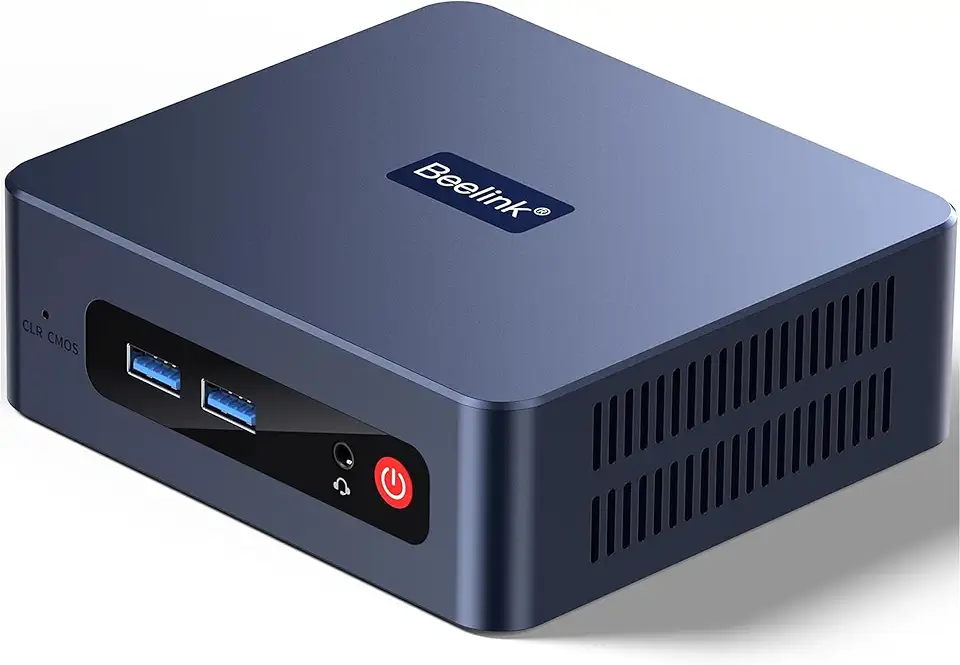
Beelink SER3 Mini Desktop PC with AMD Ryzen 3 3200U 2C/4T, 16GB DDR4 500GB PCIE3.0 X4 SSD, Dual Display Output, WiFi6/BT5.2 W-11 Pro Mini Gaming Computer

Beelink SER3 Mini PC, AMD Ryzen 3 3200U(14nm, 2C/4T) up to 3.5GHz, Mini Gaming Computer 16GB DDR4 RAM 500GB PCIE3.0 X4 SSD, Micro PC 4K@60Hz Dual Display, Mini Computer WiFi6/BT5.2/HTPC/W-11 Pro
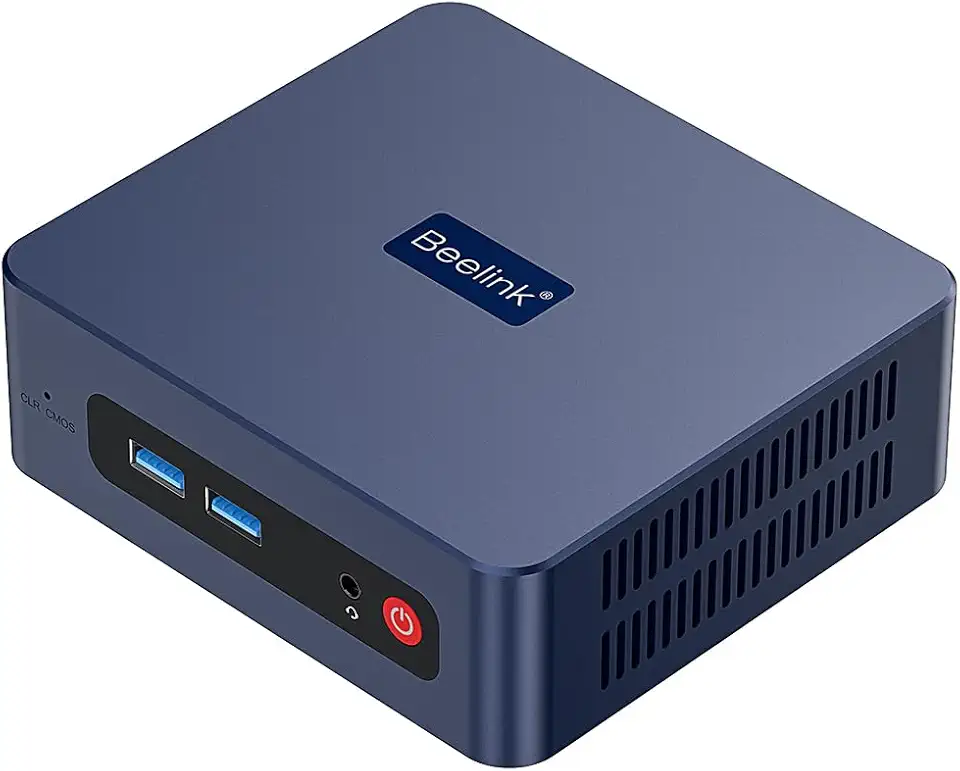
Beelink SER3 Mini PC, AMD Ryzen 3 3200U(up to 3.5GHz) 2C/4T, Mini Computer 16GB DDR4 RAM 500GB SSD, Mini Desktop Computer 4K@60Hz Dual HDMI Display WiFi6/BT5.2/WOL/HTPC/W-11 Pro

Corsair Vengeance LPX 32GB (2 X 16GB) DDR4 3200 (PC4-25600) C16 1.35V Desktop Memory - Black

Beelink EQR5 Mini Desktop PC with AMD Ryzen 7 5825U 8C/16T, 32GB DDR4 500G NVMe M.2 SSD, Dual Display Output, Built in PSU, WiFi 6, 1000M RJ45, Bluetooth 5.2 W-11 Mini Computer

88MM T129215SU RTX 2060 for Cooling Fan for Gigabyte GTX 1660 1650 for Super Ti Graphics Card Cooler PLD09210S12HH(Black 2-Fan T12)

88MM T129215SU RTX 2060 for Cooling Fan for Gigabyte GTX 1660 1650 for Super Ti Graphics Card Cooler PLD09210S12HH(Black 2-Fan PLD)
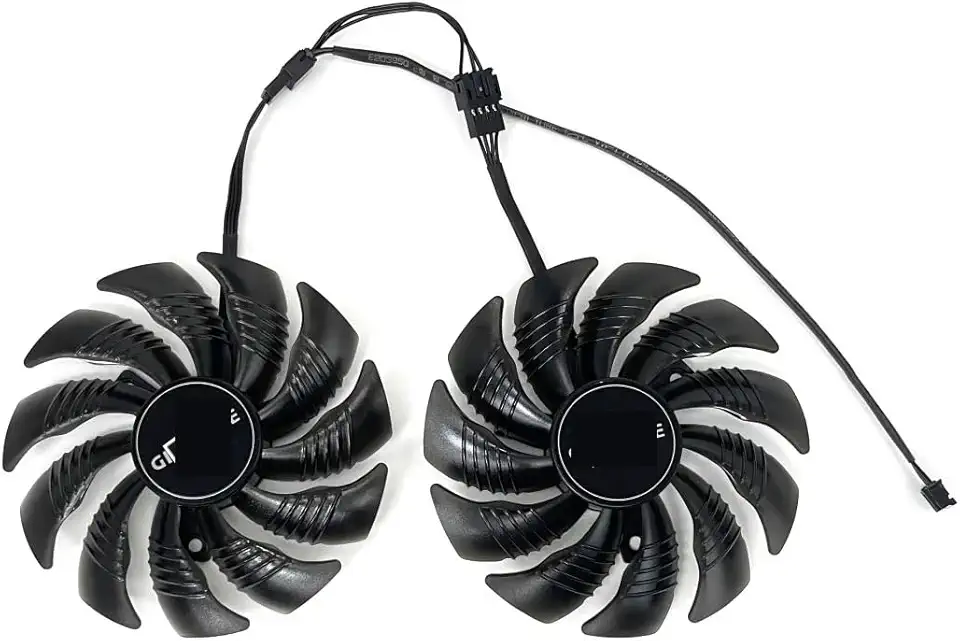
for 88MM T129215SU PLD09210S12HH for Cooling Fan for Gigabyte GTX 1650 1660 Ti for Super RTX 2060 Graphics Video Card Fans(Black A-Fan PLD)

95MM T129215SH for Cooling Fan for Gigabyte GTX 1650 for Gaming 1660 Ti RTX 2060 for Super 2070 WINDFORCE Graphics Card Cooler
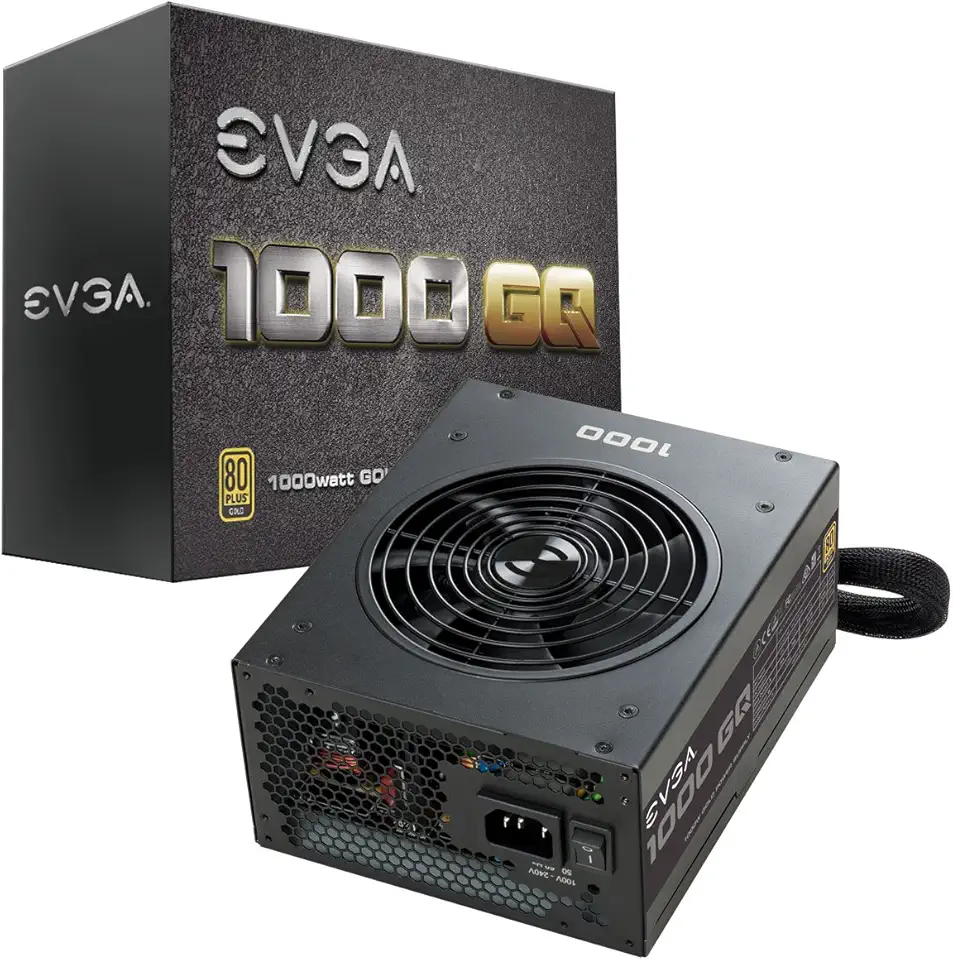
EVGA 1000 GQ, 80+ GOLD 1000W, Semi Modular, EVGA ECO Mode, 5 Year Warranty, Power Supply 210-GQ-1000-V1,Black

Logitech G203 Wired Gaming Mouse, 8,000 DPI, Rainbow Optical Effect LIGHTSYNC RGB, 6 Programmable Buttons, On-Board Memory, Screen Mapping, PC/Mac Computer and Laptop Compatible - Black

Redragon M612 Predator RGB Gaming Mouse, 8000 DPI Wired Optical Mouse with 11 Programmable Buttons & 5 Backlit Modes, Software Supports DIY Keybinds Rapid Fire Button

Acer PM161Q Bbmiuux 15.6" Full HD (1920 x 1080) Widescreen Portable IPS Display | AMD FreeSync Technology | 4ms (G to G) | 2 Speakers | USB Type-C Cable and Mini HDMI Cable

acer Chromebook 315 Laptop | Intel Pentium Silver N6000 | 15.6" Full HD IPS Touch | Intel UHD Graphics | 8GB LPDDR4X | 64GB eMMC | Wi-Fi 6 | DTS Audio | Protective Sleeve | Chrome OS | CB315-4HT-P8PQ

Acer Nitro V 15.6 FHD 144Hz Gaming Laptop, Intel i7-13620H, 32GB DDR5, 1TB SSD, NVIDIA GeForce RTX 4060, Keyboard Backlight, Wi-Fi 6, HD Webcam, Windows 11 Home, Black, 256GB Docking Station Set
