Ableton Live 12.3 Settings To Turn OFF Now! (Important!)

About
No channel description available.
Latest Posts




Video Description
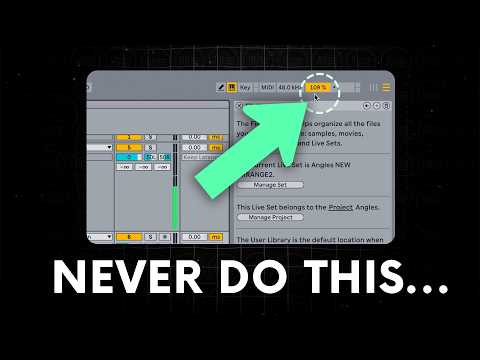
🎉 Learn Ableton Live Free + Free Sample Pack - https://www.pushpatterns.com/free-ableton-live-training In this video, I'll walk you through the most important Ableton Live 12.2 settings that you need to change right now to improve your workflow and make music production easier! These settings will help you optimise everything from display zoom and MIDI note drawing to plugin management and audio file organisation. Whether you're adjusting Ableton’s visual appearance, configuring recording and warping settings, or fine-tuning how plugins behave, each tip is designed to save you time and prevent common frustrations. You'll learn about the essential shortcuts and customisations, including how to manage file storage on external drives, set up MIDI note lock for faster editing, and enhance audio quality with the right warp modes. This guide is perfect for both beginners and experienced users. It will ensure that you have Ableton Live 12.1 set up perfectly to fit your workflow. Watch until the end for bonus tips on maximising storage and plugin efficiency! ▼Socials ▼ 🌌 Push Patterns Instagram: https://www.instagram.com/pushpatterns 🌠 Push Patterns TikTok: https://www.tiktok.com/@pushpatterns WHO AM I: I’m Craig, a professional musician and music technology teacher working at universities online and across London, UK. I make videos that look at easy and fun ways to get started in music production. I have also just launched my first course ‘Ableton Zero to Hero’ - a beginner’s guide to music production. GET IN TOUCH: If you’d like to talk, I’d love to hear from you. DM me on Instagram @pushpatterns directly, but if your question is very long, feel free to email me at [email protected]. #abletonlive #abletonlive12 #abletonpush3 #abletontutorial




Optimize Ableton Live 12.1
AI-recommended products based on this video
