Apple ID vs iCloud Explained: One Account, Two Names, Lots of Confusion


Learn with Joel Feld
@learnwithjoelAbout
“Tell me and I forget, teach me and I may remember, involve me and I learn.” — Benjamin Franklin Welcome to Learn with Joel! I create free, easy-to-follow tutorials for Apple users—covering iPhone tips, Mac how-tos, iCloud setup, Photos organization & more. Whether you’re just getting started or want to master your Apple devices, these videos make tech simple and stress-free. 📲 Tutorials, 1:1 training, travel blogs & gear — all in one place: beacons.ai/learnwithjoel 🤖 Want to see my fun, AI-powered side? Check out my second channel: funwithjoelTV ❤️ Found value? Hit Subscribe or tap the Thanks button — it truly helps the channel grow. Sharing is appreciated, too! 🛍️ As an Amazon Associate, I earn from qualifying purchases.


Video Description
If you use an iPhone, iPad, or Mac, you definitely have an Apple ID — and you may also hear it referred to as an iCloud account. In theory, they’re closely related… but in practice, the difference can be confusing. In this video, I explain what an Apple ID actually is, how iCloud fits into it, and why some users end up with two Apple IDs without even realizing it. We’ll look at real examples, including using one account for iCloud data and another for media purchases like apps, music, and subscriptions. I’ll also cover when using two Apple IDs might make sense — such as living in different countries — and why Apple still does not allow merging two Apple IDs together. 00:00 | Welcome Back! 00:33 | What Is an Apple ID? 01:42 | What Is an iCloud Account? 03:10 | How Apple ID and iCloud Work Together 04:38 | Apple Services That Require an Apple ID 06:05 | Why Apple Uses the Terms Interchangeably 07:22 | One Apple ID vs Multiple Apple IDs 09:18 | Using One Apple ID for iCloud, Another for Purchases 11:02 | Why This Setup Gets Confusing 12:36 | When Using Two Apple IDs Can Make Sense 14:10 | Why Apple Still Doesn’t Allow Merging Apple IDs 15:41 | Best Practice: One Apple ID Per Person 17:05 | Final Thoughts & Recommendations *Devices used in this tutorial:* macOS 14 Sonoma _Links to Websites or Referenced Videos Below:_ iCloud - What the Purpose is & How is it supposed to work! https://youtu.be/tXq-pMV40eM Apple ID Support https://support.apple.com/apple-id One account for everything Apple. https://appleid.apple.com If you have a video suggestion, let's chat! https://www.youtube.com/c/Learnwithjoel/community –––––––––––––––––––––––––––––––––––––––––––––––––––––––––––––––––––––––––––––––––– *CHECK OUT MY FAVORITE TECH GIZMOS AND GADGETS:* https://www.amazon.com/shop/joelfeld _We are a participant in the Amazon Services LLC Associates Program, an affiliate advertising program designed to provide a means for us to earn fees by linking to Amazon.com and affiliated sites. As an Amazon Influencer I earn from qualifying purchases from some of the links above._ *SOCIAL MEDIA:* Website: https://joelfeld.com #joelfeld #learnwithjoel #iCloud #appleid








Upgrade Your Gaming Setup Now
AI-recommended products based on this video
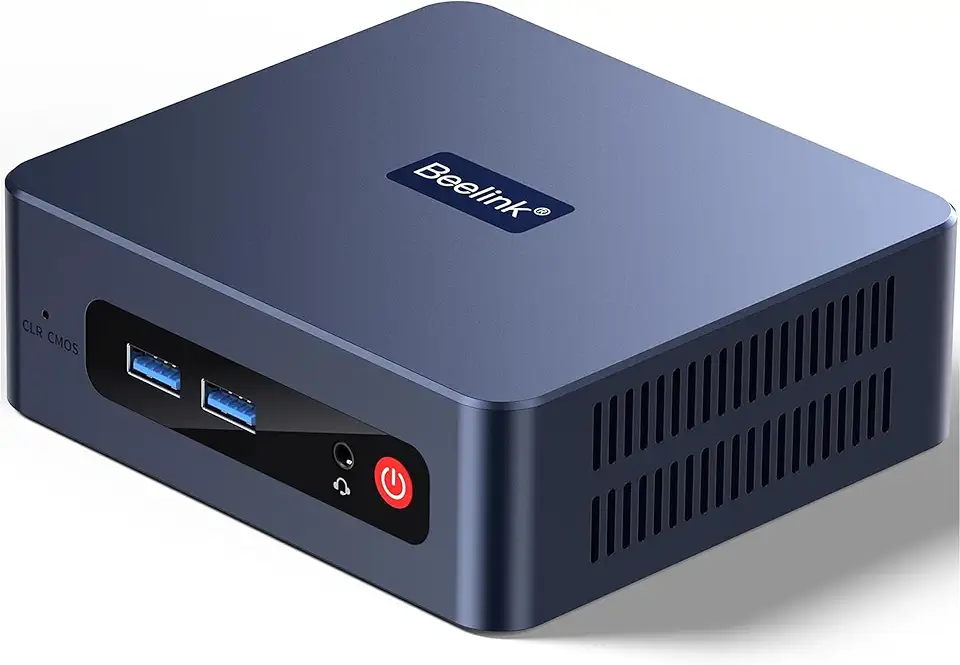
Beelink SER3 Mini Desktop PC with AMD Ryzen 3 3200U 2C/4T, 16GB DDR4 500GB PCIE3.0 X4 SSD, Dual Display Output, WiFi6/BT5.2 W-11 Pro Mini Gaming Computer

Beelink SER3 Mini PC, AMD Ryzen 3 3200U(14nm, 2C/4T) up to 3.5GHz, Mini Gaming Computer 16GB DDR4 RAM 500GB PCIE3.0 X4 SSD, Micro PC 4K@60Hz Dual Display, Mini Computer WiFi6/BT5.2/HTPC/W-11 Pro
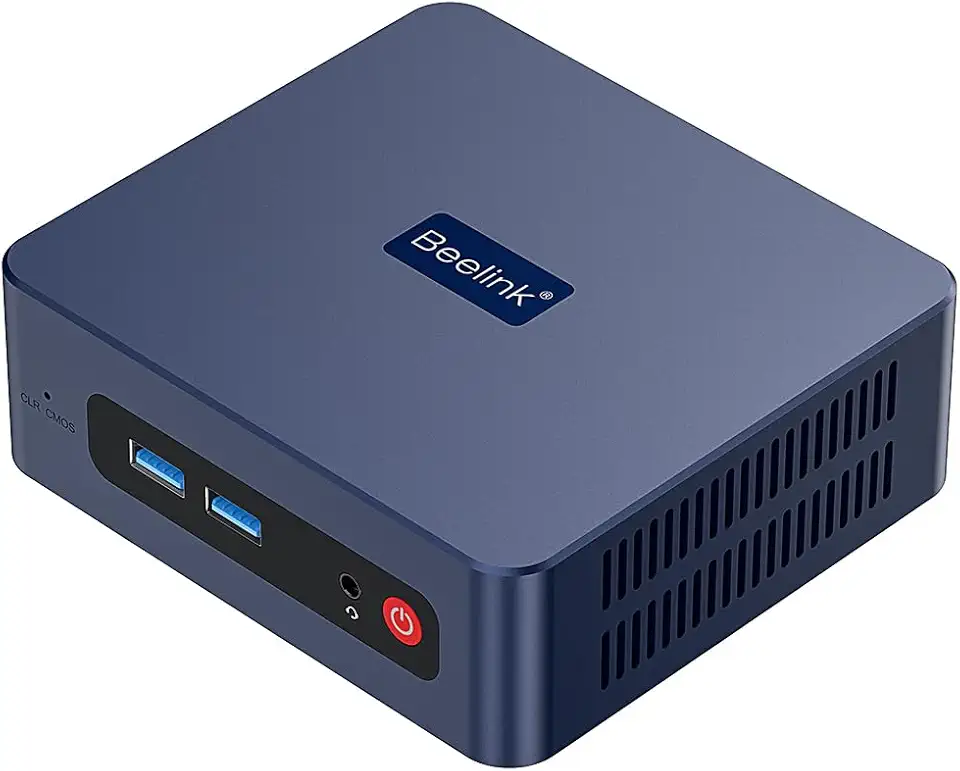
Beelink SER3 Mini PC, AMD Ryzen 3 3200U(up to 3.5GHz) 2C/4T, Mini Computer 16GB DDR4 RAM 500GB SSD, Mini Desktop Computer 4K@60Hz Dual HDMI Display WiFi6/BT5.2/WOL/HTPC/W-11 Pro
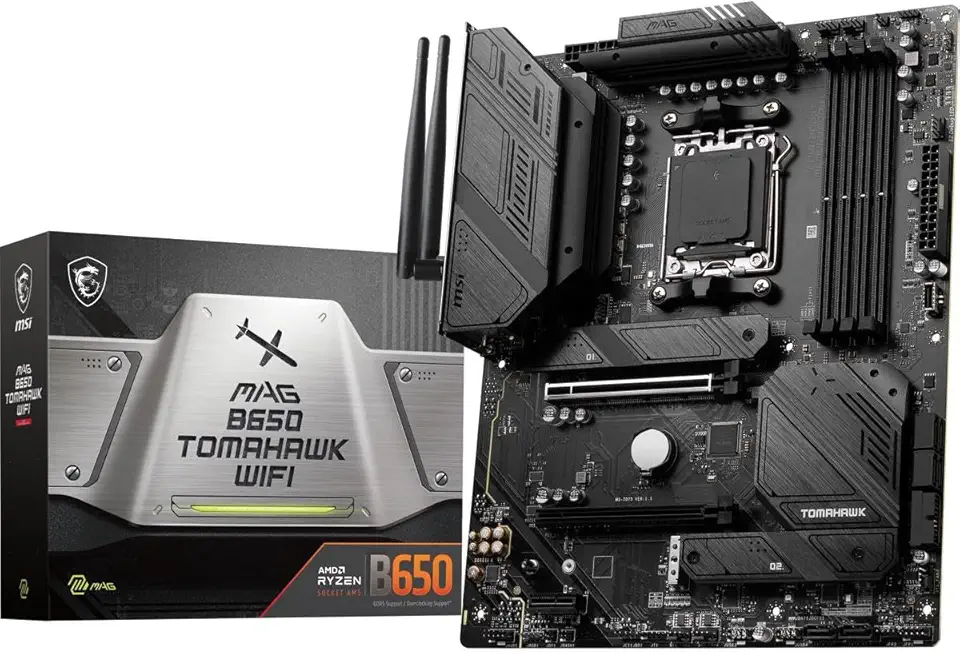
MSI MAG B650 Tomahawk WiFi Gaming Motherboard (AMD AM5, ATX, DDR5, PCIe 4.0, M.2, SATA 6Gb/s, USB 3.2 Gen 2, HDMI/DP, Wi-Fi 6E, AMD Ryzen 7000 Series Desktop Processors)

MSI MAG B850 Tomahawk MAX WiFi Gaming Motherboard (AMD Ryzen 9000/8000/7000 Series Processors, AM5, DDR5, PCIe 4.0, M.2, SATA 6Gb/s, USB 3.2 Gen 2, HDMI/DP, Wi-Fi 6E, Bluetooth 5.3, 2.5Gbps LAN, ATX)
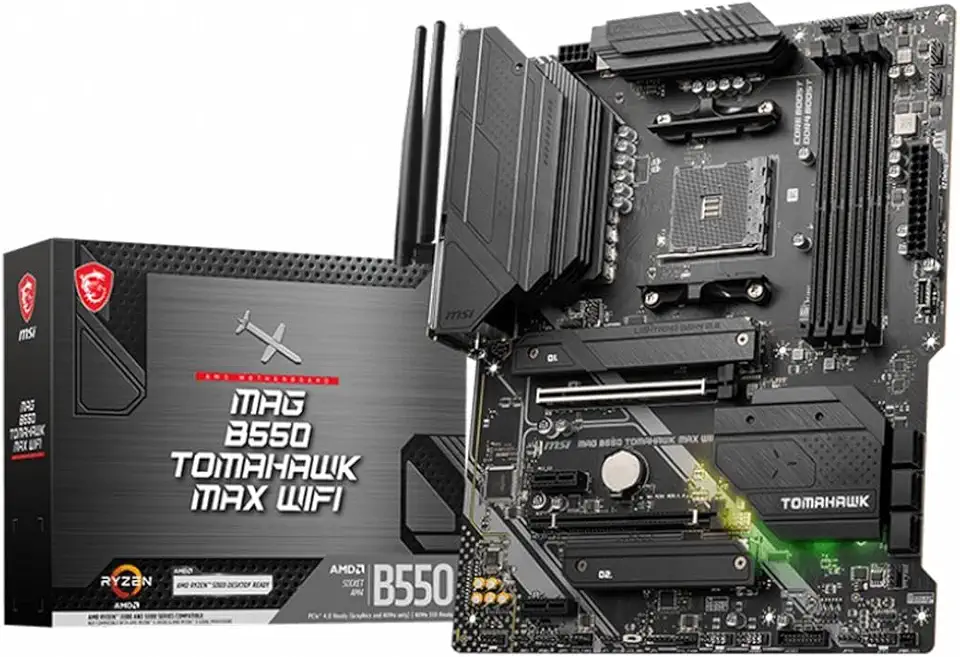
MSI MAG B550 Tomahawk MAX WiFi Gaming Motherboard AMD AM4, DDR4, PCIe 4.0, SATA 6Gb/s, M.2, USB 3.2 Gen 2, HDMI/DP, ATX, Wi-Fi 6E

Corsair Vengeance LPX 32GB (2 X 16GB) DDR4 3200 (PC4-25600) C16 1.35V Desktop Memory - Black

88MM T129215SU RTX 2060 for Cooling Fan for Gigabyte GTX 1660 1650 for Super Ti Graphics Card Cooler PLD09210S12HH(Black 2-Fan T12)

88MM T129215SU RTX 2060 for Cooling Fan for Gigabyte GTX 1660 1650 for Super Ti Graphics Card Cooler PLD09210S12HH(Black 2-Fan PLD)
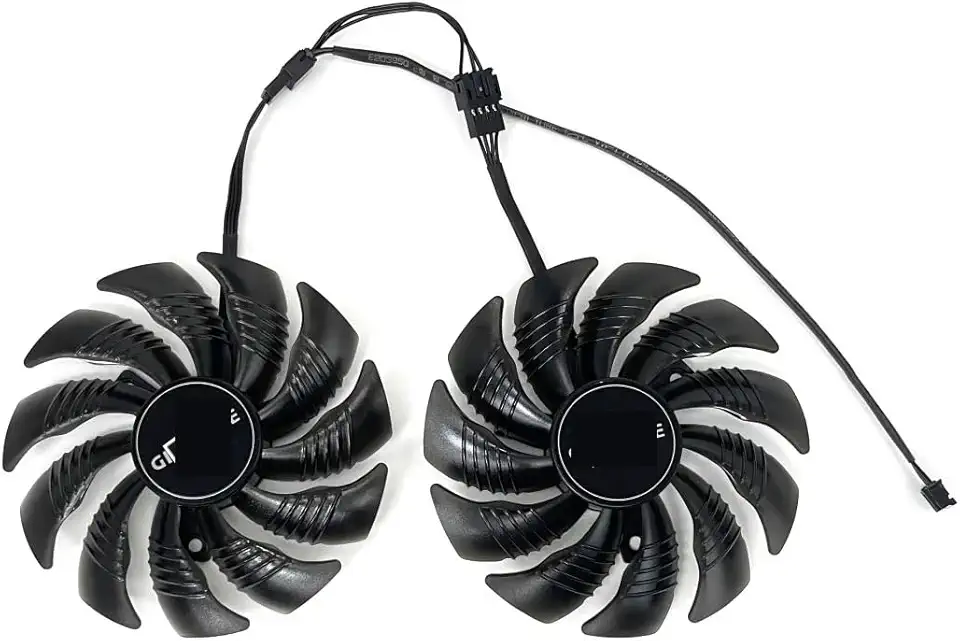
for 88MM T129215SU PLD09210S12HH for Cooling Fan for Gigabyte GTX 1650 1660 Ti for Super RTX 2060 Graphics Video Card Fans(Black A-Fan PLD)

95MM T129215SH for Cooling Fan for Gigabyte GTX 1650 for Gaming 1660 Ti RTX 2060 for Super 2070 WINDFORCE Graphics Card Cooler

Logitech G203 Wired Gaming Mouse, 8,000 DPI, Rainbow Optical Effect LIGHTSYNC RGB, 6 Programmable Buttons, On-Board Memory, Screen Mapping, PC/Mac Computer and Laptop Compatible - Black

HyperX CloudX Stinger 2 Core - Gaming Headset for Xbox, Lightweight Over-Ear headsets with mic, Swivel-to-Mute Function, 40mm Drivers - White
Logitech G203 Wired Gaming Mouse, 8,000 DPI, Rainbow Optical Effect LIGHTSYNC RGB, 6 Programmable Buttons, On-Board Memory, Screen Mapping, PC/Mac Computer and Laptop Compatible - Black
