Beginner Blender 4.0 Tutorial (2023)

Blender Guru
@blenderguruAbout
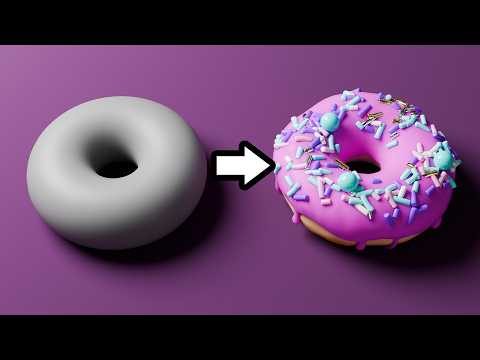
Andrew Price creates tutorials for the free open source 3D software "Blender". Born in Australia in 1988, Andrew has created Blender tutorials since 2008. His most popular videos are the blender "donut series", which teach beginners how to use Blender while making a donut. It's been remade four times since 2017 to stay up to date with Blender's major interface changes. Andrew is Founder and CEO of Poliigon (https://www.poliigon.com) which offers premium Textures, HDRIs and Models for 3D. In 2024 Andrew moved to West Hollywood LA to be closer to the 3D industry.
Latest Posts



Video Description
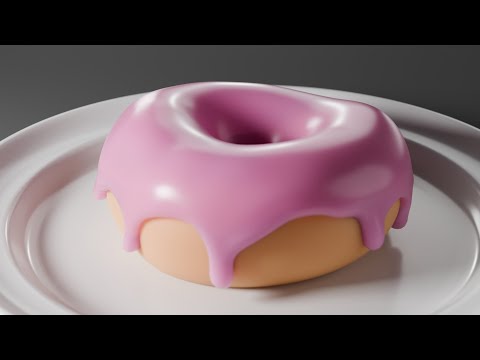
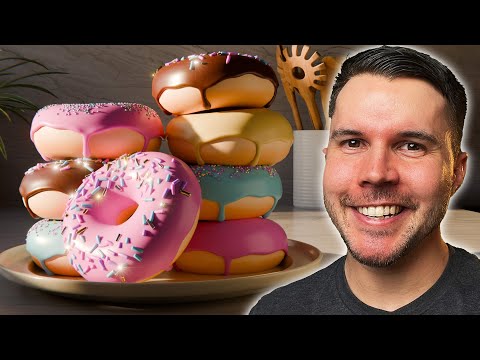
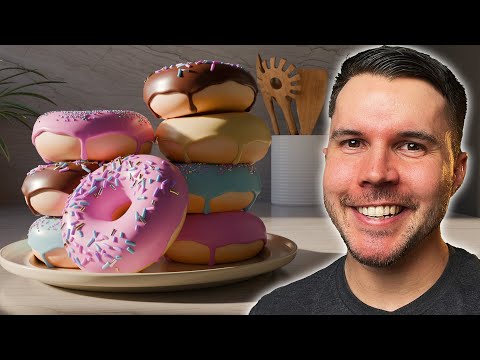
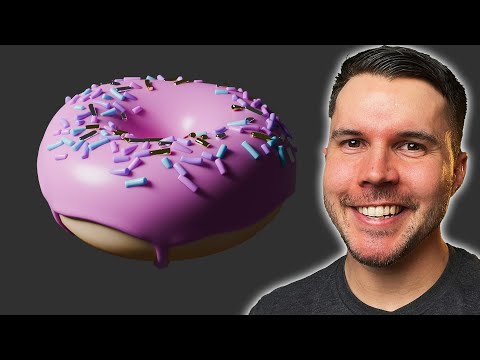
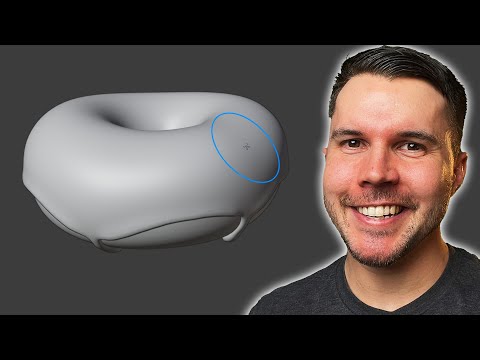
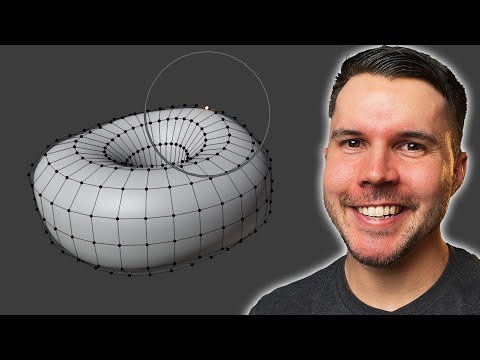
UPDATE: This is now outdated! Watch the new donut course, remade for Blender 5.0: https://www.youtube.com/watch?v=-tbSCMbJA6o&list=PLjEaoINr3zgGUwGwXlj9kBe7TrVWNjkyv Continue on, with Part 2: https://www.youtube.com/watch?v=tBpnKTAc5Eo&list=PLjEaoINr3zgEPv5y--4MKpciLaoQYZB1Z&index=2 This is the start of Blender tutorial series for complete beginners. In this series you'll learn Blender's core functionality and features while making your very own donut. To start, this video will teach you the interface, basic navigation, some hotkeys while making your very first render. === LINKS 🔗=== Download Blender: https://www.blender.org/download/ Keyboard Shortcut Cheat Sheet: https://docs.google.com/document/d/1zPBgZAdftWa6WVa7UIFUqW_7EcqOYE0X743RqFuJL3o/edit?usp=sharing Industry Compatible Cheat Sheet (not mine, used with permission): https://drive.google.com/file/d/1drO8P6tyz9DaKNGKki2PrIBGpYwIFzU0/view?usp=drive_link Blender Guru Discord: https://blenderguru.com/discord My VFX Artists React episode: https://youtu.be/D7Cv7x6jjYQ?si=VJjAnMOY7BmcnZYS BBC segment on the VFX of Everything Everywhere All At Once: https://www.youtube.com/watch?v=8pVWcO2hWcE Agent 327: https://youtu.be/mN0zPOpADL4?si=P_goUW6h092J3aZp (CC) Blender Foundation | studio.blender.org Join my free email newsletter: https://www.blenderguru.com/thisweekin3D === CHAPTER MARKS ✂️ === 0:00 Intro 1:10 Download and Installation 2:15 Interface 2:35 Adding objects 3:37 Navigation 5:09 Render Mode 5:56 Panning 6:33 Moving objects 9:26 The cheat sheet 10:12 Making a render 11:01 Moving the camera 12:42 Changing the material 14:18 Adding a cone 15:16 Scale 16:55 Rotation === Follow me 🫰=== https://twitter.com/andrewpprice https://instagram.com/andrewpprice https://facebook.com/blenderguru https://www.linkedin.com/in/andrew-price-17678911/ ArtStation: https://artstation.com/artist/andrewprice Blender Guru: http://www.blenderguru.com Poliigon: https://www.poliigon.com/?utm_campaign=desc&utm_source=youtube&utm_medium=bg
You May Also Like







No Recommendations Found
No products were found for the selected channel.