Beginner's Guide: 15 Essential Tweaks for New Fedora Workstation Users


Learn Linux TV
@learnlinuxtvAbout
Learn Linux TV is your ultimate resource for mastering Linux and open-source technology. From step-by-step Linux tutorials and distro reviews to server automation, cloud deployments, security, and DevOps workflows, this channel gives you the skills to thrive in today’s Linux Community. With over 20 years of Linux and System Administration experience, Jay (your host) shares practical insights to help you succeed with Linux — whether at home, in the data center, or in the cloud. Whether it’s Debian, Ubuntu, Fedora, Arch, or Proxmox, you’ll learn how to build, secure, and manage systems with confidence! • Linux made simple: tutorials, reviews, and sysadmin tips you can actually use. • Your go-to channel for Linux tutorials, distro reviews, and real-world sysadmin skills. • Where beginners become power users, and pros sharpen their Linux skills. Subscribe and join a community of hundreds of thousands of Linux enthusiasts who are learning, building, and growing with open source.
Latest Posts




Video Description
Fedora Workstation is an excellent Linux distribution, one that's celebrated across the community. If you're just starting out with it, this video will guide you through the Top 15 things you should do right after installing Fedora. This is great for beginners, but who knows - even intermediate users might pick something up. Support Linux Learning and check out Netdata, a powerful utility that enables you to easily and proactively monitor your business, home, or homelab network • Check out Netdata here ➜ https://learnlinux.link/netdata (affiliate revenue earned) *🐧 Support Linux Learning and spin up your very own Linux Server!* Check out Digital Ocean and create Linux instances you can use for learning or for powering your business infrastructure. Check out Digital Ocean here ➜ https://learnlinux.link/digitalocean *🕐 Time Codes* 00:00 - Intro 01:19 - Check out my brand new Udemy courses! 02:50 - Update your system 04:41 - Customize your system via GNOME Settings 09:20 - Customize your Applications Menu 10:31 - Enable online services 11:38 - Install GNOME Tweaks 13:39 - Set up a Dock 16:05 - Enable third-party Repositories 17:24 - Setting up RPM Fusion 18:48 - The merch shop was recently updated! 19:42 - Installing video drivers (Nvidia, etc) 22:12 - Install additional Software 26:15 - Enable tray icons 29:55 - Disable GNOME's annoying Alert Sound 31:08 - Install Google Chrome 33:58 - Enable additional multimedia support 36:07 - Enable support for playing DVD's in Fedora 37:09 - Install Steam 38:39 - Launch a virtual machine with GNOME Boxes *🎓 Full Linux Courses* • Linux Crash Course ➜ https://linux.video/cc • Netdata ➜ https://linux.video/netdata • tmux ➜ https://linux.video/tmux • vim ➜ https://linux.video/vim • Bash Scripting ➜ https://linux.video/bash • Proxmox VE ➜ https://linux.video/pve • Ansible (Paid) ➜ https://learnlinux.link/ansible • LPI Linux Essentials (Paid) ➜ https://learnlinux.link/linux-essentials *📘 FAQ* • What is a "Distribution" of Linux? ➜ https://linux.video/what-is-a-distro • What is a "Desktop Environment"? ➜ https://linux.video/desktop-environment • Which Server Distro should I use? ➜ https://linux.video/which-server-distro • How do I create USB install media? ➜ https://linux.video/install-media • How do I connect to a server via SSH? ➜ https://linux.video/use-ssh • How do I use apt? ➜ https://linux.video/apt • How do I use dnf? ➜ https://linux.video/dnf • How do I install Arch Linux? ➜ https://linux.video/install-arch • How do I configure SSH? https://linux.video/ssh-server • How do I install updates? ➜ https://linux.video/updates • How do I secure my Linux Server? ➜ https://linux.video/every-server *🎓 More About Learn Linux TV* • Main site ➜ https://www.learnlinux.tv • Community Forums ➜ https://community.learnlinux.tv • Github Account ➜ https://github.com/LearnLinuxTV • Content Ethics ➜ https://www.learnlinux.tv/content-ethics • Request Paid Assistance ➜ https://www.learnlinux.tv/request-assistance ⚠️ Use Content Responsibly Learn Linux TV shares technical content intended to teach and help you, but it comes with no warranty. The channel is not liable for any damages from its use. Always ensure you have proper permissions, follow company policies, and comply with all applicable laws while working with infrastructure. #Fedora #Linux #LinuxGaming















Boost Fedora Workstation Setup
AI-recommended products based on this video

Laptop Sleeve Case 11–14 Inch MacBook Air MacBook Pro Surface Laptop Dell XPS 13 HP Envy Pavilion Lenovo Yoga Slim IdeaPad Acer Swift Chromebook Samsung Galaxy Book Shockproof Leather Bag Colour Blue

Gumdrop ProTech Case for Dell New XPS 13 Plus 9320 Laptop- Slim Lightweight Case with Energy Displacement Protection, Non-Skid Rubber Feet and Frosted Exterior for Bumps and Drops (Black)

65W 45W USB C Laptop Charger Compatible with Dell Latitude 5420 5430 5520 5530 7340 7430 Inspiron 14 16 XPS 13 Chromebook 3100 Dell Computer Type C Fast Charging AC Adapter Power Cord

45W 65W AC Adapter Laptop Charger for Dell Inspiron 15 14 13 17 3000 5000 7000 Series 5558 5559 Charger Latitude E6440 E6430 3520 3420 XPS 13 14 9333 9350 Notebook Dell Computer Power Supply Cord

BrosTrend 1800Mbps WiFi 6 Linux WiFi Adapter for PC and Raspberry Pi 2+, Long Range USB WiFi Dongle Linux for Ubuntu, Mint, Debian, Kubuntu, Lubuntu, Zorin, Windows 11/10, Dual Band Wireless Antenna

BrosTrend Linux WiFi Adapter for Ubuntu, Mint, Debian, Lubuntu, Xubuntu, Mate, Zorin, PureOS, Raspberry Pi 2+, Windows 11/10, 1200Mbps, 5GHz/2.4GHz, Long Range 2 X 5dBi External Antennas, USB3.0

BrosTrend 650Mbps Linux WiFi Adapter for Ubuntu, Mint, Debian, Kubuntu, Lubuntu, Xubuntu, Zorin, PureOS, Raspberry Pi 2+, Windows 11/10/8/7/XP 5G/2.4G

BrosTrend Linux USB WiFi Adapter 1200Mbps Supports Ubuntu, Mint, Debian, Kubuntu, Mate, Zorin, PureOS, Raspberry Pi 2+, Windows 11/10, USB3.0 Wireless Dual Band Wi-Fi 5GHz/867Mbps + 2.4GHz/300Mbps

10.1 Inch Touch Portable Monitor IPS Screen 1366x768P 60Hz 400 Brightness 99% sRGB HDMI USB-C Monitors Switch for Xbox PS3/4/5 Laptop Compatible with Raspberry Pi, Mini Touch Screen

Anker 332 USB-C Hub (5-in-1) with 4K HDMI Display, 5Gbps - and 2 5Gbps USB-A Data Ports and for MacBook Pro, MacBook Air, Dell XPS, Lenovo Thinkpad, HP Laptops and More

Logitech G203 Wired Gaming Mouse, 8,000 DPI, Rainbow Optical Effect LIGHTSYNC RGB, 6 Programmable Buttons, On-Board Memory, Screen Mapping, PC/Mac Computer and Laptop Compatible - Black

Logitech G305 Lightspeed Wireless Gaming Mouse, Hero 12K Sensor, 12,000 DPI, Lightweight, 6 Programmable Buttons, 250h Battery Life, On-Board Memory, PC/Mac - Black
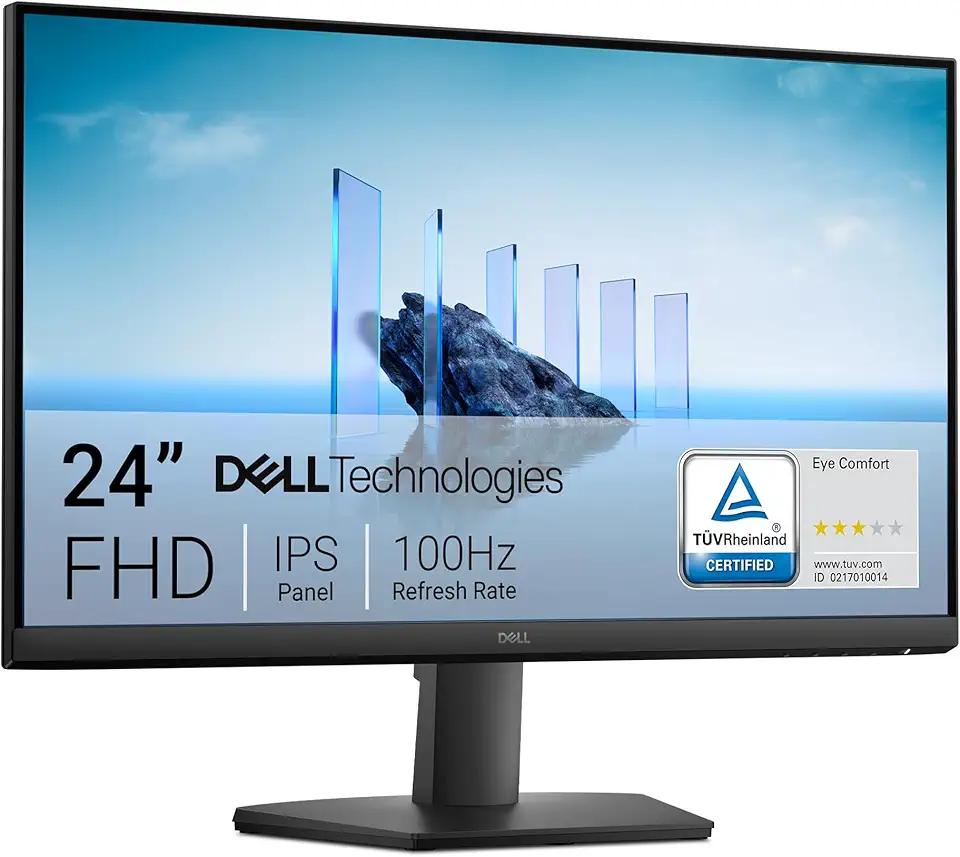
Dell 24 Monitor - SE2425HM - 23.8-inch Full HD (1920x1080) 16:9 100Hz Display, IPS Panel, 16.70 Million Colors, Anti-Glare, 1 HDMI / 1 VGA Port, TÜV Rheinland 3-Star*, Comfortview Plus - Black
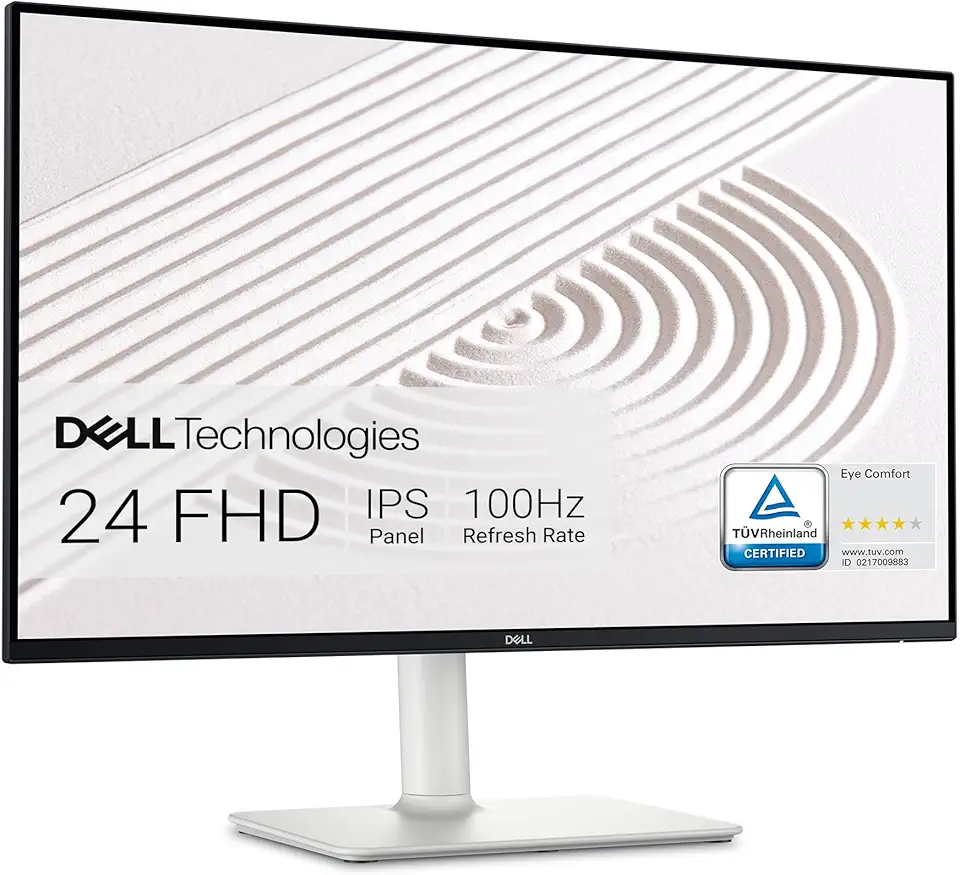
Dell S2425HS Monitor - 23.8 Inch, FHD (1920x1080) Display, 100Hz Refresh Rate 1500:1 Contrast Ratio, TÜV Rheinland Eye Comfort 4 Star, Integrated 2x5W Speaker, Height/Tilt/Swivel/Pivot - Ash White

USB C Docking Station Dual Monitor for Dell Hp,15-in-1 Laptop Docking Station 3 Monitors USB C Hub with Dual 4K HDMI,8K DP,Button,PD Charging,Ethernet,6 USB A&C,SD/TF, Audio USB-C Multiport Adapter

Dell 24 Monitor - P2425H EPEAT
10.1 Inch Touch Portable Monitor IPS Screen 1366x768P 60Hz 400 Brightness 99% sRGB HDMI USB-C Monitors Switch for Xbox PS3/4/5 Laptop Compatible with Raspberry Pi, Mini Touch Screen

ELECROW 8 Inch Portable Monitor, 1280x800 Mini HD Display with Built-in Speakers, USB Powered, Non-Touch LCD Screen for Raspberry Pi, PC, Laptop, Jetson Nano, Game Consoles

7 Inch Portable Monitor Touchscreen HD 1024x600 LED Display Dual HDMI Port Small Monitor for PC Raspberry Pi Laptop Computer Xbox PS4/5 Switch Built-in Speakers