Chatgpt Hidden Features You’re Missing: 11x Your Results

About
No channel description available.


Video Description
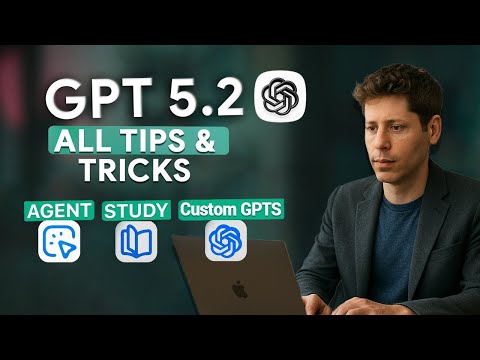
Unlock the full potential of ChatGPT with these 11 game-changing techniques that most people *don’t know about*. Whether you're just starting out or you’ve used AI for years, these tips will upgrade your workflow, sharpen your prompts, and help you build smarter, faster, more personalized AI interactions. In this video you’ll learn how to: - Customize ChatGPT with profile & instructions so it always “speaks your language” - Safeguard your privacy with incognito / data-control features - Connect your apps & data for seamless productivity across tools - Master structured prompting to get precise and useful results - Break complex tasks into steps & iterate for high quality output - Use ChatGPT as its own editor for clearer, cleaner content - Harness images/voice and make ChatGPT multimodal - Put it on autopilot with agent-mode to handle workflows for you - Learn with Study Mode: interactive, adaptive teaching - Create Custom GPTs specialized for your work or interests - Organize everything into Projects so context, memory & work-spaces are clean 📚 Who this is for: - AI / ML enthusiasts - Content creators, students, professionals using ChatGPT daily - Anyone who feels stuck with generic answers & wants clarity, speed, and power ✅ Be sure to LIKE 👍 if you find one new technique you didn’t know, SUBSCRIBE for more AI / productivity deep dives, and HIT the bell to never miss an update. 💬 What are your favorite ChatGPT hacks? Drop them in the comments! Also tell me which tip you want to see in a future video in even more depth. Time stamps 00:00 – Intro: Why Most People Get Generic ChatGPT Answers 01:16 – Tip 1: Customize ChatGPT with Profile & Instructions 03:16 – Tip 2: Safeguard Privacy with Incognito Mode 05:01 – Tip 3: Connect ChatGPT to Your Apps & Data 07:21 – Tip 4: Master the Art of Prompting 10:16 – Tip 5: Iterate in Steps for Complex Tasks 13:00 – Tip 6: Use ChatGPT as Its Own Editor 15:13 – Tip 7: Go Multimodal – Images, Voice, and More 18:07 – Tip 8: Put ChatGPT on Autopilot with Agent Mode 21:12 – Tip 9: Learn Smarter with Study Mode 23:52 – Tip 10: Create Custom GPTs for Specialized Tasks 26:48 – Tip 11: Organize Work with Projects 29:42 – Conclusion & Call to Action 📌 LINKS & RESOURCES #ChatGPT #AI #Productivity #PromptEngineering #CustomGPT #AgentMode #StudyMode #TipsAndTricks











Boost Your AI Productivity
AI-recommended products based on this video

EZDIY-FAB RTX 3000 Series 12 Pin to Dual 8 Pin PCIe Sleeved Extension Cable 300 MM- Connector for NVIDIA Ampere GEFORCE RTX 3060ti 3070 3080 FE Funder Edition- White

【DDR3 RAM Laptop Only】 GIGASTONE 16GB Kit (2x8GB) DDR3/DDR3L 1600MHz (1333MHz) PC3-12800 (PC3-10600) CL11 1.35V/1.5V 2Rx8 SODIMM 204 Pin Unbuffered Non ECC High Performance Notebook Memory Upgrade

TEAMGROUP Elite DDR4 16GB Kit (2 x 8GB) 3200MHz PC4-25600 CL22 Unbuffered Non-ECC 1.2V SODIMM 260-Pin Laptop Notebook PC Computer Memory Module Ram Upgrade - TED416G3200C22DC-S01

Monster N-Lite 211 Wireless Earbuds, Bluetooth 6.0 Stereo Headphones with Noise-Cancelling Mic and LED Display, Built-in Mic for Clear Calls, Waterproof Design for Sports
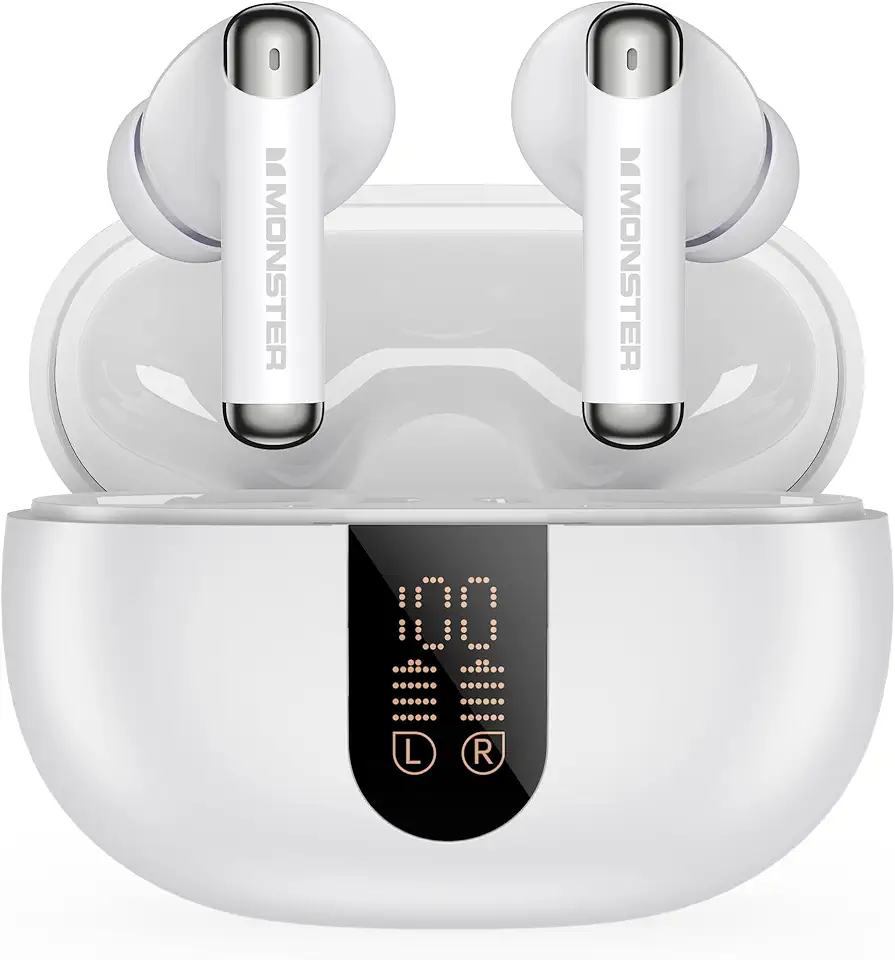
Monster N-Lite 211 Wireless Earbuds, Bluetooth 6.0 Stereo Headphones with Powerful Bass, Built-in Noise-Cancelling Mic for Clear Calls, LED Display, 36H Playtime, IPX5 Waterproof Design for Sports