12 Chrome Browser Settings You Should Change!

Brett In Tech
@brettintechAbout
Here at Brett In Tech we make videos about technology, streaming services, life hacks and anything else that people might find useful to know about. Our goal is to educate and make people aware of resources that can be helpful to them in their daily life. ⚠️Our official email address is [email protected]! All others are SCAMS!! We will NEVER reach out to brands for sponsorships or integrations. If you receive any email claiming to be from us, those are SCAMS too!!!⚠️
Latest Posts



Video Description
While Google Chrome is a great browser for those of you that want to use something basic without too many features, there are some settings that should be changed to give you a better experience. In this vide I’ll show you the settings you should change right now in Chrome to make your experience using it even better. Subscribe! ▶ https://www.youtube.com/@BrettInTech Share This Video ▶ https://youtu.be/vSzY9wXOhkw X/Twitter: https://x.com/BrettInTech Facebook: https://www.facebook.com/BrettInTech/ Google Activity Controls https://myactivity.google.com/activitycontrols 0:00 Intro 0:22 Block Third-Party Cookies 1:27 Block Pop-Ups 1:59 Enable Enhanced Protection 2:27 Use Secure DNS 3:32 Auto-Delete Web & App Activity 4:41 Change Theme 5:26 Disable Background Apps 6:07 Change Search Engine 6:40 Allow Extension in Incognito 7:11 Shrink Bookmarks 7:45 Reading Mode Settings 8:26 Enable Live Caption MORE VIDEOS TO WATCH: Top 10 Best FREE TV Streaming Services (2025) https://youtu.be/TVpTtQM6vqM 12 Settings You Should Change Immediately! https://youtu.be/fQFyq2P9yqI How to Use Microsoft PC Manager (Beginners Guide) https://youtu.be/h55eQf4rKA8 Top 10 Best Apple TV+ Movies to Watch Right Now! https://youtu.be/Iw3gnUTu1gM How to Create a Windows 11 Bootable USB Drive (Tutorial) https://youtu.be/z7QLN-yyQYs Brett In Tech is a leading source for the technology that we use each day. Whether it’s discussing computer operating system tricks, the latest tips for your mobile phone, finding out about the newest gadgets, or letting you know about the Google Chrome settings you should change, Brett In Tech has boundless topics on technology for the astute YouTube viewer.
You May Also Like










Boost Browsing: Chrome Must-Haves
AI-recommended products based on this video

Logitech K400 Plus Wireless Touch TV Keyboard With Easy Media Control and Built-in Touchpad, HTPC Keyboard for PC-connected TV, Windows, Android, Chrome OS, Laptop, Tablet - Black

Lenovo M210 RGB Wired Gaming Mouse for PC, Laptop, Computer with Windows & Chrome OS - 3 Zone RGB, 8000 DPI Adjustable Sensor, 7 Programmable Buttons – Palm Grip Mouse for Gamers (Black)

acer Chromebook 315 Laptop | Intel Pentium Silver N6000 | 15.6" Full HD IPS Touch | Intel UHD Graphics | 8GB LPDDR4X | 64GB eMMC | Wi-Fi 6 | DTS Audio | Protective Sleeve | Chrome OS | CB315-4HT-P8PQ

VersionTECH. Gaming Mouse Ergonomic Wired Computer Mouse with 7 Colors LED Backlight, 4 DPI Settings Up to 3600 DPI Compatible for Chromebook Windows 7/8/10/11 XP/Mac/Linux Gamer/Notebook/MacBook

LODVIE Wireless Mouse for Laptop,2400 DPI Wireless Computer Mouse with 6 Buttons,2.4G Ergonomic USB Cordless Mouse,15 Months Battery Life Mouse for Laptop PC Mac Computer Chromebook MacBook-Black

Gaming Keyboard, 104 Keys All-Metal Panel, Dacoity Rainbow LED Backlit Quiet Computer Keyboard, Wrist Rest, Multimedia Keys, Anti-ghosting Keys, Waterproof Light Up USB Wired Keyboard for PC Mac Xbox ClimatePartner certified
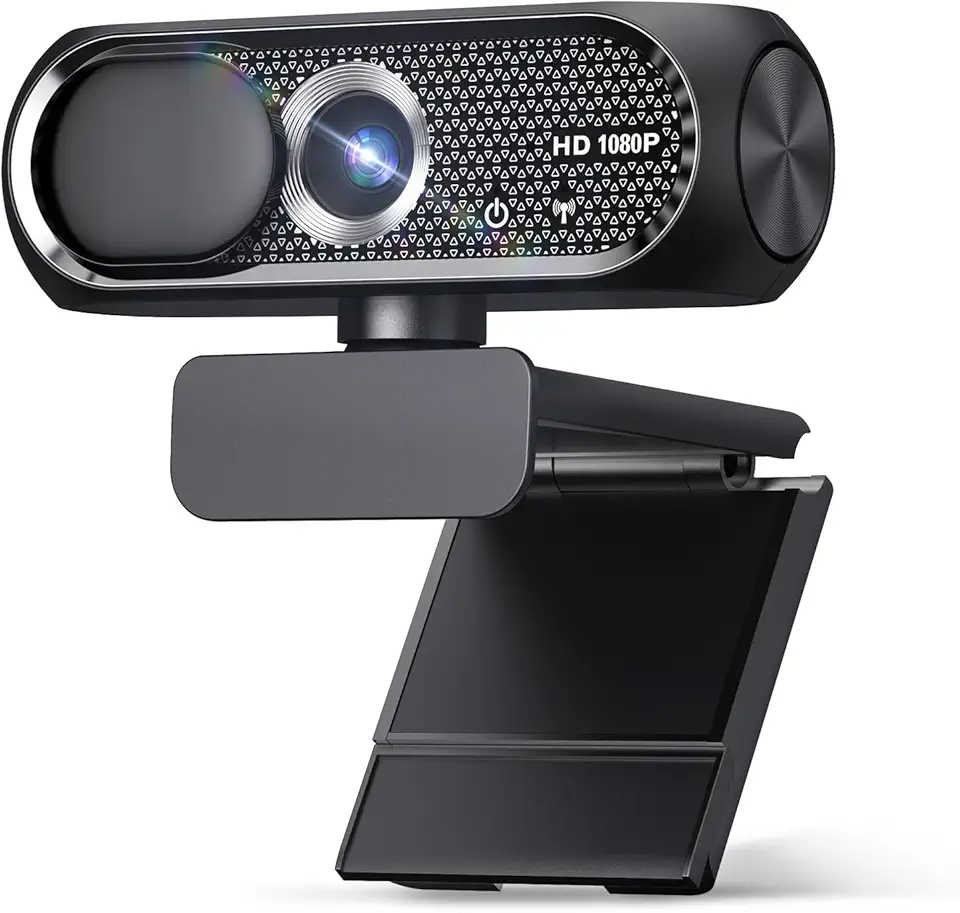
Shcngqio 1080P Full HD Webcam with Privacy Cover, Wide Angle Lens, Active Light Correction, Plug and Play USB Webcam for PC, Desktop,Laptop (Black)

TRAUSI HD Webcam with Microphone, Noise Cancellation, Privacy Cover, Wide-Angle Lens, Auto Light Correction, Plug & Play USB Webcam for Laptop, Desktop, PC, Mac, Zoom, Skype, Streaming (1080P, Black)