Editing Video The Good Ol' Way
About
No channel description available.
Latest Posts

![A Linux Car Stereo... From The 90s?? [Empeg Car]](https://imgz.pc97.com/?width=500&fit=cover&image=https://i.ytimg.com/vi/hYOhvPoD-yU/hqdefault.jpg)


Video Description
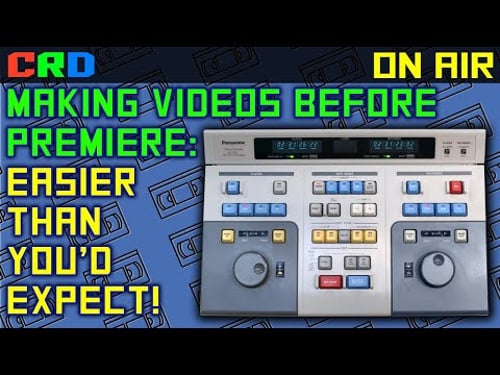
I tried to fit in Deep Space Nine references over and over but I just couldn't make it stick. Support me on Patreon: https://www.patreon.com/cathoderaydude Tip me: https://ko-fi.com/cathoderaydude Chapters: 00:00:00 Intro 00:02:52 Prehistory 00:08:15 The move to dubbing 00:15:45 Introducing the gear 00:23:04 What we'll be editing 00:28:38 The editing setup 00:30:38 Getting started 00:32:10 Control overview 00:38:20 Making my first edits 00:45:48 Building a timeline 00:50:20 Basic editing in review 00:54:50 Inconveniences 00:57:14 Finished roughcut 00:58:18 Timecode, control tracks, and formatting 01:06:17 Insert editing 01:08:16 Adding B-roll 01:18:16 Conclusions 01:25:03 Plans for the future 01:26:58 Outro About the grey bar that appears over the video when jogging: initially I was thinking it was the vertical blank between frames, but of course that's not true because if it was, you would see the top of the next frame below the bar. Since the frame stays in position vertically while the bar moves, that means that the head Is synchronized to the beginning of the track, otherwise we would see the image roll. I had to discuss this with a couple people at length because my brain was not able to figure it out. Because the tape is in motion when being played or recorded, the diagonal stripes of magnetic information laid down on it are not perfectly straight, but rather curved ("arcuate".) When the tape is paused and not moving, the head traces a path that *is* perfectly straight - so it doesn't follow the track perfectly. So while you can position the tape carefully so that the head overlaps just one magnetic stripe for most of its rotation, you're never going to get it perfect; the gray bar represents the moment when the head falls off the side of the track and begins reading the (very thin) empty space between video fields. When you advance the tape enough, the head skips off one stripe and on to the next, so you're seeing it scan the first half of one field, and the second half of another, with a void in between where it's scanning over the guard band. This is conjecture on my part, I have not found anything in literature that confirms this analysis but I don't see what else it could be.
You May Also Like







![Little Guys Ep 11 - Where No PC Has Gone Before [Stryker SDC]](https://imgz.pc97.com/?width=500&fit=cover&image=https://i.ytimg.com/vi/5xL0ynJgzFM/hqdefault.jpg)
![Little Guys 9: The First Of Many [Intertel Axxess]](https://imgz.pc97.com/?width=500&fit=cover&image=https://i.ytimg.com/vi/tbSl0GREN9k/hqdefault.jpg)
![Little Guys 8: This one won't fly [EK3 Media Engine]](https://imgz.pc97.com/?width=500&fit=cover&image=https://i.ytimg.com/vi/AHukN0JsMpo/hqdefault.jpg)

![Little Guys 5: Three Of Them [MediaSite / NCR N3000]](https://imgz.pc97.com/?width=500&fit=cover&image=https://i.ytimg.com/vi/fA993o51Vms/hqdefault.jpg)
Essential Video Editing Gear
AI-recommended products based on this video

Crucial T705 4TB PCIe Gen5 NVMe M.2 SSD - Up to 14,100 MB/s - Game Ready - Internal Solid State Drive (PC) - +1mo Adobe CC - CT4000T705SSD3

Apple 2025 MacBook Air 13-inch Laptop with M4 chip: Built for Apple Intelligence, 16GB Unified Memory, 256GB SSD Storage, Touch ID; Sky Blue - English Keyboard

Logitech G203 Wired Gaming Mouse, 8,000 DPI, Rainbow Optical Effect LIGHTSYNC RGB, 6 Programmable Buttons, On-Board Memory, Screen Mapping, PC/Mac Computer and Laptop Compatible - Black

Logitech G305 Lightspeed Wireless Gaming Mouse, Hero 12K Sensor, 12,000 DPI, Lightweight, 6 Programmable Buttons, 250h Battery Life, On-Board Memory, PC/Mac - Black
![SAMSUNG T9 4TB Portable SSD, USB 3.2 Gen. 2x2, Black, Upto 2000MB/s Read Speed - MU-PG4T0B/AM [Canada Version]](https://m.media-amazon.com/images/I/71EESd1deTL._AC_UL960_FMwebp_QL65_.jpg)
SAMSUNG T9 4TB Portable SSD, USB 3.2 Gen. 2x2, Black, Upto 2000MB/s Read Speed - MU-PG4T0B/AM [Canada Version]
![SAMSUNG T7 4TB, Portable SSD, Grey, up to 1050MB/s, USB 3.2 Gen2, Gaming, Students & Professionals, External Solid State Drive (MU-PC4T0T/AM), Grey [Canada Version]](https://m.media-amazon.com/images/I/91YfRIy7kYL._AC_UL960_FMwebp_QL65_.jpg)
SAMSUNG T7 4TB, Portable SSD, Grey, up to 1050MB/s, USB 3.2 Gen2, Gaming, Students & Professionals, External Solid State Drive (MU-PC4T0T/AM), Grey [Canada Version]
![SAMSUNG 990 PRO SSD 4TB PCIe Gen4 NVMe M.2 Internal Solid State Hard Drive, Up to 7,450MB/s, Heat Control, Direct Storage and Memory Expansion, MZ-V9P4T0B/AM [Canada Version]](https://m.media-amazon.com/images/I/81WuG6lQuDL._AC_UL960_FMwebp_QL65_.jpg)
SAMSUNG 990 PRO SSD 4TB PCIe Gen4 NVMe M.2 Internal Solid State Hard Drive, Up to 7,450MB/s, Heat Control, Direct Storage and Memory Expansion, MZ-V9P4T0B/AM [Canada Version]
![SAMSUNG 870 EVO SATA SSD 500GB 2.5” Internal Solid State Drive, Upgrade PC or Laptop Memory and Storage for IT Pros, Creators, Everyday Users, MZ-77E500B/AM [Canada Version]](https://m.media-amazon.com/images/I/911ujeCkGfL._AC_UL960_FMwebp_QL65_.jpg)
SAMSUNG 870 EVO SATA SSD 500GB 2.5” Internal Solid State Drive, Upgrade PC or Laptop Memory and Storage for IT Pros, Creators, Everyday Users, MZ-77E500B/AM [Canada Version]

Western Digital 4TB My Passport Portable External Hard Drive HDD, USB 3.0, USB 2.0 Compatible, Black - WDBPKJ0040BBK-WESN
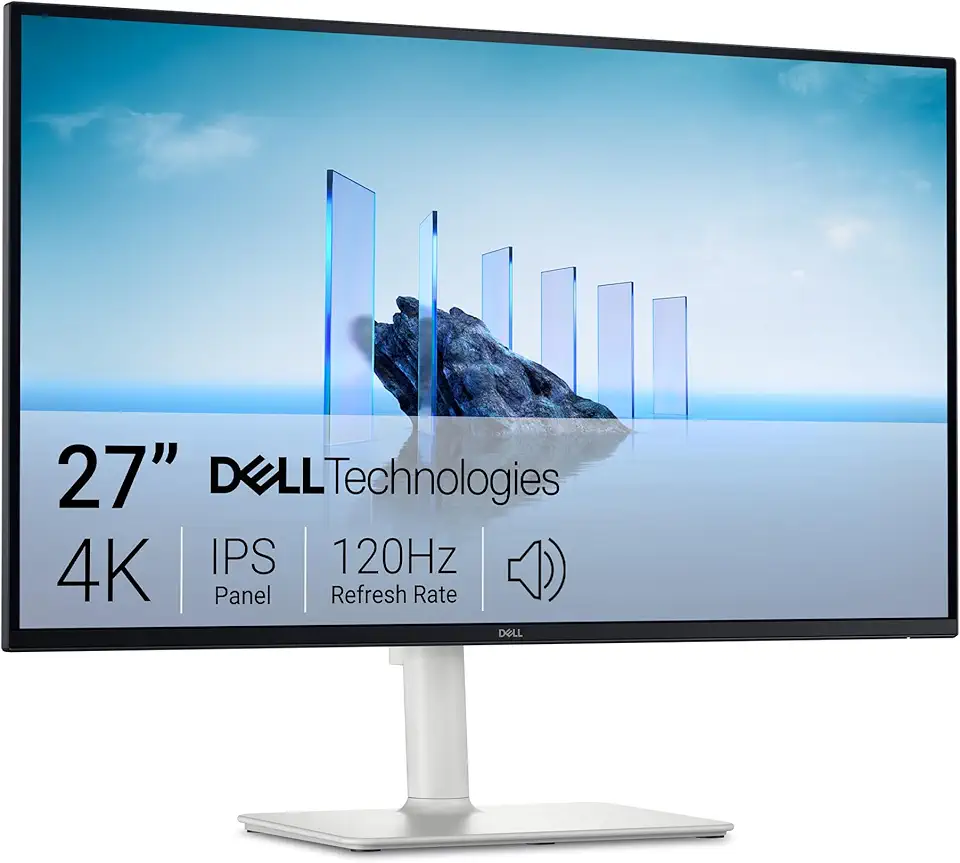
Dell 27 Plus 4K Monitor - S2725QS - 27-inch 4K (3840 x 2160) 120Hz 16:9 Display, IPS Panel, AMD FreeSync Premium, sRGB 99%, Integrated Speakers, 1500:1 Contrast Ratio, Comfortview Plus - Ash White

Dell UltraSharp U2725QE 27' 4K Thunderbolt-Hub-Monitor mit Bildwiederholfrequenz Von 120Hz

Dell UltraSharp 24 Monitor - U2424H

Dell UltraSharp U2723QE 27" 4K UHD WLED LCD Monitor - 16:9 - Black, Silver EPEAT

NEEWER Advanced 18 inch LED Ring Light for Phone, LCD Touch Screen, 2.4G Remote Lights Control, 3200-5600K, Tripod Light for iPhone Action Camera, for Studio Makeup TikTok YouTube Video Salon (Black)
NEEWER Advanced 18 inch LED Ring Light for Phone, LCD Touch Screen, 2.4G Remote Lights Control, 3200-5600K, Tripod Light for iPhone Action Camera, for Studio Makeup TikTok YouTube Video Salon (Black)

HOMIEE HOMIEE 15.6-Inch Laptop Backpack, High-Capacity Backpack for Men Women USB Charging Port Travel/Business/College Backpack, Blue

RAOYI 5Pack 64GB USB Flash Drive USB Stick USB 2.0 Memory Stick Slide Retractable Thumb Drive 64G USB Drive USB Key for Data Storage (Black Red Blue Green Purple)

Asus ZenScreen 16” Portable USB Monitor (MB169CK) - Full HD, IPS, Dual USB-C, Eye Care, Flicker Free, Blue Light Filter, Anti-Glare Surface, 360° Kickstand, 3 yr Warranty
