How to Deploy Your Own Gitlab CE Instance with Ubuntu on Linode


Learn Linux TV
@learnlinuxtvAbout
Learn Linux TV is your ultimate resource for mastering Linux and open-source technology. From step-by-step Linux tutorials and distro reviews to server automation, cloud deployments, security, and DevOps workflows, this channel gives you the skills to thrive in today’s Linux Community. With over 20 years of Linux and System Administration experience, Jay (your host) shares practical insights to help you succeed with Linux — whether at home, in the data center, or in the cloud. Whether it’s Debian, Ubuntu, Fedora, Arch, or Proxmox, you’ll learn how to build, secure, and manage systems with confidence! • Linux made simple: tutorials, reviews, and sysadmin tips you can actually use. • Your go-to channel for Linux tutorials, distro reviews, and real-world sysadmin skills. • Where beginners become power users, and pros sharpen their Linux skills. Subscribe and join a community of hundreds of thousands of Linux enthusiasts who are learning, building, and growing with open source.
Latest Posts




Video Description
If you're looking for a web app or service to assist with keeping track of all your source code, then Gitlab is definitely something you should consider. Gitlab is more than just a front-end to Git, it actually contains quite a few features to empower software development. In this video, Jay will walk you through setting up your very own Gitlab Community Edition server with Ubuntu on Linode. - Thanks to Linode for sponsoring this video! Check them out to set up your very own cloud Linux server in minutes ➜ https://learnlinux.link/akamai *🐧 Donate to Learn Linux TV and Receive a PDF with tips for switching to Linux* Contains over 40 pages of tips and recommendations to help make your transition easier! Check it out here ➜ https://learnlinux.link/linux-desktop-tips *💧 Spin up some Linux Servers with Digital Ocean* Digital Ocean is a great way to quickly spin up some Linux machines! • Check it out here ➜ https://learnlinux.link/digitalocean (Affiliate Link) *📄 Check out this awesome Linux commands cheatsheet!* Support Learn Linux TV and grab yourself this super-handy cheatsheet, featuring all the important Linux commands and their most useful options. Grab yours here ➜ https://learnlinux.link/linux-commands *❤️ Consider becoming a Channel Member* Support Linux Learning and gain acess to exclusive perks, such as ad-free content and early access to select videos. Your support really helps!!! Join here ➜ https://learnlinux.link/member *🛍️ Support The Channel and Get Awesome Linux Swag!* Head on over to the Learn Linux TV Merch Shop and check out some great Linux-themed gear, including (but not limited to) T-shirts, drinkware, buttons, stickers and more! • "apt install coffee" T-Shirt ➜ https://learnlinux.link/apt-install-coffee • "sudo" T-Shirt ➜ https://learnlinux.link/sudo-shirt • Linux Commands Cheat Sheet ➜ https://learnlinux.link/linux-commands • "May Spontaneously Talk About Linux" T-Shirt ➜ https://learnlinux.link/talk-about-linux-shirt • "Dark Side of the Terminal" T-Shirt ➜ https://learnlinux.link/dark-side-shirt • Lots more ➜ https://merch.learnlinux.tv _Use coupon code "LINUXFAN" to get 10% off your entire order ➜ https://merch.learnlinux.tv_ *🐧 Other Ways to Support Learn Linux TV* • Patreon ➜ https://learnlinux.link/patron • Spin up your very own Linux server ➜ https://learnlinux.link/digitalocean • Linux swag ➜ https://merch.learnlinux.tv • Check out Netdata ➜ https://learnlinux.link/netdata • Jay's Gear ➜ https://learnlinux.link/amazon _Note: Royalties and/or commission is earned from each of the above links_ *Video Specific Links* - Official blog post for this video ➜ https://www.learnlinux.tv/?p=2424 *🕐 Time Codes* 00:00 - Intro 02:50 - Set up your very own cloud Linux server with Linode (sponsor) 04:27 - What you'll need in order to follow along with this tutorial 08:19 - Installing the repository for Gitlab and installing the software 10:21 - Editing the gitlab.rb file to configure Gitlab 12:16 - Finding the default password for your new Gitlab installation 14:30 - Installing a Let's Encrypt certificate for our Gitlab instance 18:15 - Closing and how you can get involved with Gitlab*🎓 Full Linux Courses* • Linux Crash Course ➜ https://linux.video/cc • Netdata ➜ https://linux.video/netdata • tmux ➜ https://linux.video/tmux • vim ➜ https://linux.video/vim • Bash Scripting ➜ https://linux.video/bash • Proxmox VE ➜ https://linux.video/pve • Ansible (Paid) ➜ https://learnlinux.link/ansible • LPI Linux Essentials (Paid) ➜ https://learnlinux.link/linux-essentials *🎓 More About Learn Linux TV* • Main site ➜ https://www.learnlinux.tv • Community Forums ➜ https://community.learnlinux.tv • Github Account ➜ https://github.com/LearnLinuxTV • Content Ethics ➜ https://www.learnlinux.tv/content-ethics • Request Paid Assistance ➜ https://www.learnlinux.tv/request-assistance ⚠️ Use Content Responsibly Learn Linux TV shares technical content intended to teach and help you, but it comes with no warranty. The channel is not liable for any damages from its use. Always ensure you have proper permissions, follow company policies, and comply with all applicable laws while working with infrastructure. #Gitlab #DevOps #CloudComputing















PC Build Essentials Now
AI-recommended products based on this video
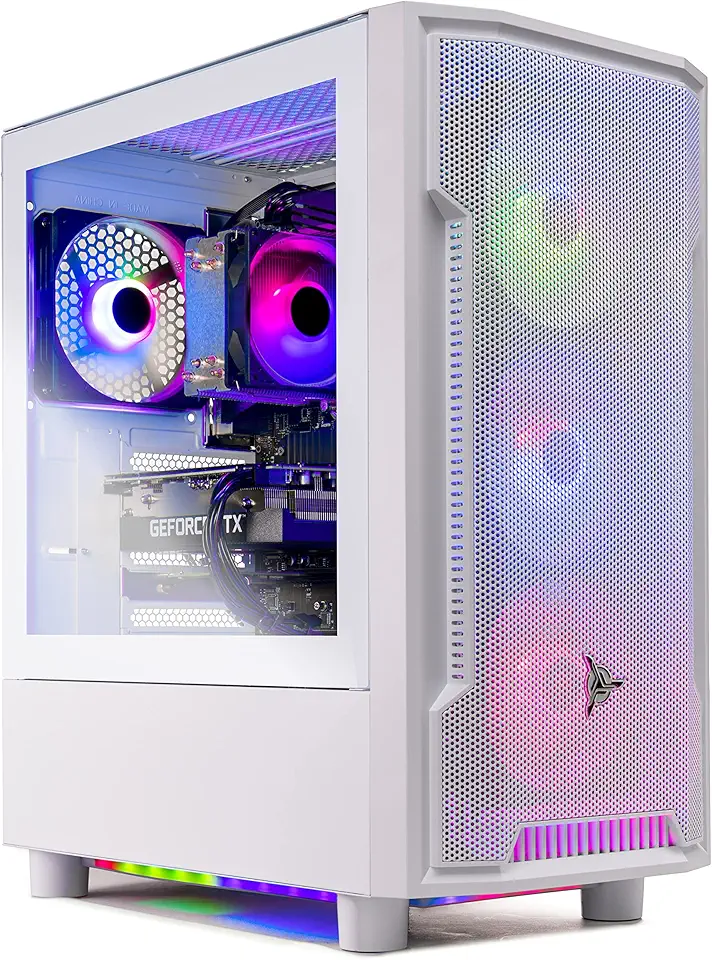
Skytech Archangel Gaming PC Desktop – AMD Ryzen 5 3600 3.6 GHz, NVIDIA RTX 3060, 1TB NVME SSD, 16GB DDR4 RAM 3200, 600W Gold PSU, 11AC Wi-Fi, Windows 11 Home 64-bit

Acer Nitro V 16 AI Gaming Laptop, 16" WUXGA 180Hz Display, AMD Ryzen 5 240, GeForce RTX 5050, 16GB DDR5, 512GB SSD, Backlit Keyboard, Copilot, Wi-Fi 6E, Win 11, Black, 1TB Docking Station Set
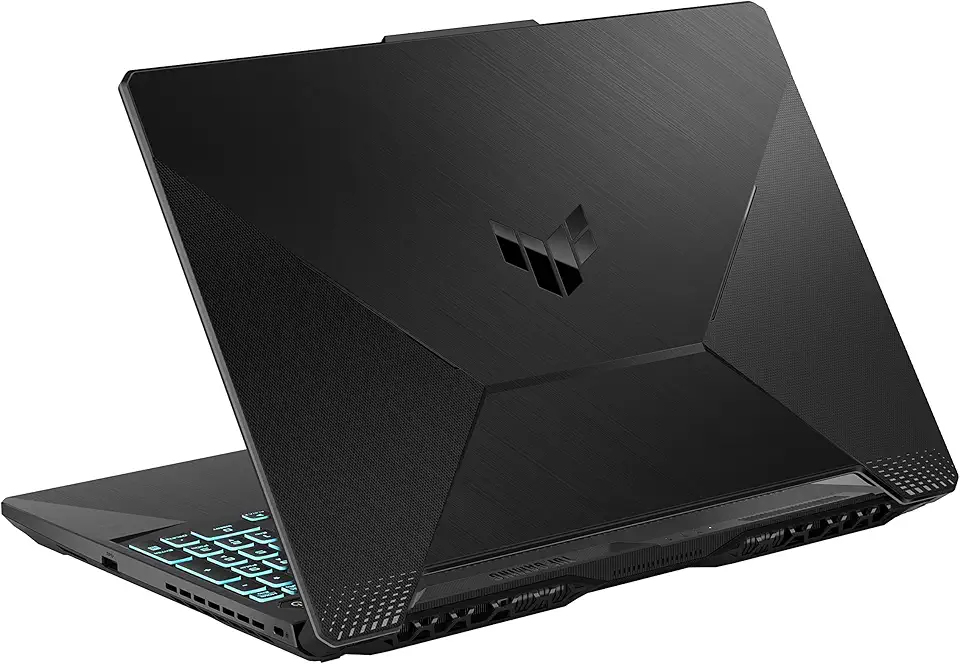
ASUS TUF Gaming A15 Gaming Laptop, 15.6” 144Hz FHD Display, AMD Ryzen 5 7535HS Processor, GeForce RTX 2050, 8GB DDR5 RAM, 512GB PCIe SSD Gen 4, Wi-Fi 6, Windows 11, FA506NF-AS51-CA

KAMRUI Mini PC E3B, Mini Computer AMD Ryzen 5 7430U (6C/12T, Up to 4.3GHz), 16GB DDR4 512GB M.2 SSD Mini Gaming Pc W11 PRO, 4K Triple Display/WiFi 6/BT5.2/USB3.2 for Home/Business Mini Desktop PC Global Recycled Standard

EZDIY-FAB RTX 3000 Series 12 Pin to Dual 8 Pin PCIe Sleeved Extension Cable 300 MM- Connector for NVIDIA Ampere GEFORCE RTX 3060ti 3070 3080 FE Funder Edition- White

Corsair Vengeance LPX 32GB (2 X 16GB) DDR4 3200 (PC4-25600) C16 1.35V Desktop Memory - Black

Asus Prime B550M-A WiFi II AMD AM4 (3rd Gen Ryzen) Micro ATX Motherboard (PCIe 4.0, WiFi 6, ECC Memory, 1Gb LAN, HDMI 2.1/D-Sub, 4K@60HZ, Addressable Gen 2 RGB Header and Aura Sync)

CORSAIR Hydro X Series iCUE Link XH405i Custom Cooling Kit – Hardline Water Cooling Loop – XC7 Elite CPU Water Block – XD5 Elite D5 Pump Res – XR5 360mm Radiator – 3X QX120 RGB Fans

Samsung 990 EVO Plus - 4TB PCIe Gen4. X4, Gen5. X2 NVMe 2.0 - M.2 Internal SSD, Speed Up to 7,250 MBs, Upgrade Storage for PC-Laptops, HMB Technology and Intelligent Turbowrite (MZ-V9S4T0B/AM)
![SAMSUNG 870 EVO SATA SSD 500GB 2.5” Internal Solid State Drive, Upgrade PC or Laptop Memory and Storage for IT Pros, Creators, Everyday Users, MZ-77E500B/AM [Canada Version]](https://m.media-amazon.com/images/I/911ujeCkGfL._AC_UL960_FMwebp_QL65_.jpg)
SAMSUNG 870 EVO SATA SSD 500GB 2.5” Internal Solid State Drive, Upgrade PC or Laptop Memory and Storage for IT Pros, Creators, Everyday Users, MZ-77E500B/AM [Canada Version]
![SAMSUNG 870 EVO SATA III SSD 4TB 2.5” Internal Solid State Drive, Upgrade PC or Laptop Memory and Storage for IT Pros, Creators, Everyday Users, MZ-77E4T0B/AM [Canada Version]](https://m.media-amazon.com/images/I/71W2nK7LUrL._AC_UL960_FMwebp_QL65_.jpg)
SAMSUNG 870 EVO SATA III SSD 4TB 2.5” Internal Solid State Drive, Upgrade PC or Laptop Memory and Storage for IT Pros, Creators, Everyday Users, MZ-77E4T0B/AM [Canada Version]
![SAMSUNG EVO Select Micro SD-Memory-Card + Adapter, 128GB microSDXC 160MB/s Full HD & 4K UHD, UHS-I, U3, A2, V30, for Android Smartphones, Tablets, Nintendo-Switch (MB-ME128SA/AM) [Canada Version]](https://m.media-amazon.com/images/I/71lzXt4djxL._AC_UY654_FMwebp_QL65_.jpg)
SAMSUNG EVO Select Micro SD-Memory-Card + Adapter, 128GB microSDXC 160MB/s Full HD & 4K UHD, UHS-I, U3, A2, V30, for Android Smartphones, Tablets, Nintendo-Switch (MB-ME128SA/AM) [Canada Version]

Seagate Portable 4TB External Hard Drive HDD – USB 3.0 for PC, Mac, Xbox, & PS4 - 1-Year Rescue Service (STGX4000400)

Seagate Game Drive 4TB External Hard Drive Portable HDD - Compatible With PS4 (STGD4000400) blue
CORSAIR Hydro X Series iCUE Link XH405i Custom Cooling Kit – Hardline Water Cooling Loop – XC7 Elite CPU Water Block – XD5 Elite D5 Pump Res – XR5 360mm Radiator – 3X QX120 RGB Fans

Logitech G203 Wired Gaming Mouse, 8,000 DPI, Rainbow Optical Effect LIGHTSYNC RGB, 6 Programmable Buttons, On-Board Memory, Screen Mapping, PC/Mac Computer and Laptop Compatible - Black

CORSAIR iCUE Link XD5 RGB Elite LCD Pump-Reservoir Unit - D5 PWM Pump - 480x480 IPS LCD Screen - 22 Addressable RGB LEDs - 440ml Nylon Reservoir - White

CORSAIR iCUE Link XC7 RGB Elite CPU Water Block - Transparent Flow Chamber - 24 RGB LEDs - Fits Intel® LGA 1700, AMD® AM5 and Older - White
CORSAIR Hydro X Series iCUE Link XH405i Custom Cooling Kit – Hardline Water Cooling Loop – XC7 Elite CPU Water Block – XD5 Elite D5 Pump Res – XR5 360mm Radiator – 3X QX120 RGB Fans

acer Enduro T1 ET108-11A-80PZ Rugged Tablet, 8.0" WXGA IPS Touch, MediaTek MT8385 Octa-Core Processor, 4GB LPDDR4, 64GB eMMC, WiFi-5, Front 2MP Webcam, Rear 5MP Webcam, Handstrap, Android 9 Pie

Acer PM161Q Bbmiuux 15.6" Full HD (1920 x 1080) Widescreen Portable IPS Display | AMD FreeSync Technology | 4ms (G to G) | 2 Speakers | USB Type-C Cable and Mini HDMI Cable

NEW POW 65W 18V-20V Universal Ultrathin AC Adapter Laptop Charger Power Supply for HP Lenovo Dell Asus Acer IBM Toshiba Samsung Sony Fujitsu Gateway Compatible Models Cord (15 Tips,Black)
