How To Fix Dell Blue Screen, Black Screen Blinking Cursor, Stuck Diagnosing, BSOD PC Errors
About
No channel description available.
Latest Posts



Video Description
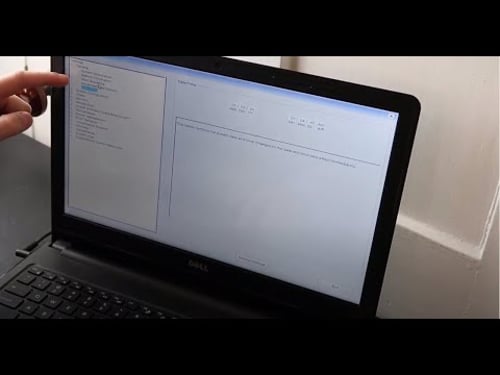
THIS VIDEO HAS BEEN UPDATED HERE: https://youtu.be/EIrJ_w0fMBI Use this video to troubleshoot and repair why your Dell is showing you a Blue Screen Error, stuck in a Boot Loop, stuck loading, stuck diagnosing PC or other boot up issues. Make sure these are happening AFTER the initial Logo Screen. Please note, this can also be caused by a loose HDD. Try unplugging it and plugging it back in! That is called 'Reseating' the HDD. Please remember to Like, Share and Subscribe if this was helpful !! Check out the FAQ's and the Related Links below for more helpful info !! Please subscribe to https://www.youtube.com/@JamTechs where I give you 5 minute or less videos about cool tech!! Related Links: Laptop Tools, Components & Accessories: https://amzn.to/3XpHdlw HDD & SSD Replacement / Upgrades: https://amzn.to/430vkEz Hard Drives vs Different Kinds of Solid State Drives Explained: https://youtu.be/KgDucEw7drA FAQ's: Q: What are the buttons you press? A: F2 - BIOS, F12 - Diagnostic Options Q: What if I cannot seem to switch between Legacy and UEFI or switching does not work? A: If you cannot locate the options to switch between or if switching does not work, then skip that step and continue with the rest of the steps in this updated video: https://youtu.be/EIrJ_w0fMBI :) What was the result of the Diagnostic Scan? Q: It has an error saying 'legacy option cannot be enabled with PTT enable' A: Disable PTT Security by going to the Security Tab, and selecting PTT Security. Uncheck the box. If you cannot locate the options to switch between or if switching does not work, then skip that step and continue with the rest of the video :) What was the result of the Diagnostic Scan? Q: What if my diagnostic test shows the HDD as 'Not Installed"? A: That means the hard drive is either loose or bad. I would 'Reseat' it (unplug it and plug it back in). Try the scan again. If it still says that its not installed, then its most likely bad and needs to be replaced. You can see how to do that here; https://youtu.be/tNp5Kbo9uHg. You would also then need to install an operating system onto the new one. You can see how to install Windows 10 here: https://youtu.be/zYY-Gq68Dvo. You can create Win10 Install Media for free as seen here; https://youtu.be/YbC4jZVwQm4. You can see how to install Windows 11 here: You can create Win11 Install Media for free as seen here: https://youtu.be/WIxDYRBVbmk. If you cant create your own, you may have to purchase it. You can see an example of a good install media USB in the Repair Tools list here; https://www.amazon.com/shop/pcmonkey. Q: My hard drive didn't pass the test. What do I do now? A: You should then replace the hard drive as seen here; https://youtu.be/tNp5Kbo9uHg. You would also then need to install an operating system onto the new one. You can see how to install Windows 10 here: https://youtu.be/zYY-Gq68Dvo. You can create Win10 Install Media for free as seen here; https://youtu.be/YbC4jZVwQm4. You can see how to install Windows 11 here: You can create Win11 Install Media for free as seen here: https://youtu.be/WIxDYRBVbmk. If you cant create your own, you may have to purchase it. You can see an example of a good install media USB in the Repair Tools list here; https://www.amazon.com/shop/pcmonkey. Q: Changing the settings in BIOS didn't help and my HDD passed the test. A: If changing the setting sin BIOS didn't identify the issue and your Hard Drive passed the test, then the issue is most likely Operating System related. You would need to reinstall it. You can see how to install Windows 10 here: https://youtu.be/zYY-Gq68Dvo. You can create Win10 Install Media for free as seen here; https://youtu.be/YbC4jZVwQm4. You can see how to install Windows 11 here: You can create Win11 Install Media for free as seen here: https://youtu.be/WIxDYRBVbmk. If you cant create your own, you may have to purchase it. You can see an example of a good install media USB in the Repair Tools list here; https://www.amazon.com/shop/pcmonkey. Q: I cant run the diagnostic scan. It wont complete or I cant access it. A: If you cannot run the scan, we don't know for sure if the HDD is healthy or not. We will have to continue troubleshooting assuming it is for now. If its healthy, and if the issue is operating system related, I would then reinstall it. You can see how to install Windows 10 here: https://youtu.be/zYY-Gq68Dvo. You can create Win10 Install Media for free as seen here; https://youtu.be/YbC4jZVwQm4. You can see how to install Windows 11 here: You can create Win11 Install Media for free as seen here: https://youtu.be/WIxDYRBVbmk. If you cant create your own, you may have to purchase it. You can see an example of a good install media USB in the Repair Tools list here; https://www.amazon.com/shop/pcmonkey.









Urgent PC Repair Kit
AI-recommended products based on this video

Laptop Sleeve Case 11–14 Inch MacBook Air MacBook Pro Surface Laptop Dell XPS 13 HP Envy Pavilion Lenovo Yoga Slim IdeaPad Acer Swift Chromebook Samsung Galaxy Book Shockproof Leather Bag Colour Blue

Charger for Dell Computer Inspiron XPS Laptop 65W 45W Power Supply AC Adapter for Dell-Inspiron 15-3000 15-5000 15-7000 11-3000 13-5000 13-7000 17-5000 XPS 13 Series 5559 5558 5755 5758 Laptop Charger

tomtoc 360° Protective Laptop Sleeve for 15-inch MacBook Air M4/A3241 2025, M3/A3114 2024, M2/A2941 2023, 15-inch MacBook Pro A1990 A1707, Dell XPS 15 Plus Laptop, Water-Resistant Computer Case Bag Global Recycled Standard

Replacement for Dell 130W Laptop Charger USB C - XPS 17 15 7590 9700 9500 9510 Precision 5560 3560 5540 5570 5550 3561 3550 5510 5520 Latitude 7410 7310 7210 Type C Computer AC Adapter Power Cord

BOSGAME P2 Plus Mini PC - Intel Core i7-12700H, 32GB DDR5, 512GB NVMe SSD | Thunderbolt 4, Triple 4K Display| Dual 2.5G LAN, WiFi 6, Bluetooth 5.2 | Win11 Pro Desktops for Work Gaming

Dell Inspiron 3030 Desktop - Intel Core i7-14700 Processor, 16GB DDR5 RAM, 1TB SSD, Intel UHD 770 Graphics, Windows 11 Pro, Onsite & Migrate Service - Mist Blue

Corsair Vengeance LPX 32GB (2 X 16GB) DDR4 3200 (PC4-25600) C16 1.35V Desktop Memory - Black

Gaming Mini PC N2 Pro, Ryzen 7 6800H, 32GB DDR5 512GB M.2 NVME SSD, Radeon 680M Mini Computers, Uual USB4 8K UHD, Quad Display, WiFi 6E, BT-5.2, Mini Desktop PC/11 Pro/Office

MSI Codex Z2 Gaming Desktop: AMD R7-8700F, GeForce RTX 5070, 32GB DDR5, 2TB m.2 NVMe SSD, USB Type-C, VR-Ready, Windows 11 Home : A8NVP-436US

BOSGAME P3 Lite Mini PC, AMD Ryzen 7 6800H Mini Computer (8C/16T, up to 4.7GHz), 24GB DDR4 1TB M.2 NVMe SSD, Triple Display Desktop Gaming PC, Pre-in Win 11 Pro, Dual LAN, WiFi 6E, BT 5.2

ORIGIMAGIC N1 Mini PC, Ryzen 7 5825U(8C/16T, UP to 4.5GHz) 32GB RAM 1TB M.2 NVMe SSD, Mini Computer 4K Quad Display/Dual USB-C(Support Data/PD3.0/DP) /WiFi 6E/BT5.2, Light Gaming/Office

Portable Air Conditioners, wobuzhi Evaporative Air Cooler with LCD Screen, Fan Speed&Spray, 7 RGB Lights,USB Powered,1-8H Timer, Personal Air Conditioners, Portable Air Conditioners for Home Office

llano RGB Laptop Cooling Pad with Powerful Turbofan Gaming Cooler Radiator with Infinitely Variable Speed, Touch Control, LCD Screen, 3-Port USB Hub, Seal Foam for Notebook Computer 15-19in

Neck Fan with Cooling Plate,Portable Neck Fan Rechargeable Battery Powered,Bladeless Personal Air Conditioner Wearable Neck Cooler Fans,USB Electric Quiet Necklace AC Fans for Travel Outdoor Black
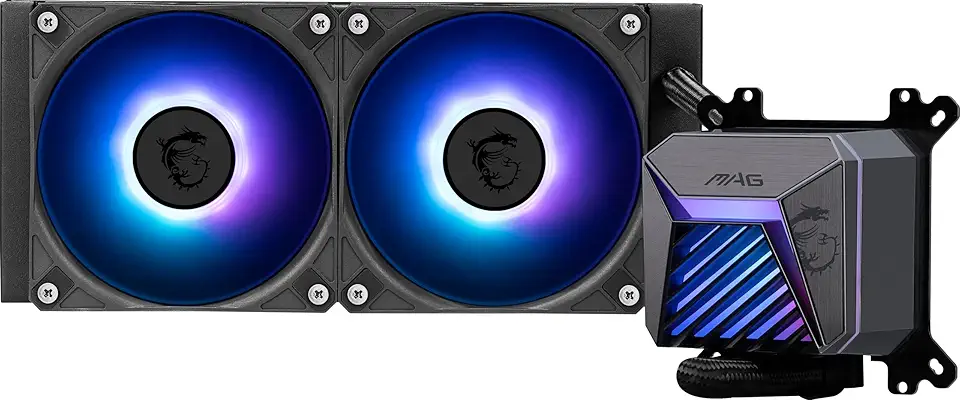
MSI MAG CORELIQUID A15 240 - AIO ARGB CPU Liquid Cooler - 240mm Radiator - AM5, LGA 1851 Ready - Dual 120mm ARGB PWM Fans, Black

EVGA 10G-P5-3897-KR GeForce RTX 3080 FTW3 Ultra Gaming, 10GB GDDR6X, iCX3 Technology, ARGB LED, Metal Backplate
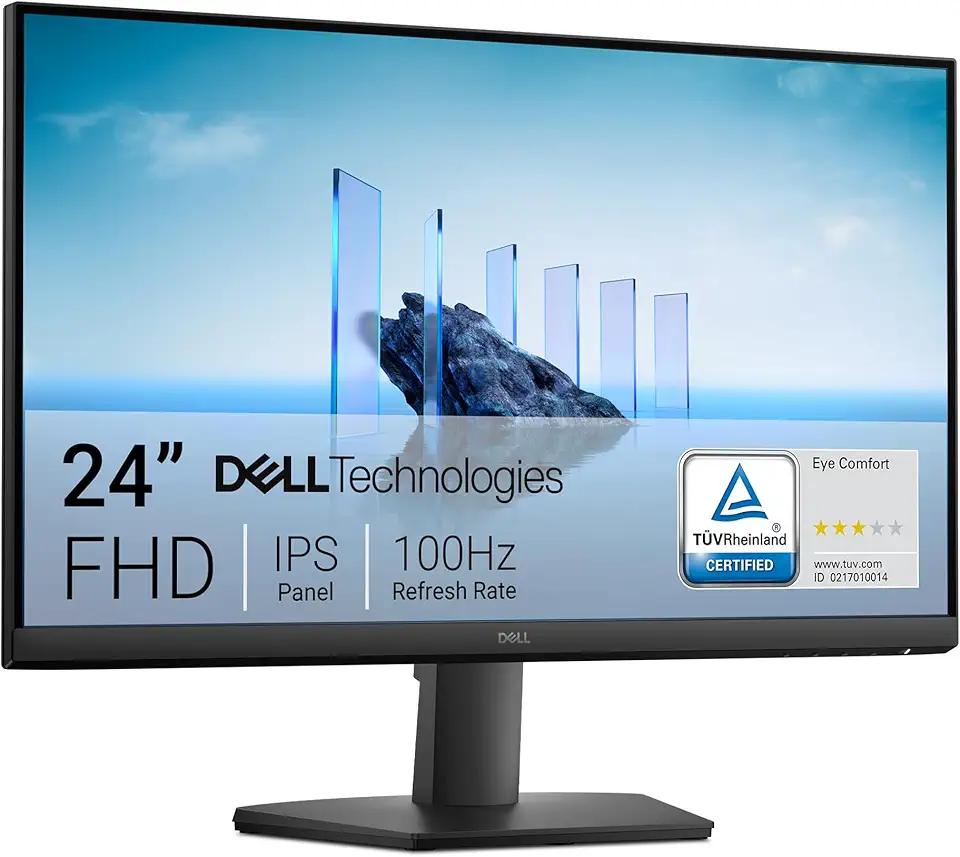
Dell 24 Monitor - SE2425HM - 23.8-inch Full HD (1920x1080) 16:9 100Hz Display, IPS Panel, 16.70 Million Colors, Anti-Glare, 1 HDMI / 1 VGA Port, TÜV Rheinland 3-Star*, Comfortview Plus - Black
Dell S2425HS Monitor - 23.8 Inch, FHD (1920x1080) Display, 100Hz Refresh Rate 1500:1 Contrast Ratio, TÜV Rheinland Eye Comfort 4 Star, Integrated 2x5W Speaker, Height/Tilt/Swivel/Pivot - Ash White

USB C Docking Station Dual Monitor for Dell Hp,15-in-1 Laptop Docking Station 3 Monitors USB C Hub with Dual 4K HDMI,8K DP,Button,PD Charging,Ethernet,6 USB A&C,SD/TF, Audio USB-C Multiport Adapter

Dell 24 Monitor - P2425H EPEAT

TP-Link WiFi 6 AX3000 PCIe WiFi Card Archer TX55E - Bluetooth 5.2, 802.11AX Dual Band Wireless Adapter with MU-MIMO, OFDMA, Ultra-Low Latency, Supports Windows 11, 10 (64bit) only

TP-Link AC1300 USB WiFi Adapter (Archer T3U) - 2.4G/5G Dual Band Wireless Network Adapter for PC Desktop, MU-MIMO WiFi Dongle, USB 3.0, Supports Windows 11/10/8.1/8/7/XP, Mac OS 10.9-10.14

TP-Link AC1300 High Gain WiFi USB Adapter (Archer T4U)- Dual Band Wireless Network Adapter for Desktop with 2.4GHz/5GHz High Gain Antennas, MU-MIMO, Support Windows 10/8.1/8/7/XP, Mac OS

TP-Link Mini - AC600 USB 2.0 Wifi Adapter (Archer T2U Nano) - 2.4G/5G Dual Band Wireless Network Adapter for PC Desktop, Mini Travel Size, Supports Windows 11/10/8.1/8/7/XP, Mac OS 10.9-10.15

Anker 332 USB-C Hub (5-in-1) with 4K HDMI Display, 5Gbps - and 2 5Gbps USB-A Data Ports and for MacBook Pro, MacBook Air, Dell XPS, Lenovo Thinkpad, HP Laptops and More

Logitech G305 Lightspeed Wireless Gaming Mouse, Hero 12K Sensor, 12,000 DPI, Lightweight, 6 Programmable Buttons, 250h Battery Life, On-Board Memory, PC/Mac - Black

Logitech M185 Wireless Mouse, 2.4GHz with USB Mini Receiver, 12-Month Battery Life, 1000 DPI Optical Tracking, Ambidextrous, Compatible with PC, Mac, Laptop - Black

Logitech G203 Wired Gaming Mouse, 8,000 DPI, Rainbow Optical Effect LIGHTSYNC RGB, 6 Programmable Buttons, On-Board Memory, Screen Mapping, PC/Mac Computer and Laptop Compatible - Black

Logitech G435 Lightspeed and Bluetooth Wireless Gaming Headset - Lightweight Over-Ear Headphones, Built-in mics, 18h Battery, Compatible with Dolby Atmos, PC, Mobile - Black
Dell Inspiron 3030 Desktop - Intel Core i7-14700 Processor, 16GB DDR5 RAM, 1TB SSD, Intel UHD 770 Graphics, Windows 11 Pro, Onsite & Migrate Service - Mist Blue

90W AC Power Adapter for Dell OptiPlex 3000 5000 7000 9020 Series Micro Desktop Inspiron 20" 22" 24" 27" AIO Desktop, Inspiron 15 16 17 14 13 3000 5000 7000 Series Laptop Charger

Charger for Dell Inspiron 15 Charger, 65W Dell Inspiron 15 14 13 3000 5000 7000 Series, Dell Latitude 13 3301 3390 14 3400 3410 3420 3490 15 3500 3510 3520 3590, Dell Vostro, 4.5 * 3.0mm Power Cord
