How To Fix Repair Replace HP Keyboard Key Letter Function Arrow
About
No channel description available.
Latest Posts



Video Description
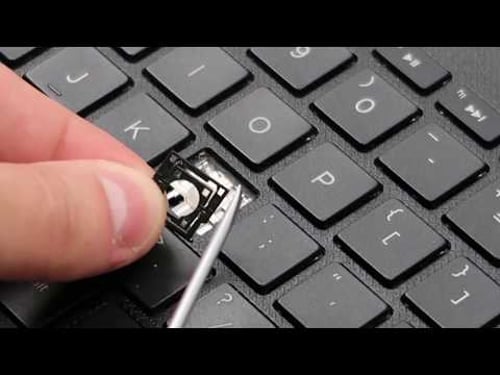
This is a general keyboard key replacement / repair video. If you are looking for help with a larger key, refer to this video; https://youtu.be/v38xch9HKZI. If there is nothing physically wrong with your key but its still not working correctly, try the troubleshooting steps seen here; https://youtu.be/wqrchfpdJ_w. Check out the FAQ's and the Related Links below for more helpful info !! Please remember to Like, Share and Subscribe if this was helpful !! Please subscribe to https://www.youtube.com/@JamTechs where I give you 5 minute or less videos about cool tech! Related Links: Computer Repair Tools & Supplies: Repair Tools & Supplies: https://amzn.to/3XpHdlw HDD & SSD Replacement / Upgrades: https://amzn.to/430vkEz Hard Drives vs Different Kinds of Solid State Drives Explained: https://youtu.be/KgDucEw7drA FAQ's Q: My Key Cap will not click down in place correctly. Whats wrong? A: If the key assembly is not installing correctly, its either due to a component being damaged and needing to be replaced or a component not being orientated correctly. I would disassemble the key as seen here in this video and inspect for damage. If there is no damage, install the key. If there is damage, replace the key. Would you like help locating a key? If so, what is the brand and model for your computer? Q: The Retainer Clip / Hinge Clip is not staying down on the Keyboard. A: The retainer clip should be attaching to both the key cap and to the keyboard. If its not attaching to the keyboard correctly its because the keyboard pins are bent out of place, the retainer clip is damaged, or the retainer clip is not orientated correctly. If you cant figure it out by just looking at the clip with is hard to do sometimes, remove another key cap and compare the correctly installed retainer clip to yours. Q: The Hinge Clips came off with the Key Cap. What do I do? A: Because they key can usually not be reinstalled with the Retainer Clip and the Key Cap still attached to each other, you would have to separate them as seen here, using a small flat pry tool. Q: Where can I purchase replacement keys? A: If any component of the key assembly is broken, it would have to be replaced. I usually get my keys on Ebay or www.replacementlaptopkeys.com. If you cannot find a loose key for sale, you may have to purchase a keyboard and take a key from there. Q: I have a Key or Keys that are not working. Will this fix them? A: This video is a tutorial on how to replace a key. If your keys are not working but are not mechanically broken, troubleshoot them as seen here; https://youtu.be/wqrchfpdJ_w. Q: The hinge clip came apart into two pieces. How can I reassemble? A: They fit together with a small plastic pin on the left and right of the inner clip. These fit into holes on the outer clip. To see exactly how the inner clip sits in the outer clip, remove another key cap and copy the clip under it. Q: The rubber spring came off. How do I reattach it? A: There isn't really a good way to reattach the Rubber Springs. They are not meant to be replaced. Best advice is try to use a small amount of glue. If that does not work, you may have to replace the keyboard. (updated 7/25)









Instant Home Upgrade Essentials
AI-recommended products based on this video

RoboSeal Rechargeable Mason Jar Vacuum Sealer for Mason Jars Wide and Regular, One Touch Vacuum Sealer for Jars, 10 Lids Included, Digital Battery Indicator, As Seen on TV

2 Pack Outdoor Solar Firework Lights, 240 LED Solar Powered Hanging Lights Outdoor Waterproof Hanging Fairy Garden Lights Landscape Lights(Warm White)
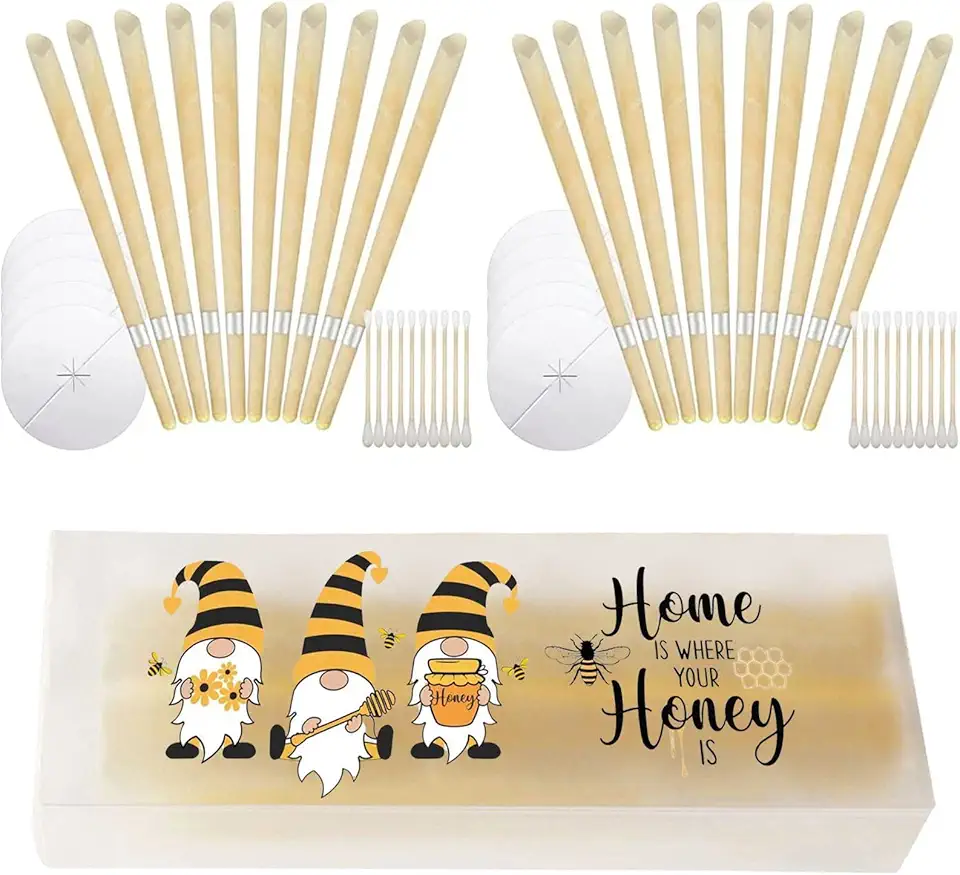
20PCS Beeswax Ear Candles Wax Removal, Ear Wax Candle Ear Wax Removal Kit Earwax Cleaner

Aura Carver WiFi Digital Picture Frame | The Best Digital Frame for Gifting | Send Photos from Your Phone | Quick, Easy Setup in Aura App | Free Unlimited Storage | Gravel with White Mat
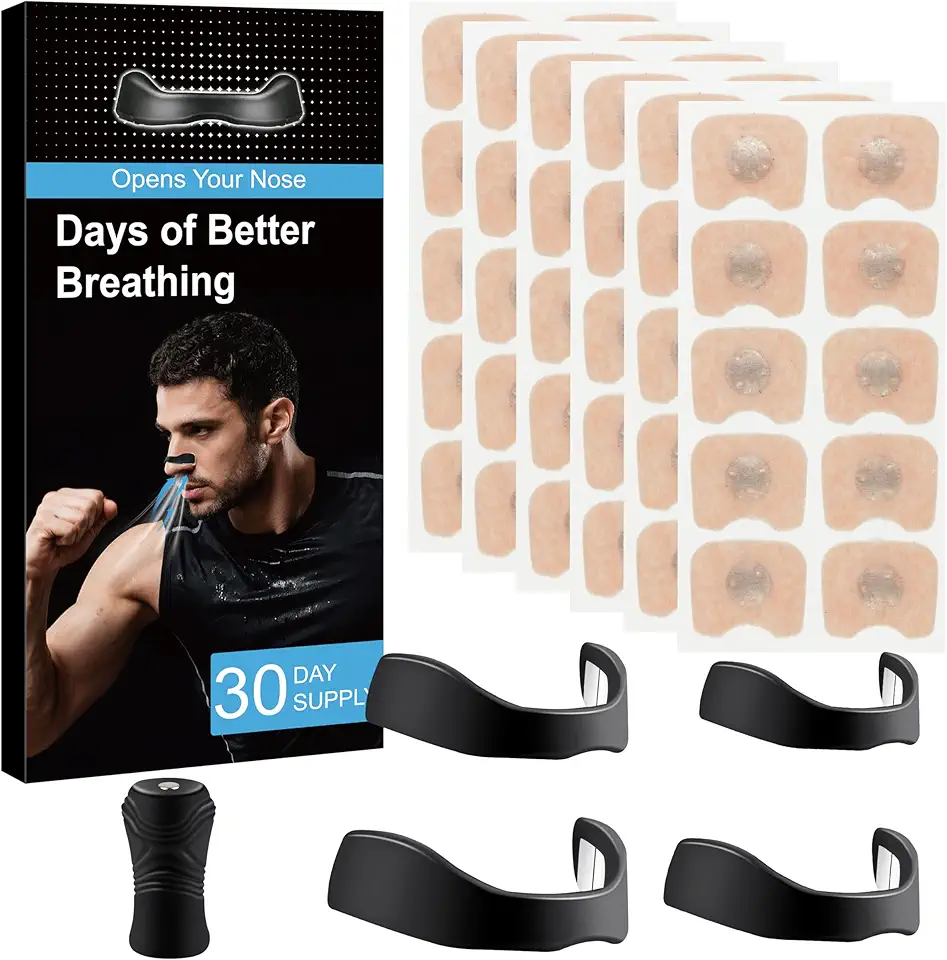
for Snoring - Magnetic Nose Strip (30 Pairs) Innovative Design for Sports and Sleep, Anti-Snoring Equipment Helping You Breathe Better

Nasal Strips for Snoring - Magnetic Nose Strip (30 Count) Innovative Magnetic Design for Sports and Sleep, Helping You Breathe Better

Magnetic Nasal Strips Starter Kit: Comfortable Nasal Breathing Support for Sleep, Helps Reduce Snoring Noise, Includes 60 Tabs (30 Uses) with 4 Sizes
