MSFS: Fly to any airport using the G1000 NXi and Visual Approaches / Microsoft Flight Simulator

About
No channel description available.


Video Description
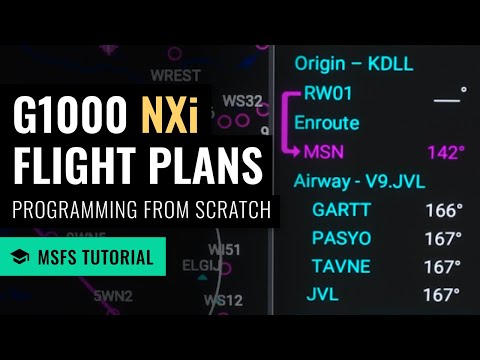
In this beginners' tutorial, you'll learn how to complete a full flight using the G1000 NXi autopilot, visual approaches, and VNAV capabilities to fly to any airport in Microsoft Flight Simulator. === Chapters === 00:00 Introduction 00:09 Recommended assistance settings 01:24 Flight planning using the World Map 03:05 Noting our cruise altitude and destination airport runway 03:37 Noting the departure airport's elevation 04:09 Configuring the autopilot 09:10 Setting the altimeter (if using live weather) 11:22 Changing the time of day 11:39 Takeoff and activating autopilot 12:55 Changing heading to get on course 13:48 Arming navigation mode 15:20 Choosing an activating a visual approach 18:03 Altitude hold mode, cruise power and airspeed 18:52 Using vertical navigation (VNAV) to descend 21:14 Reaching the top of descent (TOD) 22:59 Updating the altimeter setting 24:13 Approaching the runway and disconnecting autopilot 25:12 Short final and landing (at too fast of an airspeed) 26:41 Shutdown and conclusion === Links === Kip's Twitch: https://www.twitch.tv/KipOnTheGround Kip's Discord: https://discord.gg/8hcJpsvsd9 Kip's Gear: https://www.kipontheground.com/ === Disclaimer === I am not a flight instructor and my videos are not to be used as a resource for real-world flight training. This video is for entertainment and gaming purposes only. #msfs #microsoftflightsimulator #flightsimulator






Master MSFS Flying Today
AI-recommended products based on this video
