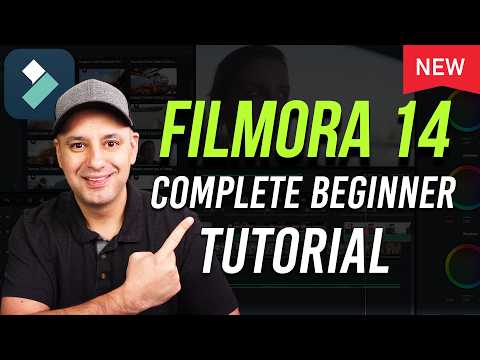
New Filmora 14 Complete Video Editing Tutorial

Howfinity
@howfinityAbout
We cut through the tech and AI noise with simple, straight-to-the-point tutorials. No fluff, just the good stuff to get you from confused to confident. Let’s dive into tech together and make it feel like a breeze. With Howfinity, learning isn't just about gathering information; it's about empowering you to create, innovate, and tackle real challenges. Click here to subscribe: https://www.youtube.com/c/howfinity?sub_confirmation=1 For sponsorships, email [email protected]
Latest Posts

Video Description
Get royalty-free music and sound effects for your next project from Epidemic sound: https://share.epidemicsound.com/howfinitynov24 Filmora 14 is an all-in-one video editing app, and it’s one of the most beginner-friendly video editing apps out there. And they have recently added a ton of useful AI tools to speed up and simplify your editing process. You can download the latest version of Filmora from their website with our affiliate link: https://click.linksynergy.com/fs-bin/click?id=xLVqNct40TE&offerid=764692.816&bids=764692.816&subid=0&type=4 Step 1: Creating Project & Import Media When you open Filmora, you need to create a project. Choose an aspect ratio first and then click New Project. Start by importing your media. This could be your own video clips or stock footage that helps tell your story. How to Do It: Simply select your files and import them into your editing software. Step 2: Basic Editing Drag to Timeline: Grab your video and drag it to the timeline to get started. Cutting Clips: Use the Cut tool to remove parts you don't need. For middle cuts, apply the Cut tool twice and delete the unwanted section. Rearranging Clips: Feel free to drag clips around the timeline to change their order. Step 3: Adding B-Roll Adding Video Tracks: If you need to layer videos, add more video tracks to your timeline. Adding Audio Tracks: Create separate tracks for dialogue and music to keep things organized. Step 4: Working with Audio. Music and voice-over Adding Audio: Find the audio panel, then drag your choice of audio, voice-over, or music to your project. Here is my affiliate link to a recommended USB mic: https://amzn.to/4blSKay Step 5: Add Titles Engage with Text: Titles can help maintain viewer interest. Add them where necessary. Step 6: Add Transitions Smooth Transitions: Check the transitions menu to add smooth cuts between clips. Step 7: Effects and Filters: Apply filters and animated elements to elevate your video's look. Step 8: Adding Stickers There is a library of stickers and graphics to spice up your edit. Step 9: Save Your Project Don't Lose Progress: Regularly save your project to avoid losing your edits. Step 10: Export Your Video Once you're happy with your edit, export your video and upload it to your chosen platform.
You May Also Like









Boost Your Editing: Upgrade Essentials
AI-recommended products based on this video

AOKER Laptop Screen Extender Portable - 14 Inch IPS FHD 1080P HDMI/USB-A/Type-C External Monitor for Laptops Compatible with Windows Mac Travel Work

MAGICRAVEN Laptop Monitor Extender - 14 Inch Triple Portable Monitor IPS FHD 1080P 3-Type-C External Screen with Windows Mac Travel Work for Laptops Compatible, Fits 14"-16.5" Laptops

AOKER Laptop Screen Extender Portable - 14 Inch IPS FHD 1080P HDMI/USB-A/Type-C External Monitor for Laptops Compatible with Windows Mac Travel Work

BOSII Laptop Screen Extender Portable - 14 Inch Triple IPS FHD 1080P HDMI/USB-A/Type-C Extended Monitor for Laptops (Maximum Length: 15.74") Compatible with Windows Mac Travel Work

URVNS 240W USB C Car Charger, Super Fast Charging 4-Ports PD3.1 140W/PD3.0 100W PPS 45W QC65W Type-C Car Adapter for MacBook Pro Laptop iPhone 15 14 Max iPad Samsung Galaxy S24/23/22 Pixel etc

IFEART 70W USB C Charger for MacBook Air MacBook Pro 13 14 15 16 inch 2025 2024 2023 2022 2021 2020 2019 2018, M1 M2 M3 M4 Laptop USB C Power Adapter, 6.6ft USB C to C Cable, Original Quality
MAGICRAVEN Laptop Monitor Extender - 14 Inch Triple Portable Monitor IPS FHD 1080P 3-Type-C External Screen with Windows Mac Travel Work for Laptops Compatible, Fits 14"-16.5" Laptops
AOKER Laptop Screen Extender Portable - 14 Inch IPS FHD 1080P HDMI/USB-A/Type-C External Monitor for Laptops Compatible with Windows Mac Travel Work

HOMIEE HOMIEE 15.6-Inch Laptop Backpack, High-Capacity Backpack for Men Women USB Charging Port Travel/Business/College Backpack, Blue
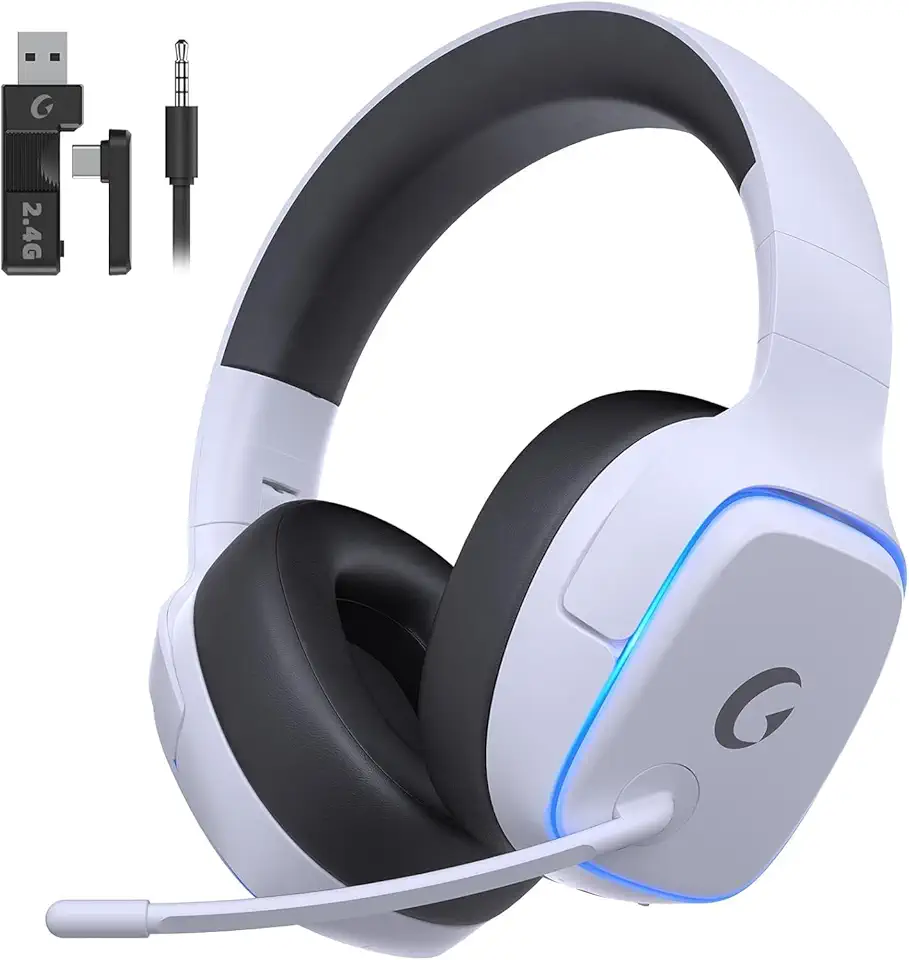
2.4GHz Wireless Gaming Headsets for PS5, PS4, PC, Switch - Bluetooth 5.3 Gaming Headphones with Noise Canceling Mic, 7.1 Surround Sound, 70H Battery, Blue Lighting - White

RAOYI 5Pack 64GB USB Flash Drive USB Stick USB 2.0 Memory Stick Slide Retractable Thumb Drive 64G USB Drive USB Key for Data Storage (Black Red Blue Green Purple)

Asus ZenScreen 16” Portable USB Monitor (MB169CK) - Full HD, IPS, Dual USB-C, Eye Care, Flicker Free, Blue Light Filter, Anti-Glare Surface, 360° Kickstand, 3 yr Warranty

Logitech G203 Wired Gaming Mouse, 8,000 DPI, Rainbow Optical Effect LIGHTSYNC RGB, 6 Programmable Buttons, On-Board Memory, Screen Mapping, PC/Mac Computer and Laptop Compatible - Black

Logitech G305 Lightspeed Wireless Gaming Mouse, Hero 12K Sensor, 12,000 DPI, Lightweight, 6 Programmable Buttons, 250h Battery Life, On-Board Memory, PC/Mac - Black

NEEWER Advanced 18 inch LED Ring Light for Phone, LCD Touch Screen, 2.4G Remote Lights Control, 3200-5600K, Tripod Light for iPhone Action Camera, for Studio Makeup TikTok YouTube Video Salon (Black)

SanDisk 128GB Extreme PRO SDXC UHS-I Memory Card - C10, U3, V30, 4K UHD, SD Card - SDSDXXD-128G-GN4IN

Western Digital 4TB My Passport Portable External Hard Drive HDD, USB 3.0, USB 2.0 Compatible, Black - WDBPKJ0040BBK-WESN
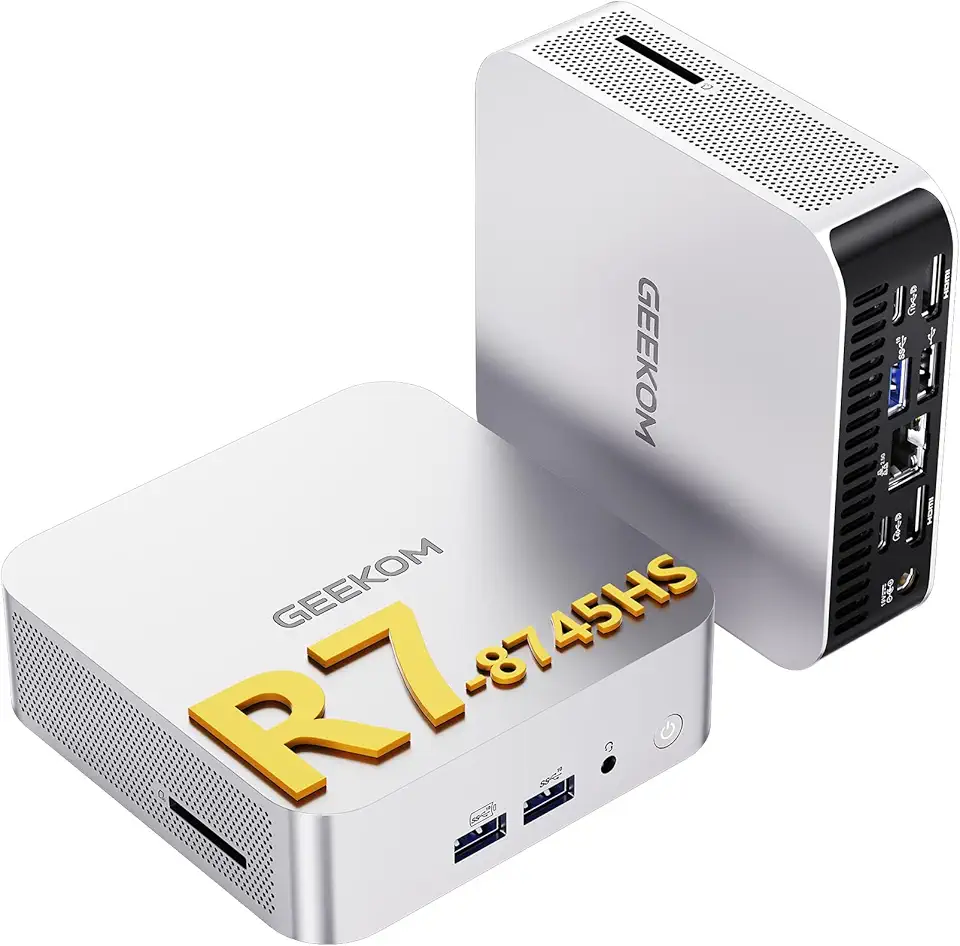
GEEKOM A8 Mini PC (High Performance) – AMD Ryzen 7 8745HS, 16GB DDR4 Upgradable RAM + 1TB SSD, Mini Desktop for Gaming, Video Editing & Productivity, Windows 11 Pro, USB4, 8K/Quad Monitor Ready

Mini PC Gaming, Kinupute Small Desktop Computer Core i9-12900F Upto 5.1GHz, Win-11 Pro, 64G DDR5| 2T PCIE4.0 SSD, GeForce RTX3060 12G, Dual LAN, Four Display, 8K Output, WiFi6E/BT5.3 for Video Editing

Amazon Fire HD 10 tablet (newest model), built for relaxation, 10.1" vibrant Full HD screen, octa-core processor, 3 GB RAM, 32 GB, Black Recycled Content Certification for Electrical and Electronic Equipment
