NEW Google AI Studio App Builder (step by step tutorial)


No Code MBA
@nocodembaAbout
💡 ABOUT NO CODE MBA We want to teach the 99% of the world who can’t code how to change their life building apps, websites, and automations. Our mission is to make building online accessible to anyone who’s curious and willing to learn. No-code democratizes the digital economy. Instead of having to $10k+ to hire a developer or learn to code, No Code MBA makes education for building apps, websites, and automations accessible to anyone. Discover more at https://www.nocode.mba
Latest Posts


Video Description
Turn prompts into real apps. Join our AI builder course: https://dub.sh/aicourse In this video, I show you how to use Google’s new AI Studio to build a fully functional language learning app—for free. We use Gemini 2.5 and the experimental Chatterbots template to build a conversational Spanish tutor that responds with voice, adapts to the user’s proficiency level, and encourages practice in real time. You’ll also learn how to debug and customize the AI behavior, giving you hands-on insight into how Gemini handles agent personality, prompts, and coding. ✅ What We’ll Cover: - How to build a conversational AI tutor using Google AI Studio - How to edit system prompts and agent files - How to debug common errors and customize app logic - How to guide the AI to start in English for beginners - How to test and iterate on prompt design and behavior - Why this platform is great for prototyping AI apps quickly 📱 What We’re Building: - A Spanish-learning chatbot that speaks and listens - Adaptive instruction based on user ability - Editable agent personality and prompt instructions - Real-time code editing with Gemini - No API keys or extra setup required 🛠 What You’ll Learn: - The power of AI Studio for beginner-friendly development - How to modify app prompts and personality logic - Where to debug prompt behavior when AI doesn't respond as expected - How to save, test, and iterate in the Studio interface - The pros and cons of deploying with Google Cloud Affiliate Disclosure: some links in this description may be affiliate links. This means I earn a small commission if you make a purchase through these links, at no extra cost to you. Thank you for supporting the channel! 🌐 Tools & Resources: Google AI Studio: https://aistudio.google.com/ Lovable: https://lovable.dev/#via=nocodemba Cursor (for more flexible coding workflows): https://cursor.com 🔁 Related Videos: Watch our other Reviews and guides to AI app builders: https://www.youtube.com/playlist?list=PLd3HlFHFcK2bxSHLvc1yWdYhHY24YOK15







Essential AI App Builder Tools
AI-recommended products based on this video

10.1 Inch Touch Portable Monitor IPS Screen 1366x768P 60Hz 400 Brightness 99% sRGB HDMI USB-C Monitors Switch for Xbox PS3/4/5 Laptop Compatible with Raspberry Pi, Mini Touch Screen
10.1 Inch Touch Portable Monitor IPS Screen 1366x768P 60Hz 400 Brightness 99% sRGB HDMI USB-C Monitors Switch for Xbox PS3/4/5 Laptop Compatible with Raspberry Pi, Mini Touch Screen

ELECROW 8 Inch Portable Monitor, 1280x800 Mini HD Display with Built-in Speakers, USB Powered, Non-Touch LCD Screen for Raspberry Pi, PC, Laptop, Jetson Nano, Game Consoles

7 Inch Portable Monitor Touchscreen HD 1024x600 LED Display Dual HDMI Port Small Monitor for PC Raspberry Pi Laptop Computer Xbox PS4/5 Switch Built-in Speakers

BrosTrend 1800Mbps WiFi 6 Linux WiFi Adapter for PC and Raspberry Pi 2+, Long Range USB WiFi Dongle Linux for Ubuntu, Mint, Debian, Kubuntu, Lubuntu, Zorin, Windows 11/10, Dual Band Wireless Antenna

soundcore by Anker P20i True Wireless Earbuds, 10mm Drivers with Big Bass, Bluetooth 5.3, 30H Long Playtime, IPX5 Water-Resistant, 2 Mics for AI Clear Calls, 22 Preset EQs, Customization via App
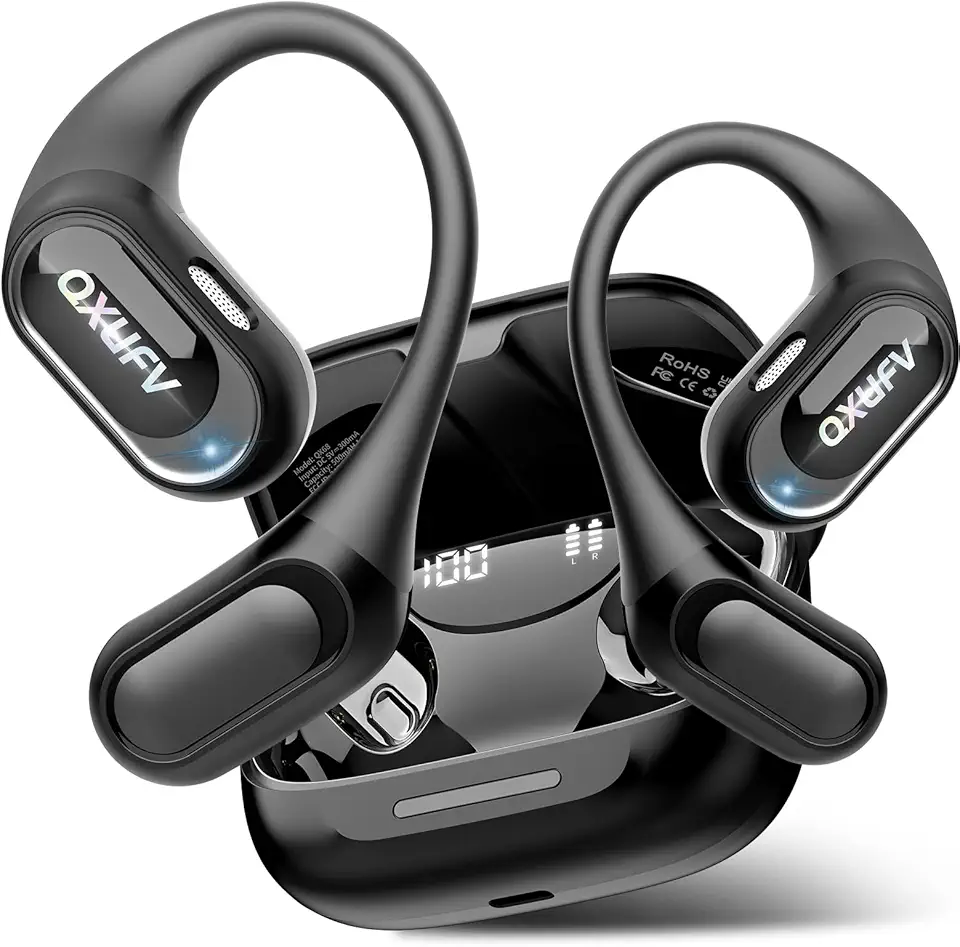
AI Translation Earbuds Real Time with Audio and Video Calls, 164 Language/7 Translation Modes Translator Earbuds Bluetooth 5.4 with APP, 50H Translate Ear Buds Device for Business/Learning/Travel
