Secret Mac Boot Commands - Mac Boot Key Combinations


Hands-On Apple
@handsonmacAbout
Hands-On Apple explores and explains the Mac — and beyond! From clever Terminal commands to little-known iOS settings, Mikah Sargent shares all the best tips and tricks for your Mac, iPad, iPhone, and Apple Watch. You'll get all the details on Apple's apps and the best apps in the App Store, you'll learn about awesome accessories for your Apple devices, and you'll explore updates to Apple's operating systems — including iOS, macOS, iPadOS, and watchOS. Hands-On Apple is your one-stop shop for Apple know-how. You can join Club TWiT for $10 per month and get ad-free audio and video podcast feeds for all our shows plus everything else the club offers...or get just this podcast ad-free for $5 per month. https://twit.tv/clubtwit New episodes every Thursday.



Video Description
From zapping the P-RAM to booting in safe mode, these are the secret key combinations handed down from Mac guru to guru. If your Mac is having trouble, give them a try! Mac startup key combinations To use any of these key combinations, press and hold the keys immediately after pressing the power button to turn on your Mac, or after your Mac begins to restart. Keep holding until the described behavior occurs. • Command (⌘)-R: Start up from the built-in macOS Recovery system. Or use Option-Command-R or Shift-Option-Command-R to start up from macOS Recovery over the Internet. macOS Recovery installs different versions of macOS, depending on the key combination you use while starting up. If your Mac is using a firmware password, you're prompted to enter the password. • Here's how to set a firmware password: Go into recovery mode, look in the Utilities Menu • Option (⌥) or Alt: Start up to Startup Manager, which allows you to choose other available startup disks or volumes. If your Mac is using a firmware password, you're prompted to enter the password. • Option-Command-P-R: Reset NVRAM or PRAM. If your Mac is using a firmware password, it ignores this key combination or starts up from macOS Recovery. • Shift (⇧): Start up in safe mode. Disabled when using a firmware password. • D: Start up to the Apple Diagnostics utility. Or use Option-D to start up to this utility over the Internet. Disabled when using a firmware password. • N: Start up from a NetBoot server, if your Mac supports network startup volumes. To use the default boot image on the server, hold down Option-N instead. Disabled when using a firmware password. • Command-S: Start up in single-user mode. Disabled in macOS Mojave or later, or when using a firmware password. • T: Start up in target disk mode. Disabled when using a firmware password. • Command-V: Start up in verbose mode. Disabled when using a firmware password. Leo Laporte gives you helpful tips to get the most from your Mac every week on Hands-On Mac! Host: Leo Laporte Hands-On Mac episode 21 More Info: https://twit.tv/shows/hands-on-mac/episodes/21 Download or subscribe to this show at https://twit.tv/shows/hands-on-mac Discuss episodes in the TWiT Community. Products we recommend: https://www.amazon.com/shop/twitnetcastnetwork TWiT may earn commissions on certain products. Join our TWiT Community on Discourse: https://www.twit.community/ Follow us: https://twit.tv/ https://twitter.com/TWiT https://www.facebook.com/TWiTNetwork https://www.instagram.com/twit.tv/ About us: TWiT.tv is a technology podcasting network located in the San Francisco Bay Area with the #1 ranked technology podcast This Week in Tech hosted by Leo Laporte. Every week we produce over 30 hours of content on a variety of programs including Tech News Weekly, MacBreak Weekly, This Week in Google, Windows Weekly, Security Now, All About Android, and more.




Boost Your Mac's Power
AI-recommended products based on this video

140W C to C Super Fast Charger,Compatible with MacBook Pro 16, 15, 14, 13 Inch, MacBook Air 13 Inch, iPad Pro 2021/2020/2019/2018, Lenovo and All Type C Devices 7.2ft

IFEART 70W USB C Charger for MacBook Air MacBook Pro 13 14 15 16 inch 2025 2024 2023 2022 2021 2020 2019 2018, M1 M2 M3 M4 Laptop USB C Power Adapter, 6.6ft USB C to C Cable, Original Quality

140W C to Magnetic 3 Charger, Compatible with MacBook Air 13, 15 Inch/Mac Book Pro 14, 16 Inch, M1/M2/M3/M4 from 2021/2022/2023/2024/2025 Models, 6.6FT【Original Quality】

Apple 2025 MacBook Air 13-inch Laptop with M4 chip: Built for Apple Intelligence, 16GB Unified Memory, 256GB SSD Storage, Touch ID; Sky Blue - English Keyboard

Logitech G203 Wired Gaming Mouse, 8,000 DPI, Rainbow Optical Effect LIGHTSYNC RGB, 6 Programmable Buttons, On-Board Memory, Screen Mapping, PC/Mac Computer and Laptop Compatible - Black

Logitech G305 Lightspeed Wireless Gaming Mouse, Hero 12K Sensor, 12,000 DPI, Lightweight, 6 Programmable Buttons, 250h Battery Life, On-Board Memory, PC/Mac - Black

Apple 20W USB-C Power Adapter
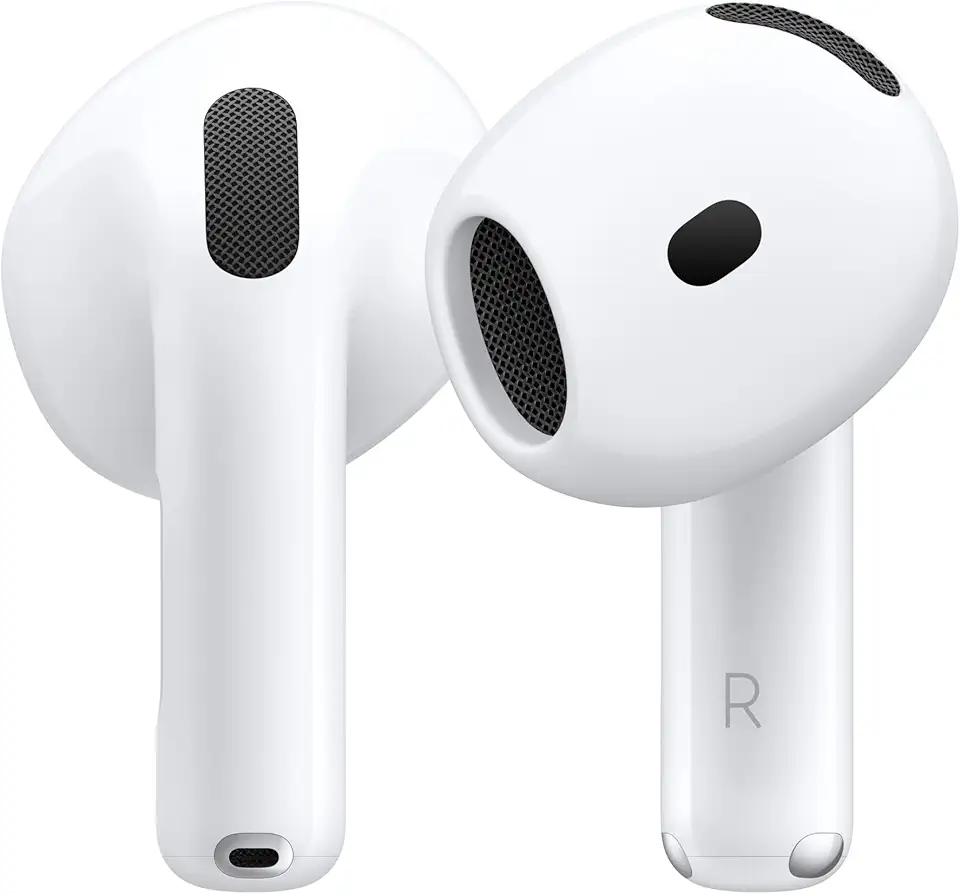
Apple AirPods 4 Wireless Earbuds, Bluetooth Headphones, Personalized Spatial Audio, Sweat- and Water-Resistant, USB-C Charging Case, H2 Chip, Up to 30 Hours of Battery Life

Apple AirPods Pro 2 Wireless Earbuds, Bluetooth Headphones, Active Noise Cancellation, Transparency, Personalized Spatial Audio, High-Fidelity Sound, H2 Chip, USB-C Charging
Apple 2025 MacBook Air 13-inch Laptop with M4 chip: Built for Apple Intelligence, 16GB Unified Memory, 256GB SSD Storage, Touch ID; Sky Blue - English Keyboard
![TP-Link USB C To Ethernet Adapter (UE300C) - J45 To USB C [Thunderbolt 3/4 Compatible] Type-C Gigabit Ethernet LAN Network Adapter, Compatible With Apple MacBook Pro 2017-2023, MacBook Air, And More](https://m.media-amazon.com/images/I/418xZkoG-RL._AC_UY654_FMwebp_QL65_.jpg)
TP-Link USB C To Ethernet Adapter (UE300C) - J45 To USB C [Thunderbolt 3/4 Compatible] Type-C Gigabit Ethernet LAN Network Adapter, Compatible With Apple MacBook Pro 2017-2023, MacBook Air, And More
TP-Link USB C To Ethernet Adapter (UE300C) - J45 To USB C [Thunderbolt 3/4 Compatible] Type-C Gigabit Ethernet LAN Network Adapter, Compatible With Apple MacBook Pro 2017-2023, MacBook Air, And More

Surge Protector Power Bar, SUPERDANNY 6 Ft Extension Cord with 8 Outlets & 4USB Ports (2 USB 2 C), Mountable Flat Plug Power Strip, Surge Protection for Home, Office, Dorm

Teeran Wired Apple CarPlay to Wireless Adapter, 2025 Upgrade, Mini USB Design for Cars, Seamless Use Fast Stable Connection Built-in Car Play Dongle for iPhone Global Recycled Standard

TP-Link USB to Ethernet Adapter (UE306) - Foldable USB 3.0 to Gigabit Ethernet LAN Laptop Network Adapter, Supports Nintendo Switch, Windows, Linux, Apple MacBook OS 10.11- OS 12, Surface
TP-Link USB C To Ethernet Adapter (UE300C) - J45 To USB C [Thunderbolt 3/4 Compatible] Type-C Gigabit Ethernet LAN Network Adapter, Compatible With Apple MacBook Pro 2017-2023, MacBook Air, And More
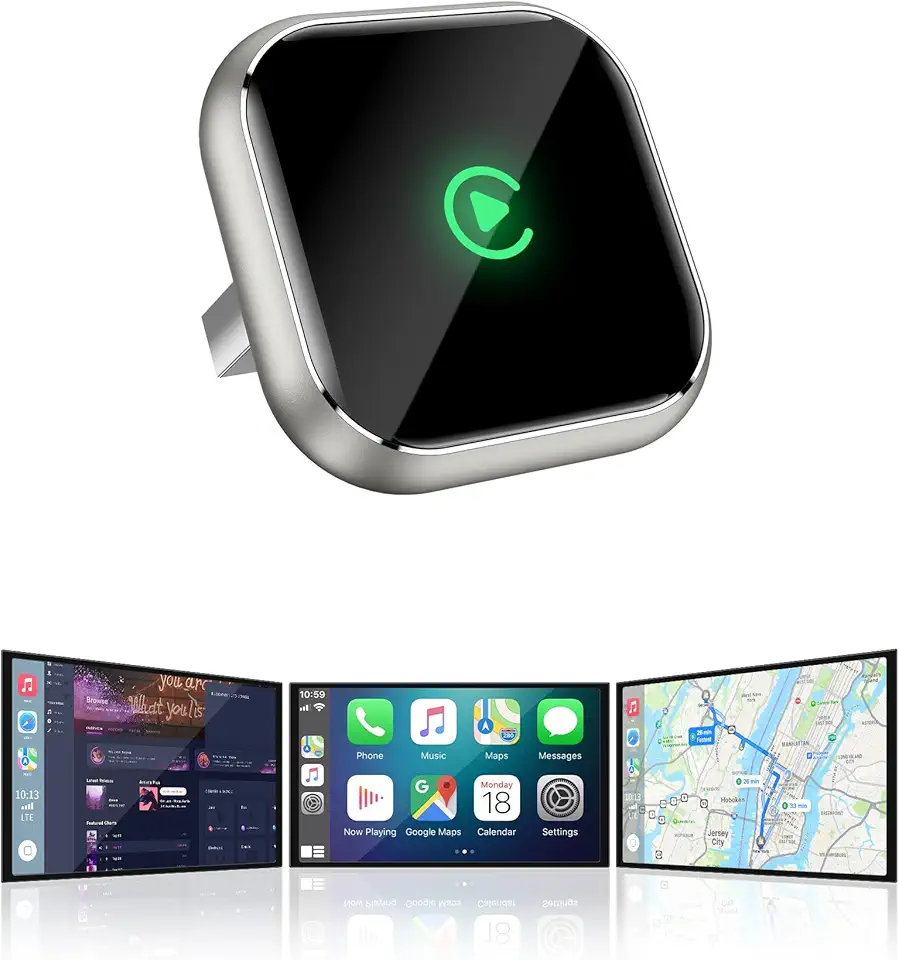
Wireless CarPlay Adapter for Apple iPhone - Upgrade Wired CarPlay to Wireless Device, Mini T-Shaped for Car USB Plug and Play Auto Reconnect, for Vehicle GPS Navigation Car Stereo Receivers, Black
