9 Things to Do After Installing Fedora 42 (Post Setup Guide)


Michael Tunnell
@michael_tunnellAbout
Making videos about Tech, Linux, AI, & more. This channel is also where I post the This Week in Linux weekly news show. This channel is a part of the TuxDigital media.




Video Description
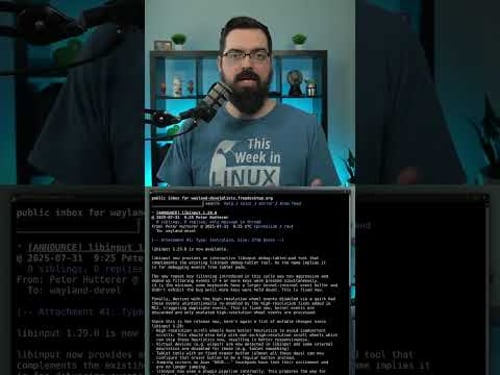
Support the channel by becoming a patron at https://tuxdigital.com/membership or get some swag at https://store.tuxdigital.com/ This video walks you through the essential things to do after installing Fedora Linux to make it run smoother, faster, and just plain better. From fixing missing features to unlocking new ones, these tips will take your Fedora 42 setup from good to awesome. Whether you’re a GNOME fan, a KDE user, or somewhere in between, there’s something in here for you. Full Article with all the commands and such is available at: (or scroll down) https://tuxdigital.com/videos/9-things-to-do-after-installing-fedora-42-post-setup-guide/ ### Chapters: 00:00 Intro 00:12 1. Update 01:49 2. Flathub 03:05 3. RPM Fusion 03:34 4. Codecs 04:12 5. GNOME extensions 06:03 6. GNOME tweaks 06:33 7. Battery performance 07:06 8. Apps 07:34 9. Backups ----------------------------------------------------------------------------------- ### Links: - https://fedoraproject.org/ - https://flathub.com - https://rpmfusion.org/ - https://flathub.org/apps/com.mattjakeman.ExtensionManager - https://flathub.org/apps/search?q=backups ----------------------------------------------------------------------------------- ### Additional Info for Steps 1. Update Your System sudo dnf upgrade 2. Enable the Flathub flatpak remote-add --if-not-exists flathub https://dl.flathub.org/repo/flathub.flatpakrepo Source: https://flathub.org/setup/Fedora 3. RPM Fusion The command doesn’t render properly in YouTube, please go to my website post instead, https://tuxdigital.com/videos/9-things-to-do-after-installing-fedora-42-post-setup-guide/ 4. Multimedia Codecs sudo dnf install libavcodec-freeworld 5. GNOME Extensions Just install the Extension Manager, it eliminates all the headaches that GNOME seems to insist on giving users. You'll find it in GNOME Software store. 6. GNOME Tweak Search for tweak in GNOME Software store and you should find it. 7. Battery Performance You don't need to bother with TLP, if you feel like you must tweak your battery settings then look up tutorials for how to do that on Power Profiles. 8. Install Apps This is kind of an obvious one but at this point you should have most apps available where as if you did this before enabling all of those repos and the Flathub then you might not find some of the apps you're looking for and that's why I included it in the video and why it's at #8. 9. Backups This is a crucial thing to do but there are a ton of options for this. I would recommend doing some additional research for which backup tool would work best for your needs. ----------------------------------------------------------------------------------- Thanks For Watching! #Linux #News #Podcast









Linux User's Must-Haves
AI-recommended products based on this video

BrosTrend 1800Mbps WiFi 6 Linux WiFi Adapter for PC and Raspberry Pi 2+, Long Range USB WiFi Dongle Linux for Ubuntu, Mint, Debian, Kubuntu, Lubuntu, Zorin, Windows 11/10, Dual Band Wireless Antenna

BrosTrend Linux WiFi Adapter for Ubuntu, Mint, Debian, Lubuntu, Xubuntu, Mate, Zorin, PureOS, Raspberry Pi 2+, Windows 11/10, 1200Mbps, 5GHz/2.4GHz, Long Range 2 X 5dBi External Antennas, USB3.0

BrosTrend 650Mbps Linux WiFi Adapter for Ubuntu, Mint, Debian, Kubuntu, Lubuntu, Xubuntu, Zorin, PureOS, Raspberry Pi 2+, Windows 11/10/8/7/XP 5G/2.4G

BrosTrend Linux USB WiFi Adapter 1200Mbps Supports Ubuntu, Mint, Debian, Kubuntu, Mate, Zorin, PureOS, Raspberry Pi 2+, Windows 11/10, USB3.0 Wireless Dual Band Wi-Fi 5GHz/867Mbps + 2.4GHz/300Mbps

MeLE Quieter DL Mini PC Windows 11 Home, N100 4GB 128GB, 2.5G Dual LAN,IoT Industrial Desktop Computer Support Windows 10 11 Linux Ubuntu Debian 4K Triple Display, Dual HDMI, All-in-One USB-C

10Gtek USB WiFi Adapter, for PC, AC600M USB WiFi Dongle 802.11ac Wireless Network Adapter with Dual Band 2.4GHz/5Ghz for Desktop Laptop Support Windows 10/8/7/XP, MAC OS, Linux etc

TP-Link USB to Ethernet Adapter (UE306) - Foldable USB 3.0 to Gigabit Ethernet LAN Laptop Network Adapter, Supports Nintendo Switch, Windows, Linux, Apple MacBook OS 10.11- OS 12, Surface

UCANUUP 130W Tip 4.5mm Compatible with Dell XPS 15 7590 9530 9550 9560 9570 9575 Inspiron 7348 Precision M3800 5510 5520 5530 06TTY6 AC Adapter Power Replacement Supply Cord

Laptop Sleeve Case 11–14 Inch MacBook Air MacBook Pro Surface Laptop Dell XPS 13 HP Envy Pavilion Lenovo Yoga Slim IdeaPad Acer Swift Chromebook Samsung Galaxy Book Shockproof Leather Bag Colour Blue

tomtoc 360° Protective Laptop Sleeve for 15-inch MacBook Air M4/A3241 2025, M3/A3114 2024, M2/A2941 2023, 15-inch MacBook Pro A1990 A1707, Dell XPS 15 Plus Laptop, Water-Resistant Computer Case Bag Global Recycled Standard

MOSISO 360 Protective Laptop Bag 15 inch, 15 inch Computer Shoulder Bag Compatible with MacBook Air 15 M4 M3 M2 2025-2023, Dell XPS 15, Side Open Messenger Case &4 Zipper Pockets&Handle, Black Global Recycled Standard

New Slim 65W USB C Laptop Charger for Lenovo ThinkPad Yoga 7i 7 9i 9 2-in-1 Yoga Book 9i Gen 10 ThinkBook 16 15 14 Gen 8/7 13s 13x 14s IdeaPad Slim/Pro 5X 5i 5 3X 3i 3 2-in-1 Type C Power Cord

BrosTrend AX300 Nano WiFi 6 Linux Compatible WiFi Adapter for PC and Raspberry Pi 2+, 2.4GHz Only, 286Mbps, USB WiFi Dongle for Ubuntu, Debian, Mint, Kubuntu, Lubuntu, Zorin, Xubuntu, Windows 11/10/7
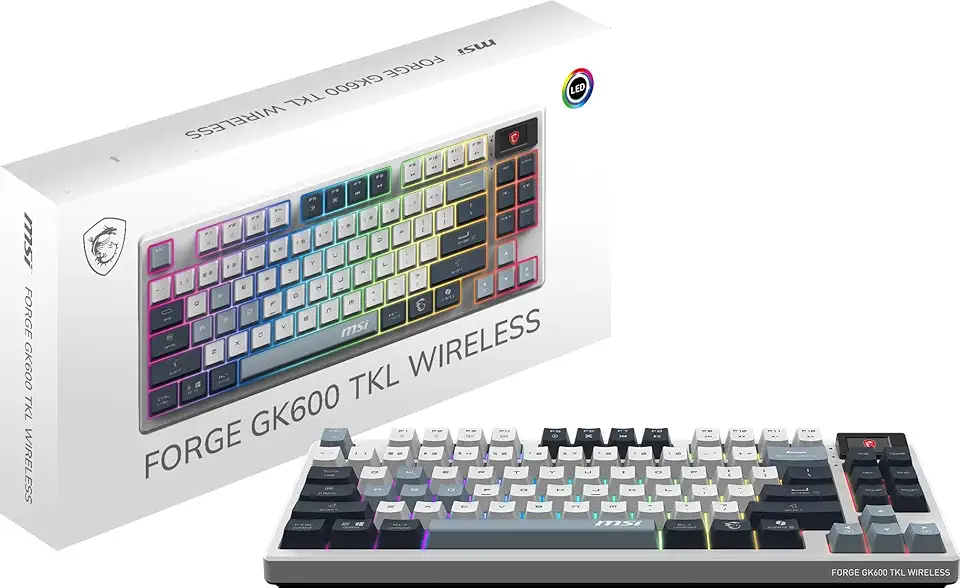
MSI Forge GK600 TKL W Sky US 2.4GHz Wireless (MS-8ZA9 and WD02), Bluetooth RGB Lighting Gaming Keyboard with 1.06-inch Display, 4000mAh

Logitech K400 Plus Wireless Touch TV Keyboard With Easy Media Control and Built-in Touchpad, HTPC Keyboard for PC-connected TV, Windows, Android, Chrome OS, Laptop, Tablet - Black

Newest Android 14 Tablet, 22GB RAM 128GB ROM 1TB Expansion, 10.1 Inch Touchscreen Tablet, Powerful Octa-Core, 8000mAh, 2 in 1 Tablet PC with Keyboard, Mouse, Bluetooth, GPS, WiFi - Purple

Android 14 Tablet 10.1 inch 22GB RAM 128GB ROM 1TB Expand, 8000mAh Tablets with Keyboard Mouse, Octa-Core, HD Touchscreen, 5G Wi-Fi, BT 5.0, GPS, Widevine L1, Split Screen, Face Unlock - Blue
BrosTrend AX300 Nano WiFi 6 Linux Compatible WiFi Adapter for PC and Raspberry Pi 2+, 2.4GHz Only, 286Mbps, USB WiFi Dongle for Ubuntu, Debian, Mint, Kubuntu, Lubuntu, Zorin, Xubuntu, Windows 11/10/7

BOSGAME Linux Mini PC, Intel 12th N100 16GB DDR4 RAM 512GB SSD Linux Server Computers Preinstalled Ubuntu 22.04,Support 4K Triple Display/USB3.2/WiFi 5/2.5GbE
