25 Things You Didn't Know ChatGPT Could Do


Jake Dawson
@jake.dawsonAbout
AI doesn't have to be complicated. I'm Jake, and I help everyday people use AI to get more done, learn faster, and build better — whether you're a student, professional, creator, or just curious. Every week, I test the latest AI tools and show you exactly what works, what doesn't, and how to actually use them in real life. No hype. No jargon. Just practical AI you can start using today. Learn AI with me - https://www.skool.com/ai-automations-for-sales
Latest Posts




Video Description
🚀Join My Skool Community (MASTER the skill of AI) - https://jakedaw.com/skool/ Sign up to ChatGPT - https://chatgpt.com/ The Task feature I showed in this video is now live — you can access it here under Settings - Notifications: https://chatgpt.com/tasks#settings/Notifications. In this video, I show you how to 10X your productivity using ChatGPT. This system leverages AI to unlock hidden features, transforming simple prompts into powerful tools for workflow optimization and content creation. Key components include: == Advanced voice conversations for natural interactions == Scheduled tasks to automate regular updates == Custom instructions for personalized AI engagement == Data analysis and visualization for insightful data handling I guide you through setting up the automation step-by-step: == Advanced voice mode for dynamic conversations. == Scheduling tasks with GPT-o4mini for automated workflows. == Personalization through custom instructions. == Data uploading and analysis with visualization tools. == Building custom GPTs tailored to specific needs. With this AI-powered system, you can efficiently automate processes, enhance productivity, and cultivate creativity. I share real examples and provide bonus tips to help you maximize your automation setup. If you want to harness AI to supercharge your productivity while maintaining quality and engagement, this tutorial is for you. Let me know in the comments below if you have any questions! (0:00) Introduction (3:27) #1 Advanced Voice Conversation (4:09) #2 Scheduled Tasks automation (4:59) #3 Custom Instructions personalization (5:40) #4 Data Analysis and Visualization (6:33) #5 Advanced Memory feature (7:21) #6 Code Interpreter/Advanced Data Analysis (8:35) #7 Web Browsing capabilities (9:29) #8 PDF and Document Analysis (10:33) #9 Image Analysis and Generation (11:35) #10 Building Custom GPTs (12:41) #11 Advanced Writing Assistance (14:07) #12 Language Conversion and Translation (15:20) #13 Role Playing for Problem Solving (16:34) #14 Third-Party Integrations (17:32) #15 Interactive Math Problem Solving (18:48) #16 Personal Fitness and Nutrition Planning (20:14) #17 Email and Communication Management (21:15) #18 Interview Preparation (22:24) #19 Creative Writing and Storytelling (23:37) #20 Music Creation and Theory (24:51) #21 Project Management Assistant (26:25) #22 Advanced Research Assistance (27:48) #23 Legal Document Analysis and Creation (28:53) #24 Financial Planning and Analysis (30:00) #25 Deep Research (31:24) Mistakes To Avoid (33:42) Outro
You May Also Like







Boost AI Learning Today
AI-recommended products based on this video

Proof Ball: AI-Powered Fish Measuring Tool – Accurate, Portable, Easy-to-Use Fishing Accessory with Free Fishtechy App for iOS & Android
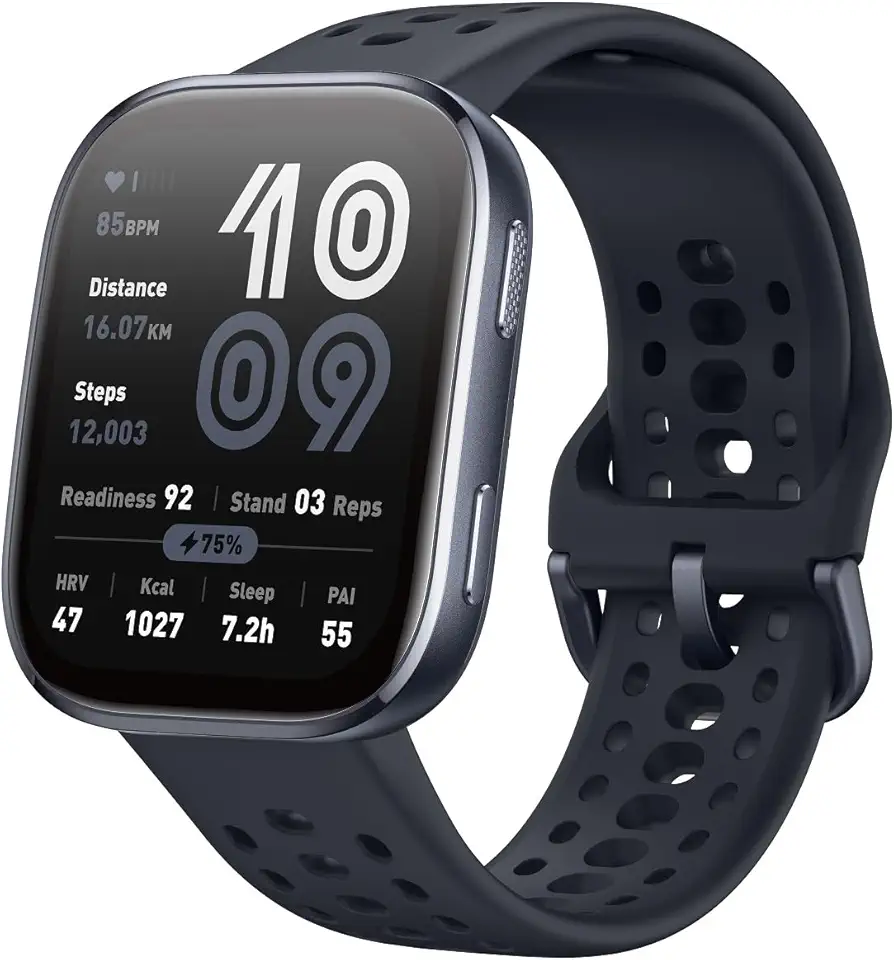
Amazfit Bip 6 Smart Watch 46mm, 14 Day Battery, 1.97" AMOLED Display, GPS & Free Maps, AI, Bluetooth Call & Text, Health, Fitness & Sleep Tracker, 140+ Workout Modes, 5 ATM Water-Resistance, Black

eufy Security Solo Indoor Cam C120, 2K Security Indoor Camera, Plug-in Camera with Wi-Fi, IP Camera, Human & Pet AI, Voice Assistant Compatibility, Night Vision, Two-Way Audio, HomeBase not Compatible

eufy Security Indoor Cam E220, 2K, Pan & Tilt, Indoor Security Camera, Wi-Fi Plug-in Camera, Human & Pet AI, Voice Assistant Compatibility, Night Vision, Motion Tracking, HomeBase not Compatible