Arduino Programming with XOD - Learning XOD


DroneBot Workshop
@dronebotworkshopAbout
Welcome to the Workshop! The DroneBot Workshop is the place where I work with Arduino, Raspberry Pi, ESP32, and lots of other cool microcontrollers, components, and sensors. This is a channel for learning and understanding. While I do build projects, most episodes focus on showing you HOW things work, so you can use the information to bring your own designs to life. Every video has a corresponding article on my website at https://dronebotworkshop.com , along with the diagrams and code samples you’ll need to build your own creations. You can also participate in discussions on my Forum at https://forum.dronebotworkshop.com. Please note that I no longer do any sponsored videos, enquiries for these will be ignored! If you'd like to know more about me or the DroneBot Workshop you can read the FAQ at https://dronebotworkshop.com/about-dronebot-workshop/faq/ And if you have technical questions please ask them on the Forum. Welcome to the Workshop! I hope you enjoy your stay! Bill
Latest Posts


Video Description
Learn to use XOD, a graphical programming environment for the Arduino. Get XOD at https://xod.io Full article at https://dronebotworkshop.com/getting-started-with-xod/ More articles and tutorials: https://dronebotworkshop.com Join the conversation on the forum: https://forum.dronebotworkshop.com Subscribe to the newsletter and stay in touch: https://dronebotworkshop.com/subscribe/ This tutorial was sponsored by XOD. XOD is a free open source development platform for the Arduino that lets you create Arduino projects without writing a single line of code! It’s ideal for rapidly developing projects, and it’s a viable alternative to the Arduino IDE. Unlike the Arduino IDE, XOD uses a graphical user interface, which is available as both a desktop client (for Windows, Mac, and Linux) and as an online application. You assemble XOD programs by hooking up “nodes” on a working surface called a “patch”. It’s a lot easier than writing code and once you're done you just deploy everything to your Arduino. In this video, I will introduce you to XOD. I’ll show you the principles of XOD programming and how to obtain the XOD IDE for your computer. I’ll then take you through a couple of demonstrations to show you just how easy it is to program in XOD. In the first demonstration, you’ll learn how to work with XOD. We’ll start with a program that functions very much like the Arduino “Blink” sketch, and we’ll expand it to use two potentiometers to control the blink rate and duty cycle. You soon see how easy it is to program using XOD. Then we’ll move on and rebuild and improve a project that I worked on in a previous video, an LCD temperature and humidity gauge. Using nothing but XOD we will quickly put the project together and add a push button to switch the display between Celsius and Fahrenheit. Here is the Table of Contents for this video: 00:00 - Introduction 03:33 - XOD Theory 05:44 - Getting XOD 09:27 - Demo 1 - Working with an LED 26:49 - Demo 2 - Temperature & Humidity Gauge You’ll see that XOD is easy and fun to use! As always there is an in-depth article that accompanies this video, you’ll find it at https://dbot.ws/xod01 . You’ll also find XOD documentation, tutorials, and a very active forum on the XOD website at https://xod.io. The folks who created XOD asked me to create this video and after trying XOD myself I was happy to oblige. I really think you’ll like XOD and that it will help you create wonderful Arduino projects without a lot of complex coding. XOD is still in its infancy and it won’t completely replace the Arduino IDE (at least not yet) but it’s still a very powerful tool that you’ll enjoy using.
You May Also Like







Gaming PC Build Essentials
AI-recommended products based on this video
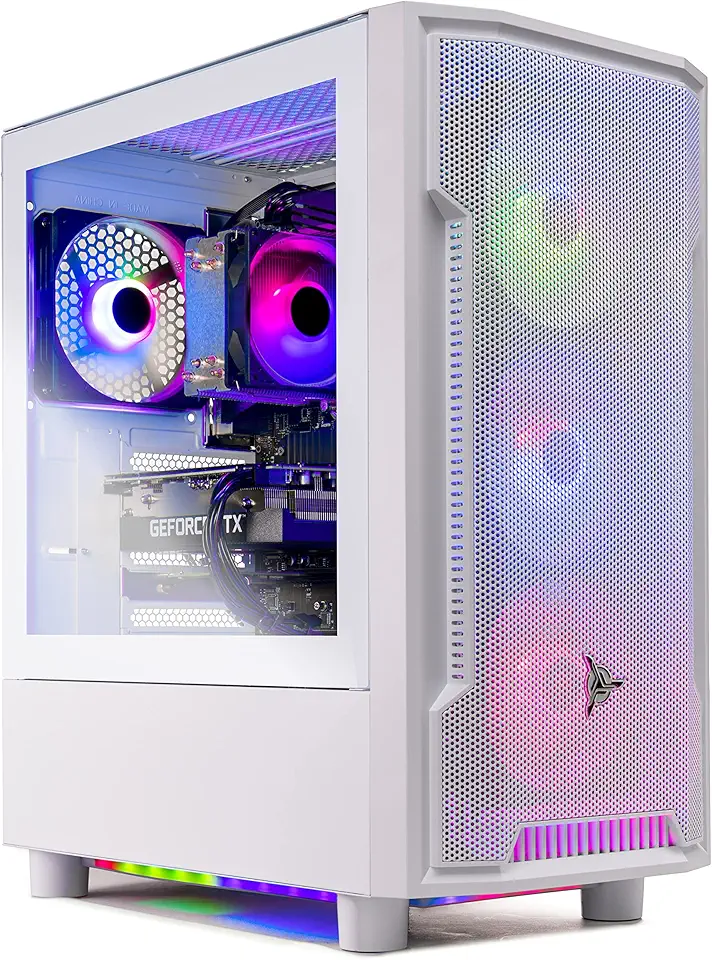
Skytech Archangel Gaming PC Desktop – AMD Ryzen 5 3600 3.6 GHz, NVIDIA RTX 3060, 1TB NVME SSD, 16GB DDR4 RAM 3200, 600W Gold PSU, 11AC Wi-Fi, Windows 11 Home 64-bit
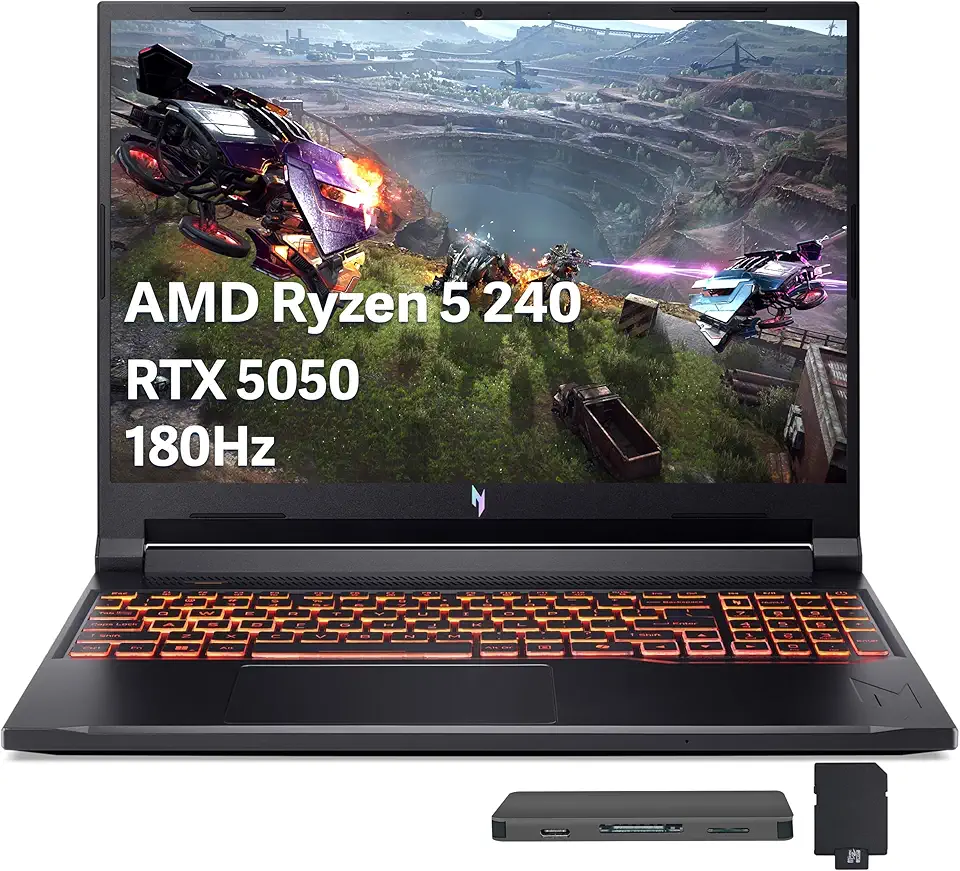
Acer Nitro V 16 AI Gaming Laptop, 16" WUXGA 180Hz Display, AMD Ryzen 5 240, GeForce RTX 5050, 16GB DDR5, 512GB SSD, Backlit Keyboard, Copilot, Wi-Fi 6E, Win 11, Black, 1TB Docking Station Set
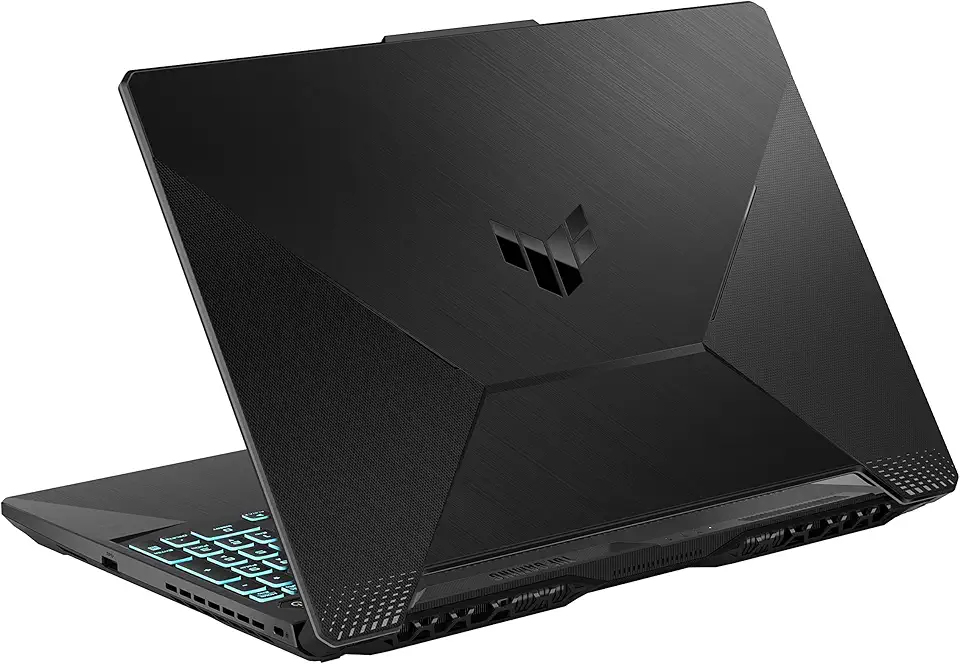
ASUS TUF Gaming A15 Gaming Laptop, 15.6” 144Hz FHD Display, AMD Ryzen 5 7535HS Processor, GeForce RTX 2050, 8GB DDR5 RAM, 512GB PCIe SSD Gen 4, Wi-Fi 6, Windows 11, FA506NF-AS51-CA

KAMRUI Mini PC E3B, Mini Computer AMD Ryzen 5 7430U (6C/12T, Up to 4.3GHz), 16GB DDR4 512GB M.2 SSD Mini Gaming Pc W11 PRO, 4K Triple Display/WiFi 6/BT5.2/USB3.2 for Home/Business Mini Desktop PC Global Recycled Standard

MSI B550-A PRO ProSeries Motherboard (AMD AM4, DDR4, PCIe 4.0, SATA 6Gb/s, M.2, USB 3.2 Gen 2, HDMI/DP, ATX)

Corsair Vengeance LPX 32GB (2 X 16GB) DDR4 3200 (PC4-25600) C16 1.35V Desktop Memory - Black

EVGA GeForce RTX 3060 Ti FTW Ultra Gaming, 08G-P5-3667-KR, 8GB GDDR6, iCX3 Cooling, ARGB LED
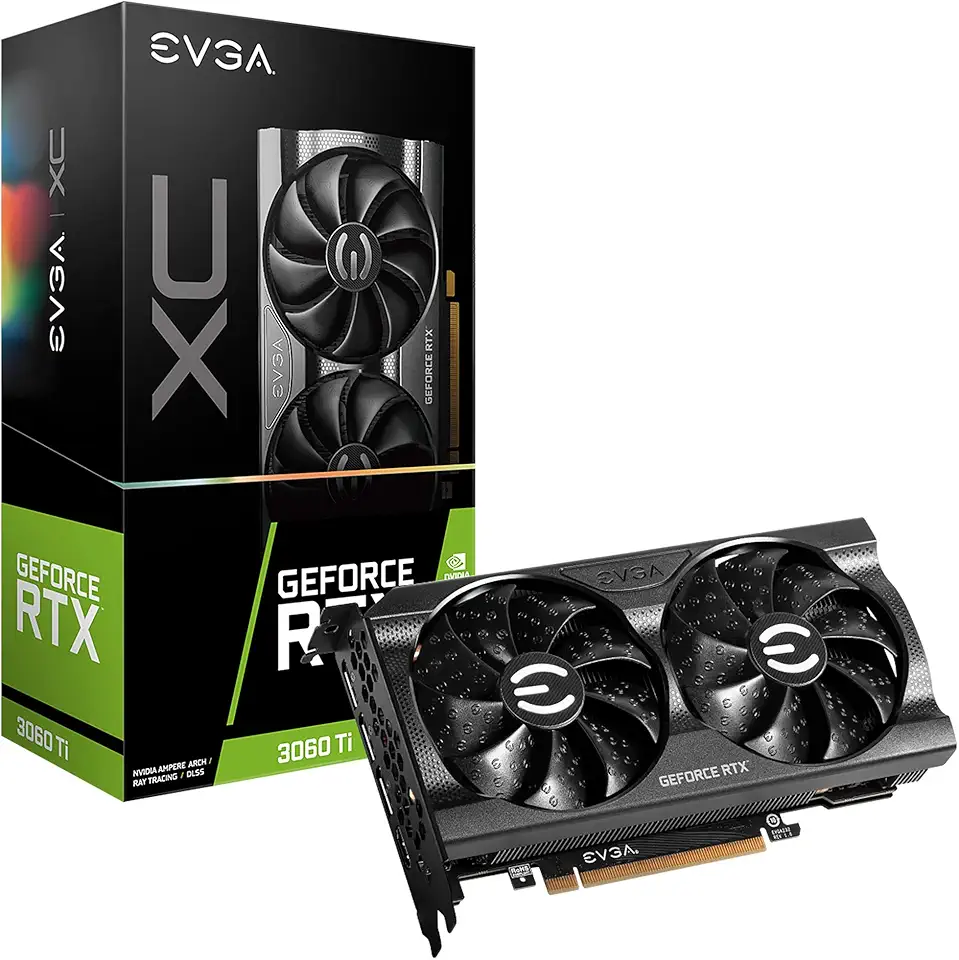
EVGA GeForce RTX 3060 Ti XC Gaming, 08G-P5-3663-KR, 8GB GDDR6, iCX3 Cooling, Metal Backplate
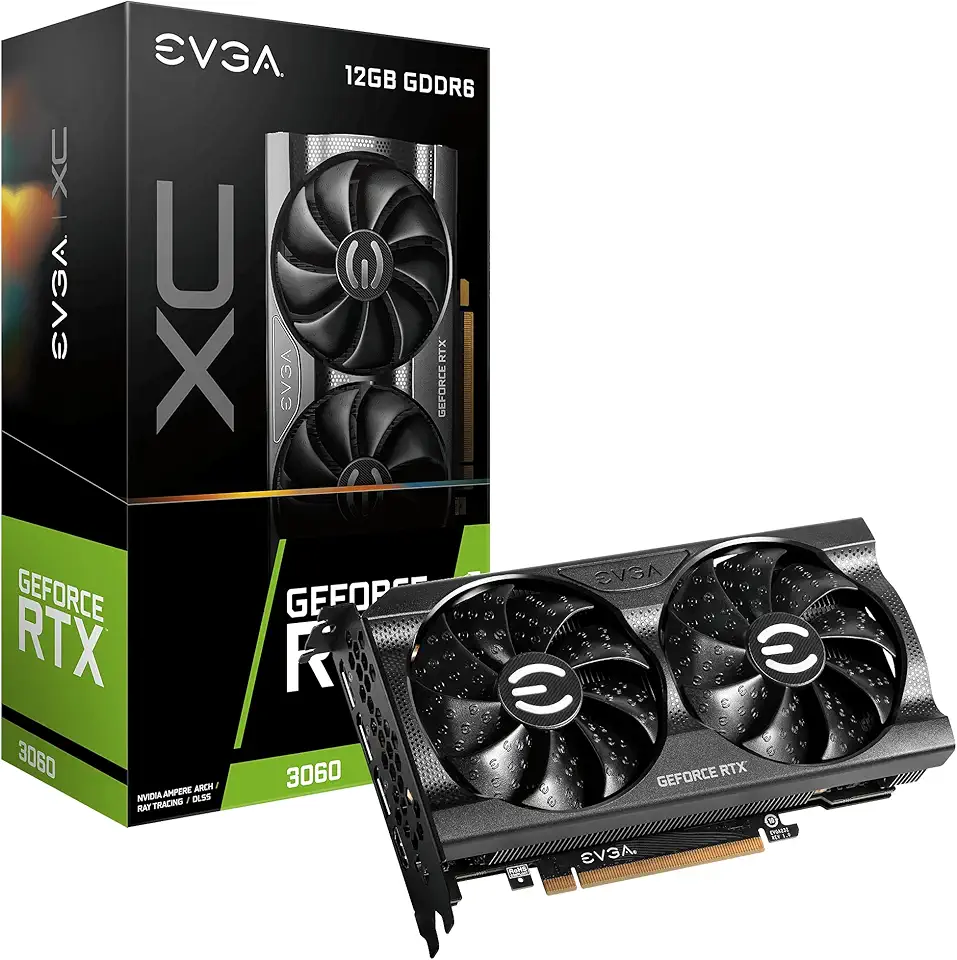
EVGA Geforce Rtx 3060 Xc Gaming (12Gb Gddr6/Pci Express 4.0/1882Mhz/15000Mhz), 12G-P5-3657-KR

EVGA GeForce RTX 3060 Ti XC Gaming, 08G-P5-3663-KL, 8GB GDDR6, Metal Backplate, LHR

Corsair RM1000e Fully Modular Low-Noise ATX Power Supply - Dual EPS12V Connectors - 105°C-Rated Capacitors - 80 Plus Gold Efficiency - Modern Standby Support - Black

Logitech G203 Wired Gaming Mouse, 8,000 DPI, Rainbow Optical Effect LIGHTSYNC RGB, 6 Programmable Buttons, On-Board Memory, Screen Mapping, PC/Mac Computer and Laptop Compatible - Black

HyperX Cloud II - Gaming Headset, 7.1 Surround Sound, Memory Foam Ear Pads, Durable Aluminum Frame, Detachable Microphone, Works with PC, PS5, PS4, Xbox Series X|S, Xbox One – Red

STGAubron Gaming PC Desktop, Intel Core i7 up to 3.9G, GeForce GTX 1660 Super 6G GDDR6, 32G RAM, 1T SSD, WiFi, BT 5.0, RGB Fan x 6, Windows 10 Home

HP Stream 14-Inch Laptop, Intel Celeron N4000, 4 GB RAM, 64 GB eMMC, Windows 10 Home in S Mode (14-cb159nr, Jet Black)

MeLE Quieter DL Mini PC Windows 11 Home, N100 4GB 128GB, 2.5G Dual LAN,IoT Industrial Desktop Computer Support Windows 10 11 Linux Ubuntu Debian 4K Triple Display, Dual HDMI, All-in-One USB-C
