Big Stepper Motors with Arduino

DroneBot Workshop
@dronebotworkshopAbout
Welcome to the Workshop! The DroneBot Workshop is the place where I work with Arduino, Raspberry Pi, ESP32, and lots of other cool microcontrollers, components, and sensors. This is a channel for learning and understanding. While I do build projects, most episodes focus on showing you HOW things work, so you can use the information to bring your own designs to life. Every video has a corresponding article on my website at https://dronebotworkshop.com , along with the diagrams and code samples you’ll need to build your own creations. You can also participate in discussions on my Forum at https://forum.dronebotworkshop.com. Please note that I no longer do any sponsored videos, enquiries for these will be ignored! If you'd like to know more about me or the DroneBot Workshop you can read the FAQ at https://dronebotworkshop.com/about-dronebot-workshop/faq/ And if you have technical questions please ask them on the Forum. Welcome to the Workshop! I hope you enjoy your stay! Bill
Latest Posts

Video Description
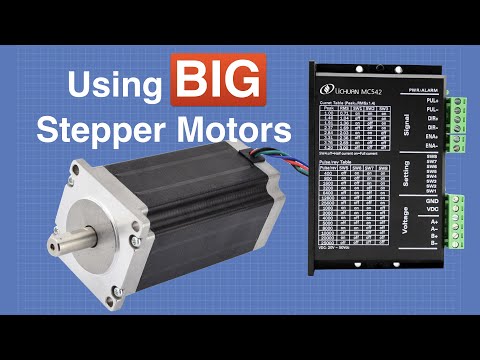
Today I’ll be working with a BIG stepper motor. I'll show you how to use a microstep driver module and an Arduino to drive a NEMA 23 size motor. Article with code: https://dronebotworkshop.com/big-stepper-motors/ More articles and tutorials: https://dronebotworkshop.com Join the conversation on the forum: https://forum.dronebotworkshop.com Subscribe to the newsletter and stay in touch: https://dronebotworkshop.com/subscribe/ Today we will work with a bigger motor than the ones used in the original stepper motor video. This motor is a NEMA 23 size beast that takes up to 4.2 amperes per coil, more than we can drive using the drivers and H-Bridges we used earlier. To drive this motor I'll be using a microstep module, a common device available on eBay, at Amazon, and at your local electronic and electrical supply store. The module I used is a model MA860H but the wiring and coding will work for any one of these modules. In order to select a module suitable for your stepper motor you will need to know how to read and interpret some of the stepper motor specifications, so I’ll cover that. One spec that fools a lot of people is the voltage rating, I'll explain why the number in the spec sheets can be ignored! I’ll show you how to hook the microstep module up to an Arduino and how to code for it, using a simple sketch and also the AccelStepper library. Here is what you will find in today's video: 00:00 - Introduction 02:18 - Reading Stepper Motors Specifications 08:49 - Selecting a Microstep Driver 12:33 - Arduino Hookup and Demo 22:44 - Using AccelStepper If you’d like the sketch or want additional information you can find it all in the article on the DroneBot Workshop website. Happy stepping!
You May Also Like






Smoker's Dream Setup
AI-recommended products based on this video
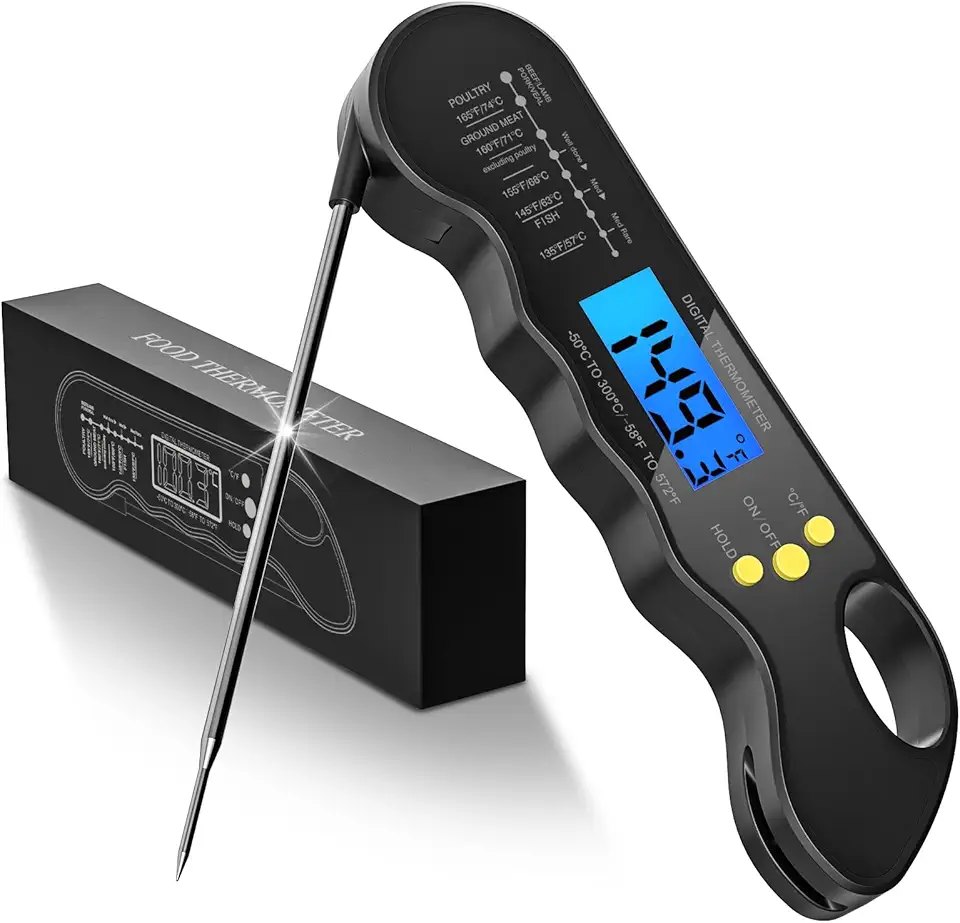
TRAUSI Instant Read Meat Thermometer, Fast & Accurate Digital Food Thermometer with Backlight, Waterproof & Magnet for Grilling, Cooking, BBQ, Smoker, Baking, and Candy Making Black

15.6” Portable USB Type-C Monitor Touchscreen, 1080P FHD, IPS, 10-Point Touch External Screen with Premium Smart Cover Dual Speakers for Xbox,PS4,Switch,Laptop,PC,Phone,Mac,Surface

13.3” Portable USB Type-C Monitor Touchscreen, 1080P FHD, IPS, 100% DCI-P3, 10-Point Touch External Screen with Premium Smart Cover Dual Speakers for Laptop,PC,Mobile Phone,Mac,Surface,Xbox,PS4,Switch

13.3” Portable USB Type-C Monitor, 1080P FHD, IPS, 100% DCI-P3, External Screen with Premium Smart Cover Dual Speakers for Xbox,PS4,Switch,Laptop,PC,Phone,Surface…
