ComfyUI Tutorial Series: Ep08 - Flux 1: Schnell and Dev Installation Guide


pixaroma
@pixaromaAbout
Designing at the Speed of Innovation. I teach ComfyUI and test the latest AI models like Flux, Qwen, Wan, etc. This channel is about building better workflows for image and video generation. I share everything I learn so you can use these tools for your own creative work. My 5-hour ComfyUI course is the best place to start if you are new. I also cover the latest in diffusion models and video creation, showing you what works and what doesn't.



Video Description
Welcome to Episode 8 of our ComfyUI tutorial series! In this episode, we're exploring FLUX, a new model from Black Forest Labs. I'll walk you through installing and using the different versions, like Dev and Schnell, while comparing their performance and highlighting the best settings. Discover which model works best for your needs and how to integrate FLUX into your workflow. We’ll also share some tips and tricks to help you get the most out of FLUX, ensuring smooth and efficient results. Check out the description for all the links and resources you'll need to follow along! Download all the workflows from the pixaroma-workflows channel on Discord. The links are also organized there. https://discord.gg/gggpkVgBf3 Flux Examples https://comfyanonymous.github.io/ComfyUI_examples/flux/ ---- Download Flux Schnell fp8 from here (Faster) https://huggingface.co/Comfy-Org/flux1-schnell/tree/main Place it in the folder: ..ComfyUI/models/checkpoints/ ---- Download Flux Dev fp8 from here (Better Quality) https://huggingface.co/Comfy-Org/flux1-dev/tree/main Place it in the folder: ..ComfyUI/models/checkpoints/ ---- Download Flux Dev Full from here (The Best Quality) https://huggingface.co/black-forest-labs/FLUX.1-dev/blob/main/flux1-dev.safetensors Place it in the folder: ..ComfyUI/models/unet/ Download clip_l.safetensors and t5xxl_fp16.safetensors from here https://huggingface.co/comfyanonymous/flux_text_encoders/tree/main Place them in the folder: ..ComfyUI/models/clip/ Download the ae.safetensor VAE from here https://huggingface.co/black-forest-labs/FLUX.1-schnell/blob/main/ae.safetensors Place it in the folder: ..ComfyUI/models/vae/ ---- Download this version of schnell with bnb in name flux1-schnell-bnb-nf4 https://huggingface.co/silveroxides/flux1-nf4-weights/blob/main/flux1-schnell-bnb-nf4.safetensors Or this version of Dev flux1-dev-bnb-nf4 https://huggingface.co/lllyasviel/flux1-dev-bnb-nf4/blob/main/flux1-dev-bnb-nf4.safetensors Place them in the ..ComfyUI\models\checkpoints folder The node you need - more info in the video and on discord https://github.com/comfyanonymous/ComfyUI_bitsandbytes_NF4 ---- Realism Lora for Flux Dev Download this small Lora model https://huggingface.co/comfyanonymous/flux_RealismLora_converted_comfyui/tree/main Place it in ..\ComfyUI\models\loras Restart ComfyUI. ---- Test Flux online. You have a few free generations on these websites: FLUX.1 [schnell] https://huggingface.co/spaces/black-forest-labs/FLUX.1-schnell FLUX.1 [dev] https://huggingface.co/spaces/black-forest-labs/FLUX.1-dev FLUX.1 [schnell] https://replicate.com/black-forest-labs/flux-schnell Post your questions on the discord server on the ComfyUI channel or on Pixaroma Community on facebook https://www.facebook.com/groups/pixaromacommunity/ #comfyui #flux #aitutorials Chapters: 00:00 Introduction to FLUX Models 00:22 FLUX Versions (Pro, Dev, Schnell) 02:14 Installing FLUX Dev and Schnell FP8 08:14 Add A1111 Art Styles in Flux 11:01 Comparing Dev vs. Schnell FP8 15:14 Fixing Blurred Images 15:50 Installing FLUX Dev Full 18:31 Comparing Dev Full vs. Dev FP8 20:10 Installing Flux BNB NF4 Dev and Schnell 23:44 Comparing Dev FP8 vs. Dev NF4 25:16 Using LoRA with FLUX Dev 27:34 Summary and Best Practices












Crucial Dev Tools
AI-recommended products based on this video

BOSGAME P2 Plus Mini PC - Intel Core i7-12700H, 32GB DDR5, 512GB NVMe SSD | Thunderbolt 4, Triple 4K Display| Dual 2.5G LAN, WiFi 6, Bluetooth 5.2 | Win11 Pro Desktops for Work Gaming

Dell Inspiron 3030 Desktop - Intel Core i7-14700 Processor, 16GB DDR5 RAM, 1TB SSD, Intel UHD 770 Graphics, Windows 11 Pro, Onsite & Migrate Service - Mist Blue

Corsair Vengeance LPX 32GB (2 X 16GB) DDR4 3200 (PC4-25600) C16 1.35V Desktop Memory - Black

Crucial X9 4TB Portable SSD, Up to 1050MB/s, USB 3.2 USB-C, External Solid State Drive, Compatible with Windows, Mac, & Android, Reliable Storage for Games, Files, & Backups, Black - CT4000X9SSD902

Crucial X10 Pro 4TB Portable SSD, Up to 2100MB/s Read, 2000MB/s Write, 3.2 USB-C, External Solid State Drive, Durable Storage for PC & Mac, for Professional Creators, Black - CT4000X10PROSSD902

Crucial X9 Pro 4TB Portable SSD, Up to 1050MB/s Read & Write, 3.2 USB-C, External Solid State Drive, Durable Storage for PC and Mac, for Professional Creators, Silver - CT4000X9PROSSD902

Crucial T705 4TB PCIe Gen5 NVMe M.2 SSD - Up to 14,100 MB/s - Game Ready - Internal Solid State Drive (PC) - +1mo Adobe CC - CT4000T705SSD3

EVGA GeForce RTX 3060 Ti FTW Ultra Gaming, 08G-P5-3667-KR, 8GB GDDR6, iCX3 Cooling, ARGB LED
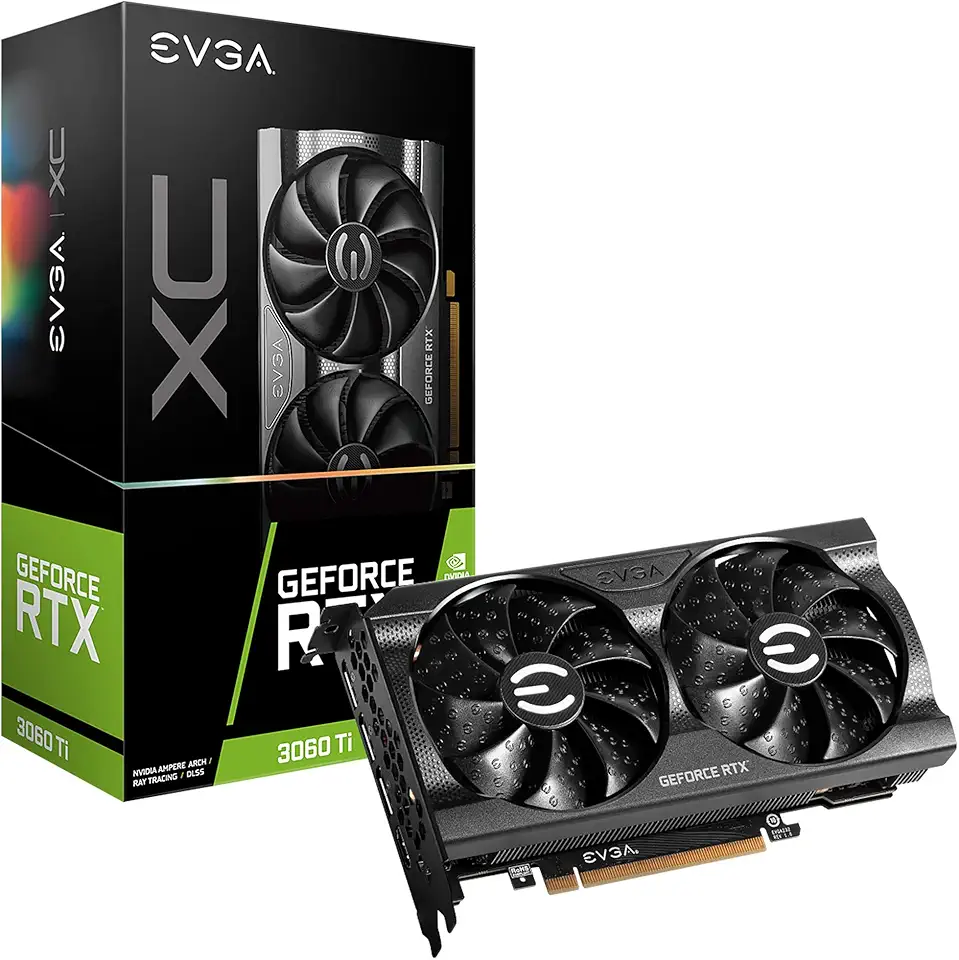
EVGA GeForce RTX 3060 Ti XC Gaming, 08G-P5-3663-KR, 8GB GDDR6, iCX3 Cooling, Metal Backplate
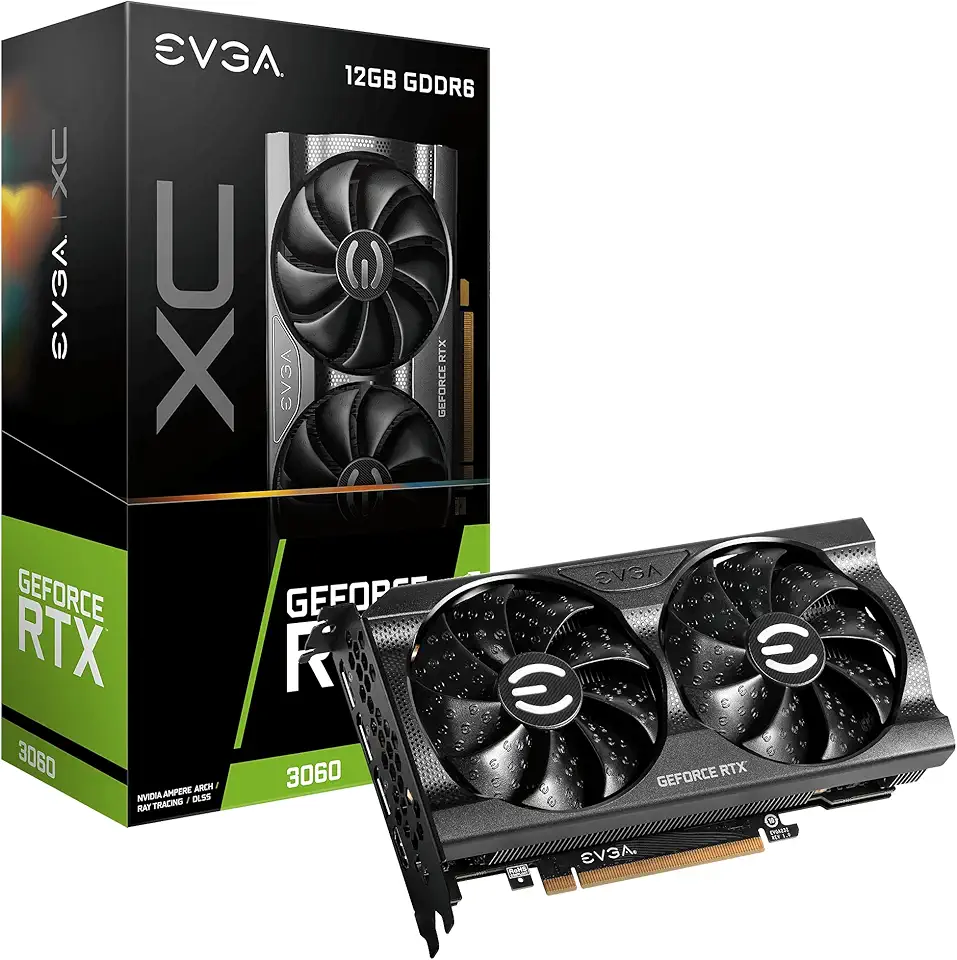
EVGA Geforce Rtx 3060 Xc Gaming (12Gb Gddr6/Pci Express 4.0/1882Mhz/15000Mhz), 12G-P5-3657-KR

EVGA GeForce RTX 3060 Ti XC Gaming, 08G-P5-3663-KL, 8GB GDDR6, Metal Backplate, LHR

Logitech G203 Wired Gaming Mouse, 8,000 DPI, Rainbow Optical Effect LIGHTSYNC RGB, 6 Programmable Buttons, On-Board Memory, Screen Mapping, PC/Mac Computer and Laptop Compatible - Black
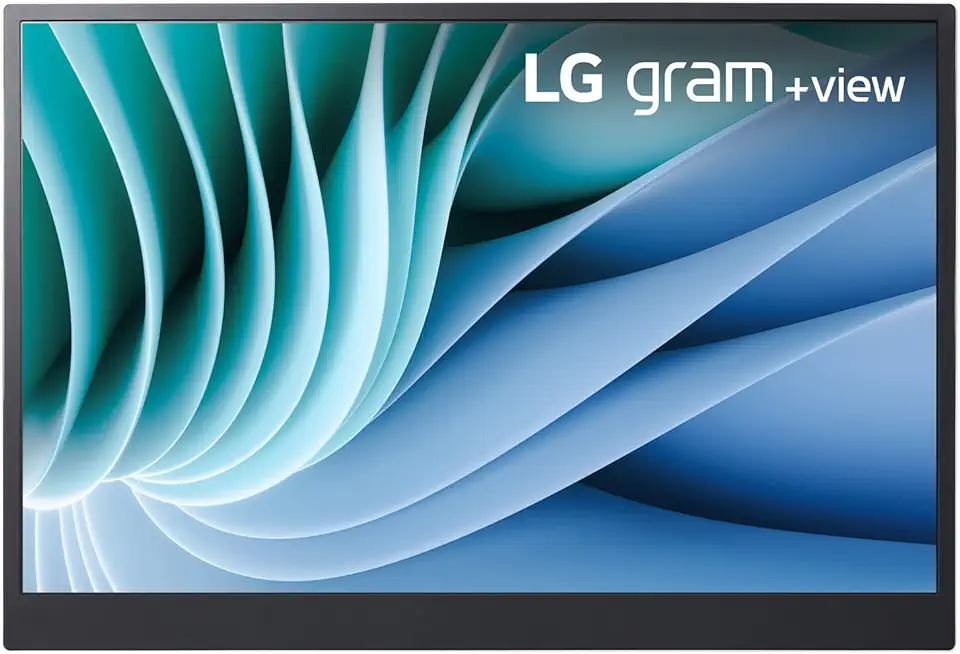
Lg gram 16-inch +View Portable Monitor with USB Type-C, DCI-P3 99% (Typ.), Auto Rotate, Two-Way Supported Folio Cover

StanbyME LG 27-Inch Class Smart Portable Touch Screen Monitor 27ART10AKPL. Built-in 3 Hour Battery, Full Swivel Rotation, Rollable. LG Stanbyme, Standbyme, Stand by me.
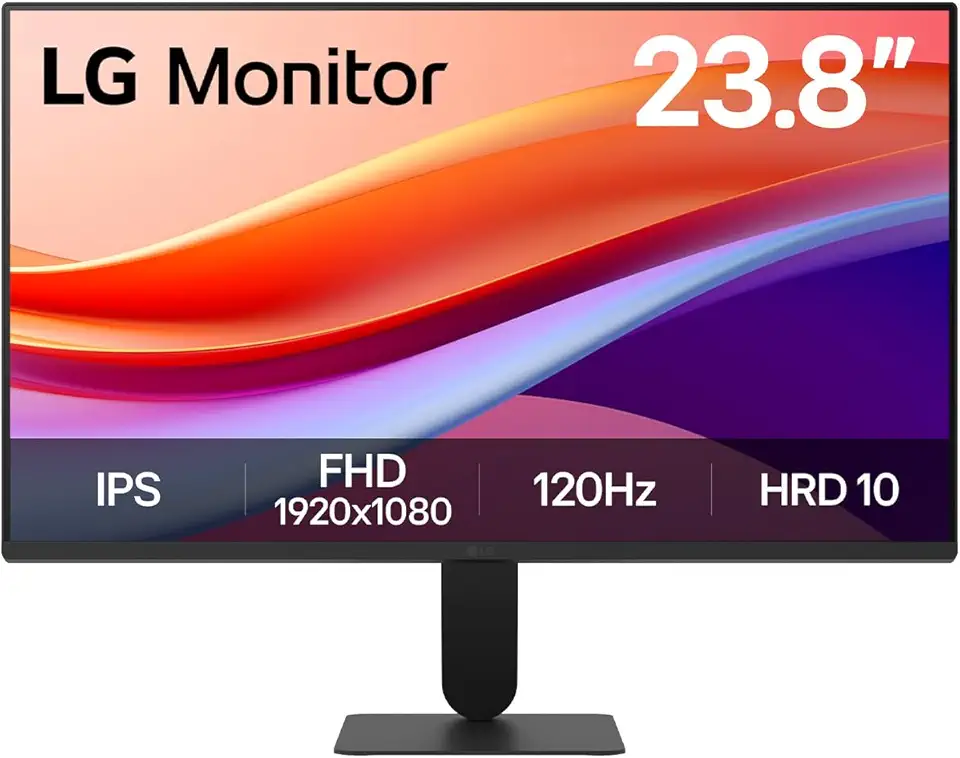
LG 24U411A-B 23.8" FHD (1920x1080) IPS Display Computer Monitor, 120Hz Refresh Rate, sRGB 99% (Typ.), USB-C, Reader Mode & Flicker Safe, Dynamic Action Sync, Black Stabilizer, Slim Stand Base, Black

LG UltraWide 34WP65C-B 34 Inch 21:9 Curved FreeSync 1ms 160 Hz WQHD(3440 x 1440) Gaming Monitor, Black

Anker 332 USB-C Hub (5-in-1) with 4K HDMI Display, 5Gbps - and 2 5Gbps USB-A Data Ports and for MacBook Pro, MacBook Air, Dell XPS, Lenovo Thinkpad, HP Laptops and More
![SAMSUNG T7 4TB, Portable SSD, Grey, up to 1050MB/s, USB 3.2 Gen2, Gaming, Students & Professionals, External Solid State Drive (MU-PC4T0T/AM), Grey [Canada Version]](https://m.media-amazon.com/images/I/91YfRIy7kYL._AC_UL960_FMwebp_QL65_.jpg)
SAMSUNG T7 4TB, Portable SSD, Grey, up to 1050MB/s, USB 3.2 Gen2, Gaming, Students & Professionals, External Solid State Drive (MU-PC4T0T/AM), Grey [Canada Version]
![SAMSUNG T7 Shield 4TB, Portable Solid State Drive, up-to 1050MB/s, USB 3.2 Gen2, Rugged, IP65 Water & Dust Resistant, for Photographers, Creators and Gaming, (MU-PE4T0S/AM), Black [Canada Version]](https://m.media-amazon.com/images/I/61CKrZWOcrL._AC_UL960_FMwebp_QL65_.jpg)
SAMSUNG T7 Shield 4TB, Portable Solid State Drive, up-to 1050MB/s, USB 3.2 Gen2, Rugged, IP65 Water & Dust Resistant, for Photographers, Creators and Gaming, (MU-PE4T0S/AM), Black [Canada Version]
