ComfyUI Tutorial Series: Ep09 - How to Use SDXL ControlNet Union


pixaroma
@pixaromaAbout
Designing at the Speed of Innovation. I teach ComfyUI and test the latest AI models like Flux, Qwen, Wan, etc. This channel is about building better workflows for image and video generation. I share everything I learn so you can use these tools for your own creative work. My 5-hour ComfyUI course is the best place to start if you are new. I also cover the latest in diffusion models and video creation, showing you what works and what doesn't.




Video Description
In Episode 9 of our ComfyUI tutorial series, we explore ControlNet, focusing on the new Union ControlNet for SDXL. This powerful tool unifies multiple models, such as pose or Canny, into one, making it easier to guide your AI in creating images with specific compositions. Learn how to download, install, and integrate the ControlNet Union ProMax model into your workflow, and discover how to stack multiple ControlNet models for more detailed and controlled results. In this tutorial, you’ll learn: - How to download and install the SDXL ControlNet Union ProMax model. - The basics of ControlNet and how it guides AI to create images with specific structures. - How to update ComfyUI and explore the new interface options. Download Control Net Union File Name: diffusion_pytorch_model_promax.safetensors https://huggingface.co/xinsir/controlnet-union-sdxl-1.0/tree/main Place it in ..ComfyUI\models\controlnet folder Get the custom nodes Go to Manager - Custom Nodes Manager Search for venture Install the node: comfyui-art-venture Search for Preprocessor Preprocessors Install the node: ComfyUI's ControlNet Auxiliary Preprocessorsc Search for comfyroll Install the node: Comfyroll Studio Restart comfyui Download all the workflows from Discord https://discord.gg/gggpkVgBf3 look for the channel pixaroma-workflows Unlock exclusive perks by joining our channel: https://www.youtube.com/channel/UCmMbwA-s3GZDKVzGZ-kPwaQ/join Chapters: 00:00 Introduction 00:17 Download the ControlNet Model 00:53 Understanding ControlNet 01:38 ComfyUI and New Interface Overview 02:55 Setting Up Custom Nodes for ControlNet 03:40 Exploring Preprocessors: Canny, Depth, and More 08:52 Integrating ControlNet into Your Workflow 15:13 Stacking Multiple ControlNet Models 18:15 Testing and Fine-Tuning Your Workflow












Upgrade Your Creative Toolkit Today
AI-recommended products based on this video
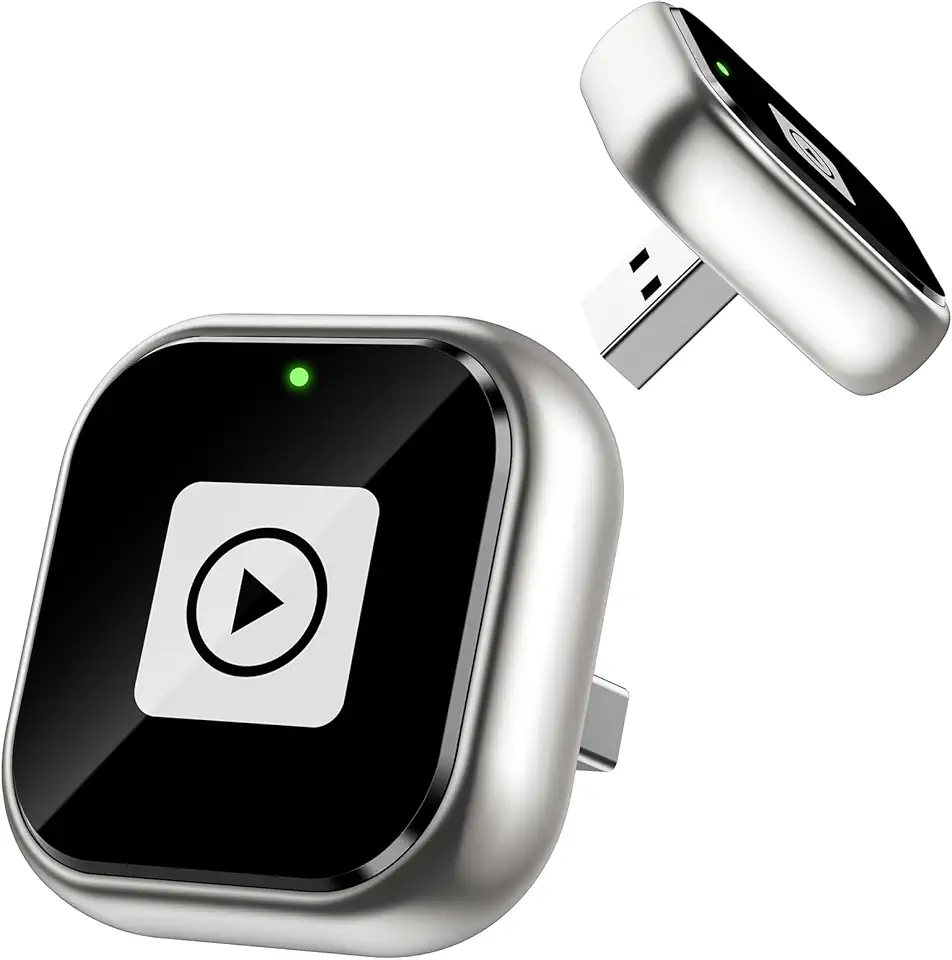
ENOMIR Wireless Carplay Adapter for iPhone, Android Auto Wireless Adapter Fast Stable Auto-Connect, Mini USB Design Plug & Play Most Car Models & iOS Systems

18.5 Inch Portable Touchscreen Gaming Monitor, High Resolution 1920x1080 with HDR, for PC, Phone Game Console, Easy Connection, Large Display

UGREEN USB WiFi Adapter AX900 Entry-Level WiFi 6 Dongle Dual Band for PC Desktop with Antenna 5GHz 600Mbps, 2.4GHz 287Mbps Compatible with Windows 11 10
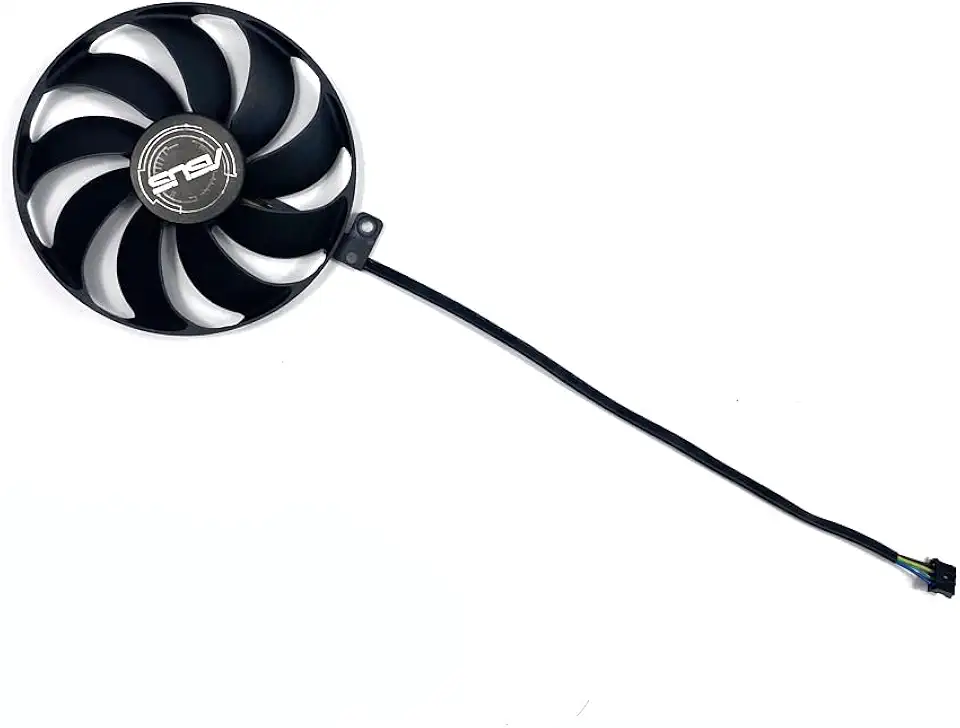
for Cooling Fan 90MM 4PIN T129215SU for ASUS Dual RTX 2060 2070 2080 for Super for EVO Advanced Graphics Card Fan Fans(Purple)
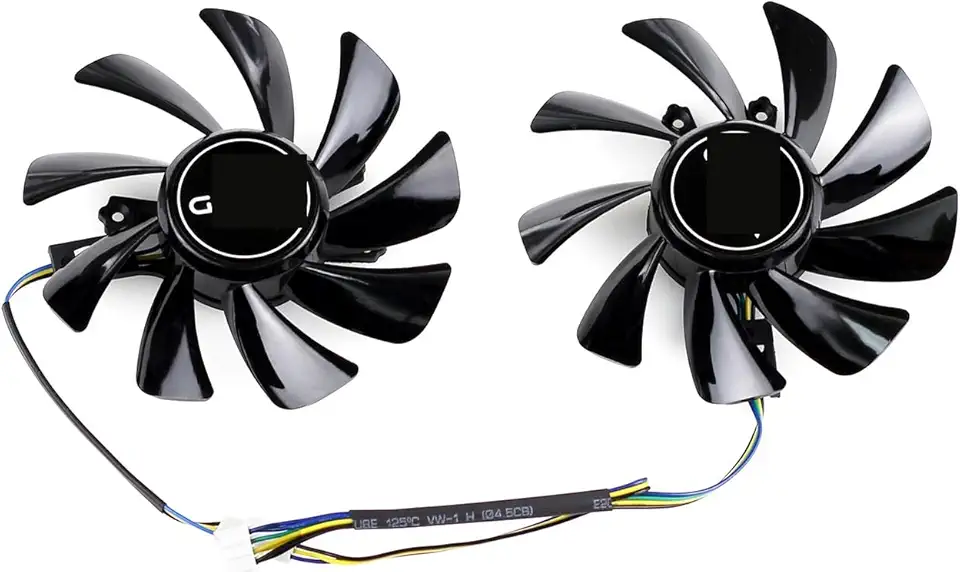
85MM for Cooling Fan for KFA2 Galax GTX 1660 Super TI RTX 2060 EX Graphics Card Cooler T129215SU GFY09215M12SPA
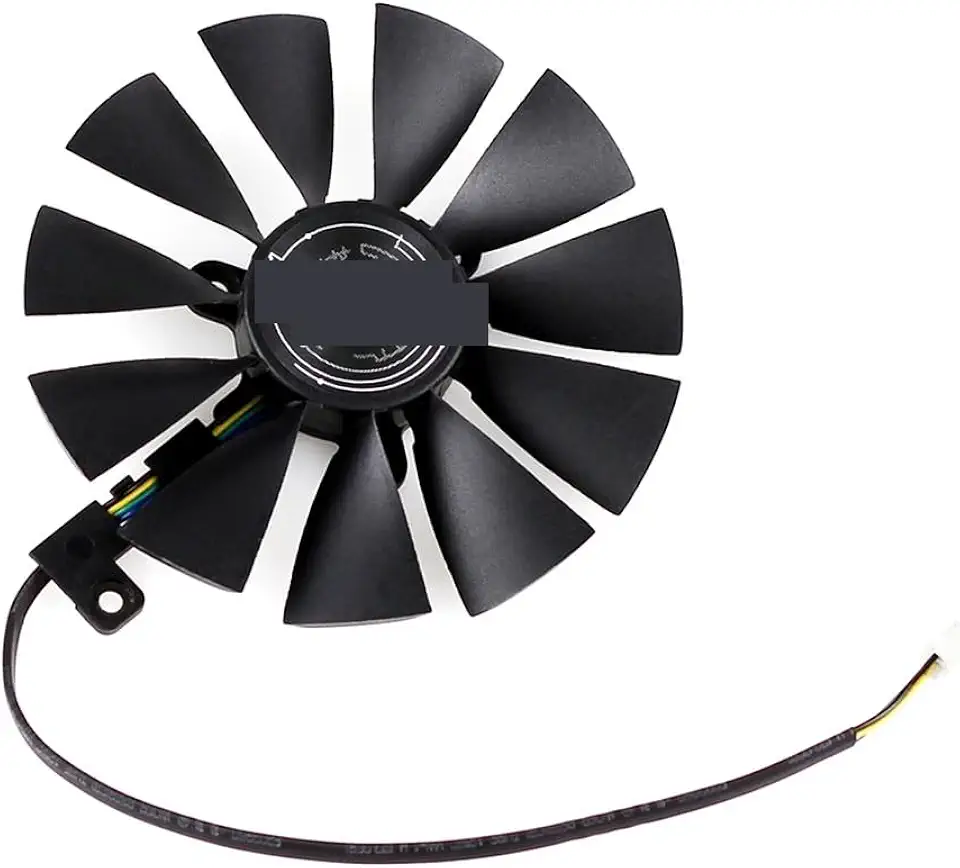
87MM FDC10U12S9-C for Cooling Fan for ASUS for GeForce RTX 2080 2070 2060 Dual for Advanced OC for Gaming Graphics Card Cooler(Black B-Fan)

88MM PLD09210S12H Cooling Fan for ASUS for Dual RTX 2080 2070 2060 Super EVO Graphics Card Cooler T129215SU FDC10H12S9-C(Black A-Fan)

Asus ROG STRIX Z890-A GAMING WIFI Z890 LGA 1851 ATX motherboard, Intel® Core™ Ultra Series 2 Ready, Advanced AI PC-ready, 16+2+1+2 stages, DDR5, WiFi 7, 2.5G, 5x M.2, Thunderbolt™ 4, USB Type-C, AI OC