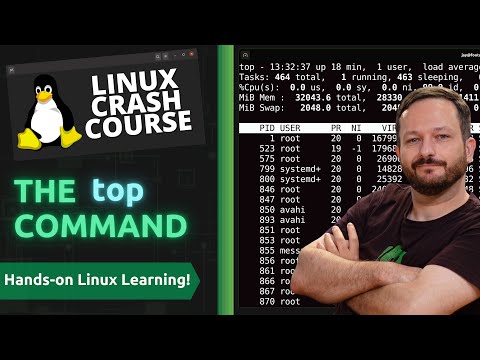
Demystifying the top Command in Linux | Linux Crash Course Series

Learn Linux TV
@learnlinuxtvAbout
Learn Linux TV is your ultimate resource for mastering Linux and open-source technology. From step-by-step Linux tutorials and distro reviews to server automation, cloud deployments, security, and DevOps workflows, this channel gives you the skills to thrive in today’s Linux Community. With over 20 years of Linux and System Administration experience, Jay (your host) shares practical insights to help you succeed with Linux — whether at home, in the data center, or in the cloud. Whether it’s Debian, Ubuntu, Fedora, Arch, or Proxmox, you’ll learn how to build, secure, and manage systems with confidence! • Linux made simple: tutorials, reviews, and sysadmin tips you can actually use. • Your go-to channel for Linux tutorials, distro reviews, and real-world sysadmin skills. • Where beginners become power users, and pros sharpen their Linux skills. Subscribe and join a community of hundreds of thousands of Linux enthusiasts who are learning, building, and growing with open source.
Latest Posts




Video Description
Welcome to another episode of the "Linux Crash Course" series! In this installment, we delve into the top command in Linux. With hands-on examples, we'll demystify the top command, explaining its various options and parameters in a beginner-friendly manner. Learn how to monitor system resources, view running processes, and gain insights into system performance in real-time. By the end of this tutorial, you'll have a solid grasp of using the top command to optimize your Linux system. Subscribe now for more Linux Crash Course tutorials and empower yourself with Linux knowledge! Thanks to Akamai for sponsoring this episode! Check out their awesome cloud computing platform and set up your very own Linux server in the cloud with new account credit via the following URL: - https://learnlinux.link/akamai Support Linux Learning and check out Netdata, a powerful utility that enables you to easily and proactively monitor your business, home, or homelab network • Check out Netdata here ➜ https://learnlinux.link/netdata (affiliate revenue earned) *🐧 Donate to Learn Linux TV and Receive a PDF with tips for switching to Linux* Contains over 40 pages of tips and recommendations to help make your transition easier! Check it out here ➜ https://learnlinux.link/linux-desktop-tips *💧 Spin up some Linux Servers with Digital Ocean* Digital Ocean is a great way to quickly spin up some Linux machines! • Check it out here ➜ https://learnlinux.link/digitalocean (Affiliate Link) *📄 Check out this awesome Linux commands cheatsheet!* Support Learn Linux TV and grab yourself this super-handy cheatsheet, featuring all the important Linux commands and their most useful options. Grab yours here ➜ https://learnlinux.link/linux-commands *🛍️ Support The Channel and Get Awesome Linux Swag!* Head on over to the Learn Linux TV Merch Shop and check out some great Linux-themed gear, including (but not limited to) T-shirts, drinkware, buttons, stickers and more! • "apt install coffee" T-Shirt ➜ https://learnlinux.link/apt-install-coffee • "sudo" T-Shirt ➜ https://learnlinux.link/sudo-shirt • Linux Commands Cheat Sheet ➜ https://learnlinux.link/linux-commands • "May Spontaneously Talk About Linux" T-Shirt ➜ https://learnlinux.link/talk-about-linux-shirt • "Dark Side of the Terminal" T-Shirt ➜ https://learnlinux.link/dark-side-shirt • Lots more ➜ https://merch.learnlinux.tv _Use coupon code "LINUXFAN" to get 10% off your entire order ➜ https://merch.learnlinux.tv_ *🐧 Other Ways to Support Learn Linux TV* • Patreon ➜ https://learnlinux.link/patron • Spin up your very own Linux server ➜ https://learnlinux.link/digitalocean • Linux swag ➜ https://merch.learnlinux.tv • Check out Netdata ➜ https://learnlinux.link/netdata • Jay's Gear ➜ https://learnlinux.link/amazon _Note: Royalties and/or commission is earned from each of the above links_ *🕐 Time Codes* 00:00 - Intro 00:54 - Set up your very own cloud Linux server with Akamai's Connected Cloud (Sponsor) 02:13 - Basic usage of the top command 03:14 - Understanding the various fields and statistics of the top command 09:12 - What is a "Zombie" process in Linux? 10:40 - Deciphering CPU usage within the top command 15:14 - Understanding memory usage as shown within the top command 16:25 - Viewing swap usage with the top command 16:56 - Understanding the process table within the top command 18:03 - Sorting the process table in top by CPU or Memory usage 18:59 - Killing a process with the top command 20:00 - Changing the update frequency of the top command 20:49 - Within the top command, what should you focus on paying attention to? *🎓 Full Linux Courses* • Linux Crash Course ➜ https://linux.video/cc • Netdata ➜ https://linux.video/netdata • tmux ➜ https://linux.video/tmux • vim ➜ https://linux.video/vim • Bash Scripting ➜ https://linux.video/bash • Proxmox VE ➜ https://linux.video/pve • Ansible (Paid) ➜ https://learnlinux.link/ansible • LPI Linux Essentials (Paid) ➜ https://learnlinux.link/linux-essentials *🎓 More About Learn Linux TV* • Main site ➜ https://www.learnlinux.tv • Community Forums ➜ https://community.learnlinux.tv • Github Account ➜ https://github.com/LearnLinuxTV • Content Ethics ➜ https://www.learnlinux.tv/content-ethics • Request Paid Assistance ➜ https://www.learnlinux.tv/request-assistance *⚠️ Disclaimer* LearnLinuxTV produces technical content that will hopefully be helpful to you and teach you something new. However, this content is provided without any warranty (expressed or implied). LearnLinuxTV is not responsible for any damages that may arise from any use of the content and information that's being provided. The viewer is expected to follow best judgement and to make his/her/their best decisions while working with production or non-production software, systems and hardware. #CloudComputing #LinuxCommands #devopstraining















Upgrade Your Gaming Setup
AI-recommended products based on this video
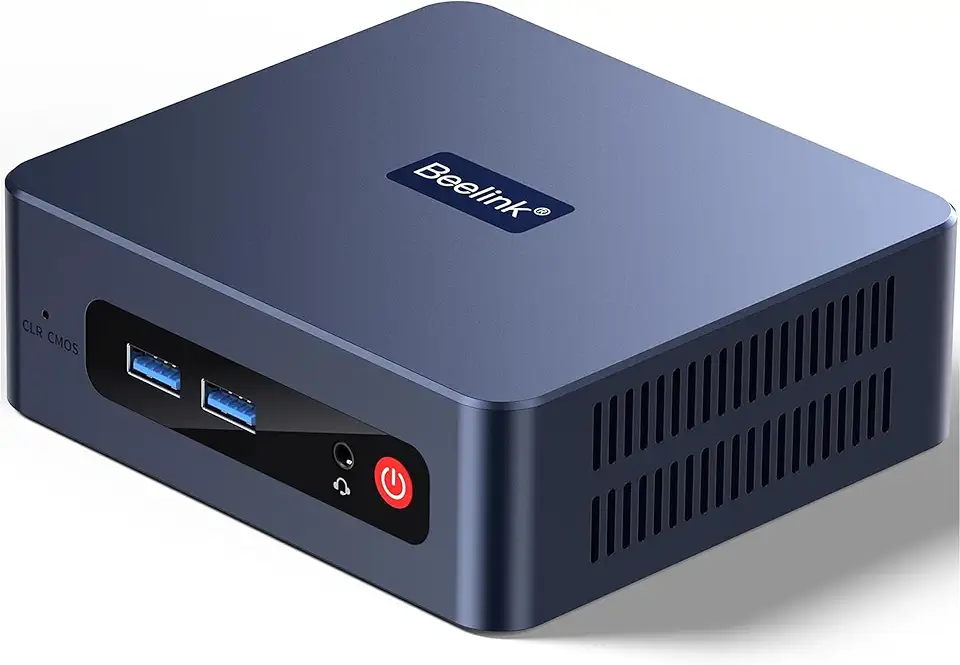
Beelink SER3 Mini Desktop PC with AMD Ryzen 3 3200U 2C/4T, 16GB DDR4 500GB PCIE3.0 X4 SSD, Dual Display Output, WiFi6/BT5.2 W-11 Pro Mini Gaming Computer

Beelink SER3 Mini PC, AMD Ryzen 3 3200U(14nm, 2C/4T) up to 3.5GHz, Mini Gaming Computer 16GB DDR4 RAM 500GB PCIE3.0 X4 SSD, Micro PC 4K@60Hz Dual Display, Mini Computer WiFi6/BT5.2/HTPC/W-11 Pro
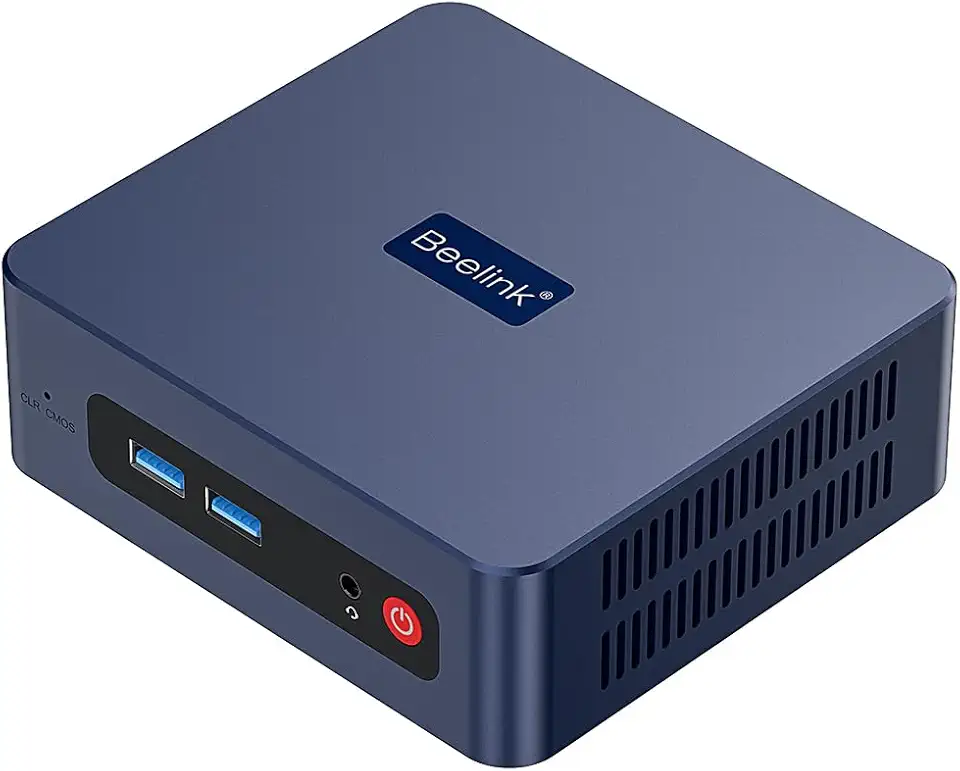
Beelink SER3 Mini PC, AMD Ryzen 3 3200U(up to 3.5GHz) 2C/4T, Mini Computer 16GB DDR4 RAM 500GB SSD, Mini Desktop Computer 4K@60Hz Dual HDMI Display WiFi6/BT5.2/WOL/HTPC/W-11 Pro

acer Aspire 3 A315-24P-R7VH, 15.6" FHD 1920x1080 Laptop, AMD Ryzen 3 7320U, Radeon Graphics, 8GB RAM, 128G SSD, Windows 11 in S Mode

Corsair Vengeance LPX 32GB (2 X 16GB) DDR4 3200 (PC4-25600) C16 1.35V Desktop Memory - Black

Logitech G203 Wired Gaming Mouse, 8,000 DPI, Rainbow Optical Effect LIGHTSYNC RGB, 6 Programmable Buttons, On-Board Memory, Screen Mapping, PC/Mac Computer and Laptop Compatible - Black

CORSAIR Hydro X Series iCUE Link XH405i Custom Cooling Kit – Hardline Water Cooling Loop – XC7 Elite CPU Water Block – XD5 Elite D5 Pump Res – XR5 360mm Radiator – 3X QX120 RGB Fans

Gigabyte Gv-N166SOC-6GD GeForce GTX 1660 Super OC 6G Graphics Card, 2X Windforce Fans, 6GB 192-bit GDDR6, Video Card
