7 Photoshop Tools Replaced by AI – Are They Obsolete?

About
No channel description available.
Latest Posts


Video Description
AI has transformed Photoshop, but does that mean some of its most iconic tools are no longer useful? 🚀 Join PiXimperfect Pro - The Ultimate Photoshop Training Course: https://pix.live/pro With features like Distraction Removal, Remove Tool, Super Resolution, Generative Expand, and AI Denoise, Photoshop is more powerful than ever. But what about classic tools like Content-Aware Fill, Clone Stamp, Spot Healing, Dodge & Burn, and Sharpening? Have they been completely replaced, or do they still have a place in professional editing? In this video, we put them to the test against AI-driven alternatives to see where they still shine and where AI takes the lead. I hope this video helps you. Thank you so much for watching :) ► Check Out Topaz Photo AI: https://pix.live/photoai ► Try Retouch4me for Free: https://pix.live/retouch4me ► Get Retouch4me with the highest discount: Go to https://pix.live/retouch4mecode and use the code “PIXIMPERFECT”. ► TIMESTAMPS: 00:00 Tool 1 03:23 Tool 2 06:07 Tool 3 08:47 Tool 4 10:30 Tool 5 13:14 Tool 6 15:09 Tool 7 17:25 The Unbeatable Tool ► RECOMMENDED SOFTWARE & CREATIVE RESOURCES: ✅ Official PiXimperfect Compositing Plugin: https://pix.live/pixcomposite ✅ Unlimited Photoshop Actions, Plugins, Brushes, Assets, etc: https://pix.live/envato ✅ The Best Professional Plugin for Color Grading: https://pix.live/infinitecolor ✅ Best Plugin for Landscape & Astrophotography: https://pix.live/propanel ✅ Try Photoshop for Free: https://pix.live/photoshop ✅ Music Used in PiXimperfect Videos: https://pix.live/music ► THE GEAR I USE: ✅ My Graphic Tablet: https://pix.live/wacompro ✅ Recommended Budget Tablet: https://pix.live/wacomlite ✅ Primary Microphone: https://pix.live/mic1 ✅ Budget Microphone: https://pix.live/mic2 ✅ Audio Interface: https://pix.live/audiointerface ✅ Camera: https://pix.live/camera ✅ Lens: https://pix.live/lens ► DOWNLOADS: Test Images and RAW Files: https://bit.ly/4k2M0CZ (Only for PiXimperfect Pro Members) ► LET'S CONNECT: Instagram: https://www.instagram.com/piximperfect Facebook: http://facebook.com/piximperfect Twitter: https://twitter.com/piximperfect
You May Also Like



![Is Selecting Hair STILL a Pain in Photoshop? [SOLUTION]](https://imgz.pc97.com/?width=500&fit=cover&image=https://i.ytimg.com/vi/WSfSs9wmbO8/hqdefault.jpg)






Upgrade Your Editing: Essential AI Tools
AI-recommended products based on this video

GEEKOM GT1 Mega AI Mini PC,14th Gen Intel Core Ultra U9-185H Processor (16C/22T,up to 5.1 GHz),32GB DDR5 2TB M.2 2280 NVMe Gen4*4 SSD, Mini Desktop Windows 11 Pro, WiFi7/BT 5.4/Dual 2.5G LAN/USB4.0/8K

MSI Stealth 18 HX AI 18” 240Hz QHD+ Gaming Laptop: Intel Ultra 9-275HX, NVIDIA Geforce RTX 5080, 32GB DDR5, 2TB NVMe SSD, Wi-Fi 7, Win 11 Home :Midnight Black A2XWIG-045US
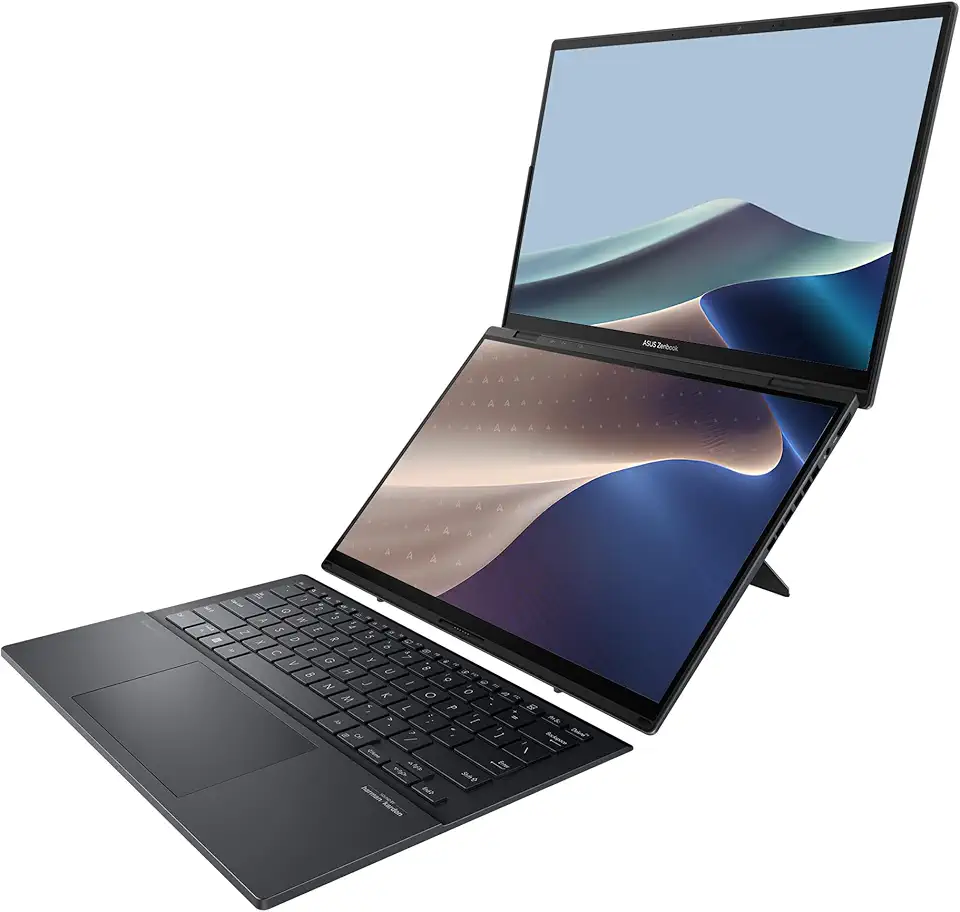
Asus Zenbook Duo (2025), AI, Dual 14” WUXGA OLED Touch Laptop, Intel Evo, Intel Core Ultra 9 285H CPU, Intel Arc, 16GB RAM, 1TB SSD, Wi-Fi 7, Windows 11 Home, Inkwell Gray, UX8406CA-DS91T-CA

Asus Zenbook S 14, Next-Level AI PC, 14” Ultrathin Laptop, 3K 120Hz OLED Touchscreen, Intel Core™ Ultra 7 (Series 2) Processor, 16GB Memory, 1TB SSD, Wi-Fi 7, Zumaia Gray, UX5406SA-DH71T-CB