SIMPLE New Method To Upgrade To Windows 11 on Old Hardware No TPM

URTechDotCa
@urtechdotcaAbout
We provide Tech Demonstrations, Benchmarks & Training of all things with a special focus on Microsoft products. Periodically we add in a few DIY's, like how to change a tail light or fix a hole in your bathtub, just to keep it interesting. Our sites are: www.URTech.ca - Corporate Technical Support in Calgary - Up & Running Technologies Incorporated www.Commodore.ca - 8 Bit Commodore history, news and forum www.IssuesLab.com - Research on facts relating EV's, Science Political Issues, Psychology
Latest Posts
No results found. Try different keywords.
Video Description
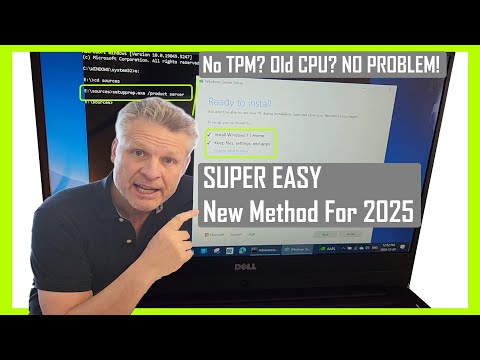
We show you the easiest way to install Windows 11 on unsupported hardware. If your computer doesn't meet the CPU and TPM requirements set by Microsoft, don't worry! This is a simple step by step guide walk through of the steps to bypass hardware checks and upgrade your system to Windows 11, even if it has no TPM and an older CPU. Let's get started! Windows 11 has several hardware requirements relating to CPU and TPM which block many people from upgrading their computers from Windows 10. Windows 11 on unsupported hardware, installation guide, 2025 method, Windows Upgrade, Windows 11 installation, bypass hardware requirements In this video we explain the easiest way to skip the hardware checks and get you computer upgraded to Windows 11 even if it has no TPM and the CPU is too old. What is a TPM (Trusted Platform Module) First, let's talk about what a TPM, or Trusted Platform Module, is. A TPM is a specialized chip on your computer's motherboard that provides hardware-based security functions. It helps with tasks like generating, storing, and limiting the use of cryptographic keys. TPMs are used to enhance the security of your system, ensuring that your data is protected from unauthorized access. However, not all computers have a TPM, especially older models, which is why many users face issues when trying to upgrade to Windows 11. Did Microsoft Remove The Requirement for a TPM on Windows 11? You might be wondering if Microsoft has removed the TPM requirement for Windows 11. Unfortunately, the answer is no, but as of November 2024 Microsoft is ok with you getting around the TPM 2.0 requirement for Windows 11 installations. This means that if your computer doesn't have a TPM or has an older TPM 1.1, you'll need to use our workaround to install Windows 11. How To Download Windows 11 For Free Now, let's move on to downloading Windows 11 for free. To do this, you'll need to visit the official Microsoft website and download the Windows 11 Media Creation Tool. This tool allows you to create a bootable USB drive or DVD with the Windows 11 installation files. Once you've downloaded the tool, follow the on-screen instructions to create your installation media. How To Skip The Hardware Checks to Upgrade To Windows 11 Here's the most important part of the video: how to skip the hardware checks and upgrade to Windows 11. Follow these steps carefully: 1. Open a CMD Prompt AS AN ADMINISTRATOR 2. CD (Change Directory) to the USB stick with Windows 11 on it 3. Enter "d:\sources\setupprep.exe /product server". This command will bypass the hardware checks, making the installation process much easier. This will install Windows 11 on unsupported hardware and will not install Windows Server. Important Changes To Windows 11 GUI Once you've successfully installed Windows 11, you'll notice some important changes to the graphical user interface (GUI). The Start Menu is now centered on the taskbar, giving it a fresh and modern look. You'll also see new icons, a redesigned Settings app, and improved window management features. We show you how to make Windows 11 look and act like Windows 10 with just a few corrections. 3 Required Updates To Windows 11 After upgrading to Windows 11, there are three important updates you should install to ensure your system runs smoothly: 1. WINDOWS UPDATE INCLUDING DRIVERS from ADVANCED / OPTIONAL UPDATES 2. MS STORE UPDATE to update all of the apps installed just in your profile 3. HP MSI DELL MANUFACTURER UPDATES - Things like newer drivers and and updated BIOS will make sure to update your hardware is compatibile with Windows 11. This includes graphics, audio, and network drivers. Outro That's it for today's video! We hope this guide has helped you upgrade to Windows 11 on unsupported hardware. If you found this video useful, please give it a thumbs up and subscribe to our channel for more tech tutorials and tips. If you have any questions or run into any issues, leave a comment below, and we'll do our best to help you out. Thanks for watching, and we'll see you in the next video! 0:00 Introduction 0:25 What is a TMP Trusted Platform Module 1:25 Did Microsoft Remove The Requirement for a TPM on Windows 11 1:52 How To Download Windows 11 For Free 3:09 How To Skip The Hardware Checks to Upgrade To Windows 11 5:23 Important Changes To Windows 11 GUI 6:48 3 Required Updates To Windows 11 9:08 Outro
Upgrade Your Everyday
AI-recommended products based on this video

Amazon Echo Show 8 (newest model), With Spatial Audio, Smart Home Hub, and Alexa, Charcoal

Apple AirPods 4 Wireless Earbuds, Bluetooth Headphones, with Active Noise Cancellation, Adaptive Audio, Transparency Mode, Personalized Spatial Audio, USB-C Charging Case, Wireless Charging, H2 Chip

Wireless Earbuds, Bluetooth 5.4 Headphones, True Wireless Stereo Earphones with IPX7 Waterproof, Noise Cancelling Mic, Fast Charging and Comfort Fit Ear Buds for Sports/Workouts - Black
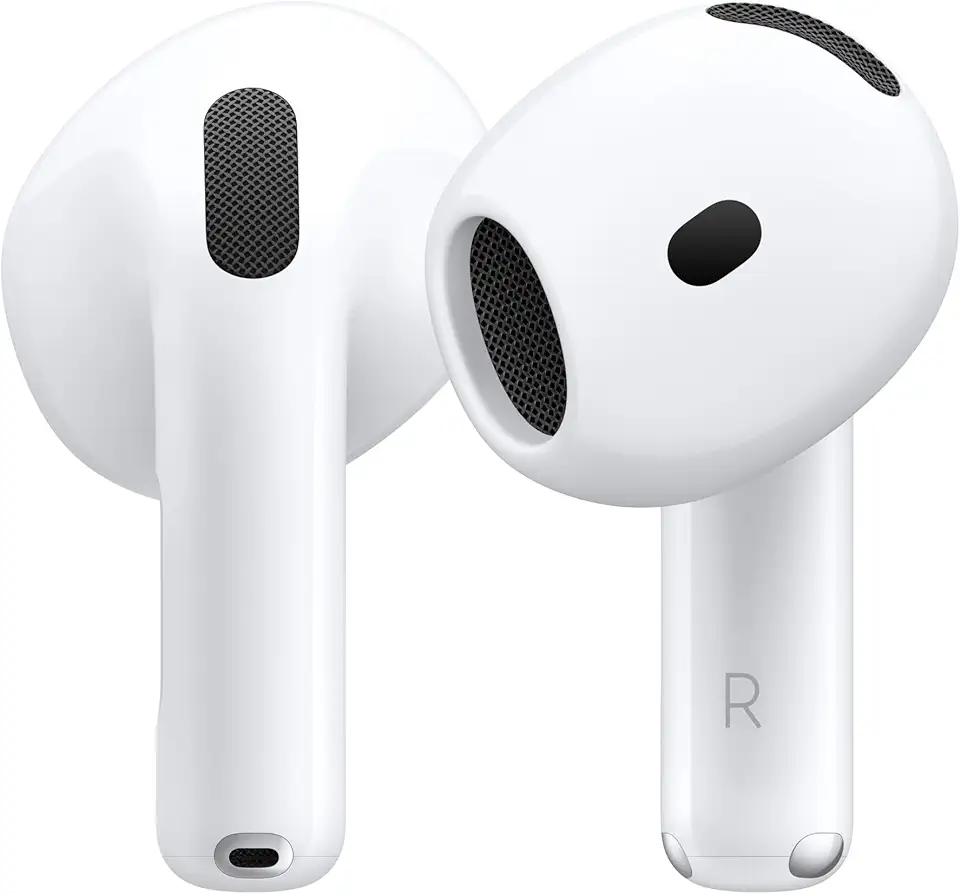
Apple AirPods 4 Wireless Earbuds, Bluetooth Headphones, Personalized Spatial Audio, Sweat and Water Resistant, USB-C Charging Case, H2 Chip, Up to 30 Hours of Battery Life, Effortless Setup for iPhone

Apple AirPods Pro 2 Wireless Earbuds, Active Noise Cancellation, Hearing Aid Feature, Bluetooth Headphones, Transparency, Personalized Spatial Audio, High-Fidelity Sound, H2 Chip, USB-C Charging

Smart Watch for Men/Women, 1.95" AMOLED Fitness Tracker Watches with Bluetooth Calls/Flashlight/100+ Sport Modes Heart Rate/Sleep Monitor Ultra Lightweight Ultrathin Design

Smart Watch for Men Women (Answer/Make Call), 1.96" HD Smartwatch Fitness Activity Tracker, 110+ Sports IP68 Waterproof, Heart Rate/Sleep Monitor/Pedometer/Calories, Fitness Watch for Android iOS
![Apple Watch Series 10 [GPS 46mm case] Smartwatch with Rose Gold Aluminium Case with Light Blush Sport Band - M/L. Fitness Tracker, ECG App, Always-On Retina Display, Water Resistant](https://m.media-amazon.com/images/I/61nNNMI1cFL._AC_UL960_FMwebp_QL65_.jpg)
Apple Watch Series 10 [GPS 46mm case] Smartwatch with Rose Gold Aluminium Case with Light Blush Sport Band - M/L. Fitness Tracker, ECG App, Always-On Retina Display, Water Resistant
![Apple Watch Series 10 [GPS 42mm case] Smartwatch with Jet Black Aluminium Case with Black Sport Band - S/M. Fitness Tracker, ECG App, Always-On Retina Display, Water Resistant](https://m.media-amazon.com/images/I/6105jZyXyPL._AC_UL960_FMwebp_QL65_.jpg)
Apple Watch Series 10 [GPS 42mm case] Smartwatch with Jet Black Aluminium Case with Black Sport Band - S/M. Fitness Tracker, ECG App, Always-On Retina Display, Water Resistant
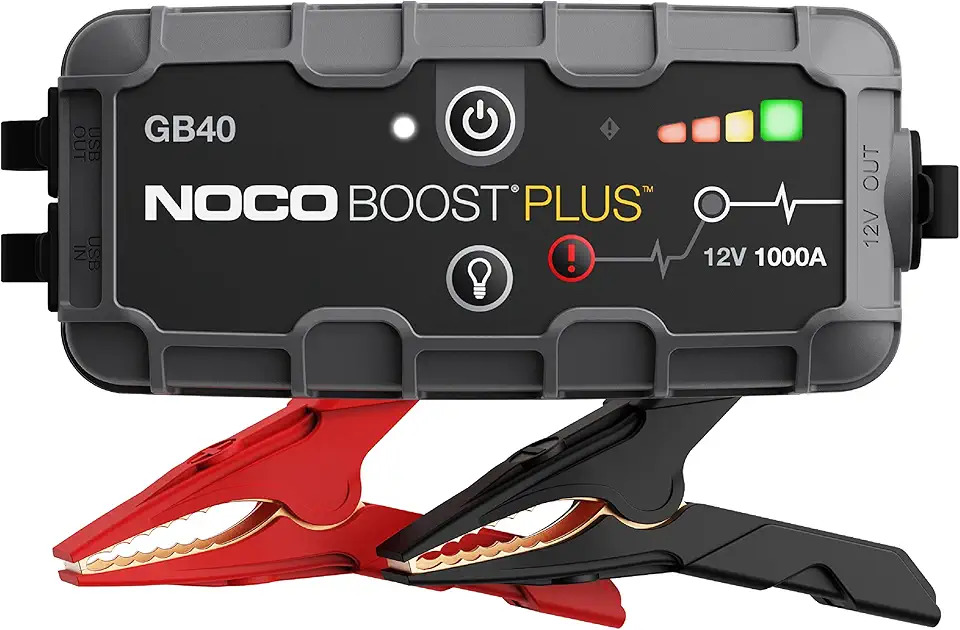
NOCO Boost GB40: 1000A UltraSafe Jump Starter – 12V Lithium Battery Booster Pack, Portable Jump Box, Power Bank & Jumper Cables - for 6.0L Gas and 3.0L Diesel Engines

UGREEN Nexode Power Bank 20000mAh 130W Portable Charger 72Wh PD Fast Charging 3-Port USB C Battery Pack with TFT Smart Display for MacBook/iPad/iPhone 16/Samsung S24 and More
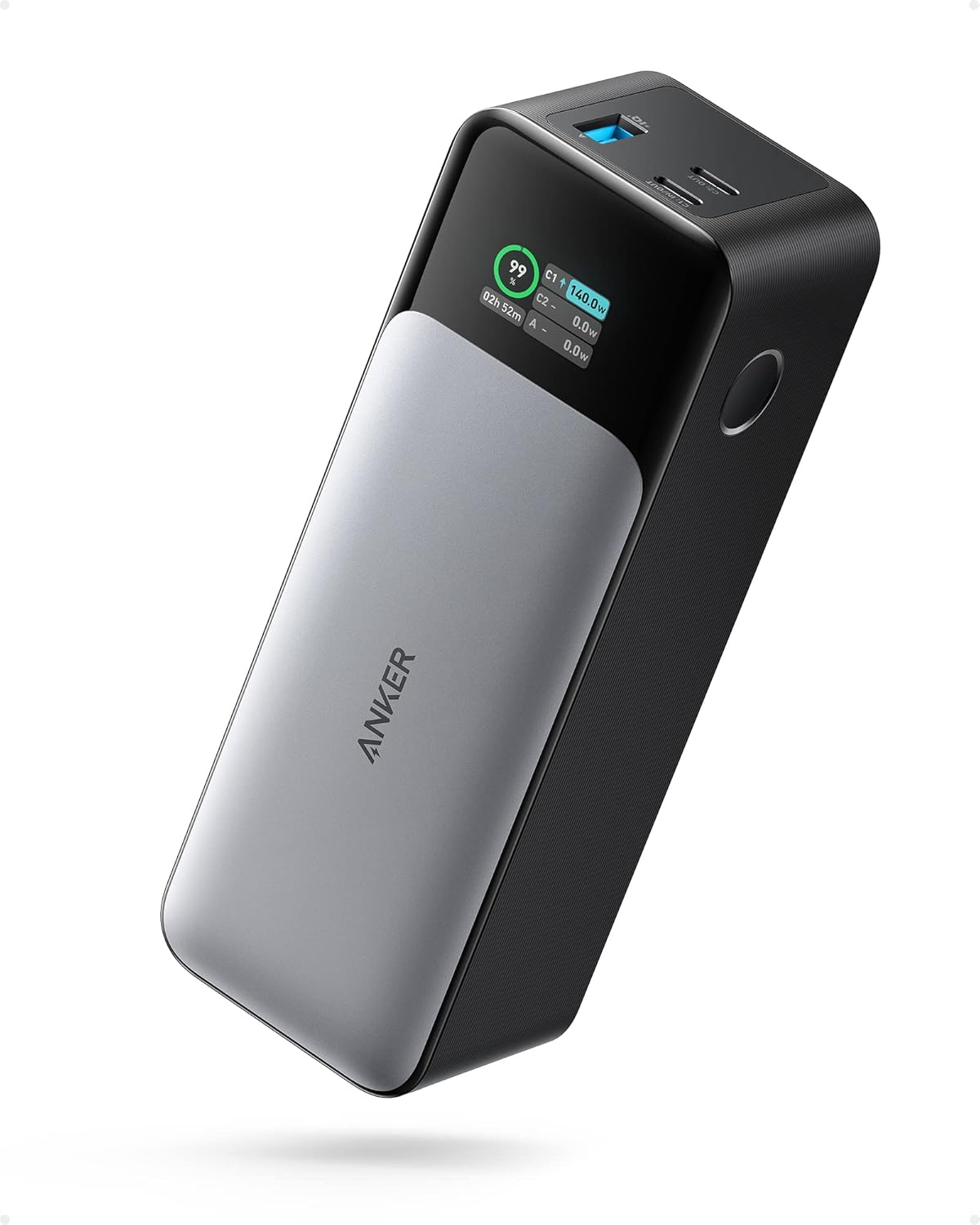
ANKER 737 Power Bank, 24,000mAh 3-Port Laptop Portable Charger with 140W Fast Charging, Smart Display, for Outdoor Work, Compatible with iPhone 16/15/14 Series, Vision Pro, Samsung, MacBook, and More

VOLTME Portable Charger, Slim 10000mAh 5V/3A Power Bank, USB C in&Out High-Speed Charging Battery Pack, Travel Essentials Dual Output Compatible with iPhone 16 15 14 13 12 Samsung Google iPad etc
Apple AirPods 4 Wireless Earbuds, Bluetooth Headphones, with Active Noise Cancellation, Adaptive Audio, Transparency Mode, Personalized Spatial Audio, USB-C Charging Case, Wireless Charging, H2 Chip
Apple AirPods 4 Wireless Earbuds, Bluetooth Headphones, Personalized Spatial Audio, Sweat and Water Resistant, USB-C Charging Case, H2 Chip, Up to 30 Hours of Battery Life, Effortless Setup for iPhone
Apple AirPods Pro 2 Wireless Earbuds, Active Noise Cancellation, Hearing Aid Feature, Bluetooth Headphones, Transparency, Personalized Spatial Audio, High-Fidelity Sound, H2 Chip, USB-C Charging

Bose QuietComfort Bluetooth Headphones, Wireless Headphones with Active Over Ear Noise Cancelling and Mic, Deep Bass, Up to 24 Hours of Playtime, White Smoke

Barnyard Designs Indoor Herb Garden Planter Set with Tray, Metal Windowsill Plant Pots with Drainage for Outdoor or Indoor Plants, Set/3 (Black)

Eye Contact Web Camera for Desktop Computer – 1080P USB Camera with Microphone & Stand, Center Cam for Laptop or Desktop, Manual Focus, Plug & Play for macOS & Windows(Black)
![PEHAEL 3+3Pack for iPhone 17 Pro Max Privacy Screen Protector with Camera Lens Protector Full Coverage Anti-Spy Tempered Glass Film 9H Hardness Easy Installation Bubble Free [6.9 inch]](https://m.media-amazon.com/images/I/61PnVkv6KKL._AC_UL960_FMwebp_QL65_.jpg)
PEHAEL 3+3Pack for iPhone 17 Pro Max Privacy Screen Protector with Camera Lens Protector Full Coverage Anti-Spy Tempered Glass Film 9H Hardness Easy Installation Bubble Free [6.9 inch]
![Ailun 3 Pack Screen Protector for iPhone 16 Pro Max [6.9 inch] + 3 Pack Camera Lens Protector with Installation Frame,Sensor Protection,Dynamic Island Compatible,Case Friendly Tempered Glass Film](https://m.media-amazon.com/images/I/815keamN-BL._AC_UL960_FMwebp_QL65_.jpg)
Ailun 3 Pack Screen Protector for iPhone 16 Pro Max [6.9 inch] + 3 Pack Camera Lens Protector with Installation Frame,Sensor Protection,Dynamic Island Compatible,Case Friendly Tempered Glass Film
