Stable Diffusion Tips and Tricks: Automatic1111 Tutorial


pixaroma
@pixaromaAbout
Designing at the Speed of Innovation. I teach ComfyUI and test the latest AI models like Flux, Qwen, Wan, etc. This channel is about building better workflows for image and video generation. I share everything I learn so you can use these tools for your own creative work. My 5-hour ComfyUI course is the best place to start if you are new. I also cover the latest in diffusion models and video creation, showing you what works and what doesn't.



Video Description
Welcome to another informative tutorial on the Stable Diffusion Automatic1111, where we delve into the latest updates and share some advanced tips and tricks. Whether you're new or experienced with Stable Diffusion, this video is packed with insights that will elevate your understanding and usage of this powerful tool. 🌟 Key Highlights: - How to update your Stable Diffusion to the latest version (v1.7) and navigate through the updates. - Tips for optimizing Stable Diffusion based on your GPU and VRAM capacity. - Customizing the interface, including activating dark theme and managing settings for a personalized experience. - Advanced techniques for generating and managing images, including "Generate Forever" and interrupting generation. - Creating, saving, and organizing custom styles for various image outputs. - An in-depth look into new SDXL models and their performance on different systems. - Utilizing advanced prompt generation techniques for varied and creative outputs. - Implementing the tiling option to create seamless patterns and avoid unintended watermarks. - Customizing your Stable Diffusion shortcut with a unique icon for easy access. - Exploring Composable Diffusion for creative and unexpected image combinations. - Adjusting prompt weights to prioritize certain elements in your image generation. Chapters: 00:00 Introduction 00:12 Update to the Latest Version 01:01 Exploring New Features in v1.7 01:26 Optimizing SD 02:05 Save Defaults 02:48 Generating and Managing Images Efficiently 04:10 Saving and Utilizing Custom Styles 07:13 Testing New SDXL Models 08:49 Interrogate CLIP 10:27 Interface Customization 11:42 Advanced Prompt Generation Techniques 13:42 Tiling Option and Creating Seamless Patterns 15:14 Adding a Custom Icon 16:02 Composable Diffusion 16:53 Adjusting Prompt Weight 18:03 Final Thoughts and More Resources 👍 Engage with Us: If you've found this tutorial helpful, leave a comment and share your thoughts. Know a tip or trick that could benefit others? Share it in the comments below. Don't forget to like, subscribe, and turn on notifications for more exciting content on digital art tools and techniques. Thank you for watching, and keep creating amazing art! #StableDiffusion #Automatic1111 #Pixaroma












Elevate Your AI Art
AI-recommended products based on this video

EZDIY-FAB RTX 3000 Series 12 Pin to Dual 8 Pin PCIe Sleeved Extension Cable 300 MM- Connector for NVIDIA Ampere GEFORCE RTX 3060ti 3070 3080 FE Funder Edition- White
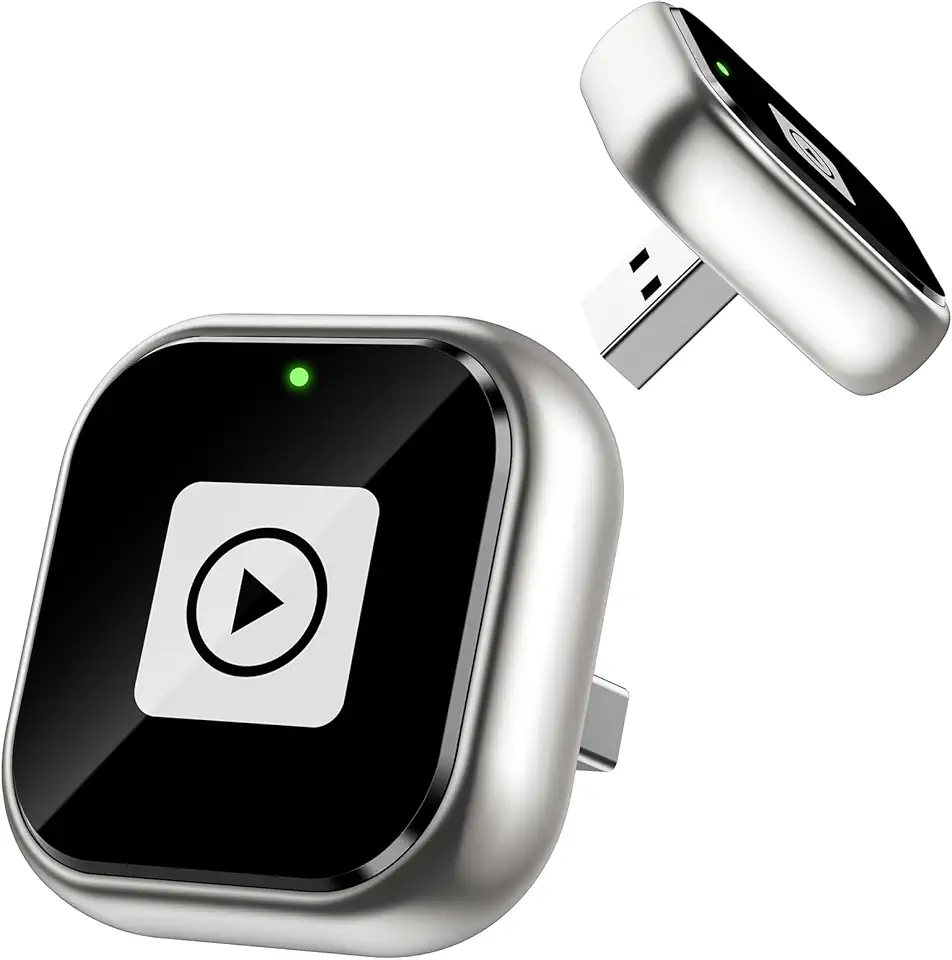
ENOMIR Wireless Carplay Adapter for iPhone, Android Auto Wireless Adapter Fast Stable Auto-Connect, Mini USB Design Plug & Play Most Car Models & iOS Systems

95MM T129215SU Cooling Fan for ASUS ROG Strix for GeForce RTX 3060 3070 3080 3090 Ti Graphics Card CF1010U12S/D T129215BU(Black A-Fan T12)

Adamanta 32GB (2x16GB) Memory Upgrade Compatible for 2017 Apple iMac 27" Retina 5K Display DDR4 2400Mhz PC4-19200 SODIMM 2Rx8 CL17 1.2v Dual Rank RAM DRAM

Western Digital 2TB WD Blue SA510 SATA Internal Solid State Drive SSD - SATA III 6 Gb/s, 2.5"/7mm, Up to 560 MB/s - WDS200T3B0A

Razer DeathAdder Essential Gaming Mouse: 6400 DPI Optical Sensor - 5 Programmable Buttons - Mechanical Switches - Rubber Side Grips - Classic Black

Logitech K250 Bluetooth Keyboard with Numpad, Easy Connectivity, Compact Wireless Keyboard Made with Recycled Plastic, Spill-Resistant, Comfortable Keys - Windows/MacOS - Graphite

Logitech K400 Plus Wireless Touch TV Keyboard With Easy Media Control and Built-in Touchpad, HTPC Keyboard for PC-connected TV, Windows, Android, Chrome OS, Laptop, Tablet - Black

Logitech G203 Wired Gaming Mouse, 8,000 DPI, Rainbow Optical Effect LIGHTSYNC RGB, 6 Programmable Buttons, On-Board Memory, Screen Mapping, PC/Mac Computer and Laptop Compatible - Black

Logitech G305 Lightspeed Wireless Gaming Mouse, Hero 12K Sensor, 12,000 DPI, Lightweight, 6 Programmable Buttons, 250h Battery Life, On-Board Memory, PC/Mac - Black
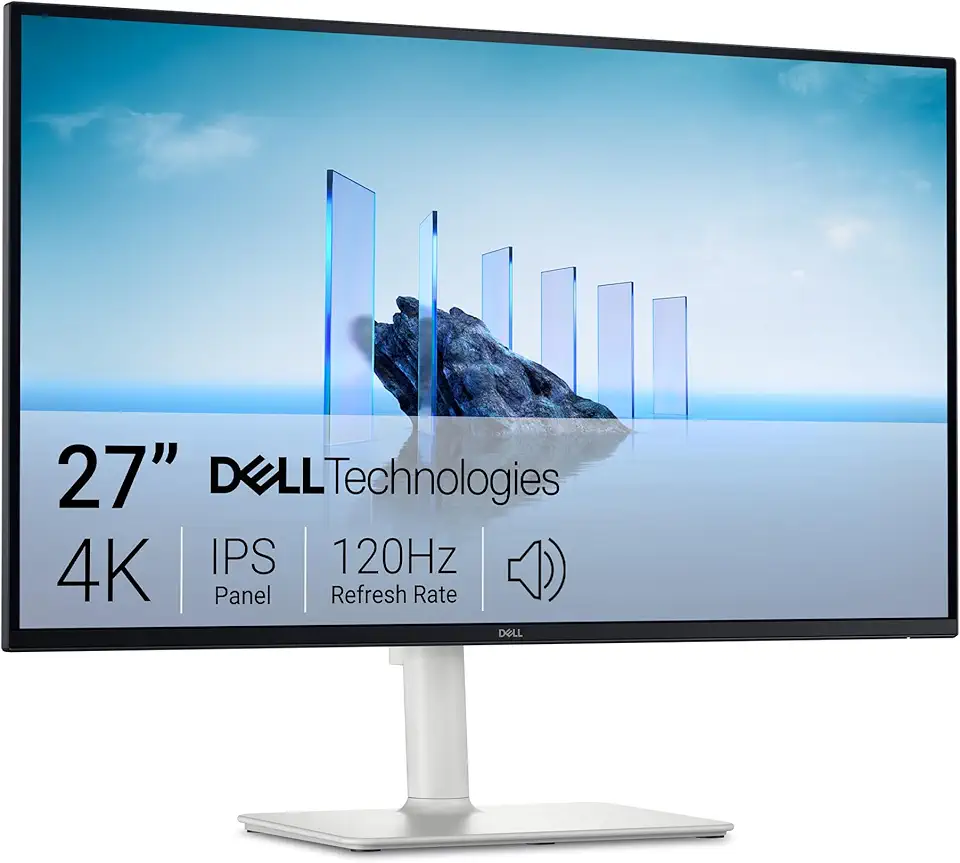
Dell 27 Plus 4K Monitor - S2725QS - 27-inch 4K (3840 x 2160) 120Hz 16:9 Display, IPS Panel, AMD FreeSync Premium, sRGB 99%, Integrated Speakers, 1500:1 Contrast Ratio, Comfortview Plus - Ash White

KOORUI 27 Inch 4K Monitor, UHD(3840 x 2160) IPS Computer Monitors, HDR10, 90% DCI-P3, Frameless, 2X HDMI 2.0 & DisplayPort 1.4, VESA Mountable, Eye Care, N07

Asus ROG Swift 27” 4K QD-OLED Gaming Monitor (PG27UCDM) - 240Hz, 0.03ms, Custom Heatsink, Neo Proximity Sensor, G-SYNC Compatible, 99% DCI-P3, True 10-bit color, DisplayPort 2.1a UHBR20, 3 yr warranty

Asus ROG Strix 27” 4K HDR USB-C Gaming Monitor (XG27UCG) – UHD (3840x2160) Dual Mode (4K 160Hz or FHD 320Hz), 1ms, Fast IPS, Extreme Low Motion Blur Sync, G-SYNC Compatible, AI Gaming, 3yr Warranty

Mcbazel Wireless Gaming Adapter for Xbox One Windows 7/8/8.1/10/11 PC Gaming Receiver for Xbox One, Xbox One S/X, Xbox Elite 1/2 Controller

8Bitdo Wireless USB Adapter 2 for Switch, Windows, Mac & Steam Deck - Compatible With Xbox Series X & S, Xbox One Bluetooth, Switch Pro and PS5 Controllers (Black)

NEW SteelSeries Arctis Nova 3 Multi-Platform Gaming Headset - Signature Arctis Sound - ClearCast Gen 2 Mic - PC, PS5/PS4, Xbox Series X|S, Switch, Mobile

New SteelSeries Arctis Nova Pro for Xbox Multi-System Gaming Headset - Premium Hi-Fi Drivers - Hi-Res Audio - 360° Spatial - GameDAC Gen 2 - Quad-DAC - ClearCast Gen 2 Mic - Xbox, PC, PS5/PS4, Switch
